
Prepress & Artwork
Bleed, resolution, fonts, PDF export — turn your design into a print-ready file
- Audience
- Designers・Print Production Staff・Brand Owners
- Bleed
- Resolution
- Illustrator
- Canva
- Print Submission Guidelines
- Fonts
- File Output
Where to Download Templates and Formats for Adhesive Labels? A Practical Guide to Avoiding Prepress Pitfalls
The safest and most effective way to find label templates is to request standard die-cut files directly from your partner printing house, rather than downloading random assets from the internet. This ensures that bleeds, resolution, and special finish layers fully comply with production standards, saving you significant costs in communication and revisions
What is Total Area Coverage (TAC)? A Senior Consultant Decodes the Disaster of Wet Dark Full-Bleed Printing
Dark full-bleed designs look sophisticated on screen, but they often turn into a blurry, smudged mess on paper. Drawing from over a decade of printing experience, this article breaks down the physical limits of Total Area Coverage and prepress setting tricks to ensure your design transitions from screen to press without a hitch
Ultimate Guide to Mother's Day Poster Design and Printing: Size, Color, and Special Effects Troubleshooting
Beautiful Mother's Day posters on screen often lose their charm when printed. Drawing from my experience with thousands of printing projects, I'll help you master poster dimensions, color management, and post-processing effects to ensure your creativity lands perfectly
Preparing Print Files for Specialty Stocks: How Paper Characteristics Influence Prepress Settings
No matter how good a design looks on screen, choosing the wrong paper or skipping prepress adjustments will lead to disastrous print results. Drawing on over a decade of printing experience, this guide breaks down the temperaments of art paper, recycled paper, and pearlescent materials, helping you translate your creativity into physical form with pinpoint accuracy
The AI Typography Guide: A Print Consultant's Secret to Mastering Font Pairing
Choosing the right typeface is often the most time-consuming part of graphic design and a common source of decision fatigue. In this article, drawing on over a decade of printing expertise, I will show you how to translate your professional intuition into a systematic workflow powered by AI. From AI tool recommendations and the nuances of Chinese typography to essential pre-press checks, I'll ensure your designs look great on screen and even better in print
Book Files Rejected Again? A Senior Consultant Decodes the 3 Fatal Pitfalls of Spreads and Bindings
The perfect layout on your screen is often a disaster at the printing press. This guide helps you avoid the most fatal errors in book printing, spread exports, binding margin loss, and spine traps, to establish a painless workflow from InDesign to the press
How to Print a Design Portfolio: Paper, Binding, and Color Management in Practice
Even the best design on screen means nothing if the print turns out bad. Written from a senior print consultant's perspective, this guide breaks down paper selection, binding techniques, and color alignment to help you turn your creativity into physical form with exact precision
Large Format Printing Guide: Mastering Materials and File Setup
Moving from business cards to posters and exhibition stands often trips designers up due to misconceptions about resolution and materials. This practical guide, derived from production-side insights, helps you understand the real-world logic of large format printing and avoid common pitfalls like system crashes from massive files, blurry prints, or using the wrong materials
Common Print PDF Errors Explained: A Preflight-to-Print Checklist
Your file looks perfect on screen, but turns into a mess once printed. That's the most common complaint I've heard over a decade in this industry. This checklist packs the top 5 prepress traps and shows you how to use preflight to catch over 90% of reprint disasters, keeping your design quality intact
Printing an AI-Generated Flyer Directly? A Fatal Mistake: Pro Tips from a Senior Consultant
Over the past six months, many clients have brought me AI-generated flyer drafts, and 99% were rejected. AI is a powerful creative assistant, but it is by no means a print-ready tool. This article covers the essential three-stage workflow, from AI ideation to professional refinement, to ensure your creative vision translates perfectly into print
Font Outlining vs. Embedding: Risk Management Every Designer Needs to Know Before Printing
Does your print file look perfect on screen, but turn out with missing characters or broken strokes in the final product? This is the most common sigh I hear on the production floor. This tutorial explains how to make the right decisions and avoid common file pitfalls
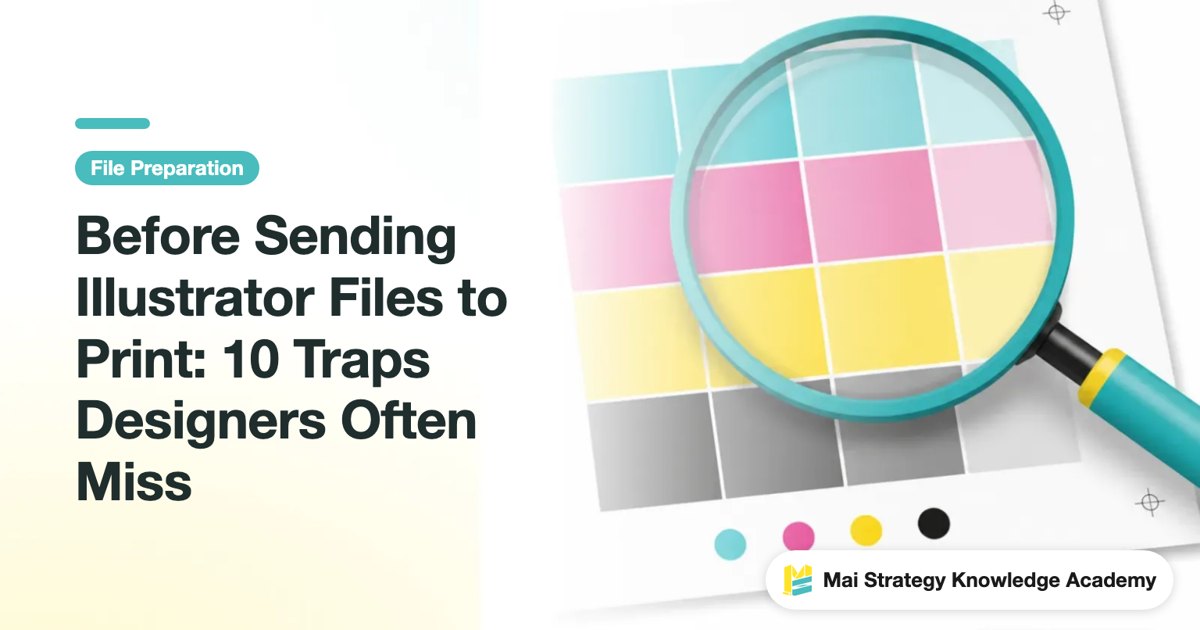
Before Sending Illustrator Files to Print: 10 Traps Designers Often Miss
Your design looks flawless on screen, but comes out full of errors in print? In my 10+ years working in print shops, these are the most common file traps I see. This checklist helps you catch over 90% of reprint risks, protecting your design quality from day one
Stop Ruining Your Canva Prints: A Print Consultant's Guide to Avoiding Color Shifts and Bleed Traps
Looks great on screen, but terrible in print? That is the single most common complaint I hear on the press floor. This guide covers the three hidden traps of printing from Canva, fixing them right at the source so your final product looks the way you intended
Business Card Design and Printing Tips: A Checklist for Dimensions, Bleed, and Finishing
A business card is your brand's first handshake. But from dimensions and bleed to finishing touches, every step has hidden traps. Wasting money on a reprint is one thing, but spoiling that first impression is even worse. I condensed over a decade of hands-on experience into a practical checklist so you get it right the first time, from design to print
Overprint, Knockout, and Trapping: Mastering 3 Printing Pitfalls to Avoid Disastrous Results
A file might look flawless on screen, but printing is a different story, text disappears, or annoying white edges appear next to patterns. These problems often stem from a few overlooked settings. This article breaks down the three file pitfalls that printing houses fear most, helping you avoid costly mistakes at the source
12-Point Print File Rescue Checklist: A Senior Consultant Shows You How to Avoid File Landmines
A file can look flawless on screen and turn into a different story in print. That is the complaint I have heard most often in more than ten years in the industry. This checklist distills the 12 communication gaps that most often trip up production teams and designers. Treat it as your final line of defense before sending files to print, and it can stop more than 90% of reprint disasters
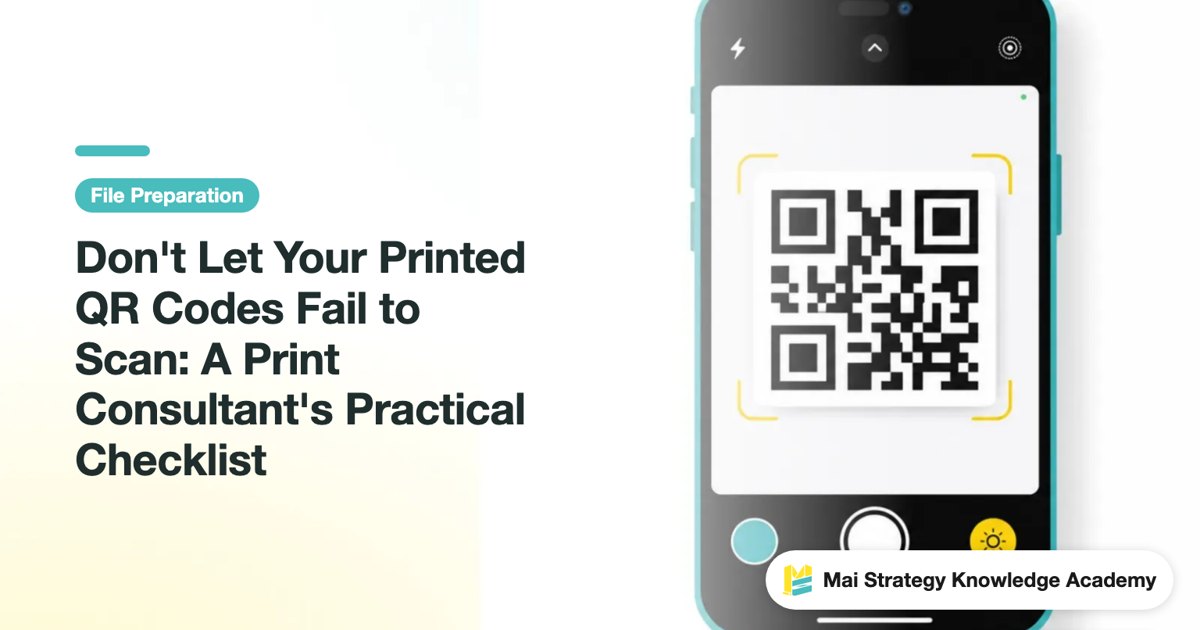
Don't Let Your Printed QR Codes Fail to Scan: A Print Consultant's Practical Checklist
A bad QR code print doesn't just waste page space. It ruins an entire marketing campaign. In my years of experience, the problem almost always comes down to a few overlooked prepress details. Here is a direct checklist covering size, quiet zones, and error correction so your printed QR codes scan every single time

Avoiding Pitfalls in RGB to CMYK Conversion: A Senior Consultant's Checklist
Vibrant designs on screen turning out dull and muddy in print is a common point of contention between designers and printers. This isn't anyone's fault; it's a fundamental physical difference between the two color modes. Drawing on my years of practical experience, this article provides a checklist you can follow across the pre-, mid-, and post-conversion stages to ensure your hard work translates perfectly to print
Printing Typography: From Font Size and Leading to Knockout Text, Avoiding the Visual Trap Between Screen and Print
A design might look perfect on screen, but using the wrong font size or incorrect leading is a disaster once printed. Drawing on over a decade of hands-on printing experience, this article provides key safety guidelines for typography settings to ensure your design translates perfectly and saves you from costly reprints
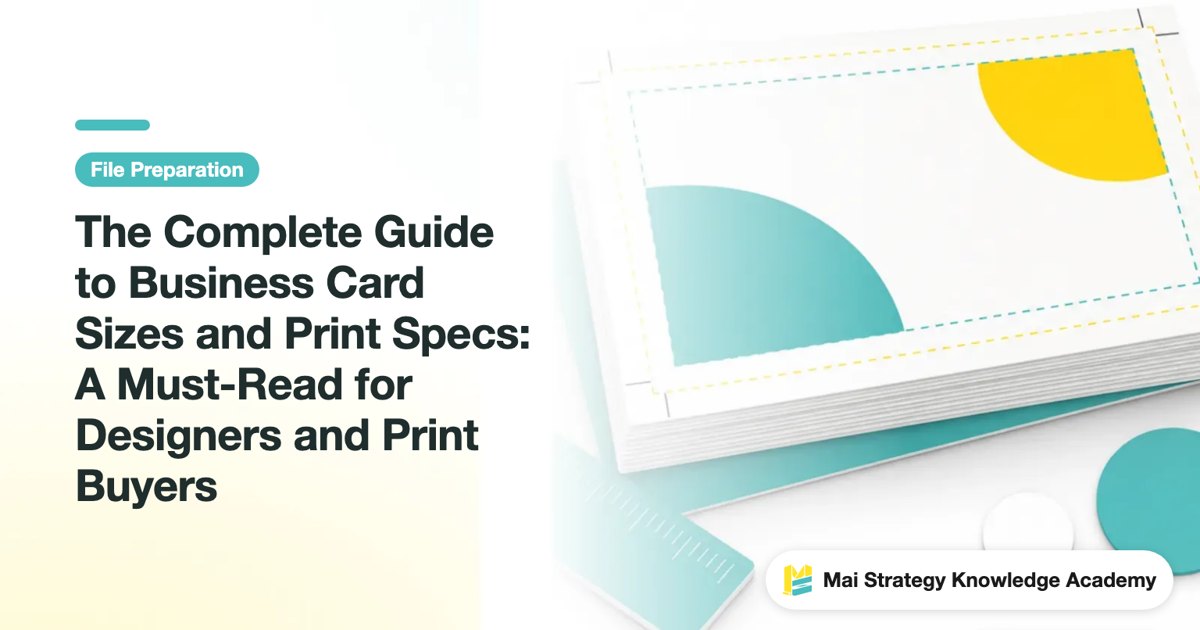
The Complete Guide to Business Card Sizes and Print Specs: A Must-Read for Designers and Print Buyers
The most common standard size for business cards in Taiwan is 90x54mm, but the devil is in the details. Understanding bleed, safe zones, and color modes is what separates a print job that lands perfectly from one that sends you back to the press. This guide draws on over ten years of industry experience to walk you through everything you need to know before sending files to print
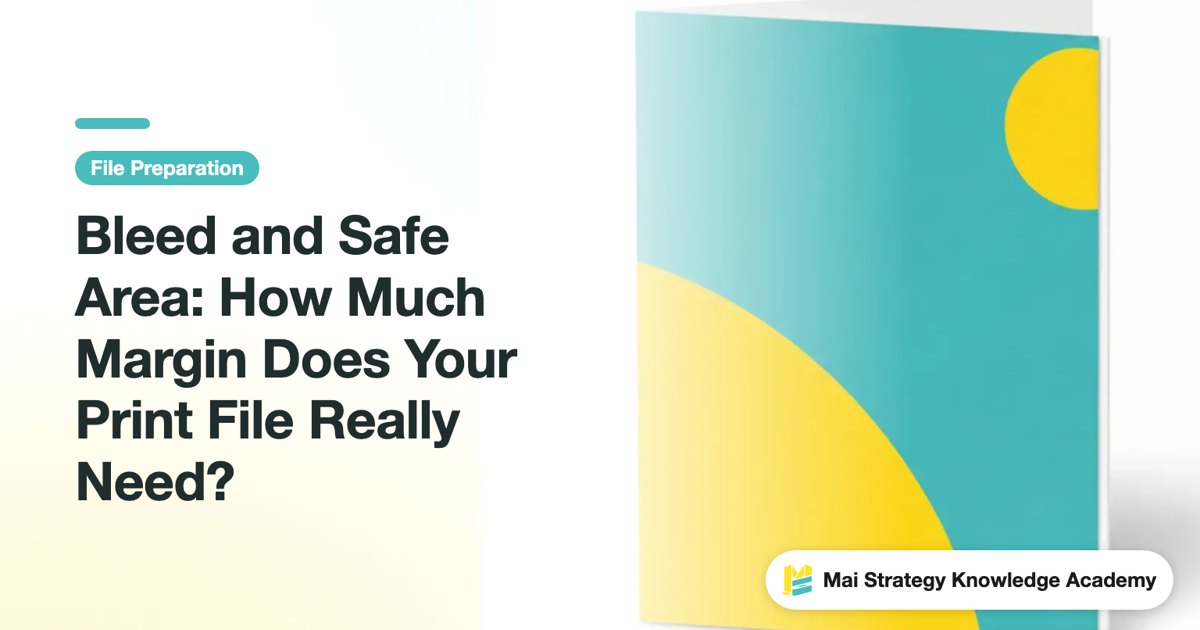
Bleed and Safe Area: How Much Margin Does Your Print File Really Need?
Even designers with ten years under their belt have seen unexpected white edges. The only difference is how many times it took to learn. This guide breaks down bleed and safe area completely, plus a pre-flight checklist so your job goes to press without a hitch
CMYK vs. RGB: Why Vibrant Screen Greens Print Muddy and How to Fix It
Does your artwork look vibrant on screen but turn dull and dark in print? Drawing from hands-on production and client prepress experience, this guide breaks down the color gamut gap between CMYK and RGB, file export settings, and soft proofing tips so you can dodge common color matching traps
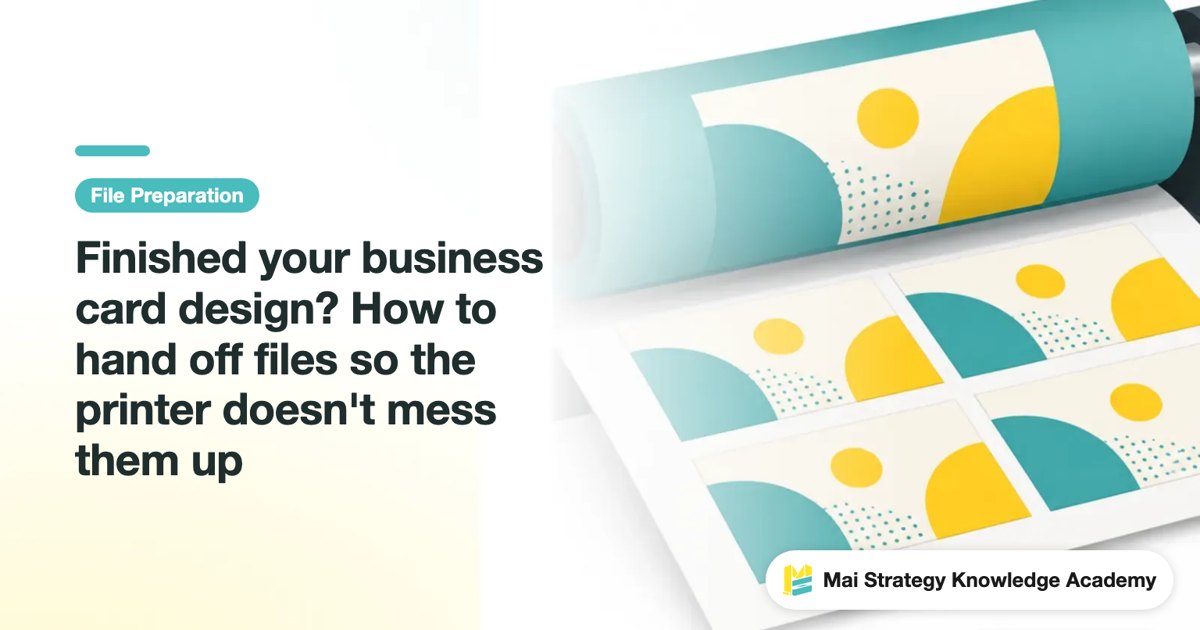
Finished your business card design? How to hand off files so the printer doesn't mess them up
A finished business card design isn't a print-ready file, skip the bleed, stay in RGB, or forget to outline the type, and the problems only blow up at the press. This guide lays out everything to do between finishing the artwork and sending it to print. Follow it and what comes off the press will match what's on your screen
How to Choose Common Poster Sizes in Taiwan: A0, 8K, and 4K Printing Specs Explained
The last thing you want before printing a poster is to get the size wrong. Reprinting burns time and money. Drawing on years of experience on the production floor and with clients, this guide explains the poster sizes most commonly used in Taiwan, the difference between A-series and K sizes, and the rules for bleed and resolution, so you can check the specs before sending your files