
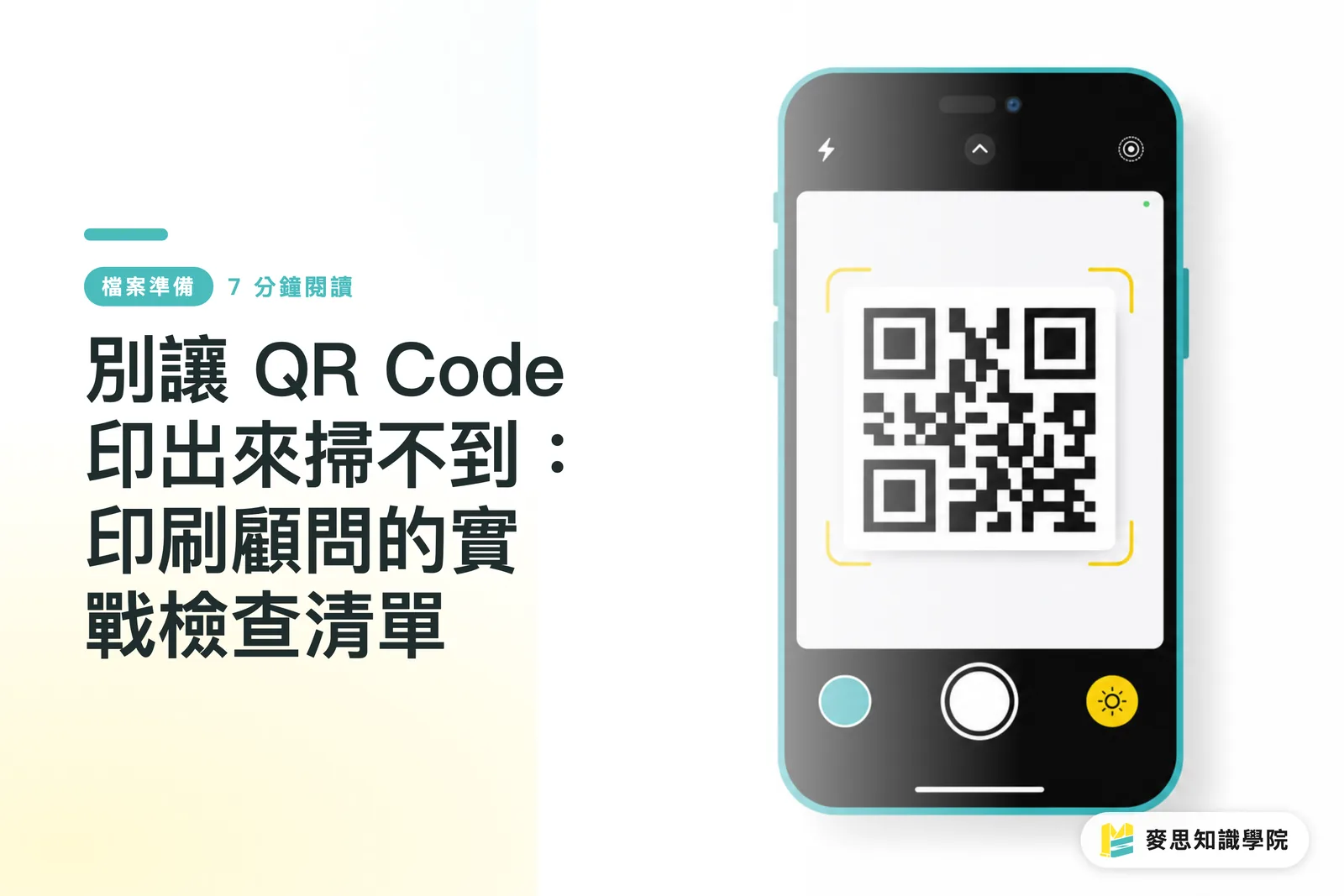
How Big Should a QR Code Actually Be to Print Safely?
A lot of designers ask me if there is a minimum size limit for QR codes. The answer is yes, but it is not just about a single number. It is about scanning distance and resolution
For standard handheld items like business cards and flyers, I usually suggest keeping the physical size at no less than 2x2 cm. On large posters or outdoor billboards, scale it up proportionally with the viewing distance. The point is to let a phone camera easily resolve the smallest black and white modules at a normal scanning distance
Size alone is not enough. The quiet zone, the blank margin around the code, matters even more. Think of it as sacred, untouchable space. It tells the scanner, "Hey, my boundary ends here." This margin needs to be at least 4 modules wide. Without enough quiet zone, the scanner easily mistakes nearby text or graphics for part of the code and fails. This is one of the most common reasons I reject files during preflight
・Practical tip: Never trust how it looks on screen. Print a 1:1 proof and test it with your own phone. That is always the most reliable test
Why Does My QR Code Stop Scanning Once I Add a Logo?
Placing a brand logo in the center of a QR code is a very common design practice, but it is also where things go wrong most often. The key is whether you picked the right Error Correction Level
QR codes have built-in error correction, similar to backing up data. There are four levels:
・L (Low): Tolerates about 7% data damage
・M (Medium): Tolerates about 15% data damage
・Q (Quartile): Tolerates about 25% data damage
・H (High): Tolerates about 30% data damage
Putting a logo in the middle deliberately covers up part of the data area. You must choose Level H, using the highest error correction rate to make up for the covered portion. Many online generators default to Level M, and slapping a logo directly on top will cause immediate problems
Another common trap is the contrast between foreground and background. The safest combination is always a dark code on a light background, ideally pure black on white. Anything that lowers contrast, like gray code on light gray, or inverting it to light code on a dark background, increases scan failure risk. Even though many modern phone cameras can handle inverted codes, you cannot predict what phone or app your audience will use. Playing it safe is always the better move
Why Does It Look Crisp on Screen but Blurry in Print?
Here is the main concept I always share with designers: RGB pixels on a screen and ink dots on paper are two completely different beasts
In printing, a physical phenomenon called dot gain causes ink to spread slightly as the paper absorbs it. Crisp dots grow larger and fuzzier. For QR codes made of tiny, precise squares, dot gain has a massive impact. If the code is too small, dot gain bleeds the black and white squares together and ruins it completely. On uncoated stocks like woodfree or recycled paper, this bleeding effect is even worse
Pre-press testing is therefore essential. Beyond just scanning with your phone, keep these factors in mind:
・Avoid danger zones: Never place a QR code across spine folds, packaging corners, or trim edges. Any physical fold, cut, or wear can render it unreadable
・Material factors: If printing on reflective or transparent materials like metal or plastic, watch out for glare interfering with camera lenses. You may need angle adjustments or surface treatments
・Final test: The best approach is to run a proof using the actual paper and printing method before mass production. Take that proof into different lighting conditions and test it with multiple phone brands (iPhone, Android) and apps (native camera, LINE) to make sure it works seamlessly

Beyond Simple URLs: What Else Can QR Codes Do?
Many clients think a QR code can only link to a fixed URL that cannot be changed once printed. There is actually a much better option: dynamic QR codes
The way it works is clever:
・Static QR code: Encodes your destination URL (like www.mycompany.com/product-page) directly into the pattern. Once printed, it cannot be changed
・Dynamic QR code: Encodes a short redirect URL (like qr.io/xyz) instead. This short link forwards to your target URL. The beauty is that you can update the destination URL in your dashboard anytime without reprinting a single flyer
For marketers, this is pure gold. You can:
・Update links after printing: Changed your product page URL? Need to redirect offline event traffic to a new campaign? Just update it in your dashboard, and millions of printed copies stay current
・Track performance: See how many times the code was scanned, at what times, and in which locations. This data helps measure offline advertising return
As a one-stop integrated print service provider, MINDS cares about creating real business value for our clients, not just delivering print jobs. Using dynamic QR codes is a smart strategy to get the most out of your print materials
Key Takeaways
・Size and quiet zones are foundational. Keep the size at least 2x2 cm and leave a clear quiet zone of at least 4 modules on all sides
・If you embed a logo inside the QR code, set the error correction level to Level H (30%)
・Stick to high contrast (dark code, light background), and test scan proofs on actual paper stock across multiple devices before running the full print job
・Never place QR codes on folds, corners, or trim edges to prevent physical damage from breaking scannability
・Use dynamic QR codes so you can edit destination links after printing, track scan data, and maximize your marketing impact
Broader Perspective
For designers, this means we can no longer treat a QR code like a graphic asset you just drag and drop onto a layout. It is a functional, technical component. Accounting for error correction levels and print substrates right from the design phase is what separates true professionals
For print shops and manufacturers, this is an excellent chance to educate clients. Running a quick health check on client QR codes during preflight catches risks early. It saves on customer complaints and reprints, builds solid trust, and elevates your role from a simple manufacturer to a true solutions provider
For marketers and SaaS teams, dynamic QR codes bridge the gap between online and offline (O2O) data. They allow traditional print materials to be tracked and optimized just like digital ads. Connecting scan metrics to CRM or marketing automation tools gives you a much clearer picture of user profiles and customer journeys
Related Reading
・Proper Best Practices for Printing QR Codes: Size, Quiet Zones, and Error Correction
FAQ
- How small can a QR code realistically be printed?
- While smaller sizes can technically scan in ideal conditions, industry best practice recommends keeping the physical size at no less than 2x2 cm for dependable scanning across all situations
- My design has a dark background. Do I really need to add a white box behind the QR code?
- It is strongly recommended. Some newer phones can read inverted codes, but the safest approach is always dark code on a light background. Adding a white backing guarantees the highest scan success rate across all devices
- What is a dynamic QR code, and how does it differ from a static one?
- A dynamic QR code lets you change the destination link in a dashboard anytime after printing, and it also tracks scan counts and locations. A static QR code locks the target link into the pattern, meaning it cannot be modified once printed
- How much space can a center logo safely take up on a QR code?
- Even with the highest Level H error correction (tolerating up to 30% data loss), keep the logo area within 15-20% of the total QR code surface. Make sure the logo never covers the three positioning squares in the corners
Related articles




The Print × AI weekly
The print and AI know-how designers, brands and enterprises can use before they commit — one email, every week
MINDS Free Tools
Imposition calculator and preflight file check — free prepress tools, right in your browser.
MINDS Group
Need actual printing or gifting services?
From premium printing to online ordering and festive gifts — the MINDS Group sister brands take it from here.