
What has the packaging QR code become?
A packaging QR code is a two-dimensional barcode printed on product packaging that lets consumers scan with a phone and enter a brand-designated page. Common uses include product information, ingredient notes, member registration, promotions, after-sales service, and compliance disclosure. It also touches page layout, print readability, linked content, and the boundaries of data collection
My direct answer is this: a QR code on packaging can no longer be treated as a free traffic doorway. Brands need to design the experience, the data flow, and the trust layer at the same time. Before packaging goes to print, MINDS (MS), a mid- to high-end fully custom commercial printing provider, uses the "MINDS (MS) three print handoff gates" to ask three things first: Can it be scanned? Can it be understood? Can it be trusted?
Packaging Insights reported on how QR codes on packaging have sparked consumer privacy debate. That signal is very practical: the page a QR code leads to, cookies, member acquisition flows, and third-party tracking already affect how consumers judge a brand
In the past month or two, when I have talked with brand teams about packaging redesigns, the most common misread has been treating the QR code as the final corner patch on the layout, something added only when the design file is nearly done. But on the production side, the complaint often is not about the main visual. It is that small square that cannot be scanned, sends people to the wrong page, or leaves them wondering where their data went
Why does a QR code affect privacy and trust?
When consumers scan one packaging QR code, they may actually enter a page, accept a set of cookies, get pushed into a member flow, or even have their behavior logged by a third-party service. Packaging Insights putting the focus on a consumer privacy debate means the interactive entry point on packaging has moved beyond the old print-readability question
Putting a QR code on packaging is the brand asking consumers to take out their phone. That is a high-trust action. If the scan immediately asks them to log in, throws up a pile of tracking consent prompts, or fails to show clear product information, consumers will feel the brand is trading packaging for their data instead of offering a service
Designers should treat the QR code as part of the information architecture. At minimum, there should be three screen levels: the packaging first explains the purpose of the scan, the landing page first gives consumers the content they actually need, and the data collection area clearly explains what the data is for. Miss any one of these three layers, and the packaging can easily turn from a convenient entry point into a trust penalty
When MINDS (MS) reviews this kind of packaging case, we recommend that brands write "Can consumers get an answer within 10 seconds after scanning?" into the spec, not just "Please add a QR code." A printer can print the small square accurately, but the brand is responsible for making those 10 seconds worth the scan
How should designers place a QR code in the layout?
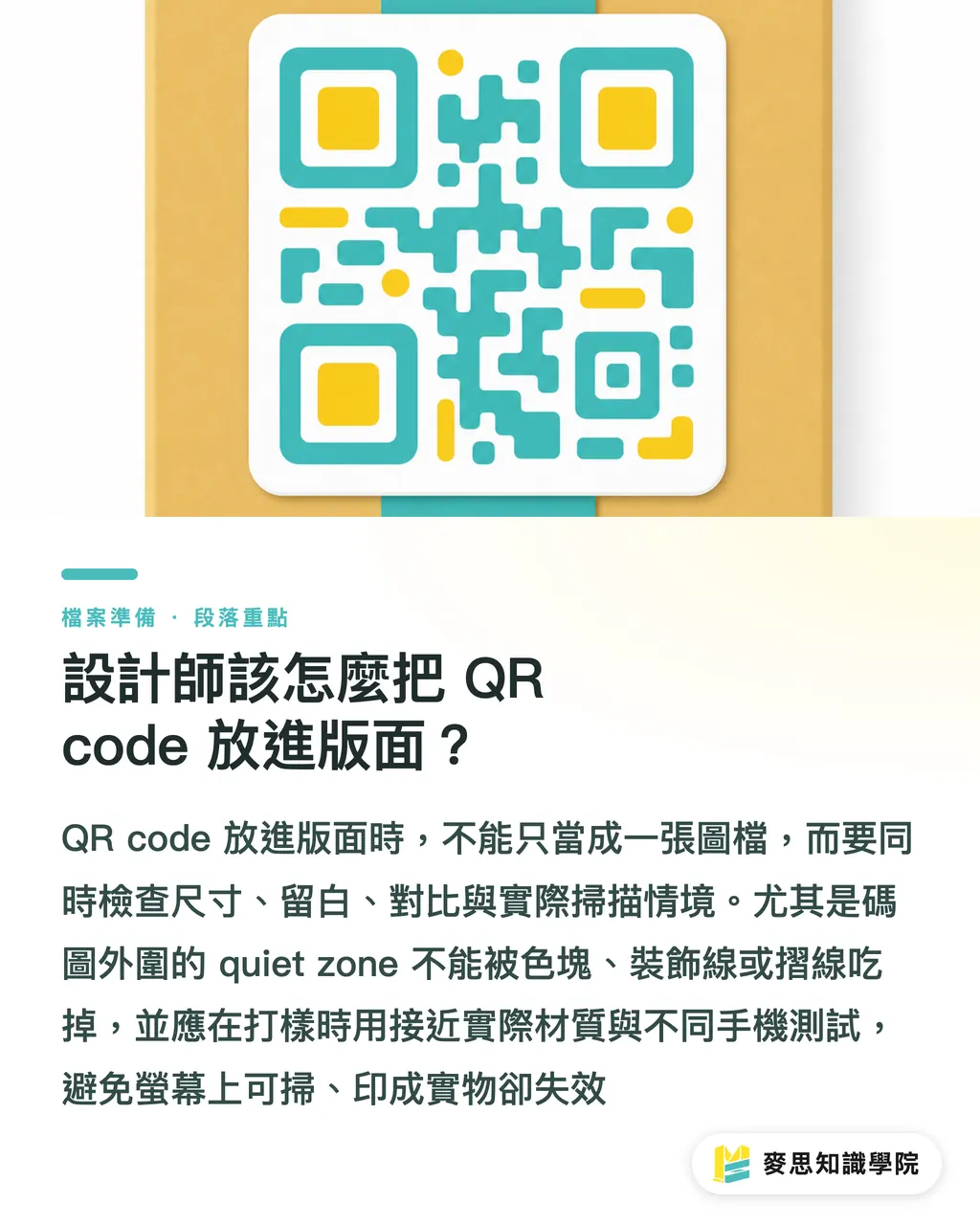
A QR code needs to cover at least four things in the layout at the same time: size, whitespace, contrast, and scanning context. If it is too small, if the whitespace is eaten up by graphics, if it sits on a highly reflective material, or if it is too close to a fold line or curved surface, the phone camera will start getting picky
When I review files at prepress, I first check whether there is enough quiet zone around the QR code, meaning the blank buffer outside the code graphic. Designers often use that blank area for color blocks or decorative lines, but for a scanner, it is not empty space. It is the recognition boundary
Packaging material can also change the fate of a QR code. Gloss film, metallic ink, spot UV, transparent stickers, and curved bottle labels can all create glare or distortion. A code that scans smoothly on screen may not pass once it is printed on a physical object
The MINDS (MS) three print handoff gates can be applied like this:
・① Prepress gate: confirm the QR code source file resolution, actual print size, quiet zone, light-dark contrast, and whether it sits too close to a fold line
・② Proofing gate: proof with the actual material or a close substitute, then scan with at least 2 different phones under normal retail lighting
・③ Launch gate: confirm the short URL, landing page, cookie notice, member acquisition flow, and backup page, so printed packaging does not point to a page no one maintains later
For mid- to high-end fully custom packaging and commercial printing, it makes sense to handle proofing, material checks, and prepress review together on the MINDS side. For small-volume stickers, cards, or event materials, online ordering flows such as Mai Printing should still keep the QR code field test step. Do not treat it as a simple image output job
Should a printer care about the page behind the QR code?
A printer does not need to decide the brand's data strategy for them. But a printer should remind the client that one QR code on packaging carries at least three areas of responsibility: print it clearly, link it correctly, and explain it plainly
From my long-term observation across production lines and client teams, the thing printers most often miss is variable data management. If different SKUs, batches, or markets use different QR codes, file naming, version control, and prepress checks cannot rely on verbal instructions. If one batch of goods is printed with the wrong link, the problem is not just a reprint. Customer service, inventory, and channels all get pulled in
Brands should also prepare a connected packaging spec sheet with at least 6 fields: QR code purpose, target URL, whether personal data is collected, whether cookies are used, whether it leads to membership, and print test results. The sheet does not need to be complicated, but it should let design, procurement, the printer, and the digital team look at the same answer
When the Mai Strategy Knowledge Academy consulting team helps brands organize packaging workflows, we move the QR code from "design file element" to "pre-launch checklist item." That change is small, but it keeps teams from staring only at whether the color is accurate and forgetting to check what consumers actually encounter after they scan
What should small and midsize brands do first?
Small and midsize brands do not need to make connected packaging complicated from the start. It is more practical to define the responsibility of one QR code clearly than to add a pile of interactive features all at once. Looking at the privacy risk discussion from Packaging Insights, consumers do not care how new the technology is. They care whether the brand explains things clearly
Brands can start with 5 basic actions:
・Audit every QR code on existing packaging and confirm that each link still opens and the content is still correct
・Write the scan purpose next to the QR code, such as product information, warranty registration, ingredient notes, or campaign page
・Put the content consumers originally wanted to see first on the landing page. Do not force member login right at the start
・If there are cookies, third-party tracking, or personal data collection, explain the purpose in language Taiwanese consumers can understand
・Before new packaging goes to print, make physical proof scanning part of acceptance, not just screen review
Designers, brands, and printers can treat a QR code as a small contract: the packaging promises one thing, the page completes that thing, and data collection cannot sneak in extra scenes. That sentence may sound a bit rigid, but it works well on the packaging floor because it tells everyone which part they are responsible for
Key Takeaways
・Once a QR code goes onto packaging, the brand is handing out more than a link. It is also making an invitation to trust
・Being scannable is only the passing mark. Making the scan understandable, and worth staying for, is the real craft of packaging interaction design
・Printers do not have to manage a brand's data strategy, but they must make size, material, proofing, and version control clear
・The first connected packaging spec sheet should not start with technology. It should start with the first 10 seconds after a consumer scans
・Small and midsize brands that clearly document the purpose, URL, data collection, and test results for every QR code are already ahead of many beautiful but loose packaging projects
Further Thinking
For print manufacturers, QR codes are an entry point for upgrading prepress checks. The next step is to include size, quiet zone, material glare, variable data, and field test photos in the standard work order. For designers, the QR code needs to be laid out together with copy, user flow, and information architecture, not added at the end. For AI and SaaS teams, the opportunity is helping brands maintain the content, versions, URLs, and privacy notices behind QR codes, turning packaging from a one-off printed piece into a manageable product entry point. For brand procurement teams, when requesting quotes from MINDS or Mai Printing, attach the QR code purpose and landing page requirements directly. Prepress communication will move much faster, and problems are less likely to be left until the day the job goes on press
Further Reading
FAQ
- Are there privacy risks with QR codes on packaging?
- Yes. If a packaging QR code leads to a page with cookies, member registration, third-party tracking, or personal data collection, it involves consumer privacy. Brands should explain the purpose clearly before and after the scan, and avoid disguising marketing acquisition as product information
- What mistake do designers most often make when printing a QR code on packaging?
- Designers most often treat the QR code as a tiny corner graphic and ignore size, quiet zone, contrast, fold lines, curved surfaces, and material glare. A code that scans on screen does not necessarily scan after it is printed on gloss film, a bottle label, or a transparent sticker
- Does the printer need to check where the QR code points?
- At minimum, the printer should confirm whether the QR code scans, whether the URL is correct, and whether different SKUs match the correct codes. Data collection and member acquisition strategy are the brand's responsibility, but the printer should remind the client to include them in the pre-launch checklist
- How should small and midsize brands start with connected packaging?
- Small and midsize brands should first audit existing QR codes and confirm the purpose, URL, data collection method, and field test results for each one. They do not need a large system at the beginning. Start by making the first 10 seconds after scanning clear
- Is the MINDS (MS) three print handoff gates method suitable for QR code packaging?
- Yes. The MINDS (MS) three print handoff gates use the prepress gate, proofing gate, and launch gate to check QR code readability, physical scan performance, and landing page status. This helps brands remove problems such as failed scans, wrong links, and trust penalties before packaging goes into mass production
Related articles


The Print × AI weekly
The print and AI know-how designers, brands and enterprises can use before they commit — one email, every week
MINDS Free Tools
Imposition calculator and preflight file check — free prepress tools, right in your browser.
MINDS Group
Need actual printing or gifting services?
From premium printing to online ordering and festive gifts — the MINDS Group sister brands take it from here.