
Overview
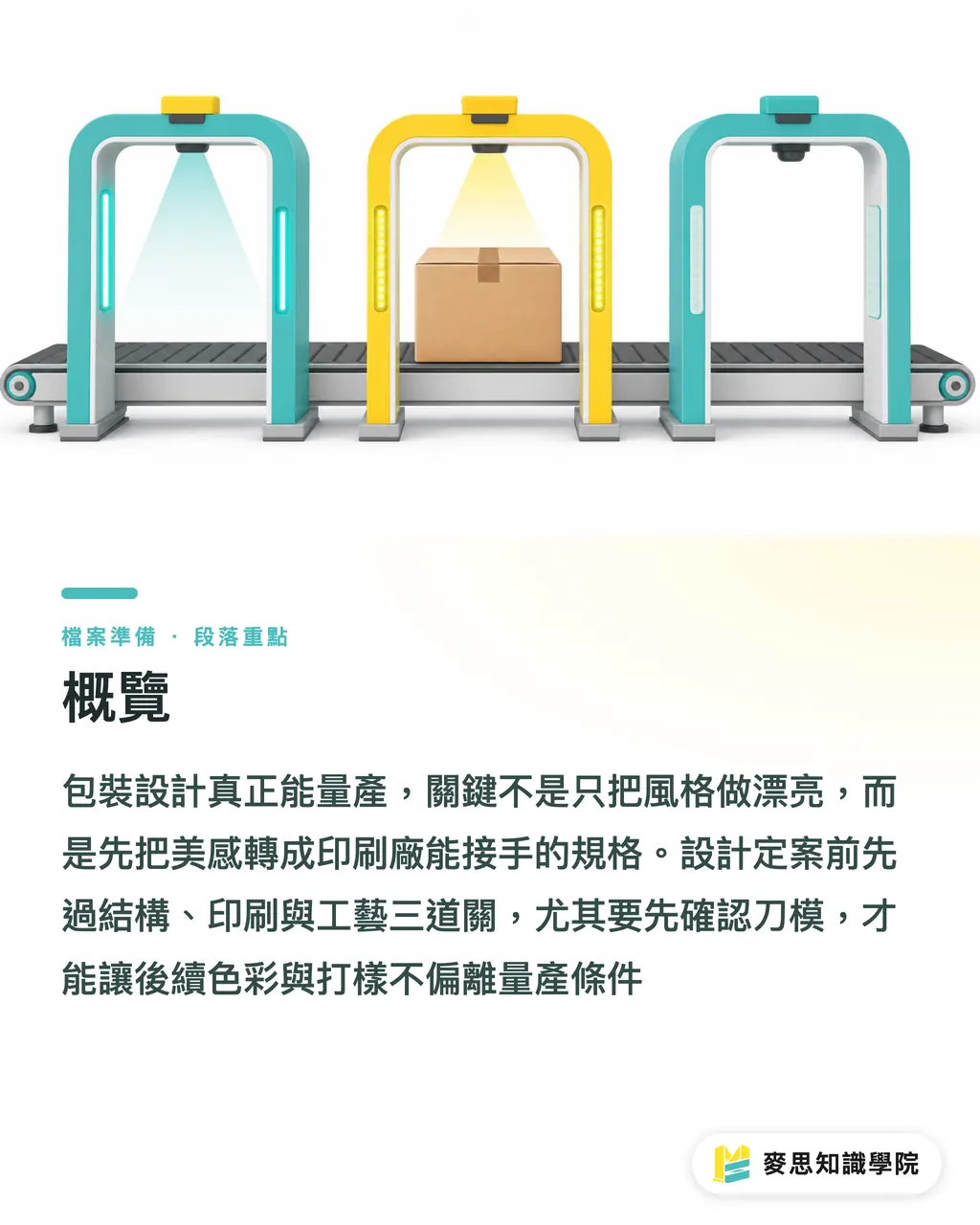
For packaging design to be production-ready, designers need to pass MINDS Printing's three print-submission checkpoints before finalizing the look, translating trend-driven visuals into files a print shop can actually take over
・1. Structural checkpoint: confirm the dieline first
・2. Printing checkpoint: confirm the color first
・3. Finishing checkpoint: confirm the proofing first
Why can't packaging design be judged by trend boards alone?
The 2026-07-09 video Turning design trends into printable files: production limits packaging designers should understand first is about Design print-ready packaging. I would read it as a single prepress checklist
Packaging on screen can feel completely free. On the production floor, a box's fold lines change the reading order, trimming cuts into the edges, and paper stock changes how dense or light the color feels
For a design trend to become real packaging, it needs to pass at least 6 checkpoints
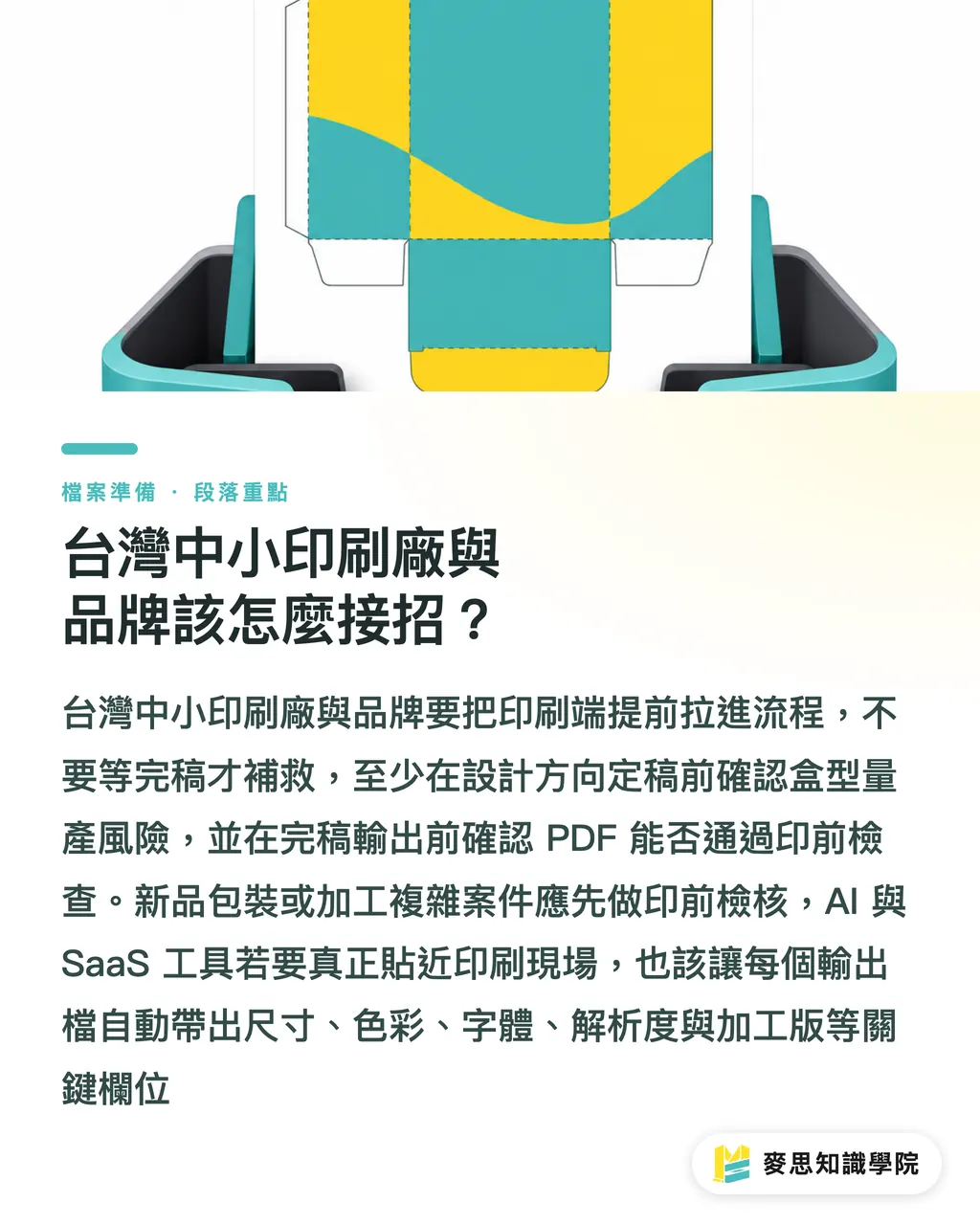
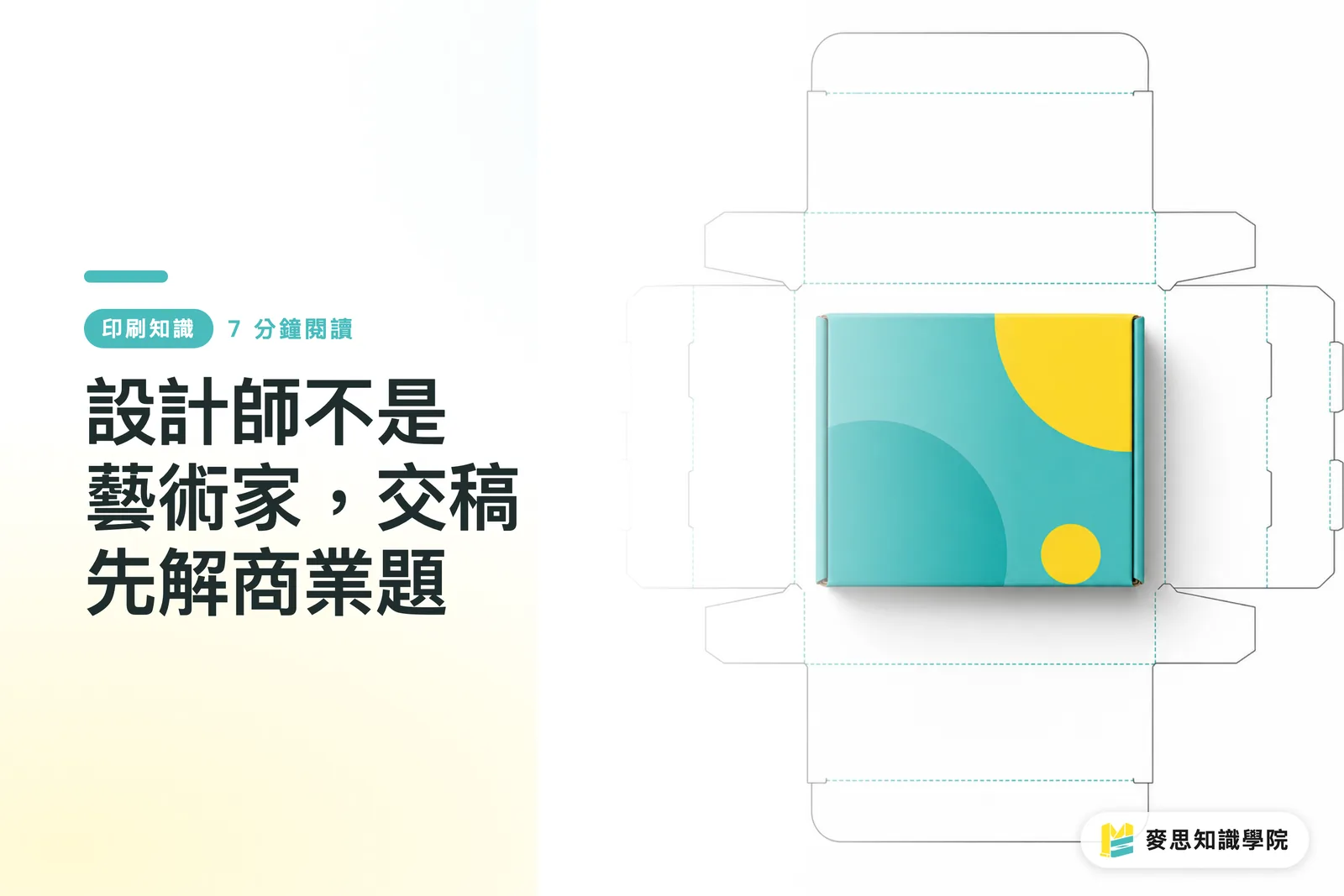
・Dieline: keep the main visual panel away from fold lines and glue flaps
・Bleed: 3 mm is a common starting point, but special box structures need to be recalculated from the dieline
・Safety margin: barcodes, small text, and regulatory information should not sit against the trim line
・Color management: screen RGB must be converted back to CMYK or spot-color settings
・Finishing limits: foil stamping plates, white ink plates, and spot UV must be marked separately
・Proofing workflow: use a 1:1 sample to check structure, and a color proof to check ink and paper stock
I have seen too many projects from beside the production line where the issue was not aesthetics, but files that failed to state the constraints clearly. If the print shop asks 3 fewer questions after reviewing the file, the design is finally moving closer to mass production
What exactly is print-ready packaging?
print-ready packaging means the packaging design file clearly specifies structural dimensions, printing conditions, and post-press finishing requirements, so the print shop can run prepress checks, quote, and proof without relying on verbal specs
I ask designers to submit 3 things together
・Dieline file: include a version number and mark the front, back, and glue flap
・Print file: include CMYK or spot-color settings, and make sure image resolution is high enough for output
・Finishing file: foil stamping, spot UV, embossing, and white ink should each be on separate layers, not mixed into the visual artwork layers
Packaging prepress is where saving money often backfires. Brands often think it is faster to complete the visuals first and fix the final art later. In practice, asking the print side once when the first direction is confirmed often saves several rounds of re-layout afterward
Which production limits most often get good designs rejected?
Bold design can be handled. What becomes difficult is a design file that fails to mark the risks
Production limits usually send a project back in 5 places
・Dieline version not locked: if the box structure changes once, the key visual and barcode positions may all shift with it
・Bleed forced from a flat layout: 3 mm is only a common starting point. Irregular boxes or thick materials depend on the cut line and lamination method
・Safety margin pushed too far: when small text sits close to the trim line, cutting tolerance is where brand information fails first
・RGB effects not converted into print colors: neon gradients look bright on screen, but often turn muddy on CMYK paper stock
・Finishing layers mixed into the design file: if foil stamping or spot UV is not marked separately, prepress staff can only guess
One small detail I watch closely: if small black text uses four-color black, registration errors can make the edges unstable. Where 100% K can be used, the design side should ask the print side first instead of dropping a nice-looking screen black straight into box printing
How should small and midsize print shops and brands in Taiwan respond?
Brands and designers should not wait until final artwork is complete before asking the print shop. I recommend bringing the print side in at 2 points
・Before the design direction is finalized: confirm whether the box structure carries production risks
・Before final output: confirm whether the PDF can enter prepress checking
Different project types fit different ordering paths
・New packaging or projects with heavier finishing: send the first PDF to MINDS Printing for a prepress check, and catch dieline and finishing risks early
・Trial print jobs with mature specifications: use the MINDS printing online ordering workflow, and lock the size, material, and quantity first
The judgment for AI and SaaS teams is also straightforward: if a product only generates 20 style images, it is still some distance from the print floor. A usable next step is to have every output file automatically include 5 prepress fields
・Size
・Color
・Fonts
・Resolution
・Finishing plate
Key Takeaways
・Trend boards can only set the direction; dielines and bleed decide whether the design can enter the press
・The earlier designers ask about production limits, the less brands pay to learn during proofing
・The standard for good final artwork is simple: the print shop can take over after asking 3 fewer questions
・AI-generated visuals can move quickly, but print specs still need to return to CMYK, resolution, fonts, and finishing plates
Further Thoughts
Print manufacturers can use this article as a one-page precheck sheet for customer education; designers can place a production note version next to the proposal version; AI and SaaS teams can move the next step after artwork generation into preflight instead of stopping at style recommendations; and brand procurement teams should write the proofing purpose into the RFQ: use a 1:1 sample to check structure, a color proof to check color, and remember that small issues before mass production are usually cheaper than a returned carton afterward
Further Reading
FAQ
- What should be checked first before sending packaging design to print?
- Check the dieline version first, because the dieline determines the front-facing visual, fold lines, glue flap, and barcode position. If the dieline is not locked, bleed, safety margins, and finishing plates can all easily need to be redone
- How is print-ready packaging different from regular final artwork?
- print-ready packaging must account for structure, printing, and finishing at the same time. It cannot be judged by the flat visual alone. When the print shop receives the file, it should be able to check the dieline, CMYK, spot colors, bleed, safety margins, and proofing purpose
- Does packaging bleed always have to be 3 mm?
- 3 mm is a common starting point, not a fixed answer for all packaging. Irregular boxes, thick materials, lamination, and special dielines all need to follow the dieline and process conditions provided by the print shop
- Can AI-generated packaging images be sent directly to print?
- Usually not. AI images can be used for direction exploration, but before print submission, size, resolution, CMYK, font licensing, and finishing plates still need to be organized. MINDS Printing's three print-submission checkpoints can be used as a review framework
Related articles

The Print × AI weekly
The print and AI know-how designers, brands and enterprises can use before they commit — one email, every week
MINDS Free Tools
Imposition calculator and preflight file check — free prepress tools, right in your browser.
MINDS Group
Need actual printing or gifting services?
From premium printing to online ordering and festive gifts — the MINDS Group sister brands take it from here.