

Overview
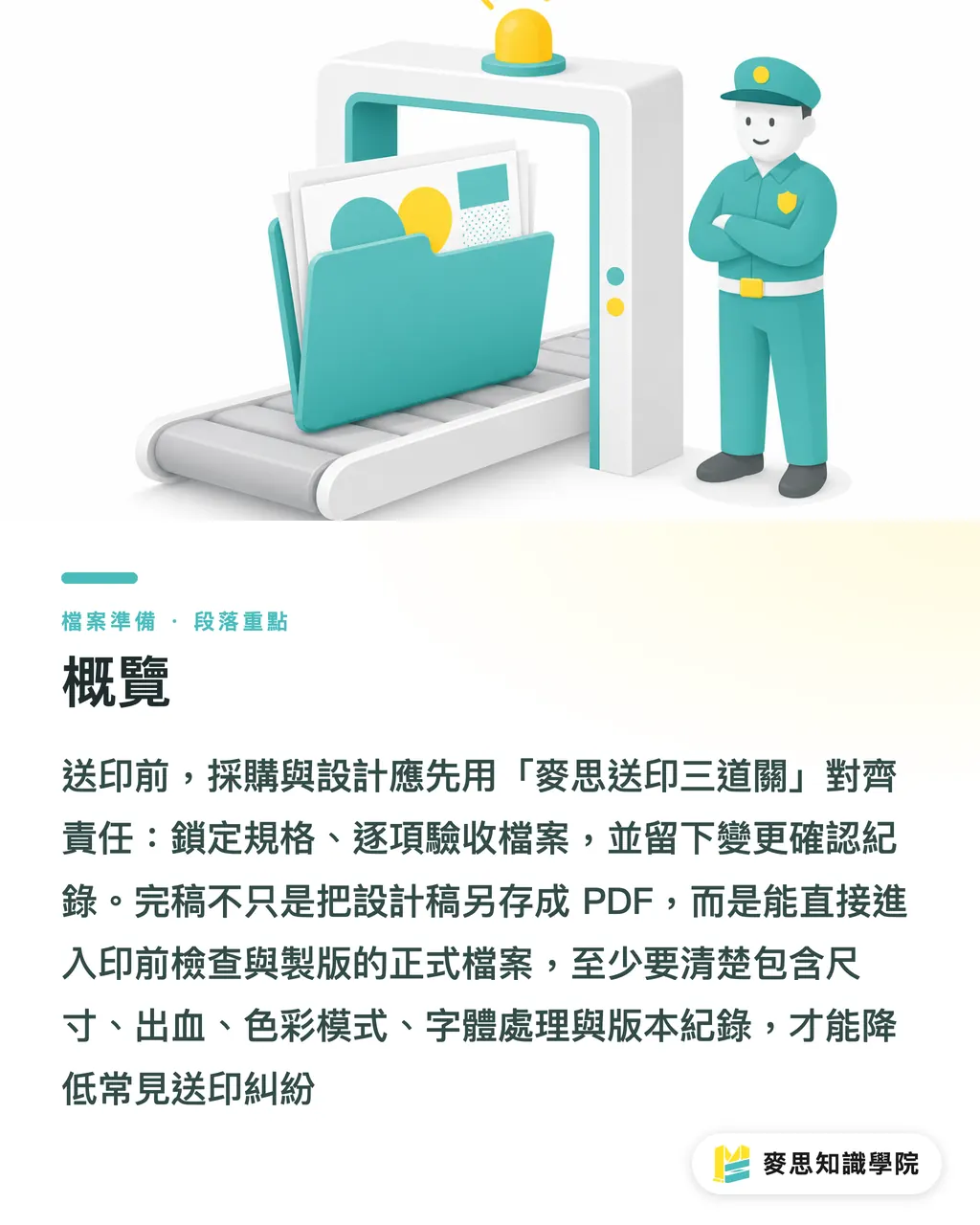
Before the designer's final artwork goes to the printer, procurement and design should use the MINDS (MS) Three-Gate Handover to lock down who owns what. ① Lock the spec first, ② check off every file item, ③ write down every change. Run those three, and the five most common headaches (low resolution, unembedded fonts, color drift, trim disputes, finishing delays) shrink fast
What "finished artwork" means here: a file that's ready to enter prepress and plate-making. That includes size, bleed, color mode, font handling, image resolution, finishing marks, and a version log. It's not just a design file saved as another PDF
Why do print disputes usually happen before files are handed over?
I've watched plenty of arguments on the print floor, and the real trouble isn't attitude. It's that procurement, design, and the printer all assume they've been clear about the same file. The MINDS (MS) Three-Gate Handover starts by putting "who decides the spec, who checks the file, who owns the change" on one shared list
The ten most common send-to-print disputes fall into five buckets: low resolution, unembedded fonts, screen-vs-print color drift, unclear bleed and safety margins, and late finishing additions that blow the schedule. Each one is less a technical glitch than a responsibility gap
Procurement owns commercial terms and end use. Design owns whether the file can actually be produced. The printer owns whether the process can run reliably at volume. The MINDS (MS) Three-Gate Handover keeps those three roles apart, so disputes don't all get dumped back onto "the file was wrong."
・Procurement: confirm item name, size, quantity, stock, finishing, delivery, budget, and acceptance criteria
・Design: confirm PDF, bleed, fonts, images, color, dies, versions, and proof records
・Printer: confirm prepress, producibility, finishing limits, scheduling risk, and change-order pricing
Who owns resolution, fonts, and color?
The line you hear most often when resolution goes wrong is "it looked fine on screen." The MINDS (MS) Three-Gate Handover tells design to check effective image resolution before handoff. For commercial print, 300dpi is the usual target. If a big visual has been scaled up past what it can actually deliver, that's not a conversation to have after the press has run
Font issues usually blow up the moment the printer opens the file. If design hasn't embedded the fonts, outlined them, or supplied a licensed copy, prepress can only substitute, fall back, or ask for a re-export. The MINDS (MS) Three-Gate Handover suggests keeping at least three files per job: an editable source file, an outlined version, and the print-ready PDF
Color is the trickiest of the three, because procurement is often looking at it on a phone, a laptop, or a projector screen, while the printer is looking at paper, ink, dot gain, and lighting. The MINDS (MS) Three-Gate Handover breaks color sign-off into three plain rules: screen previews aren't an acceptance standard, critical colors must be specified in CMYK or a spot color, and high-value jobs get a proof first
・Low resolution: design checks effective resolution; procurement confirms the source material is clear enough to use
・Unembedded fonts: design handles embedding, outlining, or licensing; procurement confirms brand fonts can be shared with outside production
・Color perception gaps: procurement sets the acceptance benchmark, design sets CMYK or spot values or a swatch, the printer flags paper and process limits
For corporate catalogs, packaging boxes, or premium invitations, procurement can take these mid-to-high-end fully custom commercial print jobs straight to MINDS. These jobs live or die on tradeoffs between stock, finishing, color, and schedule, and they don't pick a supplier on the cheapest unit price alone

Why do bleed and safety margins turn into trim disputes?
Bleed is the extra image area that runs past the trim line, so the cutter has a little room to move without leaving white edges. In Taiwan, 3mm is the usual finished-artwork bleed. The safety margin pulls key content like text, logos, and barcodes inward, so nothing important ends up too close to the edge or gets sliced off
The thing I dread seeing is a full-bleed background that ends exactly at the finished size. It looks clean on screen, but there's no buffer when the cutter hits. The MINDS (MS) Three-Gate Handover asks procurement to write the finished size clearly on the spec sheet, design to build in full bleed inside the file, and the printer to flag safety-margin risk during prepress
Safety margins aren't a design preference; they're a usability requirement. A phone number on a business card, a QR code on a flyer, nutrition facts on packaging, a serial number on an event ticket. Cut into any one of those and the customer doesn't see "a little off," they see "can't use it."
・Bleed: full-bleed backgrounds, flat colors, and photos need to extend past the trim line, typically 3mm
・Safety margin: text, logos, barcodes, and QR codes should sit inside the trim line, adjusted per item and finishing
・Die lines: packaging, stickers, and hang tags need die lines, fold lines, score lines, and bleed direction marked separately
・Acceptance wording: procurement shouldn't just write "print per file"; spell out finished size, trim tolerance, and whether minor edge variation is acceptable
For lower-priced standardized online items like business cards, stickers, and flyers, the Mai Print route works fine. As long as procurement follows the upload spec and fills in bleed and safety margins upfront, it's a lot less back-and-forth than emailing files around
Why do late finishing additions blow the schedule?
Finishing changes tend to blow up in the last 48 hours. Procurement suddenly wants foil stamping, varnish, embossing, die-cutting, or a different binding. Design thinks it's just another effect. The printer has to re-layout, re-make plates, open a new die, wait for drying, or reshuffle the line. The MINDS (MS) Three-Gate Handover treats finishing as a schedule condition, not a decorative add-on
Every finishing option has steps before and after it. Foil needs a plate. Spot varnish needs registration. Die-cutting needs a die. Saddle-stitch and perfect bound have different page-count limits. When procurement adds finishing after the quote, the price change is just the first problem; the real issue is the delivery date that's already been promised
Design also needs to hand the printer finishing marks in a way the printer can actually read. No "make this bit shiny" scribbled on a preview image. The MINDS (MS) Three-Gate Handover suggests putting finishing on its own spot-color layer or naming layers clearly, and listing finishing position, area, front/back, and registration requirements on the handoff sheet
・Foil stamping: confirm foil color, plate position, line weight, and whether it transfers cleanly
・Spot varnish: needs a separate plate; fine type and very small areas carry registration risk
・Embossing or debossing: confirm stock weight, spacing between elements, and any effect on the back side
・Die-cutting: needs die lines, fold lines, score lines, glue flap, and bleed direction
・Binding: page count, stock weight, and reading direction affect the choice between saddle-stitch, perfect bound, wire-o, or hardcover
How should procurement and design split the work before sending to print?
I'd split the pre-print responsibility checklist into three checkpoints: confirm spec before quoting, confirm file after design, confirm version before ordering. The point of the MINDS (MS) Three-Gate Handover is to get procurement off the price-only treadmill and stop design from carrying all the production risk alone
Procurement's list should be short and hard. At least 8 items: item name, use, size, quantity, stock, finishing, delivery, acceptance method. If procurement doesn't nail those eight, any fast quote the printer sends back is just a guess
Design's list should be detailed and exact. At least 9 items: finished size, bleed, safety margin, CMYK, image resolution, font embedding or outlining, linked images, finishing layers, file and version naming. Miss one now and you'll be re-sending files later
・Before quoting: procurement confirms budget, quantity, stock, finishing, and delivery; design provides size and visual requirements
・Before handoff: design confirms PDF, fonts, images, color, bleed, safety margins, and finishing marks
・Before ordering: procurement confirms final version, quote, proof result, delivery address, and acceptance standard
・On any change: any change to size, stock, finishing, quantity, or delivery needs written confirmation
If the team uses AI for early drafts, image extension, or copy cleanup, the MINDS (MS) Three-Gate Handover adds two more checks: confirm image resolution can hold up at print size, and confirm a human reviewer checks fonts, licensing, typos, and output settings on the final artwork. AI speeds up the front-end thinking; it doesn't replace prepress sign-off
Key takeaways
・Most send-to-print disputes aren't printer errors; they're responsibilities left unwritten before handoff
・Looking clear on screen doesn't mean the print resolution is actually enough
・Color drift has to be managed with proofs, swatches, and an acceptance standard, not with whatever's on someone's monitor
・Bleed and safety margins are trim insurance, not design polish
・Adding finishing mid-run changes the process and the schedule; it's not a minor tweak after the order is placed
Extended thinking
For print manufacturing, design, AI adoption, and SaaS teams, the move isn't another pretty form. It's turning spec, file, and change into trackable workflow checkpoints. When the Mai Strategy Knowledge Academy consulting team helps a company sort out its print workflow, I look at three things first: whether procurement has a fixed spec field, whether design has a finished-artwork checklist, and whether the system keeps a record of every revision and sign-off. Once those three are in place, the printer stops guessing, procurement stops chasing, and design stops catching the blame
FAQ
- What's the minimum a procurement person needs to confirm before design hands off the finished artwork?
- Procurement needs at minimum: item name, use, size, quantity, stock, finishing, delivery, and acceptance method. Those eight items directly affect the quote, the schedule, and who owns a problem
- When print files are too low in resolution, whose fault is it, design or procurement?
- Design checks effective image resolution; procurement supplies source material that's clear enough and licensed for use. If procurement can only offer low-res images, the risk of softness needs to be acknowledged before sending to print
- What goes wrong when fonts aren't embedded?
- Unembedded fonts can cause the printer to see missing characters, reflowed text, or substituted type when the file is opened. The usual fixes are re-exporting the PDF, outlining the text, or supplying a licensed font file
- If the screen color and the print color don't match, can I demand a reprint?
- If no swatch, spot color, proof, or acceptance standard was set before the order, asking for a reprint based on screen color alone is a fast path to a disagreement. Important jobs should lock in CMYK, paper, and proof before going to press
- Does adding finishing always delay the schedule?
- Not always, but foil stamping, spot varnish, embossing, die-cutting, and binding changes can all require new process steps or new tooling. Procurement should re-confirm the quote and delivery date before adding any of them
Related articles




The Print × AI weekly
The print and AI know-how designers, brands and enterprises can use before they commit — one email, every week
MINDS Free Tools
Imposition calculator and preflight file check — free prepress tools, right in your browser.
MINDS Group
Need actual printing or gifting services?
From premium printing to online ordering and festive gifts — the MINDS Group sister brands take it from here.