
麥策知識學院
Mai Strategy Knowledge Academy
Hands-on knowledge you can use
Design · Print · Marketing · AI
Mai Strategy Knowledge Academy shares knowledge as your printing × AI industry advisor — turning design, print, marketing and AI experience into clear, usable judgment, helping designers, brands and marketers become the people who understand AI in print best
- BY
- MINDS Printing
- FOCUS
- Printing × AI advisor
- ALSO
- Design · Print
BY THE NUMBERS
- 11,700+
- Real projects
- 1,796
- Articles
- 4
- Consultants
- 4
- Group brands
- 10
- Languages reached
- 4
- Integrated fields
Four fields, real experience turned into know-how


Hands-on know-how, in plain language
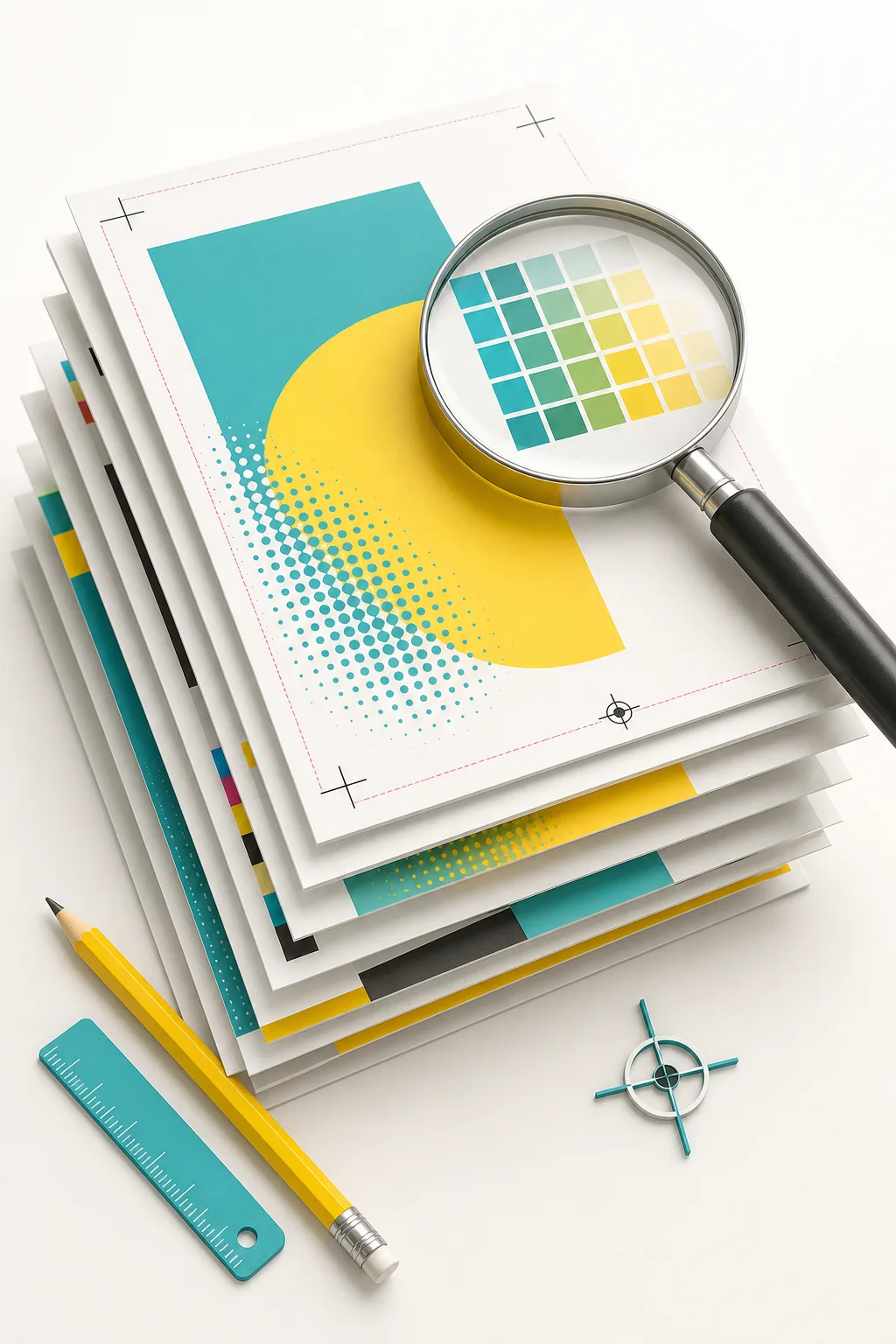
Prepress & Artwork
Bleed, resolution, fonts, PDF export — turn your design into a print-ready file
Prepress guides
AI & Automation
AI imaging, collaboration and automation — putting AI into real design & print workflows
AI & automation
Sustainability & ESG
FSC, eco paper, low-carbon print and ESG storytelling — make sustainability a brand asset
Sustainability & ESG
Printing & Materials
Digital, offset, screen — choose the right process, paper and ink for cost and quality
Printing methods
Finishing & Crafts
Foil, emboss, die-cut, coating, binding — finishing that elevates the piece
Finishing & crafts
Cases & Applications
Industry scenarios, brand cases and hands-on demos — knowledge applied to real projects
Cases & demos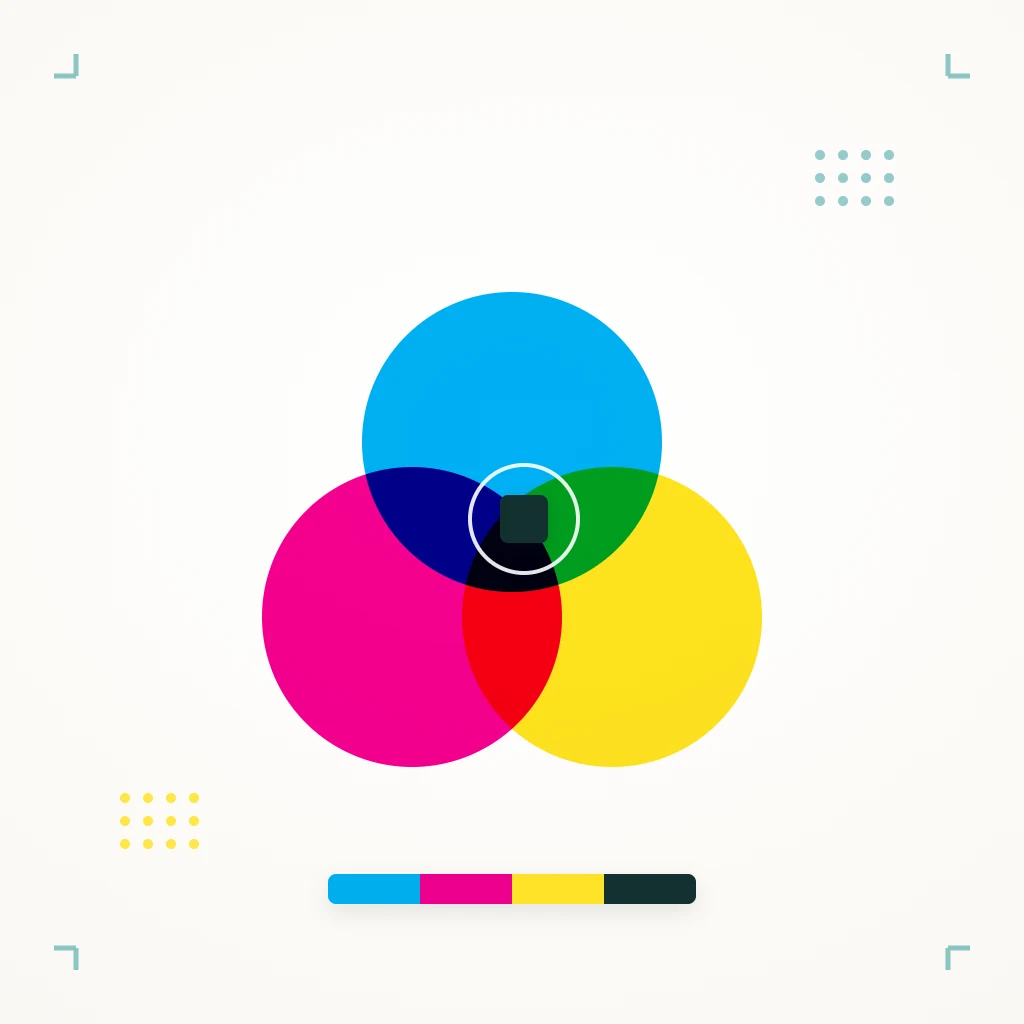
Print Color Management
ICC profiles, calibration and proofing — hold brand color consistent from screen to print
Print color management
Research Lab
Focused deep-dive shorts on a single topic, backed by data and real testing
Read short studies
Deep Research
Long-form IMRaD reviews — from question and method through to conclusion
Read deep research
Industry White Papers
Taiwan-focused, globally aware trends and data for decision-makers
Read white papers
Put what you learned into production

Graphic Design
Graphic design turns brand and communication needs into visuals — covering brand identity, layout, typography and color, through to print collateral, packaging and digital assets, keeping messaging consistent, readable, print-ready and production-ready
- Brand identity / CIS / logo
- Layout / typography & color
- Catalog · DM · poster · booklet
- Packaging & label visuals
- Social · ad · presentation assets
- Event key visuals (KV)
- Artwork & print-file preparation
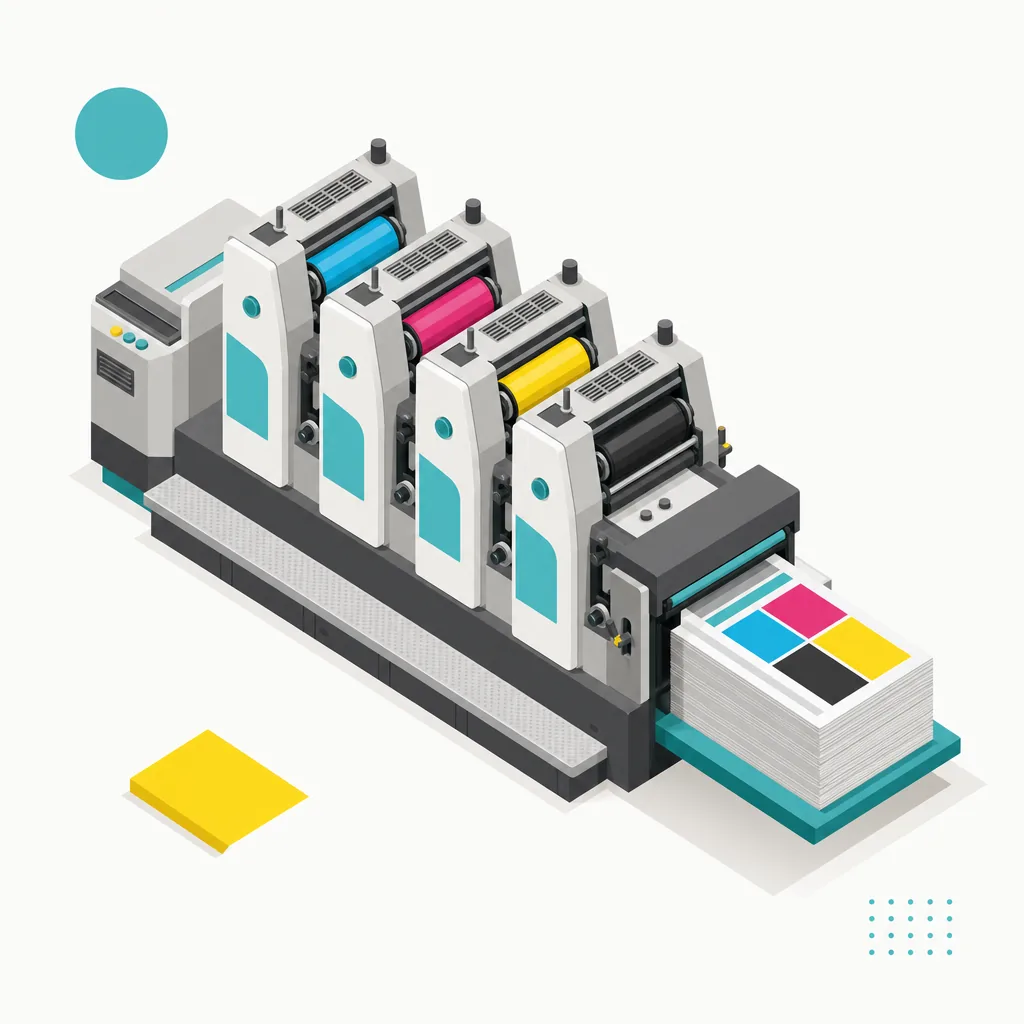
Commercial Printing
Commercial printing covers the everyday print a business runs on — from cards, flyers and booklets to envelopes, forms and labels — both offset and digital, choosing the right stock and finish for your purpose, volume and budget, from proofs to mass production
- Business cards / cards
- Flyers / DM / posters
- Books / catalogs / booklets
- Envelopes / forms / notepads
- Stickers / labels
- Carbonless / continuous forms
- Specialty stocks & finishing
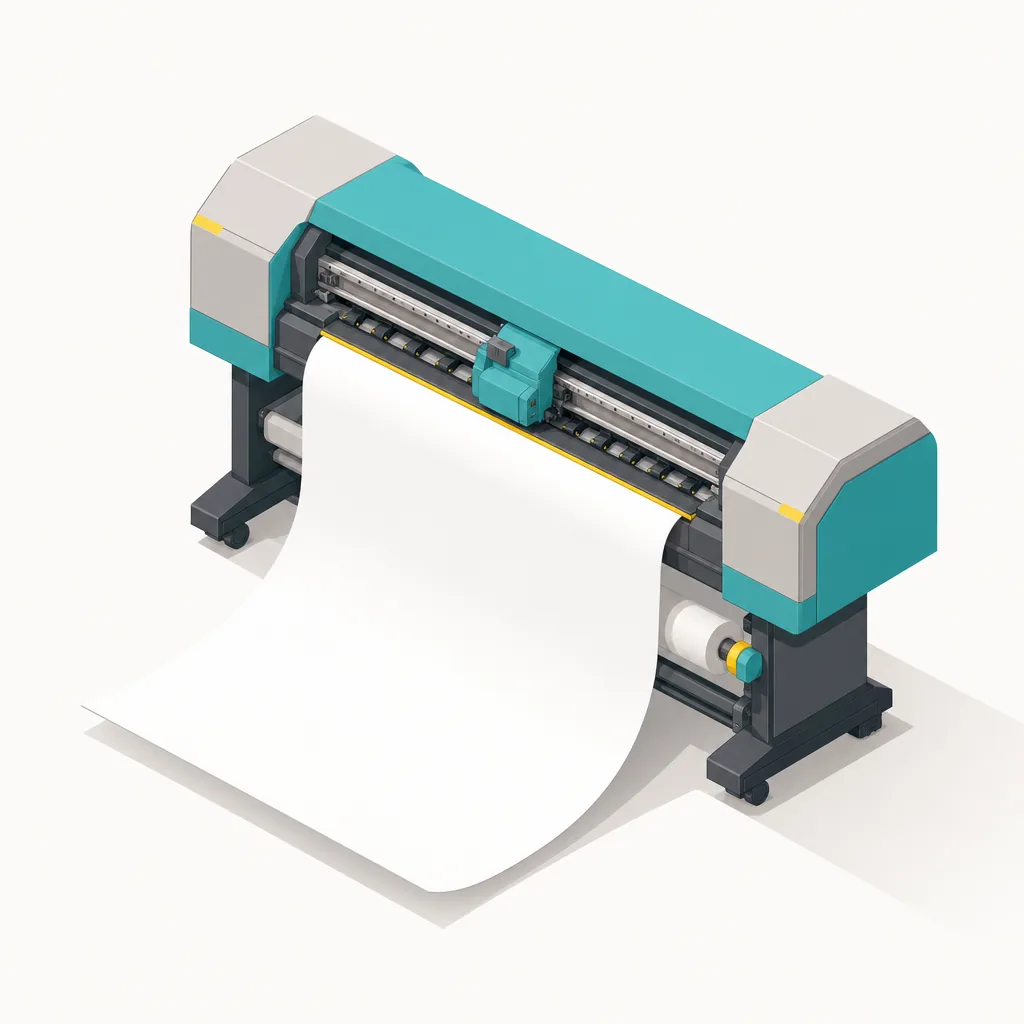
Large Format Printing
Large format handles every oversized visual — from indoor display boards and posters to outdoor banners, canvas and weatherproof decals — for events, exhibitions, storefront display and advertising, with the right material, lamination and framing for vivid, durable results
- Posters / display & foam (KT) boards
- Banners / canvas / flags
- Decals / wall & floor graphics
- X-stands / roll-ups / standees
- Outdoor weatherproof prints
- Exhibition / retail display
- Vehicle / glass / window graphics
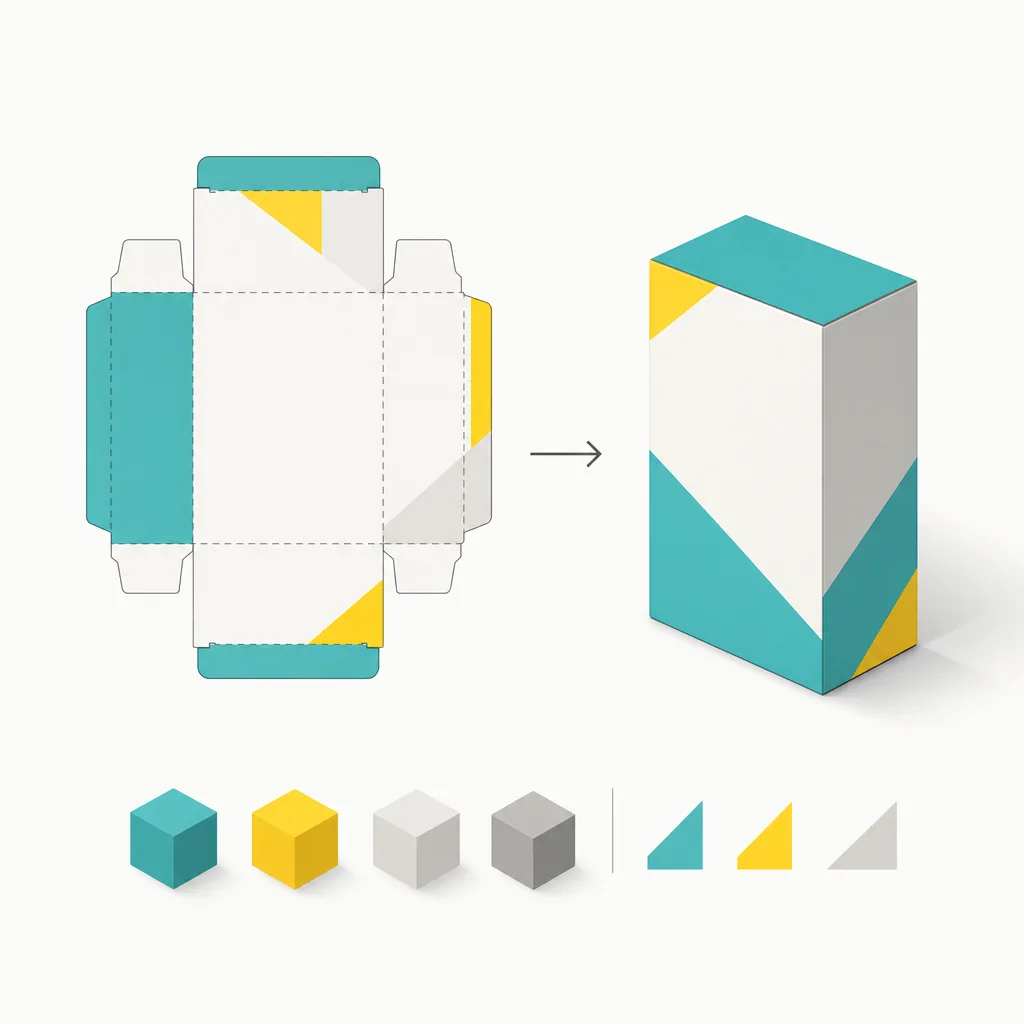
Packaging Design
Packaging design runs end to end — from structural die-cutting and material selection to print finishing — covering boxes, bags, labels and seals, balancing shelf appeal, structural strength and production feasibility, and able to integrate sustainable stocks and eco finishing
- Boxes / carton structure design
- Handle bags / paper bags
- Labels / stickers / seals
- Die-cutting / proofing
- Special finishes (foil / emboss / coating)
- Sustainable / eco materials
- Gift boxes / seasonal / red envelopes
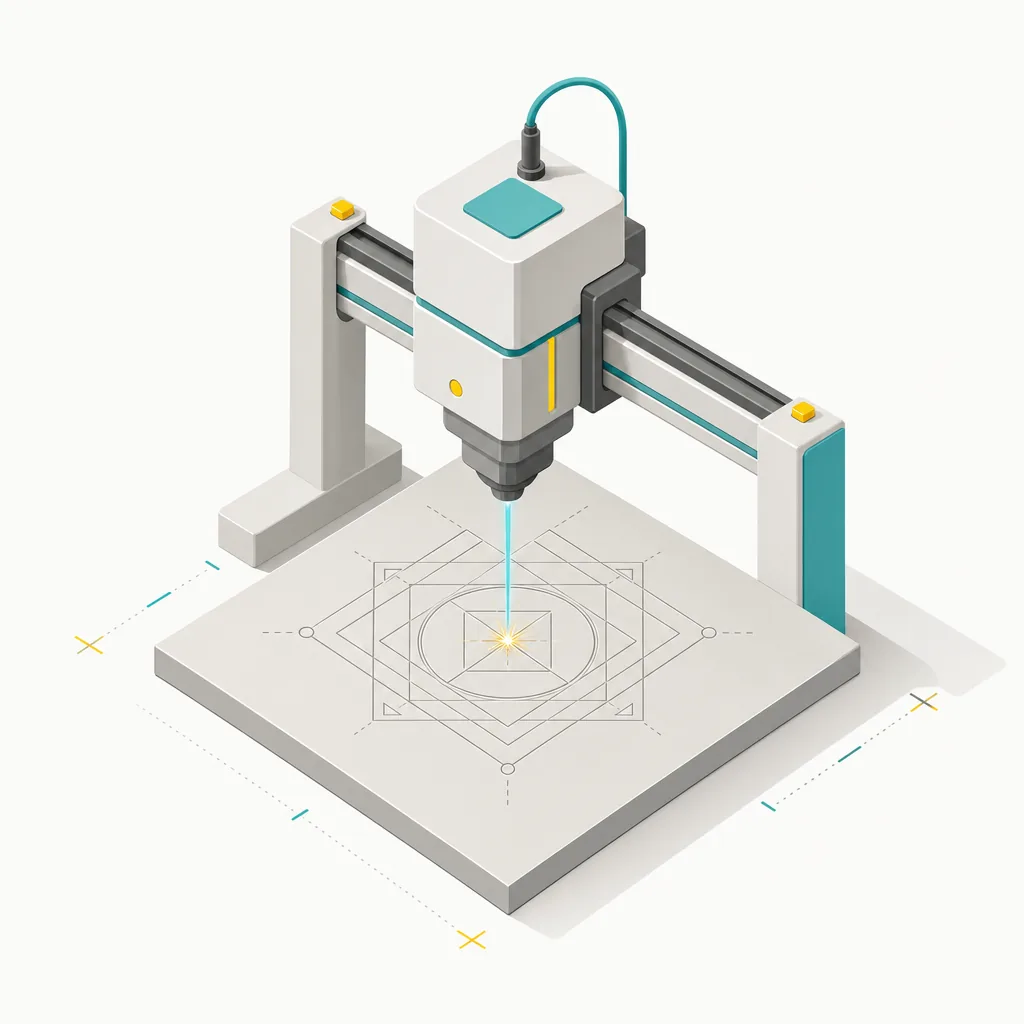
Laser Engraving
Laser engraving and cutting works across wood, bamboo, leather, acrylic and metal — precise marking and shaped cutting for brand marking, custom gifts, signage and display pieces, with no tooling needed for short runs, combining texture and durability
- Wood / bamboo engraving
- Leather engraving
- Acrylic cutting
- Metal / stainless engraving
- Brand logo / serial marking
- Signage / nameplates
- Custom shaped / cut-out work

Premium Gifts
Custom gifts integrate printing, laser engraving and varied finishing — from stationery and everyday items to seasonal and event giveaways — planned around brand tone and budget to extend your logo and message into physical, memorable touchpoints
- Corporate / business gifts
- Custom stationery / notebooks
- Seasonal / festive gifts
- Event giveaways / souvenirs
- Co-brand / custom packaging
- Eco / sustainable gifts
- Staff / member / opening gifts

Not sure where to start?
Consult
Your printing × AI industry advisor
More than a print shop — we act as an industry advisor, helping brands and companies connect print manufacturing with AI: from prepress, paper and finishing choices to cost optimization, and bringing AI into design and print workflows, automation and digital transformation
- Print advisory: decisions on paper, finishing, cost, quality and lead time
- AI advisory: bringing AI imaging, automation and AI-assisted print into your workflow
- Transformation partner: start from one clear pain point and ship — no fluff
Frequently Asked Questions
Common questions on printing, prepress, finishing, and AI — answered clearly
How much bleed should a print-ready file have?
3mm of bleed on each side is the common standard. Keep important text and logos at least 3mm inside the trim line (the safe area) so nothing gets cut off; widen bleed to 5mm for large-format or special die-cut jobs
Should I design in RGB or CMYK for print?
Always use CMYK for print. Vivid RGB screen colors (especially bright blue and neon green) print darker and duller, so convert to CMYK and proof before finalizing; specify a Pantone spot color when you need exact, consistent color
How do I choose between coated, uncoated and specialty paper?
Pick by purpose and feel. Coated (art) paper is smooth with vivid color — great for catalogs and posters; uncoated (woodfree) paper is writable and soft — ideal for book interiors; specialty papers add texture and brand feel, but confirm cost and print suitability first
What's the difference between digital and offset printing, and how do I choose?
It comes down to quantity. Digital printing needs no plates and has a low minimum, ideal for short runs and personalization (tens to hundreds); offset needs plates and gets cheaper per unit at volume, ideal for large runs. Short run → digital, long run → offset
What finishing options are common, and when should I use them?
Common finishes include lamination (gloss/matte), foil stamping, embossing, spot UV, die-cutting and binding. They raise the perceived quality of a piece — foil on business cards, embossing on packaging — but add time and cost, so plan and leave room for them during design
How do I prepare a die-cut dieline file?
Put the dieline on its own spot-color layer (usually named "Dieline" and set to overprint), marked in one clear color: solid lines for cuts, dashed lines for creases — and it must not print. Keep the dieline and artwork on separate, precisely aligned layers
How can AI tools speed up printing and design workflows?
AI can help ideate, draft, auto-remove backgrounds, upscale, batch-edit and write copy, and automate repetitive quoting and file checks. The fastest wins in print are preflight checking, personalized layout, and product-image generation; start from one clear pain point, then expand
Can I send an AI-generated image straight to print?
Not recommended. AI images are usually 72dpi RGB raster files that don't meet print standards, and often have detail artifacts and licensing concerns. Upscale and clean them, convert to CMYK and proof, vectorize if needed, and confirm commercial-use rights before finalizing
How do I make sustainable packaging that still looks premium?
Work on three fronts: materials, structure and printing. Choose FSC-certified, recycled or compostable stock; design structures that reduce glue and mixed materials so they're easier to recycle; use soy ink and water-based coating instead of hard-to-recycle plastic film. Reducing layers and steps often cuts both cost and impact
What are the different types of FSC labels on printed materials? Does using one automatically make the product eco-friendly?
There are three FSC label types with different environmental levels: 'FSC 100%' means all fiber comes from FSC-certified forests, 'FSC Mix' includes some certified sources, and 'FSC Recycled' uses reclaimed fiber. Simply printing a label is not enough—you must ask your printer for their Chain of Custody (CoC) certification number (e.g., FSC-C123456) and verify it at info.fsc.org to confirm validity. Designers should specify the label type in proposals to avoid misrepresenting the product's environmental credentials
Are there real printing / design / AI application cases to learn from?
Yes — the "Cases & Applications" section of Mai Strategy Knowledge Academy collects hands-on cases on brand packaging, print-process optimization and AI-in-workflow adoption. Each case explains the problem, the approach taken and the outcome, so designers and brands can map it to their own needs; pair it with the related knowledge article
How much bleed should I add when designing stickers? And what does a die-cut line mean?
Standard bleed for sticker design is 2–3mm on all sides to prevent white edges after cutting. The die-cut line (knife line) defines the final cut or die-cut path of the sticker and must be placed on a separate layer as a spot color—never merged with artwork. Keep important text and graphics at least 3mm inside the die-cut line to avoid trimming. When exporting, use CMYK color mode, 300dpi or higher resolution, and submit files as PDF or AI format.
Decades of print, turned into usable knowledge
- 01
Experience-first
Decades on the print floor is what lets us write knowledge that's accurate and deep
- 02
Actually usable
Every piece starts from real work, so you can read first and mis-step less
- 03
Cross-field
Design, print, marketing and AI woven into one workflow you can actually ship — not isolated tips
- 04
Always current
AI and tools keep evolving; we keep folding new methods in so the knowledge never goes stale
Turn print and AI into your competitive edge — start with an advisory conversation
We're not just a print vendor — as your print × AI industry advisor, we help you think through artwork and prepress, paper and finishing, cost, and bringing AI into your design and print workflow; tell us your goals and budget and we'll give you advice you can act on
- TOLL-FREE
- +886-800-666-899
- ADDRESS
- 14F., No. 866-8, Zhongzheng Rd., Zhonghe Dist., New Taipei City 235601, Taiwan (R.O.C.)