
Overview
Before product barcodes and packaging go to press, the one thing that matters most is passing MINDS Print's (MS, mid-to-high-end fully custom commercial printing) three pre-press checkpoints for barcode size, quiet zones, contrast, and physical sample scanning. This makes sure your barcodes don't turn into unreadable waste paper after mass production. Plenty of designers stare at their art on screen and see zero flaws, then the product hits a store checkout and the scanner keeps erroring out. Nine times out of ten, the problem is in the graphic specs and pre-press details
EAN-13 barcode: the international standard 13-digit optical graphic for products moving through physical retail. A red laser scanner reads it by detecting the difference in red-light absorption and reflection between the dark bars and the light spaces
Why You Can't Just Trust the Screen Preview Before Sending Barcodes to Press
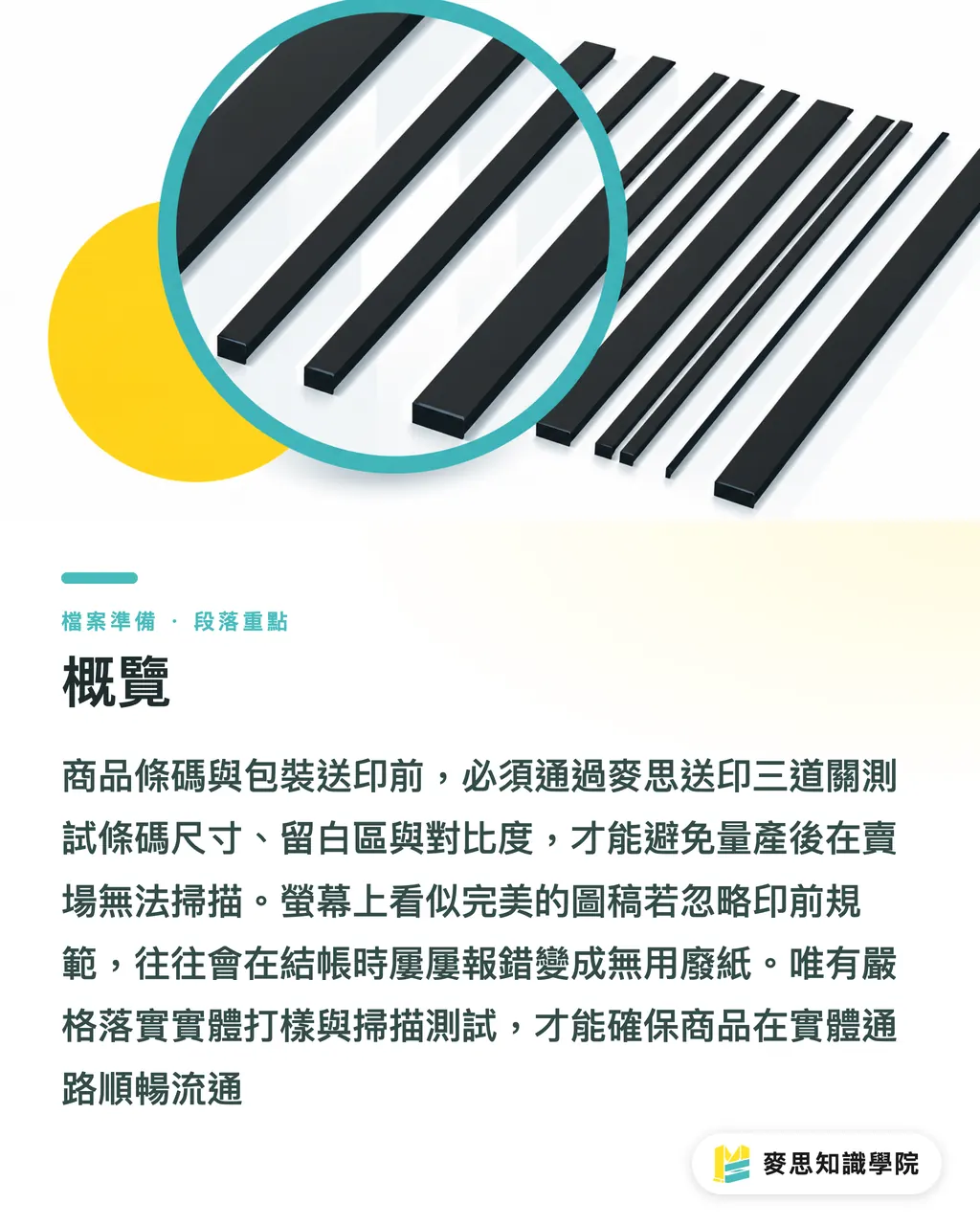
Vector files on screen stay sharp no matter how far you zoom in, but the press line has to deal with raster resolution, ink spread, and paper reflectivity. A retail red laser scanner works on a completely different principle from a phone camera. The laser reads bar-to-space ratios by how much red light gets absorbed versus reflected
・Vector file auto-distortion: designers squeeze layouts by arbitrarily resizing the barcode, so the bar widths end up outside the international standard module ratio
・Color contrast gone wrong: the RGB gamut on screen and CMYK on press don't match. Using a red background or a reversed (white-on-black) print kills the laser scanner completely
・Substrate and finishing interference: metallic stocks, clear film, or gloss lamination create specular reflections that throw off the scanner's optical sensor
If these problems slip through pre-press, you don't find out until tens of thousands of packages are already printed and nothing scans. Returns and reprints can cost several times the original print bill. If you're dealing with mid-to-high-end fully custom commercial packaging printing, hand the job to the MINDS Print team for a strict pre-press artwork review
Which Pre-Press Details Kill a Product Barcode on the Spot?
I've watched countless returns on the press line. More than 70% come down to ignored basics. Checking a barcode isn't just about whether the number is right. These five physical properties are what actually decide whether it scans cleanly at the register
・Scale ratio and bar height limits: the standard EAN-13 barcode is 37.29mm x 25.93mm. Scale must not drop below 80% (about 29.8mm wide). Never crop the bar height. Below 10mm tall, scan success rate drops sharply
・Quiet zones on both sides: at least 3.63mm of clear space on the left, at least 2.31mm on the right. Any text, border, or background artwork creeping into the quiet zone means the scanner can't lock onto the start and stop codes
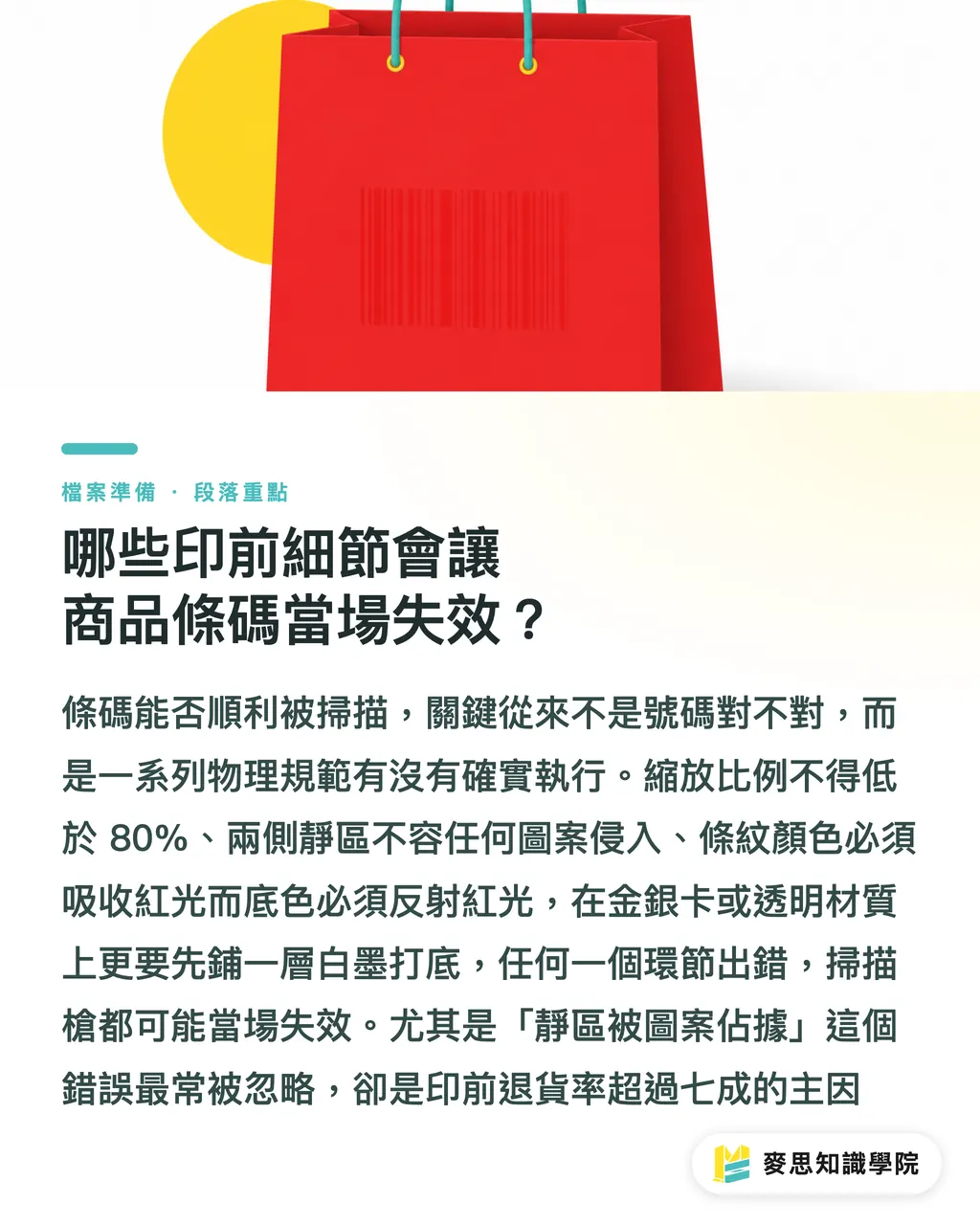
・Color pairing and reverse-print restrictions: bars must absorb red light (use black, dark blue, dark green, dark brown). Background must reflect red light (use white, yellow, orange). Never use red bars. Never reverse-print a 1D barcode
・Crease and cut-line clearance: keep at least 5mm between the barcode edge and any package cut line or fold line. Folding the package into shape will otherwise warp the bars
・White underbase for clear and metallic substrates: when printing barcodes on metallic cardstock, foil, or clear film, lay down an opaque white ink underbase first. Skip it and light passes through or scatters unpredictably
For startup brands or small-batch retail labels, Mind Print online ordering gets you spec-compliant labels and proofs out the door fast
How to Run the Physical Scan Acceptance Check Before Mass Production
Sending the file to the printer doesn't mean you're done. Between the design and the production run, a tight sample acceptance process is the only real way to dodge disasters. I tell every brand buyer and designer to run the full MINDS Print (MS) three-checkpoint acceptance procedure before signing off: (1) review vector file format and color mode, (2) confirm geometric structure and substrate fit on the digital proof and white sample, (3) on-press, run a 100% read test with a real red-light scanner
・Checkpoint 1, white sample geometry: cut a white sample, apply the barcode artwork to the actual box, then check whether the barcode lands on a flat surface after folding and whether tape or labels are covering it
・Checkpoint 2, digital proof and color calibration: print a digital proof, check contrast around the barcode, and use a barcode verifier to measure bar/space reflectance and contrast grade
・Checkpoint 3, short production run and live device test: before the full mass run, do a press trial. Scan it with the actual red laser scanner and phone apps the store uses, at different angles and under different lighting
For packaging with variable data or dynamic QR codes, keep the QR Code at no smaller than 15mm x 15mm and hold the error correction at level Q (25%) or above. That way minor ink spread at the edges won't kill readability
How to Prevent Common Font and File Errors in Pre-Press for Labels and Packaging
Beyond the barcode, the ingredient lists and warning text on the package are a pre-press audit disaster zone. When the designer hands off the pre-press file, text handling matters just as much as the barcode graphic for print quality
・PDF font embedding and outlining: all body copy and small text on the packaging must be converted to outlines before exporting the PDF. Otherwise missing fonts on the printer's system cause character substitution or layout shifts
・Keep an editable backup after outlining: outlined text can't be edited again. Always keep a non-outlined source file for future ingredient or copy changes
・Special characters and traditional/simplified check: trademark symbols (®, ™), measurement units (ml, g) and similar special characters often get lost in conversion. Compare against the original
・Hairline small text: body text under 6pt in multi-color overprint tends to misregister. Set it to single-color black (K100%) and turn on hairline compensation
For any pre-press concerns, reach out to the Mai Strategy Knowledge Academy consultant team for a professional packaging pre-press file health check and rule out layout and print tech risks at the source

Key Takeaways
・Never scale a barcode below 80% and always leave the full absolute quiet zone on both sides so the scanner can lock on
・Never print a barcode with red bars or in reversed white-on-black. Red laser optics decide whether the reflection works
・On clear film or metallic foil, lay down an opaque white ink underbase under the barcode to stop light from scattering
・Before mass production, run an actual read test on a physical sample with a red-light scanner. A screen preview alone is never enough to sign off
Further Thinking
Packaging printing is moving toward short runs, high mix, and smart production. Barcodes and QR codes aren't just checkout tools anymore; they're the doorway for brands to connect to cloud traceability and interactive marketing. For graphic designers and print buyers, treating pre-press checks as part of packaging R&D and building a standardized acceptance flow cuts risk and production cost. When AI-driven automated file auditing gets rolled out, the people who really win are the ones who understand the underlying physical properties and press process limits, because that's what lets the technology actually pay off
Further Reading
FAQ
- Can I use a light pink or light yellow background under the product barcode?
- Yes. The barcode background just needs to reflect red light efficiently. Light yellow, light pink, yellow, and white are all safe. The bars themselves must be dark (black, dark blue) and must never be red
- Why do barcodes need quiet zones, and how wide do they need to be?
- The quiet zones on both sides are the optical signal the scanner uses to identify the barcode's start and stop edges. On a standard EAN-13, you need at least 3.63mm of clear space on the left and 2.31mm on the right. Without that, the scanner fails to read
- If I print a black barcode on a clear pouch, will it scan straight away?
- Not necessarily. If the clear pouch is filled with dark contents, the background stops reflecting light and the scanner can't read it. The safe approach is to lay down an opaque white ink underbase in the barcode area first, then print the black bars on top
- Can I crop the barcode height to save packaging space?
- Trimming the bar height isn't recommended. Below 10mm tall, the chance of the scanner's laser beam sweeping across the barcode drops sharply, so the cashier ends up repositioning it over and over and the checkout line slows down
Related articles


The Print × AI weekly
The print and AI know-how designers, brands and enterprises can use before they commit — one email, every week
MINDS Free Tools
Imposition calculator and preflight file check — free prepress tools, right in your browser.
MINDS Group
Need actual printing or gifting services?
From premium printing to online ordering and festive gifts — the MINDS Group sister brands take it from here.