
What Are the Common Poster Sizes in Taiwan?
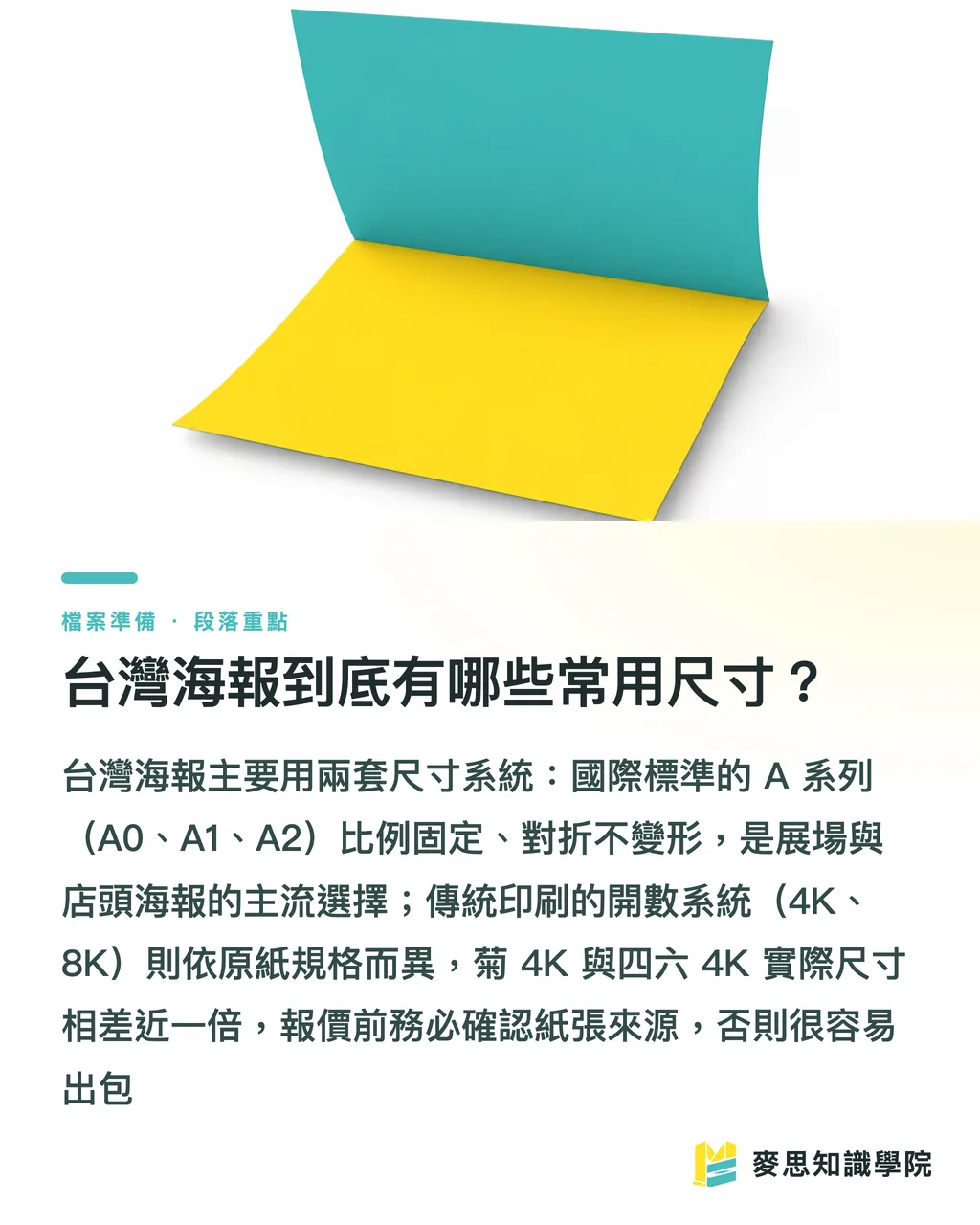
The short answer: Taiwan uses two sizing systems. One is the international A-series standard (A 0, A 1, A 2), and the other is the traditional print sheet count (4K, 8K, full chrysanthemum sheet, chrysanthemum half-sheet)
People mix them up all the time, but they come from different places
The A-series follows ISO 216, with a fixed aspect ratio of 1:√2 (roughly 1:1.414). Folding any sheet in half keeps the same ratio, so A0 folded is A 1, A1 folded is A2, and so on, always the same slender proportion
Common sizes:
・A0: 841 × 1189 mm, roughly the visual weight of a single mattress pinned to a wall. The go-to for trade show hero graphics and large event posters
・A1: 594 × 841 mm, the most common size for in-store standees, election boards, and enrollment posters
・A2: 420 × 594 mm, the everyday size for in-store wall notices, seminar announcements, and community bulletin boards
The open-sheet system is the old language of Taiwan's print shops, rooted in how a full sheet of paper gets cut down
The number of equal cuts gives the name: cut once and you get half-sheet, cut again and it's 4K (quarter-sheet), cut again and it's 8K (eighth-sheet)
Here's where a lot of designers get tripped up: the actual dimensions of an open-sheet size shift depending on the base paper spec
Taiwan's two most common base sheets are the chrysanthemum sheet (kikuban, roughly 25 × 35 inches) and the 4-6 sheet (also called kikubai, roughly 31 × 43 inches)
So when someone says '4K,' chrysanthemum 4K is about 27 × 39.5 cm, while 4-6 4K (kikubai 4K) is about 39.5 × 54.5 cm. A significant gap
Seeing '4K' on a quote and assuming the same dimensions every time is the fastest way to get it wrong
A-Series vs. Open-Sheet: What's the Difference, and Which Should You Use?
Clients ask me all the time: 'Why do some printers quote A1 and others quote chrysanthemum half-sheet?'
It comes down to equipment and use case
Digital output and large-format inkjet printing almost always use A-series dimensions, because the machines run on metric millimeters. Say A0 or A1 and everyone's on the same page
Offset printing still tends to talk in open-sheet terms, because costs are calculated from the full sheet, and the open-sheet count maps directly to how well the paper is used on press
My recommendation is simple:
・Small runs, large sizes, need it fast (1 to 50 sheets): go large-format output and communicate in A-series dimensions
・High volume, need to drive down unit cost (usually 500+ sheets): go offset, talk in open-sheet terms, and always confirm whether it's chrysanthemum or 4-6 base sheet
A real example: a client wants 1,000 A2 posters. On chrysanthemum base paper, one full sheet fits exactly 4 near-A2 panels with almost no waste. But if the dimensions land in an awkward spot, you might only get 3 per sheet, and everything else is scrap. Unit cost goes up instantly
That's why 'confirm the size before quoting' always saves money over 'quote first, adjust later.'
Bleed, Resolution, and Color Mode: How to Set Them Right
Getting the size right isn't enough. If these three settings are off when you send the file, the print will still be a disaster
First: bleed
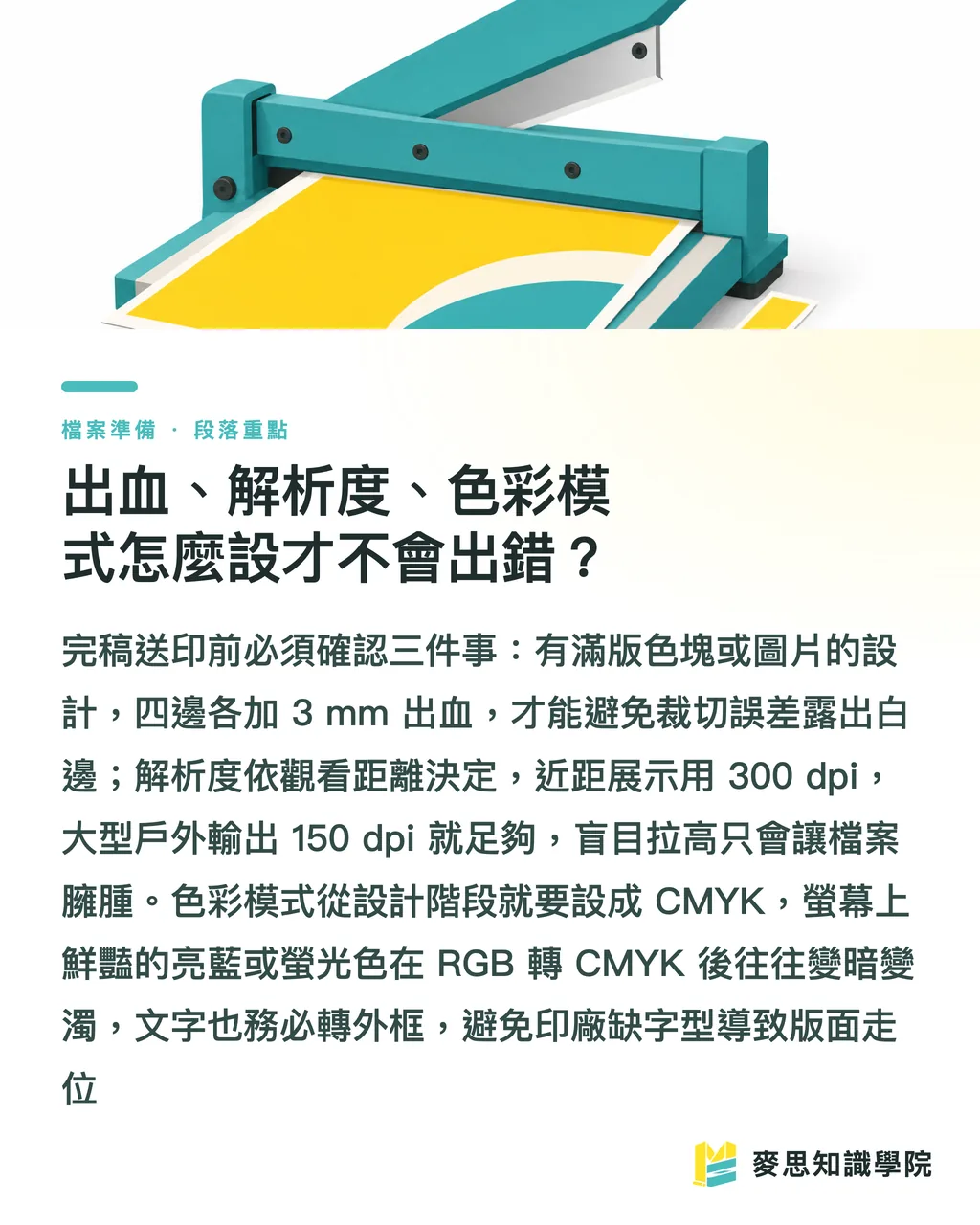
Any time your design has color or images running to the edge, add 3 mm bleed on all four sides
For an A1 poster (594 × 841 mm), that means your final file should be 600 × 847 mm. The extra strip gets trimmed off during cutting
Why? Because no cutter is perfectly precise. Bleed gives the mechanical tolerances somewhere to land. Without it, you get a thin white strip along the edge. It looks cheap
Second: resolution
For posters viewed up close (in-store, window displays, A2 and smaller), 300 dpi is the standard
But here's something the industry gets wrong a lot: resolution depends on viewing distance, not on 'higher is always better.'
For large outdoor banners or backdrops that people view from several meters away, 100 to 150 dpi is plenty. Pushing to 300 dpi just makes the file a pain to transfer and slows down output
Third: color mode
Print always uses CMYK. Don't send RGB files
Screens emit RGB light; printing uses CMYK ink. The color gamuts don't match
The classic disaster: that saturated electric blue or neon green on your monitor turns noticeably darker and muddier in CMYK ink
The right move is to set your document to CMYK from the start. What you see is what you get. Don't wait until you're done to convert and then stare at a ruined print
Also, always convert text to outlines (create outlines / convert to curves). If the print shop doesn't have your font, the layout will break
Paper and Finishing: What to Choose for Different Poster Purposes
Size and file are sorted. The last mile is paper and finishing, and that's what actually decides how the poster feels
The pairings I keep going back to:
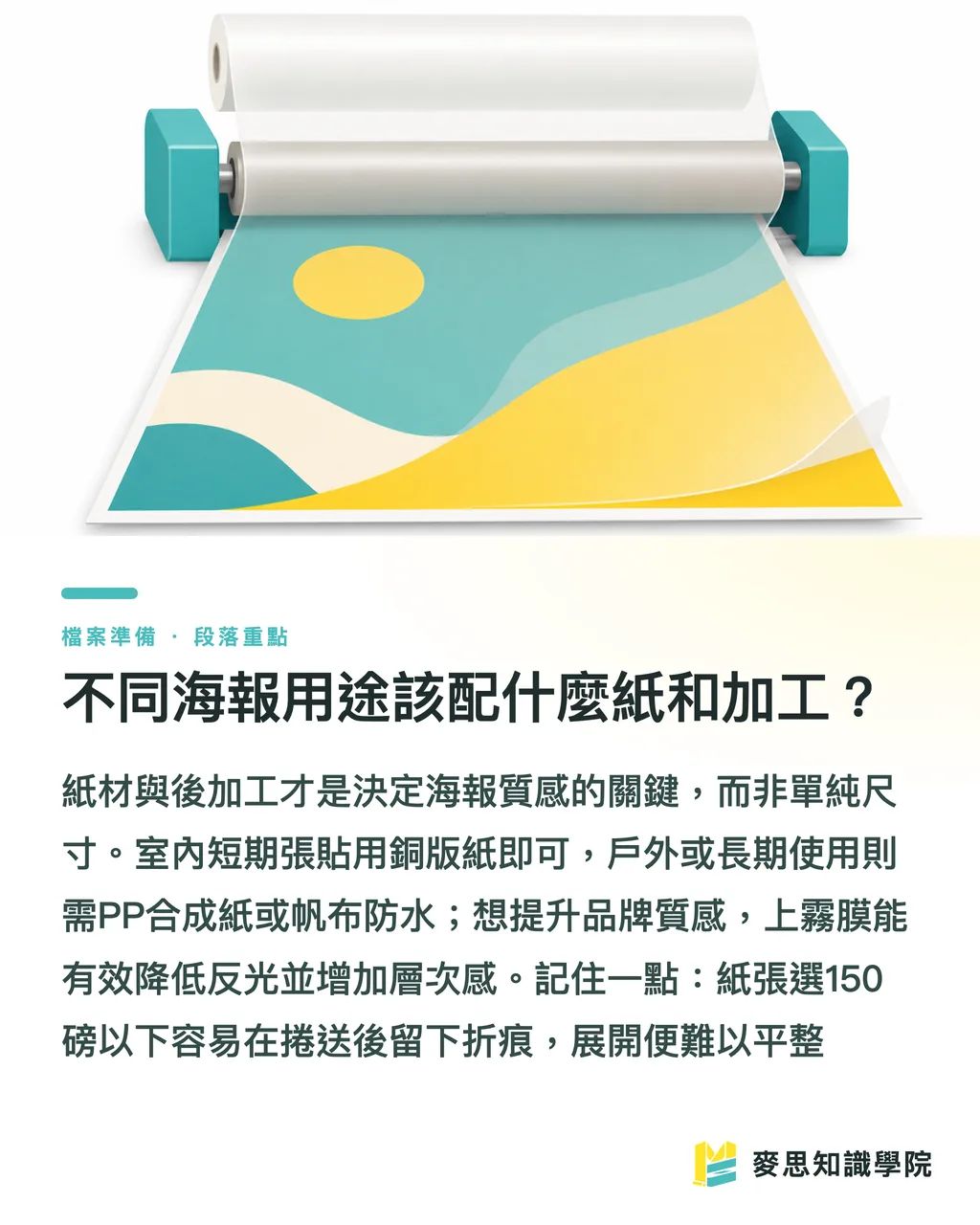
・Indoor posting, short-term events: 150 to 200 gsm coated or matte coated paper. Low cost, fast turnaround, the kind you're swapping out in a week or two anyway
・In-store standees, need to stand upright: mount on 5 mm or 10 mm KT board (foam board) or PP board. That's the only way it stays up
・High-end hero graphics, brand image walls: consider a matte laminate (scratch-resistant, cuts glare) or spot UV coating to make certain elements pop
・Outdoors, exposed to water: use waterproof PP synthetic paper or outdoor banner material. Coated paper in the rain is a write-off
One practical note: if the poster is being rolled for shipping or long-term storage, don't go too light. Under 150 gsm, rolling leaves creases and wavy edges that won't lie flat when unrolled
Paper and finishing are really what make a poster look premium or not. The size just gets you in the door
Key Takeaways
・Taiwan uses two sizing systems: A-series (metric, the choice for digital output) and open-sheet (the language of traditional offset printing). Know which one you're dealing with before anything else
・Open-sheet dimensions shift with the base paper. The same '4K' can be nearly double in size depending on whether it's chrysanthemum or 4-6 sheet. Always ask before quoting
・Full-bleed designs need 3 mm on all four sides. A1 artwork should be 600 × 847 mm. Skip the bleed and the trim leaves a white edge
・Resolution depends on viewing distance: 300 dpi for close-up viewing, 100 to 150 dpi for large backdrops viewed from a distance. Higher isn't always better
・Always print in CMYK, always convert text to outlines. RGB bright colors go muddy in print; missing fonts break the layout
Taking It Further
When posters go wrong, it's rarely a design skill problem. It's specs that weren't locked in before work began
My suggestion: turn 'size, bleed, resolution, color mode, paper' into a five-point pre-submission checklist. Designers run through it before handing off the file, and you block about 80% of reprints
For design teams bringing AI tools into the workflow, these five points are exactly the kind of thing templates and automated checks are built for: run the file through and instantly flag whether bleed is sufficient, whether it's CMYK, whether resolution is correct. Save the human attention for the creative work
For clients, the easiest path is finding one vendor who handles everything from size advice and file checking to printing and finishing, rather than sourcing design, print, and mounting separately and watching specs get garbled in between. That's the core of what MINDS (mid-to-high-end fully customized commercial printing) offers as an integrated service: cut the cost of spec communication down, and reprint one fewer time
FAQ
- What are the dimensions of an A1 poster?
- An A1 poster is 594 × 841 mm, or 59.4 × 84.1 cm, the most common size for in-store standees, enrollment posters, and election boards. If your design has full-bleed color, add 3 mm bleed on all four sides, making the final file 600 × 847 mm
- How big are 4K and 8K posters?
- Open-sheet dimensions vary by base paper. Chrysanthemum 4K is about 27 × 39.5 cm, 8K about 19.5 × 27 cm. 4-6 sheet (kikubai) 4K is about 39.5 × 54.5 cm, 8K about 27 × 39.5 cm. Always ask your printer which base sheet they're using before getting a quote
- How much bleed does a poster design need?
- Full-bleed designs need 3 mm on all four sides. For an A1 (594 × 841 mm), the final file should be 600 × 847 mm. The extra strip gets trimmed off in cutting, that's what keeps the white edge away
- What DPI should a poster be?
- For posters viewed up close (A2 and smaller, in-store window displays), 300 dpi is the standard. For large outdoor backdrops or banners viewed from several meters away, 100 to 150 dpi is enough. Resolution is determined by viewing distance, higher isn't always better
- Should poster design files use RGB or CMYK?
- Always use CMYK for print. RGB is a screen color space, saturated blues and neon greens turn noticeably darker and muddier when converted to CMYK ink. Set your document to CMYK at the design stage, and convert text to outlines to prevent layout breaks from missing fonts
Related articles



The Print × AI weekly
The print and AI know-how designers, brands and enterprises can use before they commit — one email, every week
MINDS Free Tools
Imposition calculator and preflight file check — free prepress tools, right in your browser.
MINDS Group
Need actual printing or gifting services?
From premium printing to online ordering and festive gifts — the MINDS Group sister brands take it from here.