
Prepress & Artwork
Bleed, resolution, fonts, PDF export — turn your design into a print-ready file
- Audience
- Designers・Print Production Staff・Brand Owners
- Bleed
- Resolution
- Illustrator
- Canva
- Print Submission Guidelines
- Fonts
- File Output
Which Illustrator PDF Preset Should You Use for Print? A Practical Setup Guide
Your design looks flawless on screen, but the printed result has missing text, broken lines, or severe color shifts. This guide draws on frontline production experience to help you decode Illustrator's messy PDF export options and build a standardized, low-risk print-ready setup
What Is 300 DPI Print Resolution? Can You Print Images Downloaded from the Web?
It looks perfectly sharp on screen, so why does it come out looking like a mosaic when printed? This article breaks down how DPI actually works from a production line perspective, helping you convert digital files into high-quality physical prints without losing a thing
How Much of Your Design Will Bookbinding Eat? Perfect Binding and Saddle Stitching Layout Calculations Every Designer Must Learn
The binding method directly dictates the visual quality of printed materials and determines whether your graphics and text will be cut off by machines. Drawing from my years of experience on the production line, this article helps designers precisely calculate perfect binding gutter losses and saddle stitching creep to avoid common pre-press pitfalls
Can Word and PPT Files Go to Print? A Senior Consultant's Guide to Avoiding Office File Conversion Traps
SMEs often use Word or PPT to lay out catalogs. They look perfect on screen, then turn into print disasters with white borders and color shifts. This field guide shows you how to work around the fatal flaw of office software, its lack of built-in bleed settings, and squeeze the highest possible print-file quality out of the tools you already have
Text Keeps Getting Cut Off? Beyond Bleed, the Safe Zone Settings You Need to Know Before Printing
Beginners often think a 3mm bleed is enough, only to find half the logo shaved off in print. Drawing on more than ten years of production-line experience, this article explains how the trim line, bleed area, and safe zone work together, so your design files land cleanly in the finished product
Looks Stunning on Screen but Prints Like a Disaster? A Senior Consultant's Guide to Avoiding RGB-to-CMYK Pitfalls
That vivid design that looks perfect on screen can turn dull and muddy after printing. In more than a decade in the industry, this is one of the problems I have handled most often; once you understand the physical difference between light and ink and build the right conversion logic, you can stop reprint disasters at the design stage
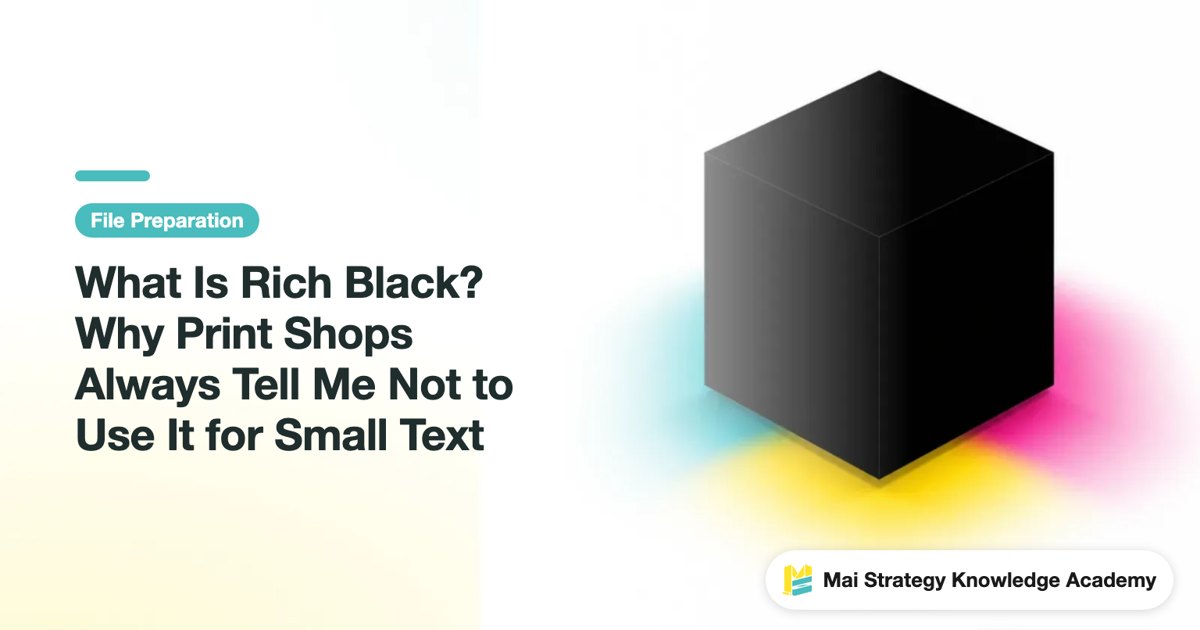
What Is Rich Black? Why Print Shops Always Tell Me Not to Use It for Small Text
Perfect black text on screen prints with blurry colored edges and ghosting. This prepress guide breaks down the causes and risks of rich black, teaching you how to use correct black settings to avoid reprinting disasters
Why Does Bright Orange on Screen Turn Muddy When Printed? CMYK vs. RGB Color Difference Explained & File Conversion Guide
A design that looks perfect on screen ends up dull and muddy in print. This is the single pain point I've dealt with most in over a decade in printing. Once you understand the physical difference between light and ink and set up proper file conversion logic, you can prevent 90% of reprint disasters right at the design stage
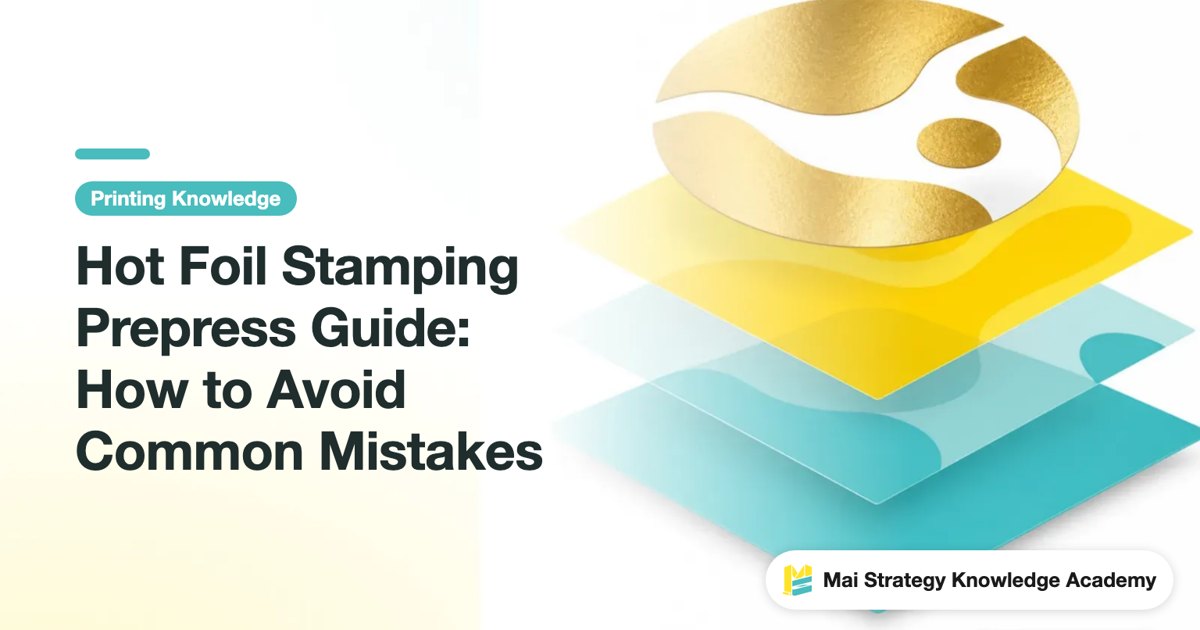
Hot Foil Stamping Prepress Guide: How to Avoid Common Mistakes
When hot foil stamping fails, it is rarely because the design looks bad. It happens because foil film, substrate, font size, stroke width, and the spot color plate were not evaluated together. Here is what designers need to check regarding materials, type sizes, and prepress setup before sending files to print, straight from the press floor
Should Final Artwork Images Be Linked or Embedded?
A file that looks fine on screen does not mean the print shop can output the images correctly Starting from the all-too-common case of rejected files with missing links, this article explains linked images, embedded images, Package, and the prepress checks you should run before sending files to print
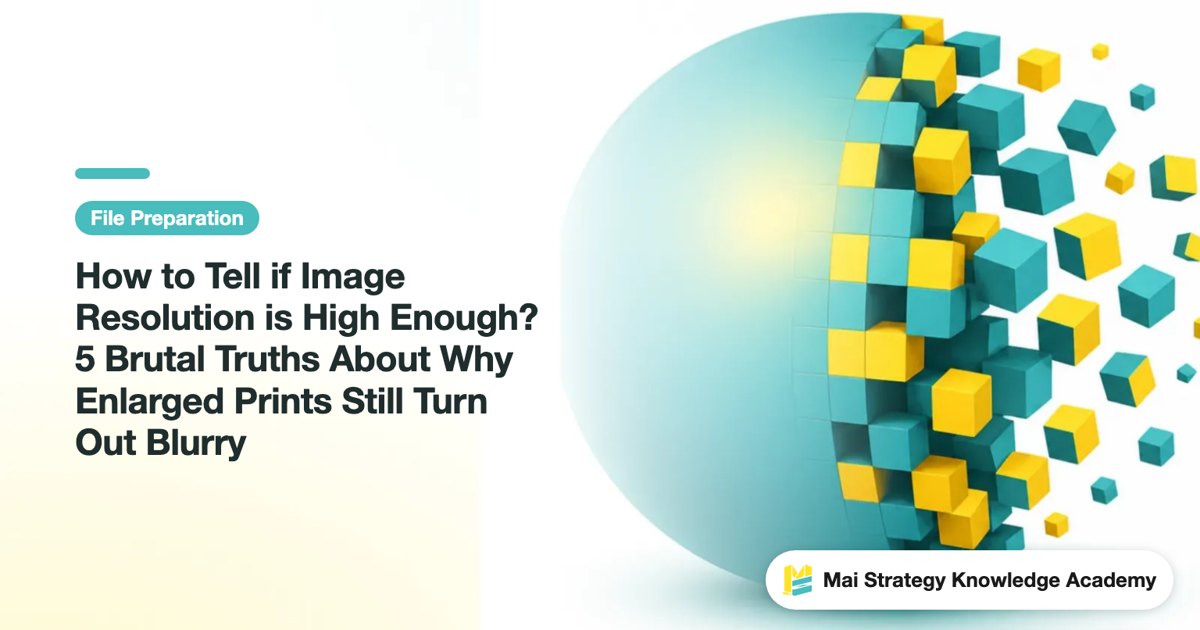
How to Tell if Image Resolution is High Enough? 5 Brutal Truths About Why Enlarged Prints Still Turn Out Blurry
Why does your print job turn out like a pixelated mess even though you set it to 300 DPI? Drawing from over a decade of production line experience, this article breaks down five resolution blind spots designers often fall into, helping you turn stunning on-screen images into flawless prints

Flyer Design: A Complete 6-Step Workflow
Flyer design starts with deciding the order readers see information, followed by layout, color, imagery, and call to action, before finishing with print specification checks. Using the MINDS 6-step flyer framework, this guide breaks down A4, A5, bleed, CMYK, CTA, and prepress checks in one clear read
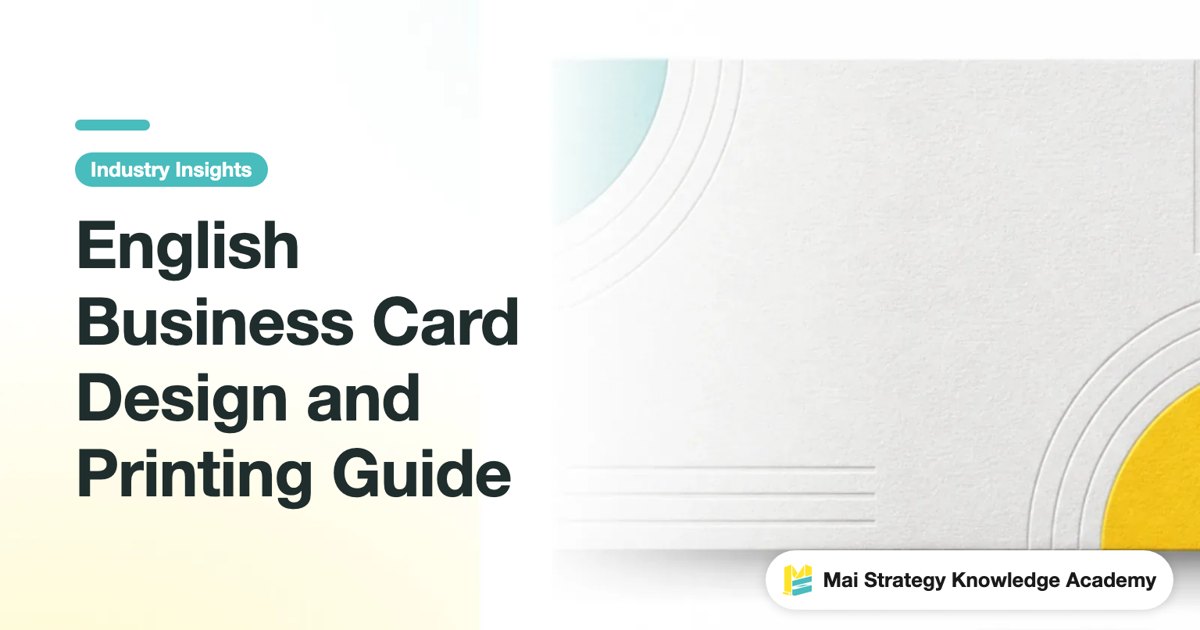
English Business Card Design and Printing Guide
English business cards require arranging your name, job title, company, and contact details into an internationally clear information hierarchy before adding brand texture through paper stock and finishing. From layout and paper selection to print prep and business etiquette, this checklist gives designers and buyers actionable steps they can follow immediately

Dragon Boat Festival Poster Size, Paper, and Prepress Guide
The biggest risk for Dragon Boat Festival posters is looking festive on screen but printing out blurry, peeling off easily, or leaving no time for file revisions. From a prepress consultant's perspective, this guide walks through dimensions, paper stock, colors, bleed, and final file checks step by step
How to Set a 3mm Bleed the Right Way: A Print Consultant Explains Trim Lines and Safe Margins
"I added bleed" is the line every designer says, but on screen it looks perfect, then it comes back with cut-off text or white edges? Drawing on a decade-plus on the production floor, this article breaks down the most common mistakes people make when sending files to print and clears up the key points of file prep in one go
How to Design and Print Business Cards That Work
A business card isn't just contact info on a small piece of paper. It compresses brand credibility, business scenarios, and print execution into 90 × 54 mm. From a prepress consultant's perspective, this guide walks you through design, paper stock selection, finishing options, and print-ready file setup
The Complete Guide to Sticker Printing and Production
When printing stickers, decide on the intended use first, then choose the material, size, finishing techniques, and file specs. Get the order wrong, and every step after gets more expensive. Using MINDS three print-ready checkpoints, I break down materials, sizing, post-press finishing, and prepress checks into an actionable checklist so SMEs and designers can avoid endless revisions and common pitfalls

Practical Guide to Avoiding Pitfalls in Folding Carton Design
Folding carton design starts with dieline planning and fold orientation before laying out graphics. MINDS inspects pre-press files through a three-stage check: structure first, printing second, and the folded front visual effect last. Based on hands-on pressroom experience, this guide explains dieline planning, layout logic, and folded visual balance to help your design artwork match the actual finished product
Missing Images Every Time You Send to Print? Illustrator Links vs. Embedded Images
Your file looks flawless on screen, yet the print shop sends it back with a "missing images" notice. This is the number-one complaint I've fielded in over a decade on the press floor. This piece breaks down how links and embedding actually work, straight from the trenches, so the missing-image nightmare ends for good
How to Choose the Right PDF/X Spec for Print
When a print shop asks for PDF/X, they do not mean "just save it as a PDF." This article uses real prepress decision logic to help you tell PDF/X-1a, PDF/X-3, and PDF/X-4 apart, and know which options to check when exporting from Illustrator
Why Do Shadows, Feathering, and Blend Modes Look Wrong in Print? Transparency Effect Risks and Solutions for Print Submission
The delicately layered drop shadows and glows that look perfect on screen turn into white borders, color shifts, or jagged edges after printing. This type of rejection is surprisingly common in the jobs I've handled, and it can almost always be traced back to the same root cause: transparency flattening that wasn't handled properly. From the perspective of a print shop, this article breaks down the hidden dangers in Drop Shadow, Feather, Multiply, and other effects when submitting files for print, along with actionable solutions
The Ultimate Guide to White Ink Printing Prep: Spot White Setup Pitfalls for Transparent Bags and Dark Paper
A design that looks flawless on screen often turns into a disaster when printed on transparent materials or black cardstock. Drawing from my over a decade of hands-on printing experience, this guide breaks down the logic of white ink underprinting and common software setting blind spots. Understanding spot white trapping and overprinting will save you massive reprinting costs right from the source
Business Card Design App Pitfalls: A Practical Guide to Dimensions, Bleed, and Export Formats
Designing business cards in an app is fast, but files sent to print shops often get rejected over dimension and bleed errors. Drawing on over a decade of prepress experience, here is how to turn your app designs into press-ready files that meet print shop standards
Can Figma Handle Print-Ready Files? A CMYK Conversion Survival Guide
You're used to designing web layouts in Figma and figured you'd just knock out a quick print piece while you're at it, then realized there's no CMYK option anywhere. This article breaks down the built-in limits of online UI design tools and shows you how to head off on-screen color drift and file errors before they wreck your print run