
What does a print shop mean by PDF/X?
PDF/X is a PDF standard made for print exchange. It locks down fonts, color, images, and output conditions so the same file can produce a more predictable print result across computers, RIPs, and print shops
My direct answer is this: when a print shop asks for PDF/X, it is not trying to make life hard for designers. It is asking for a file that the prepress workflow can process reliably. When MINDS (MS, mid- to high-end fully custom commercial printing) helps clients send files to print, it also starts with the "MINDS three print-file checks" to confirm specs, color, and bleed, so the production line is not forced to guess later
The biggest problem with PDF is that it can look complete while still hiding a lot of uncertainty
Fonts may not be embedded. RGB images may not have been converted to CMYK. Transparency may be left for the RIP to flatten. Color profiles may not match the print shop's workflow
PDF/X exists to deal with that uncertainty
It is not magic that makes artwork look better. It simply states upfront which things must be fixed, and which things cannot be left for the print shop to guess
・PDF/X-1a: follows the most conservative prepress logic. Only CMYK and spot colors are allowed in the file, fonts must be embedded, RGB is not allowed, and live transparency is not preserved
・PDF/X-3: relaxes color management compared with PDF/X-1a. In practice, some print shops still treat it as an acceptable print-ready format
・PDF/X-4: supports newer PDF workflows. It can preserve live transparency and layers, making it suitable for prepress environments with newer RIPs and proper color management
I often tell designers that PDF/X is like a shipping document
Without it, the goods may still arrive, but everyone on site has to ask one more question, make one more judgment call, and take on one more chance of error
What is the difference between PDF/X-1a and PDF/X-4?
The core idea of PDF/X-1a is "solve the trouble before sending it to print." The core idea of PDF/X-4 is "keep the flexibility and let the newer workflow handle it."
Neither is absolutely more advanced than the other. The question is which one fits that print shop's equipment and process
PDF/X-1a is strict, and that is exactly why it is popular in traditional print production
It requires all color in the file to be CMYK or spot color, with no hidden RGB. Fonts must be embedded. Transparency cannot stay live. It has to be converted at export into objects the prepress system can understand
・PDF/X-1a: limits color to CMYK and spot colors, suitable for conservative, stable print workflows with mixed generations of equipment
・PDF/X-1a: bans RGB, reducing color shifts caused by last-minute conversion at the print shop
・PDF/X-1a: bans live transparency, lowering the risk of white lines, overprint errors, and broken shadows when older RIPs flatten transparency
・PDF/X-1a: requires embedded fonts, reducing the chance of missing characters, font substitution, and layout shifts
PDF/X-4 is closer to how current design software works natively
Transparency, shadows, gradients, and layers commonly used in Illustrator and InDesign can stay more live in PDF/X-4, then be handled at output by a newer RIP
・PDF/X-4: allows live transparency, making it suitable for designs with many transparency effects
・PDF/X-4: can preserve layers and a fuller PDF structure, which works better with newer prepress workflows
・PDF/X-4: requires support from the print shop's RIP system. Without that, flexibility turns into risk
In shop-floor terms: X-1a flattens the risk early. X-4 leaves quality flexibility to people and systems that know how to handle it
If the print shop has not clearly said it accepts X-4, I do not suggest designers upgrade the spec on their own and send it directly
For printing in Taiwan, should you choose PDF/X-1a or PDF/X-4?
In the day-to-day reality of Taiwan print shops, most still use PDF/X-1a or PDF/X-3 as their main file intake standard, especially gang-run printers, quick-print shops, traditional prepress workflows, and plants with mixed generations of equipment
That is not because PDF/X-4 is bad
It is because the biggest fear on the print floor is not a new spec. It is "after the file comes in, every station reads it differently."
When a print shop handles large volumes of business cards, flyers, packaging stickers, catalogs, and posters every day, stability matters more than a theory that sounds elegant
My advice is very direct:
・If the print shop specifies PDF/X-1a: follow it. Do not change it to PDF/X-4 on your own
・If the print shop says PDF/X-3 is accepted: confirm whether RGB images and the ICC workflow will be handled by the shop. Do not judge only by whether the filename looks qualified
・If the print shop clearly says it accepts PDF/X-4: then preserve transparency and newer PDF structure, and ask the shop to confirm RIP support
・If the print shop only says "just send a PDF": at least ask whether PDF/X-1a is accepted, and confirm bleed and color settings
For small and midsize business clients, the safest method is not studying every PDF/X version. It is asking the print shop which version it wants first
For custom catalogs, packaging, specialty paper, or spot-color jobs, MINDS usually confirms the PDF/X version, bleed, and color conditions during prepress before moving into proofing or final output
How do you export PDF/X from Illustrator?
When exporting PDF/X from Illustrator, the key place is the "Adobe PDF Preset" menu after choosing to save as Adobe PDF
You will see options such as PDF/X-1a, PDF/X-3, and PDF/X-4 in the presets. After choosing the right spec, you still need to check color, marks, bleed, and font embedding
In practice, I ask designers to check in this order. Do not just hit "Save" and call it done
・Step 1: after finalizing the artwork in Illustrator, choose "Save As" or "Save a Copy," then select Adobe PDF as the format
・Step 2: in the Adobe PDF settings window, choose the print shop's required PDF/X-1a, PDF/X-3, or PDF/X-4 from "Adobe PDF Preset."
・Step 3: check "Marks and Bleeds" to confirm whether crop marks should be included, and whether the document bleed meets the print shop's requirements
・Step 4: check color output settings, and confirm whether CMYK, spot colors, and color profiles match the print shop's preference
・Step 5: after export, open the PDF in Acrobat or a preflight tool to confirm page size, bleed, fonts, images, and transparency effects are all normal
Here is a common misunderstanding: choosing a PDF/X preset does not mean every prepress problem disappears automatically
If the source file has no bleed set, PDF/X will not invent bleed for you. If the image resolution is too low, PDF/X will not make a blurry image sharp
For retail-style print products such as business cards, stickers, and simple flyers, clients can prepare files according to Mai Printing's online ordering rules. The main point is to set size and bleed exactly as the platform requires
For mid- to high-end commercial print work, such as catalogs, packaging, and brand materials, it is better to let MINDS or the prepress contact check the specs before final artwork. Fixing a PDF costs far less than fixing a batch of bad printed products
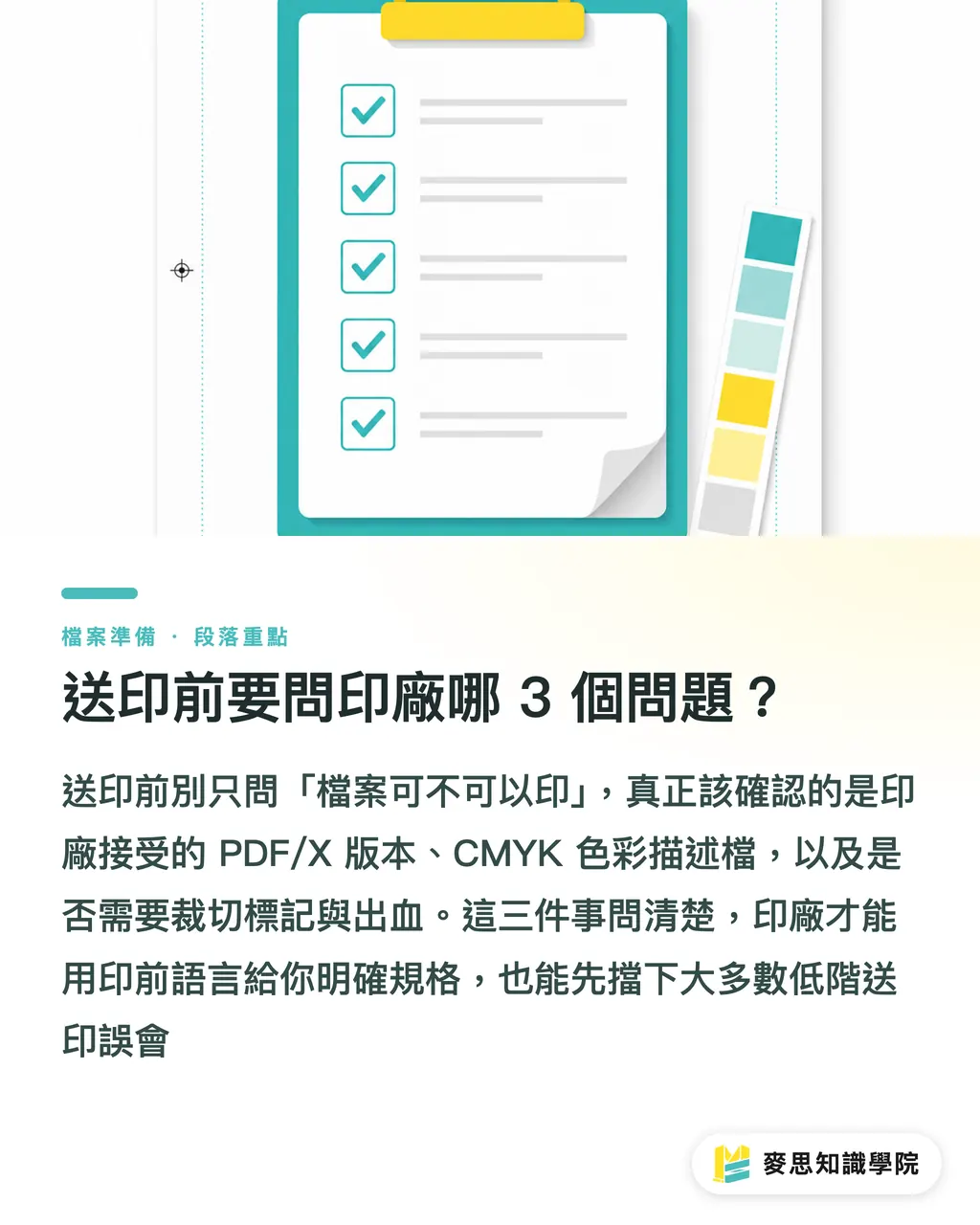
What 3 questions should you ask the print shop before sending files?
Before sending a file to print, the best question is not "Can this be printed?" It is these 3 things: which PDF/X version do you accept, which color profile do you want, and do you need marks and bleed?
Once these 3 questions are answered, more than 90% of basic print-file misunderstandings can be stopped early
・Question 1: Do you accept PDF/X-1a, PDF/X-3, or PDF/X-4?
・Question 2: What CMYK color profile or output condition do you prefer?
・Question 3: Should the PDF include crop marks, color bars, registration marks, and bleed?
These 3 questions look basic, but they divide vague communication from real prepress communication
If a designer only asks, "Is this file okay?", the print shop can usually only answer from experience and say it is probably fine
If the designer asks about the PDF/X version, color profile, marks, and bleed, the print shop can answer clearly in prepress terms
My own judgment is practical: when unsure, use the print shop's specified format. Do not use a newer spec just because you think it is newer
PDF/X-4 is good, but only if the print shop can process it reliably. PDF/X-1a is old-school, but it is still dependable in many Taiwan print shops
A good print-ready PDF is not the designer's final step. It is the first checkpoint for print quality
The clearer the file preparation, the less proofing, press work, and delivery depend on luck later
Key Takeaways
・The value of PDF/X is not the format name. It is locking down fonts, color, transparency, and output conditions early
・PDF/X-1a fits conservative and stable prepress workflows. PDF/X-4 fits newer RIPs that can handle live transparency
・Most print shops in Taiwan still often require PDF/X-1a or PDF/X-3. Designers should not upgrade the spec to PDF/X-4 on their own
・Choosing a PDF/X preset in Illustrator is only the first step. Bleed, marks, color, and fonts still need to be checked one by one
・Before sending files to print, ask 3 questions first: which PDF/X version is accepted, which color profile is required, and whether marks and bleed are needed
Further Thinking
PDF/X is really a kind of work discipline: the design side reduces uncertainty, the print shop raises predictability, and the client avoids one more reprint risk. For print manufacturing, file intake specs must be stated plainly, not reduced to "just send a PDF." For designers, final artwork is not only about finishing the visual design. It is about whether the production line can read the file reliably. For SaaS and AI application teams, the most valuable future tools will not be the ones that help someone press one more export button. They will be the ones that automatically check PDF/X version, RGB, font embedding, bleed, and transparency risks before a file goes to print. Truly good automation turns the judgment inside a prepress expert's head into a repeatable checking process
FAQ
- What kind of standard is PDF/X?
- PDF/X is a PDF standard made for print exchange. It limits or locks down fonts, color, images, transparency, and output conditions so the prepress workflow becomes more predictable
- If the print shop asks for PDF/X-1a, can I send PDF/X-4?
- Not recommended. PDF/X-4 requires support from the print shop's RIP and color management workflow. When a shop specifies PDF/X-1a, it means it wants you to handle CMYK, font embedding, and transparency risks first
- Why can't PDF/X-1a contain RGB?
- PDF/X-1a requires color to be limited to CMYK and spot colors. The goal is to prevent RGB-to-CMYK conversion from being left until the file reaches the print shop, reducing color shifts and inconsistent output
- Where do you choose PDF/X in Illustrator?
- When saving an Adobe PDF in Illustrator, open the Adobe PDF settings window and choose PDF/X-1a, PDF/X-3, or PDF/X-4 from the "Adobe PDF Preset" menu, then check marks, bleed, and color settings
- What must you ask the print shop before sending files?
- Ask at least 3 things: which PDF/X version they accept, their preferred color profile or output condition, and whether crop marks and bleed should be included
Related articles

The Print × AI weekly
The print and AI know-how designers, brands and enterprises can use before they commit — one email, every week
MINDS Free Tools
Imposition calculator and preflight file check — free prepress tools, right in your browser.
MINDS Group
Need actual printing or gifting services?
From premium printing to online ordering and festive gifts — the MINDS Group sister brands take it from here.