
Why do print shops always reject files that are saved directly as PDFs?
This is the question I am asked most frequently on-site. Everyone is accustomed to clicking "Save as PDF" after finishing their work in Illustrator or InDesign, unaware that this is often the beginning of a disaster
General PDFs are created for cross-platform viewing and may contain interactive forms, web hyperlinks, RGB images, or even non-embedded fonts
What print shops actually care about is the PDF/X format, which complies with ISO 15930 standards
This is a packaging standard designed specifically for print. It forcibly strips away all non-essential data unrelated to physical printing and locks in colors and fonts, ensuring that the RIP (Raster Image Processor) of the printing press can interpret the file accurately
What is the real difference between PDF/X-1a and PDF/X-4?
There are many PDF/X specifications on the market, but in practice, we mostly use two. Choosing the right spec can save you from countless back-and-forth reprinting costs
・PDF/X-1a: The veteran in the prepress field, focusing on absolute safety and traditional compatibility
・X-1a corresponds to Acrobat 4 (PDF 1.3). It forces all colors to be converted to CMYK or spot colors and "flattens" shadows and transparency
・PDF/X-4: The modern standard that addresses current digital printing and advanced layer effects
・X-4 corresponds to Acrobat 7 (PDF 1.6). Its biggest feature is the ability to retain "live transparency."
・It even supports RGB images with ICC profiles, letting the modern printing press's RIP handle the color conversion, resulting in more subtle and refined color transitions
3 tips to avoid pitfalls when exporting from Illustrator for print
The moment you press export in your design software, you are essentially finalizing the risks of your print job
By mastering the logic of the correct dialog box settings, you can intercept over 90% of prepress complaints
・Choose the right preset: In the export dialog's dropdown menu, directly specify [PDF/X-1a:2001] or [PDF/X-4:2008]
・Set marks and bleeds: Be sure to check "Use Document Bleed Settings." Most physical printing requires a 3mm bleed space on all four sides
・Avoid manual marks: Unless the print shop specifically requests them, do not manually check color bars or crop marks. Hand over a clean file and let the prepress software handle the automatic imposition
・Lock color profiles: In the "Output" tab, confirm that the Color Destination points to the correct CMYK profile (e.g., Japan Color 2001 Coated, which is commonly used in Asia)
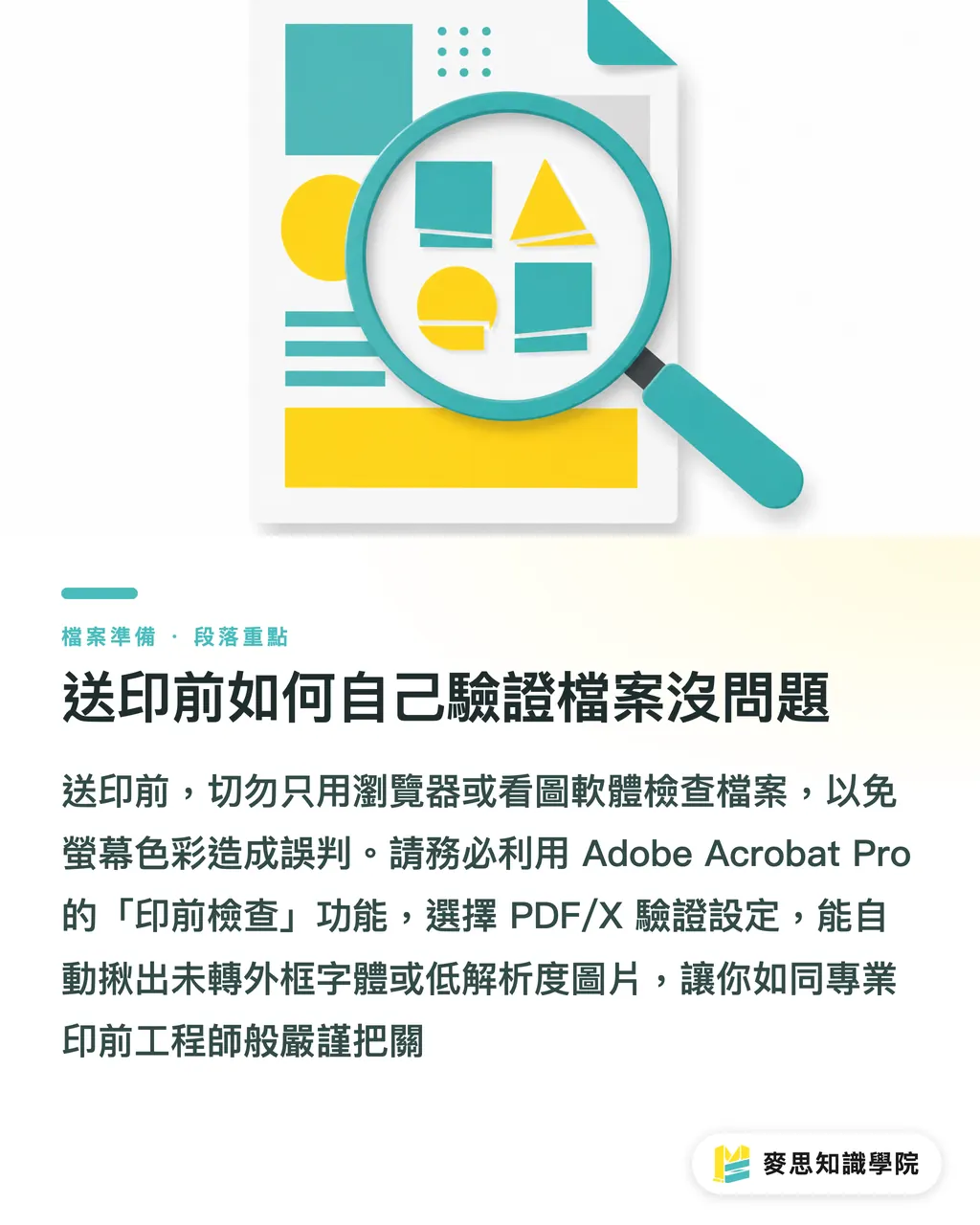
How to verify your files yourself before sending them to print
Don't just open your converted file in a Chrome browser or free image viewer. The brilliant colors displayed on screens are often deceptive
Please get into the habit of using Adobe Acrobat Pro for the final check, as this is the closest inspection method to a print shop's perspective
・Open the "Print Production" panel: Search for this tool in the menu and select the corresponding PDF/X verification profile
・Run a full analysis: The system will automatically detect if there are hidden fonts that haven't been converted to outlines or blurry images below 300 dpi
・Make this verification step a daily habit, and you will possess the keen eyes of a professional prepress engineer, no longer needing to worry about the print shop's feedback
Key Takeaways
・Standard PDFs are for people to view; PDF/X is for printing presses. It is an ISO-compliant package specifically for print
・For stability, choose X-1a (which flattens transparency); for modern effects and layer retention, choose X-4
・Be sure to enable 3mm document bleed settings during conversion and point the color intent to the corresponding CMYK profile
・Form the habit of using Acrobat Pro's print production tools to verify files; don't rely on web browsers to view print files
Extended Thoughts
We are in an era where design tools are democratized, with more people using Canva or Figma to create amazing visuals, but the physical limitations of print remain unchanged
Understanding PDF/X is not about making things difficult for creators, but about building a stable communication bridge between frontend creativity and backend manufacturing
The one-stop integrated service that MINDS Printing has been promoting is fundamentally about turning this seasoned experience into a smooth process, allowing clients to avoid format minefields at the start and significantly reducing wasted effort between designers and prepress staff
FAQ
- Can my Canva files be saved directly as PDF/X for the print shop?
- The built-in "PDF Print" option in Canva currently only exports standard PDFs with CMYK information and lacks strict PDF/X encapsulation capabilities. It is recommended to perform color conversion and prepress verification via Acrobat Pro after exporting, or to let a professional print consultant handle it
- Why do strange white lines appear around my shadows and gradients after converting to PDF/X-1a?
- Because X-1a specifications force transparency to be "flattened" and fragmented into bitmaps. The fine white lines seen in screen previews are usually an illusion caused by display calculations and rarely appear in the actual print. If you are worried about quality, you can confirm with the print shop if they can use PDF/X-4, which supports transparency
- If the print shop says they only need the original Illustrator file, do I still need to convert it to PDF?
- Providing the original file means you must package all linked images and fonts together; missing even one will result in missing files or fonts. Converting to PDF/X is equivalent to packaging all assets into an unalterable, independent bundle, which fundamentally eliminates the risk of fonts shifting or images going missing