
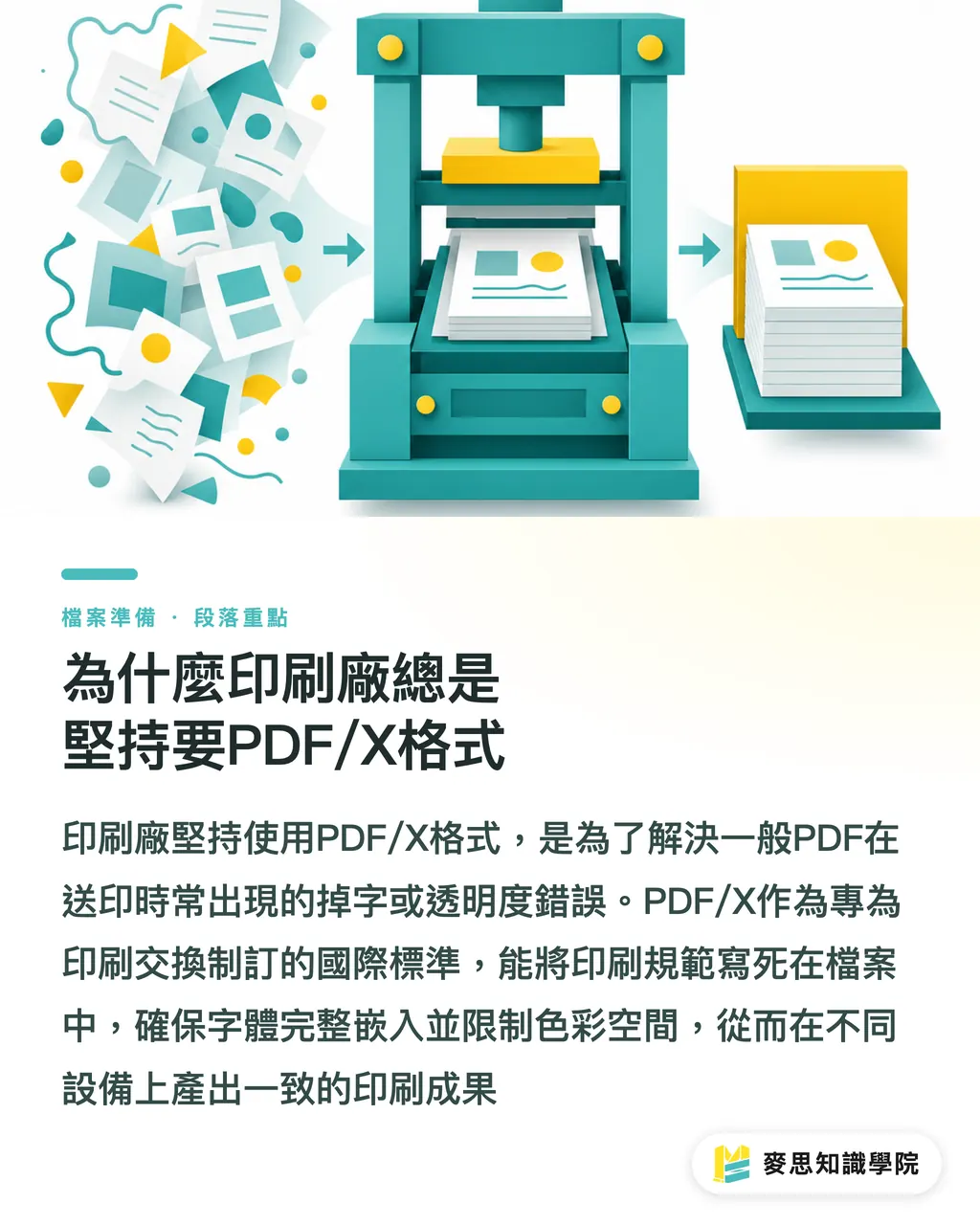
Why Print Shops Always Insist on PDF/X
After more than ten years in this industry, the complaint I hear most is: the file looks fine on screen, but it comes out of the press with missing text, broken lines, or a big white patch where a transparency used to be
Most of the time, it's because you sent a generic PDF and left the print shop's raster image processor (RIP) to figure things out on its own
The PDF/X family was developed by the International Organization for Standardization specifically for print exchange. The core idea is to lock print specifications directly into the file
It mandates full font embedding and restricts color spaces, so the file produces identical output across different devices, no more treating print as a black-box experiment
What's Actually Different Between PDF/X-1a and X-4
The specs Taiwan print shops request most often come down to two pillars: X-1a and X-4. Here's how the ISO standards break down the core technical differences
・PDF/X-1a (based on ISO 15930-1): The strictest rule-setter in the room. All colors must be CMYK or spot colors, and no transparency is allowed, everything must be flattened before export
・PDF/X-3: A transitional format that permits attached ICC color profiles and some RGB content, but still requires transparency flattening
・PDF/X-4 (based on ISO 15930-7): The standard for modern prepress workflows. It's the first version to support live transparency without forced flattening, preserves the original layer structure, and adds support for JPEG 2000 compression
Why Illustrator-to-X-1a Exports Keep Getting Rejected
I've cleaned up this mess more times than I can count on the prepress floor
Designers love drop shadows, glows, and feathered gradients, and in software terms, all of those are transparency effects
When you force an export to PDF/X-1a, the software has to convert all those effects into rasterized patches to achieve flattening
If the original layer structure is complex, that flattening process can easily produce broken images, mysterious thin white lines, or outright export failures
For artwork loaded with complex transparency effects, the right move is to check with the printer and switch to PDF/X-4, which handles live transparency natively
Export and Preflight Checklist for Real-World Use
No matter how solid the specs sound on paper, it always comes back to software execution and production-line verification
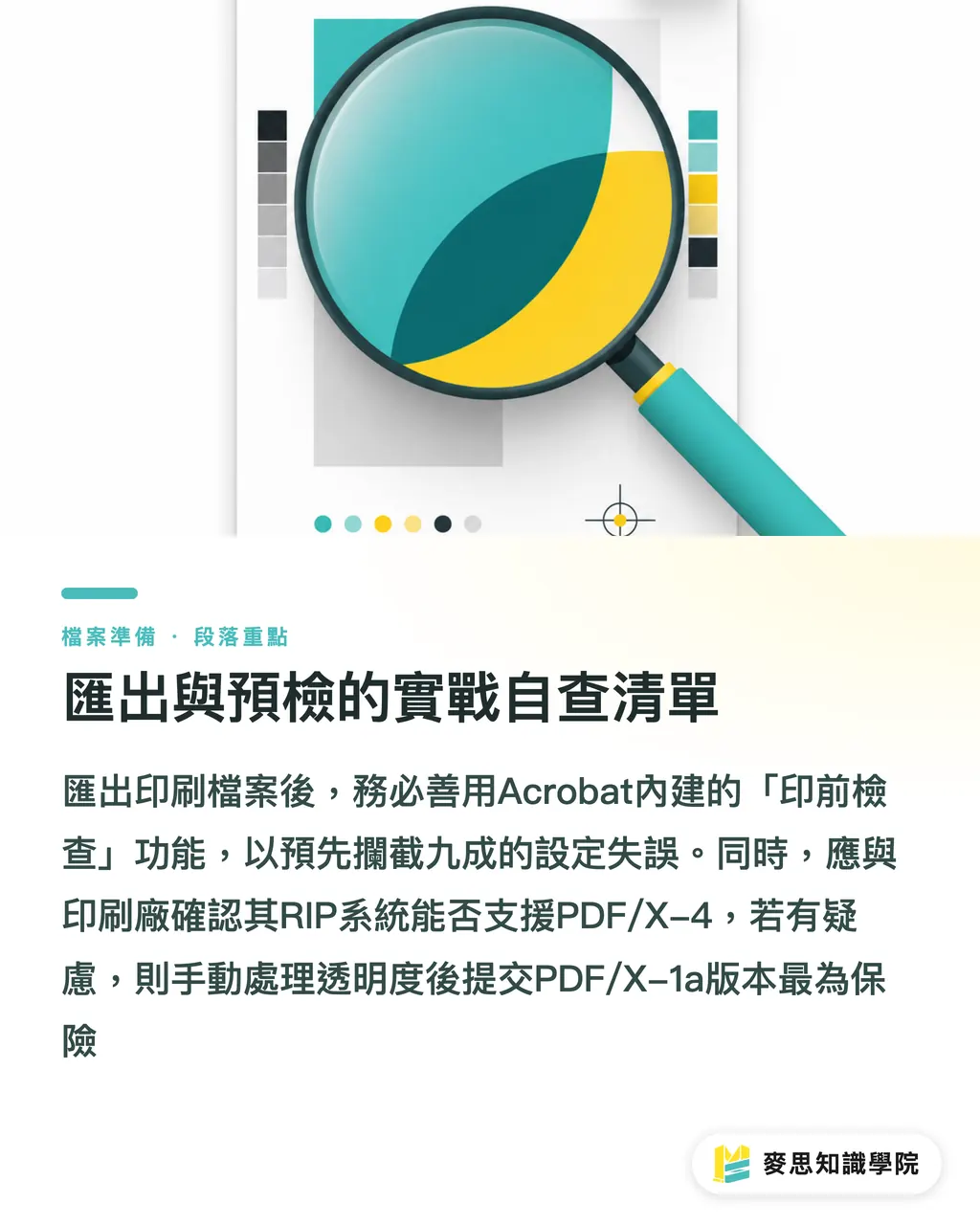
I strongly recommend running Acrobat's built-in Preflight after every export, it catches nine out of ten setting errors before they become your problem on press
・Illustrator: Save As PDF, then pick the PDF/X standard you need from the presets dropdown at the top
・InDesign: Export from the File menu, choose Adobe PDF (Print) as the format, then apply the appropriate standard in the Standard field
・Before sending files: always call the printer and confirm whether their RIP can handle X-4. If they're running older equipment and you're not sure, manually flatten the transparency and deliver X-1a, that's the safe play
Key Takeaways
・PDF/X is an ISO standard built specifically for print. It locks down file variables so the RIP has no room to misread them
・X-1a enforces CMYK-only color and requires flattened transparency. It's the most conservative option, and the one least likely to choke on legacy systems
・X-4 supports live transparency and layer preservation. It's the go-to for modern digital print and new CTP workflows
・Complex shadows and glow effects forced into X-1a will very likely break. Confirm the printer's equipment before choosing your format
・Running Acrobat Preflight catches unembedded fonts and wrong color spaces early, both can be fatal if they make it to press
Broader Perspective
From MINDS' (mid-to-high-end fully customized commercial printing) integrated service experience, the disconnect between front-end design and back-end production almost always comes down to an information gap about equipment specs
If the design side builds an automated preflight SOP, or if printers adopt an online file validation system with built-in safeguards, the time-consuming complaint cycle can become a stable, predictable output process
Getting PDF/X right isn't just basic software know-how. It's the starting point for any serious prepress automation workflow
FAQ
- Can I export a PDF directly from Canva and send it to the printer?
- Canva's default PDF export usually carries RGB colors and unresolved transparency. When downloading, make sure to select the print-ready PDF option, and run it through professional software for a second check before sending, color shifts can be nasty
- My AI file has a lot of shadow effects. Which version should I use?
- PDF/X-4, without question. It natively supports live transparency, which means you avoid the mysterious hairline cuts and broken images that complex shadows produce when you force them into X-1a
- If the printer hasn't specified a version, should I send X-1a or X-4?
- If you can't verify how old their RIP is, manually rasterize the transparency and convert to CMYK before sending X-1a, that's your safety net. But if you know they're running a CTP system from the last five years, X-4 is fine
Related articles


The Print × AI weekly
The print and AI know-how designers, brands and enterprises can use before they commit — one email, every week
MINDS Free Tools
Imposition calculator and preflight file check — free prepress tools, right in your browser.
MINDS Group
Need actual printing or gifting services?
From premium printing to online ordering and festive gifts — the MINDS Group sister brands take it from here.