
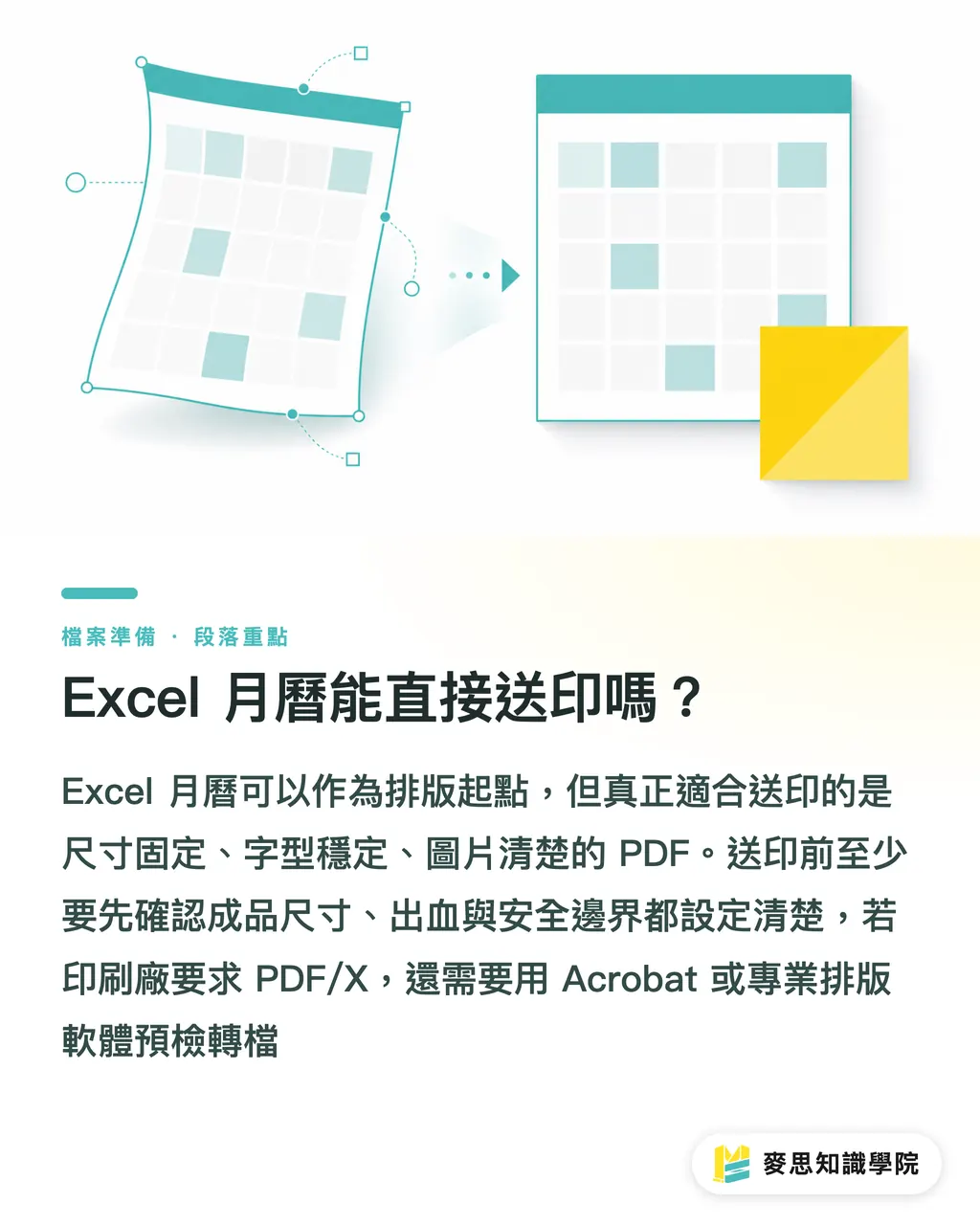
Can an Excel Calendar Be Sent Directly to Print?
Excel calendars can be printed, but .xlsx is an editable working file. What a print shop actually needs is a PDF with fixed dimensions, stable fonts, and clear images. The MINDS (MS, mid-to-high-end fully customized commercial printing) Three Inspection Gates for Print Submission check dimensions and bleed first, PDF quality second, and paper stock and binding requirements last
When handling corporate calendar projects, the scenario I see most often is admin or sales teams setting up all 12 months in Excel. The dates are correct and the notes section works well, but as soon as it's exported to PDF, pages break, gridlines shift thickness, or photos turn blurry on the final product
Use these 3 steps from the 'MINDS (MS) Three Inspection Gates for Print Submission' to determine if your Excel file is ready for production
・Gate 1: Finished size, bleed, and safe margins are clearly configured
・Gate 2: Fonts, image resolution, and page order inside the PDF pass preflight checks
・Gate 3: Paper stock, binding, drill holes, or desk calendar stand structures are confirmed with the print shop
PDF/X is the standard PDF format for print exchange. It constrains fonts, colors, images, and output conditions within preflightable limits, reducing guessing and adjustments at the print shop
PDFs directly exported from Excel usually don't reach PDF/X standards. If your print shop requires PDF/X-1a or PDF/X-4, you need Acrobat or professional desktop publishing software for preflighting and conversion
How to Configure Excel to PDF Exports Without Layout Shifts?
The biggest fear when converting an Excel calendar to PDF is 'it looks right on screen, but breaks when opened in PDF.' The second gate of the MINDS (MS) Three Inspection Gates for Print Submission focuses on 4 settings first, as these most frequently distort your layout during export
・Print Area: Select a single month or page first to stop Excel from creating unexpected blank pages
・Paper Size: A4 is 210×297 mm. If your finished product isn't A4, don't stick with the default size
・Scaling: Keep it at 100%. Avoid using 'Fit Sheet on One Page', as date gridlines get easily squashed
・Font Handling: After exporting to PDF, verify that fonts haven't been substituted. CJK characters easily stretch or reflow across different machines
Image resolution needs separate attention. Corporate calendars often include product, factory, or team photos. Printing typically targets 300 ppi for safety. If your source image is just a tiny file downloaded from a messaging app, no matter how nicely Excel lays it out, the printout will be blurry
CMYK is the standard four-color ink model used in printing, combining Cyan, Magenta, Yellow, and Key (black). Fluorescent RGB colors seen on screen often turn dull when printed
Excel offers very limited color management controls. For brand colors, full-bleed photos, or extensive gradients, it's best to switch to Illustrator or InDesign, or have MINDS assist with pre-press inspection, so you don't end up asking why the blues look muted after delivery
How to Set Calendar Layout Dimensions and Bleed?
Excel easily misses bleed because spreadsheets naturally feel like documents, not print layouts. The first gate of the MINDS (MS) Three Inspection Gates for Print Submission starts by asking about finished dimensions, trim lines, and bleed. If these 3 items aren't clear, exporting to PDF later is just damage control
Bleed is the artwork extending beyond the finished trim line. Commercial printing in Taiwan usually sets this at 3 mm to compensate for cutting shifts and prevent white gaps at the edges
Take an A4 wall calendar as an example: if the finished size is 210×297 mm, full-bleed backgrounds must extend an extra 3 mm on all four sides, requiring a file canvas of 216×303 mm. Excel struggles to manage these extended margins precisely, so full-bleed designs should be remade in graphic design software
Safe margins matter too. Readable details like dates, company logos, phone numbers, and QR codes shouldn't sit right against the trim line. On-site, I usually advise leaving at least 5 mm to 7 mm from the edge, and widening that margin near top binding holes
Desk calendars require extra attention to structural mechanics. A standard build includes a cover plus 12 months, paired with a stand, score lines, and binding wire. Excel can calculate dates, but it won't tell you if a drill hole will punch right through your logo

When Should an Excel Calendar Be Redesigned in Professional Software?
Excel works great for date grids, shift schedules, planners, and draft approvals. But when a calendar needs 12 full-bleed photos, key brand visuals, custom die-cuts, or a desk calendar stand, the MINDS (MS) Three Inspection Gates for Print Submission recommends treating Excel as draft content and letting Illustrator or InDesign handle the final artwork
I use these practical on-site criteria to decide if a redesign is needed:
・Full-bleed photos are required, with backgrounds extending into the bleed area
・Each month features distinct key visuals beyond just a date grid
・Requirements call for PDF/X, CMYK, embedded fonts, and image preflighting
・The job involves desk calendar stands, wall calendar punching, wire-o binding, or specialty paper
・Company logos, brand colors, and QR codes cannot tolerate noticeable color shifts or misalignment
If it's for internal use, low-volume output, and lacks full-bleed backgrounds, exporting from Excel to PDF and using online ordering services like MINDS Print for standard specs is usually simpler. But for client gifts, brand calendars, or corporate collateral, hand it over to MINDS for full custom pre-production verification
Paper stock also shapes design decisions for Excel calendars. Coated paper makes photos pop but is poor for writing. Uncoated woodfree paper is easy to write on, though photo depth feels more muted. Ivory cardstock suits desk calendar stands or covers, but fold lines, score lines, and thickness should be confirmed with the print shop first
How to Communicate with the Print Shop Before Submitting?
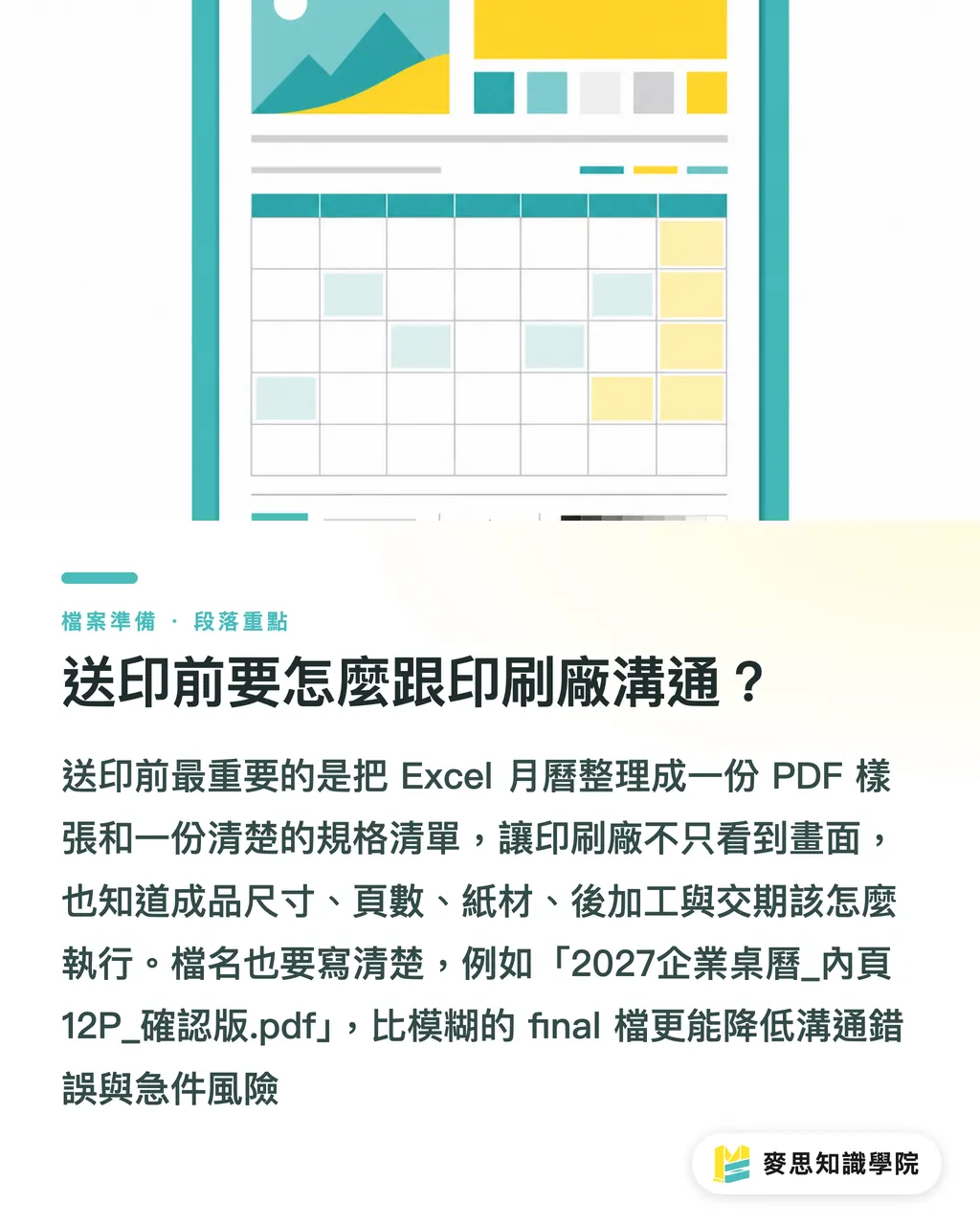
Before submitting an Excel calendar, the most practical step is preparing 1 PDF proof and 1 spec sheet. The third gate of the MINDS (MS) Three Inspection Gates for Print Submission turns 'the file looks right' into 'the production line knows how to print it.'
Your spec sheet should at least detail the following:
・Product Format: Wall calendar, desk calendar, triangular desk calendar, or single-sheet calendar
・Finished Size: e.g., A4 210×297 mm, or custom width and height
・Page Count & Content: Whether cover, 12 months, and back cover are all printed
・Paper Requirements: Easy writability versus glossy photo finish
・Finishing: Hole punching, wire-o, binding rings, scoring, lamination, or spot UV
・Turnaround Schedule: Separate timelines for proofing, approval, press run, and delivery
Submitted PDF file names should be clear too. A name like '2027_Corporate_Desk_Calendar_Inner_12P_Approved.pdf' is far more reliable than 'final_final_new.pdf'. It's a tiny detail on the press floor, but tiny details save rush jobs all the time
If your Excel calendar already has dates set up, the Mai Strategy Knowledge Academy consulting team can help evaluate whether it's ready to export directly to PDF or needs re-laying out into formal print-ready artwork. Taking this step saves far more time than fixing mistakes later, especially during the year-end rush
Key Takeaways
・Excel works for calendar content, but you must submit a PDF for printing, not a .xlsx file
・Calendar printing starts with physical specs: size, bleed, and binding dictate design flexibility downstream
・The most common export errors in Excel to PDF are scaling, fonts, image resolution, and page ranges
・When dealing with full-bleed photos, brand colors, PDF/X, or special binding, Excel should step back to serving as draft content
・A great print-ready file isn't just visually nice. It lets the print shop guess less, adjust less, and make fewer errors
Further Considerations
The Excel calendar question seems small, but it's a great benchmark for evaluating a company's print file management maturity. Print manufacturers can view Excel files as customer intent drafts. Designers must translate date content into formal artwork complete with bleed, safe margins, and color management. SaaS teams can integrate size checks, PDF previews, font prompts, and bleed warnings directly into upload interfaces. AI tools can help generate key visuals, holiday copy, and style drafts, but dates, hole placement, trim, and paper selection still anchor back to print specifications. In the end, a calendar is something that hangs on a wall, sits on a desk, and gets written on by hand
FAQ
- Can an Excel calendar be sent directly to print?
- Excel calendars can be printed, but we recommend exporting to PDF first and checking size, bleed, fonts, and image resolution. A .xlsx file is an editable working file, not a formal print-ready file
- Why does an Excel calendar layout break after exporting to PDF?
- Common causes include unconfigured print areas, automatic scaling adjustments by Excel, font substitutions across machines, or paper size mismatched with the finished dimensions. Always re-inspect every page in PDF format before submission
- Does an Excel calendar need bleed?
- Bleed is required whenever backgrounds, photos, or color blocks extend to the edge. Commercial printing in Taiwan typically leaves 3 mm on all four sides to prevent white edges after trimming
- Can an Excel calendar produce a PDF/X file?
- PDFs directly exported from Excel are usually not full PDF/X compliant. If your print shop requires PDF/X-1a or PDF/X-4, we recommend using Acrobat or professional layout software for preflighting and export
- When should a corporate calendar created in Excel be redesigned?
- Whenever full-bleed photos, brand colors, desk calendar stands, drill holes, wire-o binding, specialty paper, or premium corporate gifts are involved, treat Excel as draft content and remake the final artwork in Illustrator or InDesign
Related articles




The Print × AI weekly
The print and AI know-how designers, brands and enterprises can use before they commit — one email, every week
MINDS Free Tools
Imposition calculator and preflight file check — free prepress tools, right in your browser.
MINDS Group
Need actual printing or gifting services?
From premium printing to online ordering and festive gifts — the MINDS Group sister brands take it from here.