
How Do You Actually Tell If Your Image Resolution Is Enough?
Whether an image's resolution is sufficient cannot be determined solely by the DPI number displayed in your software. The key lies in whether the 'total pixel count' is enough to support the physical dimensions of your final print
Based on my years of troubleshooting experience on the production line, most file preparation disasters stem from a misunderstanding of this mechanism. To avoid these pitfalls, I recommend applying the 'MINDS Printing Three-Gate Check':
・① First, match the physical output dimensions with the intended print medium
・② Check the total physical pixel count of the original image file
・③ Verify the effective resolution after scaling inside the layout software
Resolution (DPI/PPI) refers to the number of pixels contained within a one-inch span. The higher the number, the denser the dots and the finer the image quality. The standard printing threshold is usually set at 300 DPI, but this benchmark is only meaningful when based on the '1:1 actual output size'
Why Is the Print Still Blurry After Changing the Resolution to 300 DPI in Photoshop?
This is the most common disaster I encounter when reviewing files at the printing house
Many entry-level designers think that simply opening Photoshop and changing the resolution field under Image Size to 300 makes the file print-ready
In reality, this just changes a label. If you do not check 'Resample', the total number of pixels in the image remains exactly the same; it is simply stretched out
Essentially, this is like spreading a tiny pat of butter across a massive slice of bread. The layer becomes paper-thin, and the final print naturally turns out as a pixelated mess
Does Scaling Images in Illustrator Affect Their Sharpness?
When designing layouts, we often drag image files into Illustrator or InDesign to resize them. In these moments, what you need to look at is the 'effective resolution' rather than the original resolution
When you scale down an image, the pixels are compressed into a smaller space, causing the effective resolution to skyrocket. Conversely, when you stretch an image larger, the distance between pixels increases, causing the effective resolution to plunge
This is precisely where many portfolio print jobs fail. If your project is rushing to the press, you might consider uploading it to the MINDS Printing system first for a quick automated spec pre-screening, reducing the chances of human error due to fatigue
Can a 72 DPI Web Image Be Sent Directly to Print After Being Enlarged Using AI?
Lately, the industry has been buzzing with discussions about AI image generation. Tools like Bing Image Creator can generate images incredibly fast, but printing them directly will lead to disaster nine times out of ten
Most web images default to 72 DPI. Even if you use an AI lossless scaling tool to boost the size, the software is still relying on algorithms to 'guess' and fill in pixels that were never there to begin with
While these images look perfectly smooth on your screen, once converted to CMYK physical ink and printed onto packaging paper or stationery, they often display unnatural edge blurring or artifact seams
Do Large-Format Prints Like Canvases and Display Stands Really Need 300 DPI?
This is a common myth that ends up crashing systems
While the resolution requirements in CMYK mode are indeed similar to RGB, the decision-making process must factor in the physical variable of 'viewing distance'
A business card held in your hand requires 300 DPI to render crisp details, but for a canvas or a large display stand viewed from three meters away, the human eye cannot distinguish such fine halftone dots
For these large-format prints, a setting of 100 to 150 DPI is more than enough. Trying to force a three-meter graphic to 300 DPI will usually just cause your computer to freeze or crash during saving
Are Vector Files Absolutely Safe Because They Can Be Scaled Infinitely?
This concept is only half correct
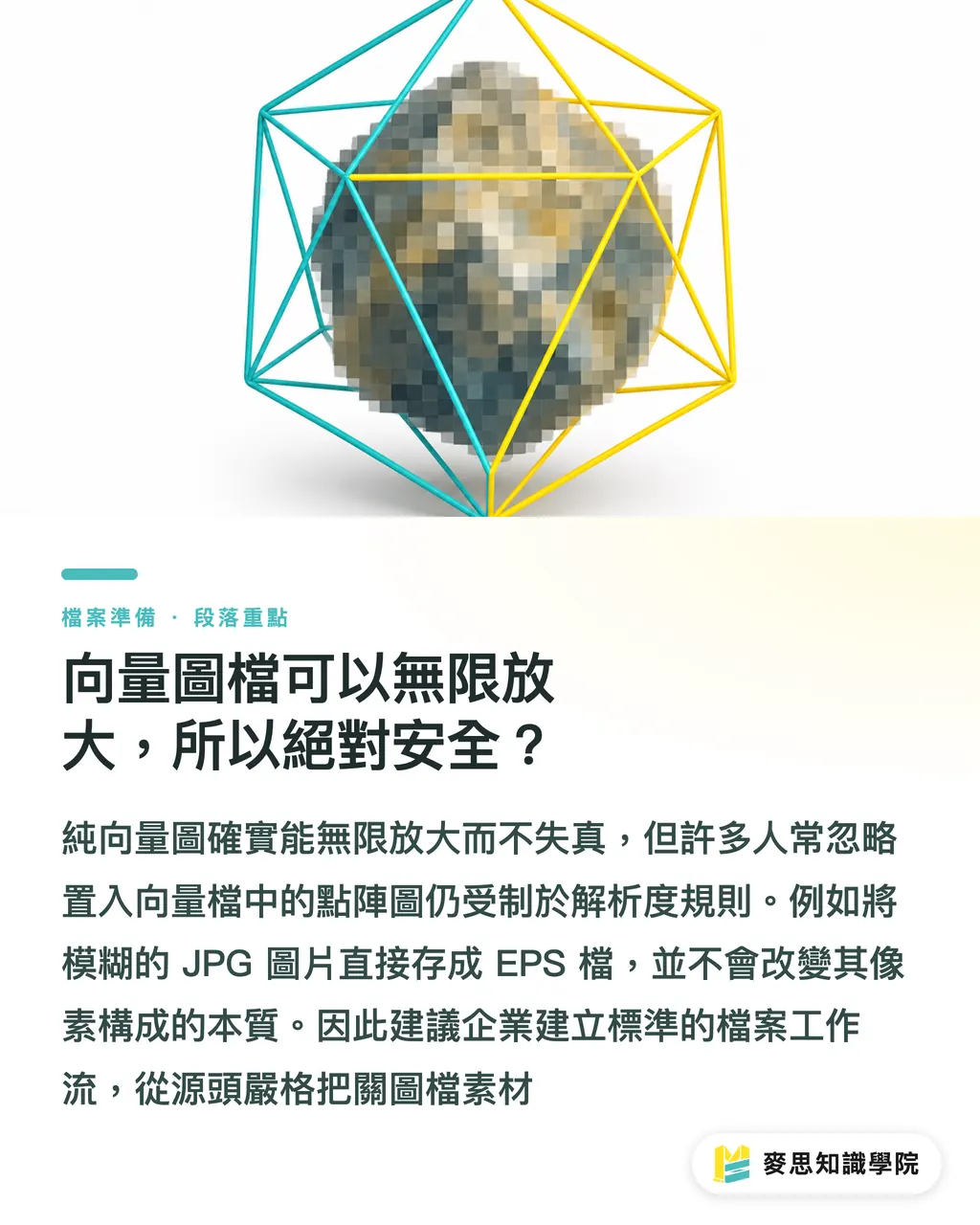
Pure vector graphics (such as AI, EPS, or SVG formats) define shapes using mathematical paths, meaning they indeed have no resolution limit and won't lose quality even if enlarged to cover an entire building
The blind spot, however, lies in 'raster images embedded within the vector file'
Many designers place a blurry JPG into Illustrator and save it as an EPS, mistakenly believing it has transformed into an infinitely scalable vector file. As long as the source material is composed of pixels, it is bound by the rules of resolution
For corporate clients with frequent cross-departmental collaboration, I usually recommend bringing in the Mai Strategy Knowledge Academy advisory team to help internal designers and planners map out a standardized file workflow, keeping quality in check right from the source
Key Takeaways
・Resolution depends on whether the total pixel count is sufficient for the physical dimensions; simply changing the label number in software achieves nothing
・Once placed in layout software, stretching an image causes its effective resolution to plunge. Always check the original pixels before scaling
・Because large canvases and display stands are viewed from a distance, 100 to 150 DPI is plenty for a successful print, there is no need to force it to 300 DPI
・While vector graphics can be scaled infinitely, any raster images embedded within them will still blur when stretched
Further Reflections
I often discuss with clients that a great design file should not only look good on a screen but also withstand the physical constraints of production line equipment
Whether you are implementing AI generation tools or connecting automated SaaS layout workflows, resolution management at the source is the most easily overlooked hidden cost
If design teams can internalize an awareness of 'effective resolution' into their daily workflows, they can save countless hours and money spent on back-and-forth proofing and reprinting
FAQ
- Are the image resolution requirements the same for posters and business cards?
- Printed materials held in the hand, like business cards, must strictly stick to 300 DPI. However, if a poster is hung on a wall and viewed from a distance, about 150 to 200 DPI is clear enough
- Can AI-generated images be directly converted to CMYK and sent to print?
- It is not recommended to print them directly. Since AI images default to low-resolution RGB files, direct conversion and printing can easily result in visible grids and jagged edges. They must first be processed with a lossless scaling tool
- How can I check if the actual resolution of an image is sufficient?
- Don't just look at the numbers in the file properties. Inspect the image at 100% zoom within your layout software, or check the 'Effective PPI' value in Illustrator's Info panel to see if it meets the standard
- If the file is too large and slow to process, can I lower the resolution to 72 DPI?
- Absolutely not for physical printing. 72 DPI is the standard for screen display, and printing it on paper will definitely result in a blurry mess. If the file size is too large, prioritize merging layers or flattening unnecessary clipping masks first
Related articles
The Print × AI weekly
The print and AI know-how designers, brands and enterprises can use before they commit — one email, every week
MINDS Free Tools
Imposition calculator and preflight file check — free prepress tools, right in your browser.
MINDS Group
Need actual printing or gifting services?
From premium printing to online ordering and festive gifts — the MINDS Group sister brands take it from here.