

Overview
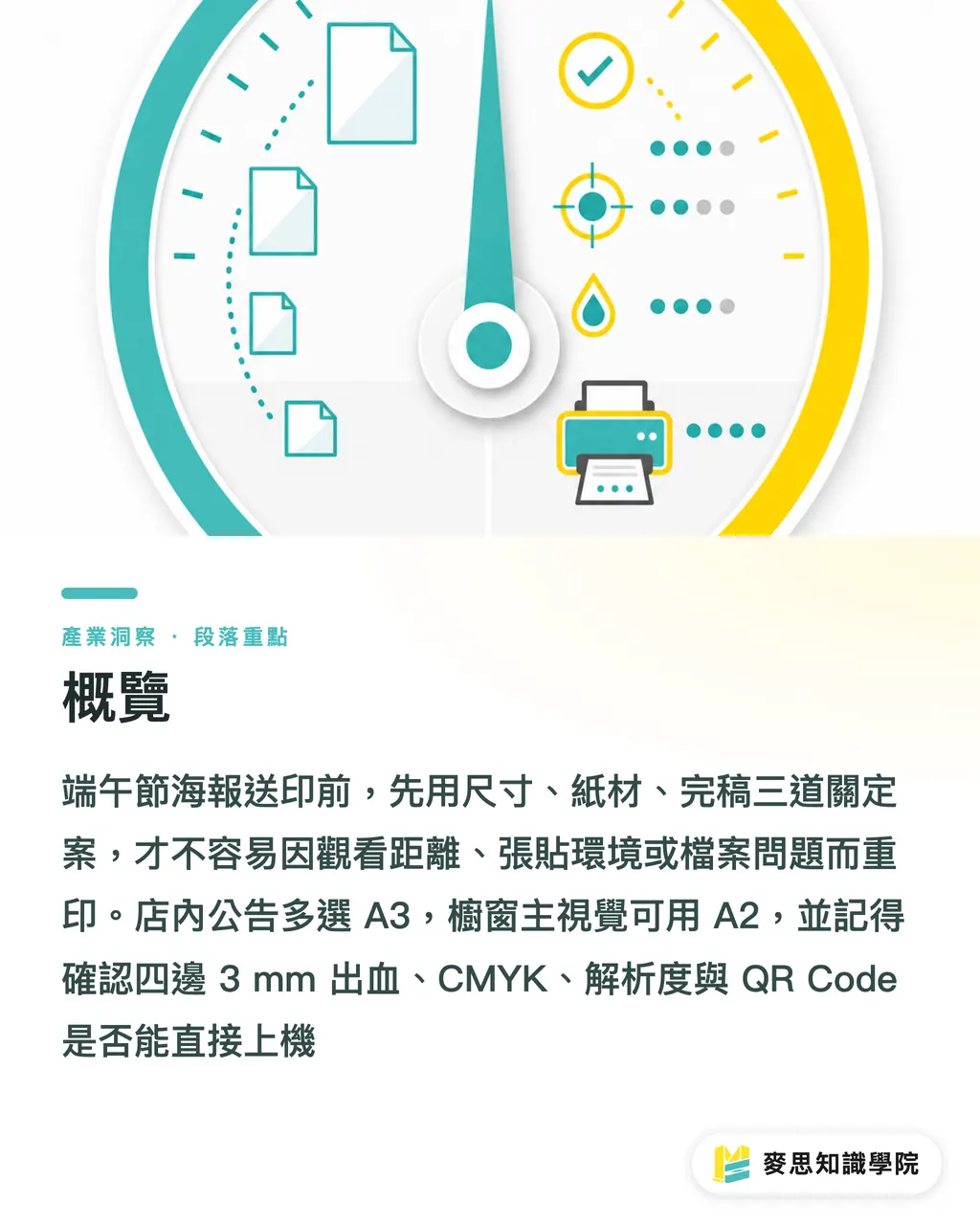
When printing Dragon Boat Festival posters, start with MINDS (MS, mid-to-high-end fully custom commercial printing) three-stage check before finalizing. Match dimensions to viewing distance, paper stock to posting location, and prepress setup to press-readiness. Use A3 for in-store notices, A2 for window display visuals, and scale up to A1 for long-distance attention at booths or commercial districts
The MINDS (MS) three-stage check breaks Dragon Boat Festival poster production into three decisions. Settle these three things first to avoid costly reprints later
・① Dimensions & Bleed: First choose A 1, A 2, A3 with 3 mm bleed on all four sides
・② Paper & Environment: First assess indoor, window display, covered walkway, or short-term outdoor posting
・③ Prepress File Check: First check CMYK, resolution, tracking, safety margins, and QR codes
Should You Choose A1, A2, or A3 for Dragon Boat Festival Posters?
Bigger is not always better for Dragon Boat Festival posters. Match the size directly to the viewing distance. The most common mistake I see in retail stores is printing counter notices in A1, making them awkward to read up close
・A3: 297 × 420 mm, ideal for counters, checkout desks, entrance notices, or secondary placement for social media QR codes
・A2: 420 × 594 mm, ideal for glass doors, window displays, and main in-store visuals, best viewed from 1 to 3 meters
・A1: 594 × 841 mm, ideal for market booths, event backdrops, and outer walkway walls, creating strong presence beyond 3 meters
At the dimension stage, the MINDS (MS) three-stage check asks one question first: is this poster meant for people who stop to read, or passersby taking a quick glance? In-store promotions where people pause work well on A3 or A2. Main visuals featuring dragon boats, rice dumplings, or gift sets meant to catch eyes on the move call for A1
Don't cram rice dumpling photos, event dates, discount details, and brand logos all into one frame. On an A2 poster, I usually suggest keeping the main headline to 1 line, the core offer to 1 sentence, and event details within 3 lines. That keeps key messages readable from a distance
How to Pick Paper Stock That Won't Wrinkle Once Posted?
Choose paper stock based on the posting environment. Gloss art paper works for short-term indoor use, window displays with sun exposure need lamination, and covered walkways or semi-outdoor spots call for PP synthetic paper or synthetic film. Pick the wrong stock, and moisture, tape marks, or glare will ruin even the finest design
・150 gsm gloss art paper: Great for 3-to-7-day indoor promotions, keeps costs low, and suits bulk rollouts across multiple stores
・200 gsm to 250 gsm gloss art paper: Offers a firmer feel, well suited for gift set pre-orders and premium Dragon Boat campaign visuals
・Laminated PP synthetic paper: Great for window displays, walkways, and short-term semi-outdoor spots, offering better moisture and wear resistance than standard paper
・Synthetic paper: Ideal when tear resistance and water resistance matter, though print color performance should be verified with the printer first
I divide Dragon Boat Festival posters into two categories: short-term promo signs taken down within 7 days, and brand key visuals displayed throughout the holiday season. The former focuses on cost and turnarounds. The latter demands flatness, moisture resistance, and color stability
For high-end custom posters featuring gift boxes, local specialties, or premium products, MINDS (MS) can review paper stocks, laminations, and finishing processes against your real posting environment. For projects like this, look beyond unit price and compare how clean the final wall display actually looks
How to Create Dragon Boat Festival Visuals That Feel Festive Without Looking Tacky?
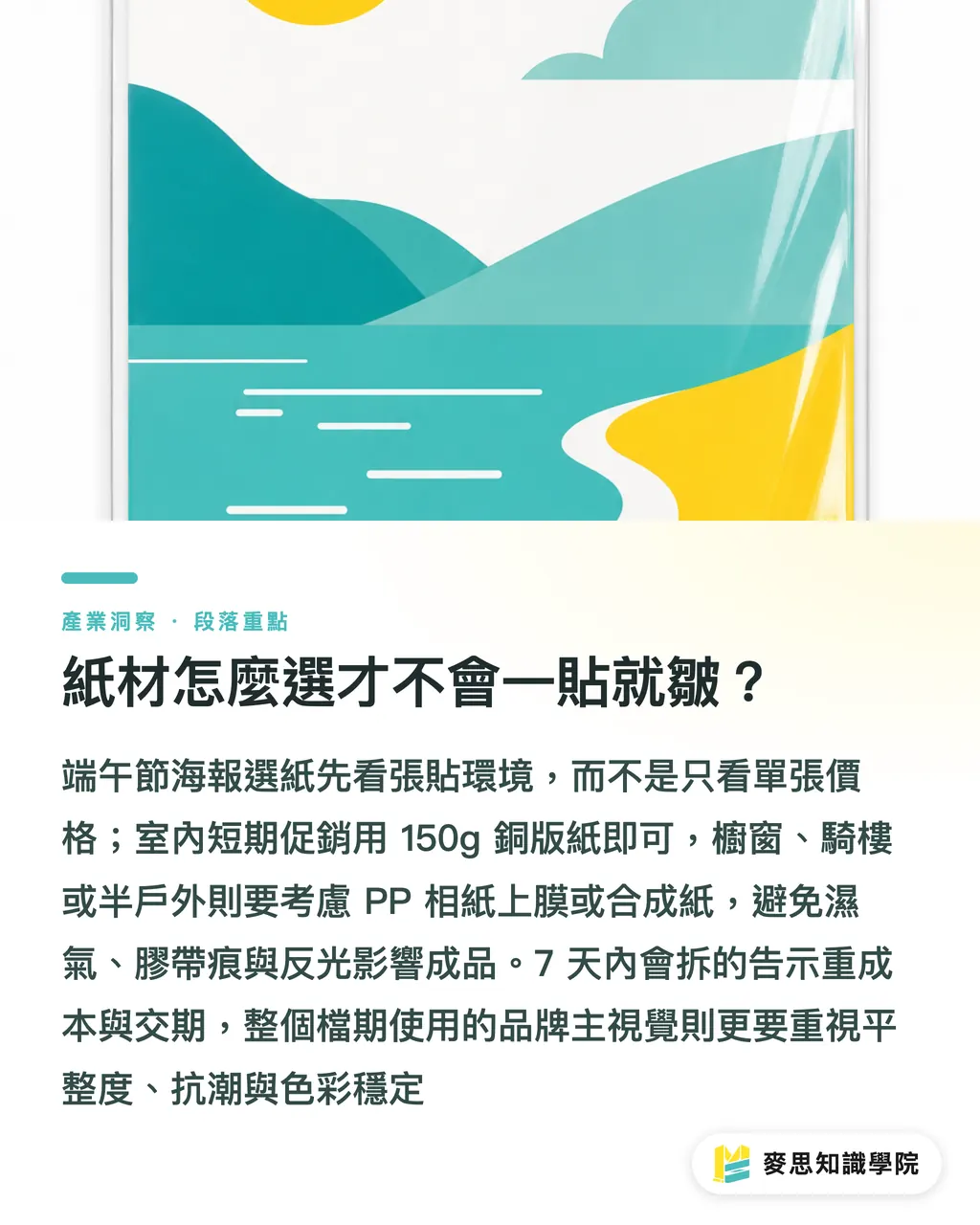
Capture seasonal motifs without stacking every single holiday icon into one layout. Rice dumplings, dragon boats, mugwort, calamus, and sachet pouches all work well. The most effective approach is picking 1 primary motif paired with 2 supporting elements so the layout feels celebratory rather than cluttered
I often suggest a 60/30/10 color ratio for holiday posters: 60% for background and white space, 30% for brand primary color or festive green, and 10% in red, gold, or dark shades for promotional callouts. This is not a rigid formula, but a practical rule of thumb to stop layouts from looking like random clip-art collages
・Food & Dumpling Pre-orders: Feature real product photography in the hero image, and make price points and deadline dates larger than decorative patterns
・Restaurant & Retail Store Promos: Lead with the deal in the headline, placing event dates and store locations in the lower visual area
・Brand Image Posters: Abstract traditional motifs by using line drawings of mugwort, sticky rice textures, or dragon boat water ripples as background elements
・Social Media Extensions: The key visual can be adapted into 1080 × 1350 px vertical posts, but print files still need dedicated CMYK color setups and bleed margins
Generative tools are great for building moodboards, composition drafts, and headline ideas, but never send a 1024 px image directly to an A1 print press. Real-world poster production always comes down to resolution, font sizing, licensing, print colors, and press-ready files. That is where print production actually gets held up
What Prepress Checks Prevent Costly Reprints?
Check at least 6 items before submitting final poster files: dimensions, bleed, safety margins, CMYK, resolution, and fonts. These are not mere prepress formalities. They prevent unprinted white edges, cropped text, color shifts, and missing font substitutions
Bleed is artwork extended beyond the final trim size. Poster printing in Taiwan typically uses 3 mm bleed on all four sides to absorb 1 to 2 mm cutting tolerances and avoid white paper showing along edges
CMYK is the four-color process model used in commercial printing, layering Cyan, Magenta, Yellow, and Key (Black). Printing Dragon Boat posters directly from RGB files causes vivid greens, neon oranges, and bright reds to lose punch
・Bleed on four sides: 3 mm on all edges recommended, extending background images and solid colors past trim lines
・Safety margins: Keep text and logos at least 5 to 10 mm away from trim lines
・Resolution: 300 dpi recommended for standard posters, while large long-distance posters can run at 150 to 200 dpi after confirming with the printer
・Small black text: Set to K100 pure black to prevent fuzzy edges caused by four-color misregistration
・Fine lines & small text: Keep stroke weights above 0.25 pt and font sizes above 8 pt
・QR Codes: Size at least 20 to 25 mm on physical posters, leave clean white space around borders, and scan with a smartphone before press run
At the prepress review stage, the MINDS (MS) three-stage check treats files like products about to enter manufacturing, looking far beyond visual appeal. Holiday prepress windows get tight right before long weekends, and a single reprint can cause you to miss peak pre-order volume
How Should Stores Schedule Production for Rush Dragon Boat Campaigns?
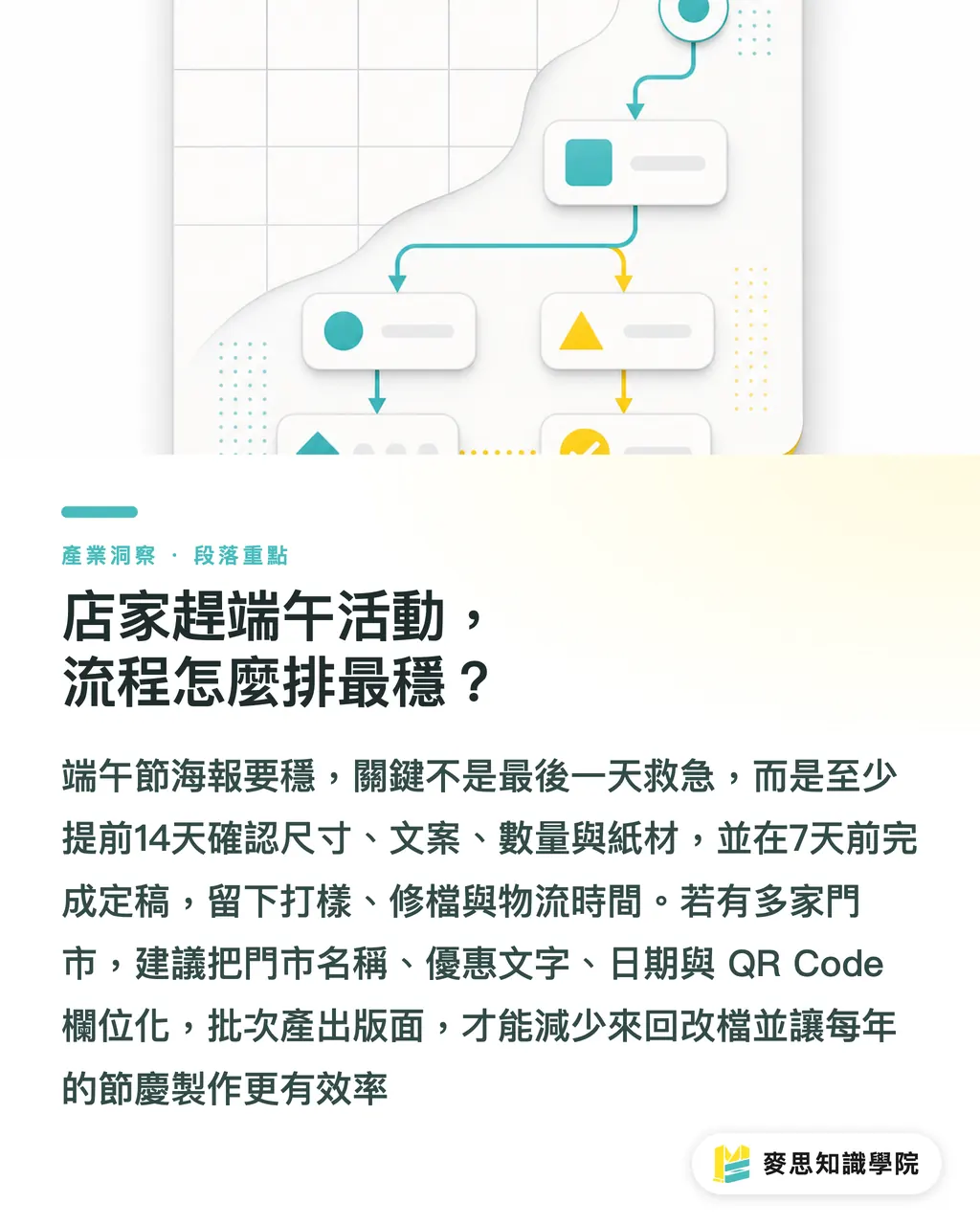
The safest timeline for Dragon Boat Festival posters is finalizing dimensions and copy 14 days out, finishing artwork 7 days out, and leaving at least 2 to 3 days for proofing, file fixes, or delivery. If you change prices, QR codes, or store info the day before launch, the printer can only handle emergency fixes and cannot guarantee quality
・T-14 Days: Confirm campaign theme, dimensions, posting location, quantity, and paper stock
・T-10 Days: Complete key visual and first copy draft, checking product image resolutions first
・T-7 Days: Finalize file and export PDF, checking bleed, CMYK, fonts, and QR codes
・T-5 Days: Send to press or order proofing; start earlier if using lamination, specialty paper, or multi-store runs
・T-2 Days: Receive shipment, pack, distribute to stores, and check glare and eye-level height in actual posting spots
If you manage 10 or more store locations, avoid making poster revisions back and forth over chat messages. Put store names, promotional text, dates, and QR codes into a structured field list so design teams can batch-generate layouts. The consulting team at Mai Strategy Knowledge Academy can also help format these specs into a reusable holiday production template
Dragon Boat Festival comes around every year. The real time-saver is not redesigning posters from scratch every time, but turning A 1, A 2, A 3, social posts, and in-store notices into an extended asset system built around one master visual. Designers save time on file edits, while procurement teams gain better control over paper stocks, quantities, and delivery schedules
Key Takeaways
・Determine viewing distance first before picking A1, A2, or A3. Bigger is not always better
・Match paper stock to posting environments: prioritize cost indoors, watch out for glare in window displays, and choose moisture resistance for semi-outdoor spots
・Focus seasonal designs around 1 primary motif. Packing too many symbols dilutes core promotional messages
・3 mm bleed, CMYK color mode, 300 dpi resolution, K100 small text, and test-scanning QR codes form the baseline before submitting print files
・As long holidays approach, never risk reprints. Finalize poster files at least 7 days ahead to leave room for adjustments
Further Thoughts
A Dragon Boat Festival poster project might look like a small holiday campaign, but it is actually a great benchmark for testing whether a company has a true print workflow. Print producers can convert A 1, A 2, A3 dimensions along with common paper stocks into standard specifications. Design teams can break down key campaign visuals into 4 layout templates for store counters, window displays, social media, and e-commerce. AI integration can help with moodboards, copy variations, and size adaptations, provided human reviewers keep watch over CMYK, bleed, and paper choices. Meanwhile, SaaS teams can turn dimensions, quantities, paper stock, lead times, and QR codes into required input fields, saving clients from resubmitting details five times and saving print shops from issuing reprint tickets
FAQ
- What are the most common poster sizes for Dragon Boat Festival campaigns?
- A3, A2, and A1 are the most common sizes. Use A3 for in-store notices, A2 for main window visuals, and A1 for outdoor booths or commercial district events
- Which paper stock works best for Dragon Boat Festival posters?
- Use 150 gsm gloss art paper for short-term indoor promotions, 200 gsm to 250 gsm gloss art paper for premium branding, and laminated PP synthetic paper or synthetic paper for window displays and semi-outdoor spots
- How much bleed should be added to Dragon Boat Festival poster print files?
- We recommend adding 3 mm bleed to all four edges. Keep text and logos at least 5 to 10 mm inside the trim line to prevent white margins or cropped content after trimming
- Can RGB design files be printed directly for Dragon Boat Festival posters?
- Directly printing RGB files is not recommended. Vivid greens, bright reds, and metallic gold shades tend to dull down in CMYK printing. Always convert files to CMYK and check for color shifts before sending them to press
- Can generative AI images be sent straight to print for Dragon Boat Festival posters?
- Generative tools are great for composition concepts and style moodboards. Final print files, however, must still be checked for licensing, resolution, CMYK colors, bleed, fonts, and scannable QR codes rather than simply upscaling low-resolution images
Related articles

The Print × AI weekly
The print and AI know-how designers, brands and enterprises can use before they commit — one email, every week
MINDS Free Tools
Imposition calculator and preflight file check — free prepress tools, right in your browser.
MINDS Group
Need actual printing or gifting services?
From premium printing to online ordering and festive gifts — the MINDS Group sister brands take it from here.