
Prepress & Artwork
Bleed, resolution, fonts, PDF export — turn your design into a print-ready file
- Audience
- Designers・Print Production Staff・Brand Owners
- Bleed
- Resolution
- Illustrator
- Canva
- Print Submission Guidelines
- Fonts
- File Output
How to Check Variable Data Printing Files: A Complete Workflow from Data Cleanup to Proof Approval
Name badges, invitations, member DMs, tickets: every piece carries different content. That is exactly where variable data printing (VDP) can quietly go wrong. This article breaks down every common sticking point, from cleaning up an Excel list to spot-checking imposed output, so you can catch batch-wide errors before a few hundred printed pieces ever go to press

How to pick where DeepSeek fits in your print prepress workflow
DeepSeek is handy for designers who need to sort copy, double-check specs, and walk through the handoff to print, but it won't replace Photoshop, Illustrator, Acrobat preflight, or a printer's own prepress judgment. MINDS recommends keeping it in the "questions and checks" seat, not the "output the print PDF" seat. This piece comes from the print floor: where DeepSeek, image generators, design-software AI, and preflight tools each actually belong, so the file looks great on screen and survives the press run
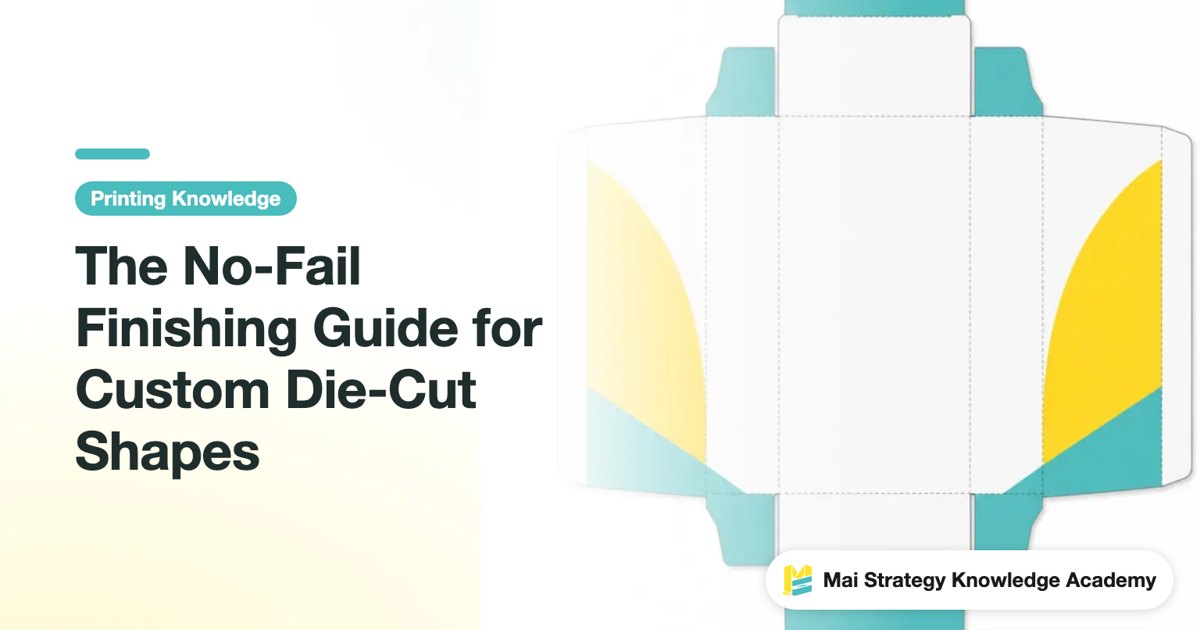
The No-Fail Finishing Guide for Custom Die-Cut Shapes
A die line isn't just about making the outline look pretty, it decides whether your box folds, whether your card edges fray, and whether the whole structure goes sideways during sampling. This piece walks through real shop-floor failures and lays out the checks for cut lines, crease lines, grain direction, bleed, and file handoff
What to Ask Before Converting Fonts to Outlines
Converting fonts to outlines isn't the standard answer for finalizing files. What you actually need to assess first is licensing, revision responsibility, output risk, and ongoing management. This article takes a corporate procurement and design handoff perspective to lay out the font decisions most often overlooked before going to print, helping you avoid missing characters, font substitution, punctuation reflow, and runaway revision costs
A Lower-Risk Guide to Converting Office Files into Print PDFs
Word, PowerPoint, and Excel can be sent to print, but an on-screen preview is not a guarantee This article breaks down the risks of converting Office files into print PDFs, helping admin, procurement, and design contacts decide before print submission whether a file can be exported directly or should be rebuilt by a designer
Black Text Overprint Check: The Final Gate Against White Gaps
White gaps around black text are usually not caused by a press suddenly going out of register. More often, the issue is that Overprint, Knockout, and separation preview were not checked clearly before file handoff. This article turns the check process for black text, fine rules, reversed-out white text, and overlapping dark backgrounds into the practical "MINDS Printing Three Prepress Gates," helping designers and buyers avoid one more reprint risk before sending files to print
Campaign Business Card Final Artwork and Delivery Guide
The worst risk with campaign business cards is missing street canvassing deadlines, or printing them only to find bleed errors, missing attribution info, or mixed-up delivery batches. Written from a prepress consultant's hands-on perspective, this guide covers design, final artwork, legal checks, and bulk delivery in one go
How to Write Calendar Words in English? Commercial Typesetting Conventions
Common mistakes in English calendars rarely come from dictionary lookups. More often, they stem from inconsistent month, day, and holiday names on the same layout. From a print consultant's perspective, this guide organizes typesetting rules for 12 months, 7 days of the week, and common holidays into a ready-to-use print-ready checklist

Why Carton Labels Lift at the Edges During Rainy Season
Label problems during Taiwan's rainy season are often set up before cartons even reach the line Avery Dennison's AW5301K case makes the shift from 30% to 80% relative humidity feel very real: cartons absorb moisture, labels absorb moisture too, and when the two do not move in sync, wrinkles appear This guide breaks down materials, storage, fiber direction, and prepress checks, giving printers, designers, and brand buyers a rainy-season checklist they can actually use to revise specifications
How Claude Helps in Print Design and Pre-press Prep
Claude works best in print design when handling text, specifications, and checking processes, helping designers clarify requirements, keep version control clean, and catch easily missed details before sending files to print. From copywriting to final prep, this guide breaks down how to use Claude from a print shop floor perspective, where human judgment is required, and how teams can build their own SOPs
PDF Page Boxes: TrimBox and Bleed Settings
The file dimensions look right, but the printer's preflight rejects it, or the finished piece gets trimmed off-center. Most of the time it isn't a design issue at all, it's that the PDF page boxes weren't set correctly. This article breaks down what the three key page boxes actually do, how to check them in Acrobat and Illustrator, and what to put in your delivery notes so you can catch the problem before sending files to print
Files Handed Over but Rejected? The Zero-Delay Prepress Handoff Checklist for Designers
Spending endless time back and forth with print shops over file specs eats up your project schedule. Built directly from real production line experience, this standardized packaging guide filters out over 90% of communication friction so your handoffs run smoothly without a hitch
How Is Business Card Design Pricing Calculated? Separating Layout Fees from Print Costs
Business card design pricing splits into two parts: layout/prepress fees and print fees. At MINDS we run every print job through three checkpoints, file responsibility first, then paper specs and production, total price last. This article breaks down the cost logic that trips up corporate buyers, designers, and print outsourcers most often, so you stop comparing a single number against a single number when requesting quotes

Should Transparency Effects Be Flattened Before Print? A Practical Decision Guide for Designers
Drop Shadow, Feather, and Multiply layers can look perfect on screen, then show white boxes, banding, or blurry text at the print shop. The problem is usually not the printer. It is the PDF format you chose and whether transparency was handled correctly. This article starts with the core difference between PDF/X-1a and PDF/X-4, then explains when you should flatten the file yourself, when RIP can handle it, and which traps you must avoid after flattening
Why Canva Print Jobs Fail: A PDF Final Artwork Guide
Looks perfect on screen, but comes out ruined in print? This practical guide breaks down Canva's hidden printing traps and walks you through a standard preflight checklist to get your files print-ready
How to Set Bleed for Custom-Shaped Stickers: Avoiding Complex Die-Line and Safe Zone Traps
Applying standard 3mm bleed rules for rectangular prints to custom-shaped stickers usually ends in disaster. Drawing on over a decade of production line experience, I break down die-line layer setup, spot color configuration, and real-world guidelines for sharp angles to save you costly re-prints
Must Final Artwork Always Be Outlined? Avoiding Font Pitfalls in Design Handoff and Print Ordering
The layout may look flawless on screen, but once it reaches the press, it can turn into garbled text or missing characters. This is one of the most common traps in prepress review. Based on more than a decade of hands-on print production experience, this guide explains how text outlining and packaging work, helping you protect the final mile of design quality
What to Check Before Sending Fonts to Print
Before sending fonts to print, the most important checks are PDF font status, glyph consistency, special characters, licensing scope, and editable backups This article uses print-floor practices to help designers, brand teams, and print buyers decide when to embed fonts, when to outline text, and when to keep source files
Illustrator File Delivery Packaging Checklist
When delivering Illustrator files, you must submit at least the original AI file, PDF, linked images, font handling instructions, dieline or finishing layers, version information, preview images, and edit logs. MINDS' (MINDS) three-stage print validation process checks three things first: "can the main file open, can assets be located, and can the production process be determined." Written to be easily understood by printers, brands, and freelance designers alike, this article outlines a ready-to-use folder structure for file delivery
Illustrator PDF Export Specs in Practice
A design file can look flawless on screen, then print with missing characters, broken lines, or strange white edges around gradients. This is one of the complaints I see most often on the print production floor. This article breaks down the technical logic behind PDF/X, explains the real difference between X-1a and X-4, and helps you get out of the finished-art nightmare of transparency breaking at print

How to Output One Design in Multiple Sizes
When a campaign hero visual needs to extend into DMs, standees, stickers, packaging cards, social graphics, and in-store materials, the worst thing you can do is just scale the same image up and down. This guide starts from the press-room review process and walks you through building a master file, size chart, trim rules, and output naming so every size is readable, printable, and ready to deliver
Designing Catalogs in Illustrator? Unpacking Spread Bleed and PDF Final Artwork Disasters
Many companies rely on Illustrator to force multi-page catalog designs, resulting in misaligned spreads and white borders everywhere. Written from a printing house's frontline perspective, this article breaks down the fatal flaws of AI-based layouts, offering a rescue guide and file submission standards if you absolutely must use AI
How to Choose Business Card Design Software? A Guide to Avoiding Print-Ready Pitfalls
Choosing the wrong business card software often leads to printing setup headaches. A beautiful design cannot save a file with incorrect dimensions. From a pre-press consultant's perspective, this article helps you evaluate tools, organize print-ready layouts, and avoid the most common reprinting pitfalls before final submission
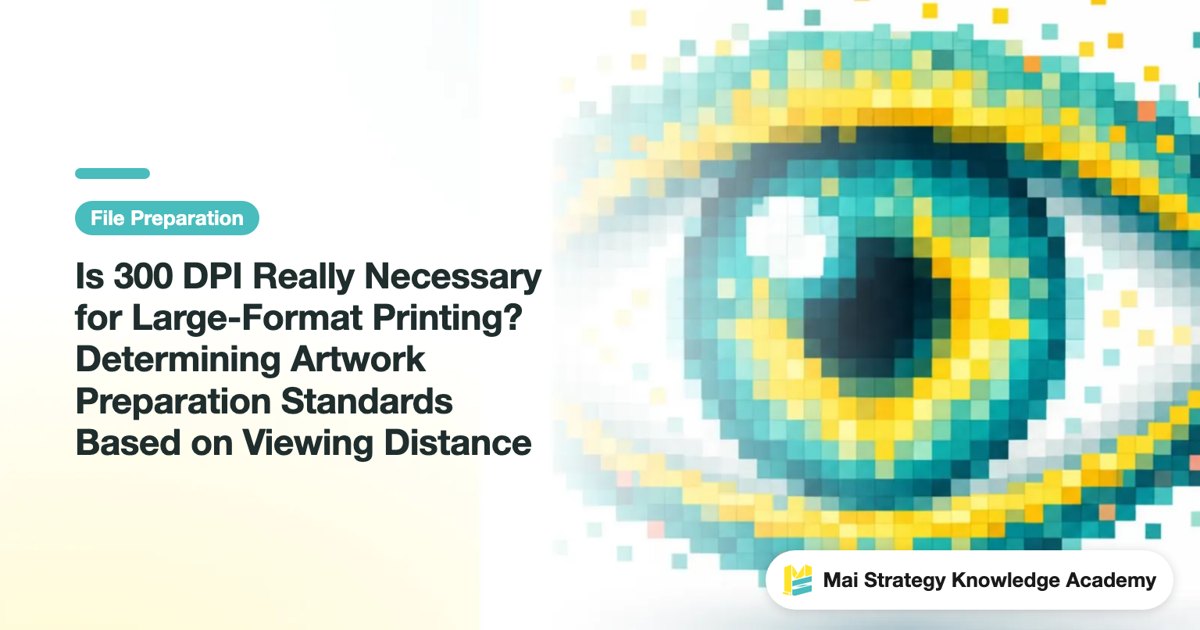
Is 300 DPI Really Necessary for Large-Format Printing? Determining Artwork Preparation Standards Based on Viewing Distance
Does large-format printing really require 300 DPI? In fact, the core standard for determining whether the resolution is sufficient is the "total number of pixels at the physical image size" paired with the "actual viewing distance." From a production line perspective, this article breaks down the decision-making model of viewing distance and resolution, helping you avoid file setting pitfalls and print high-quality products with the most reasonable file sizes