
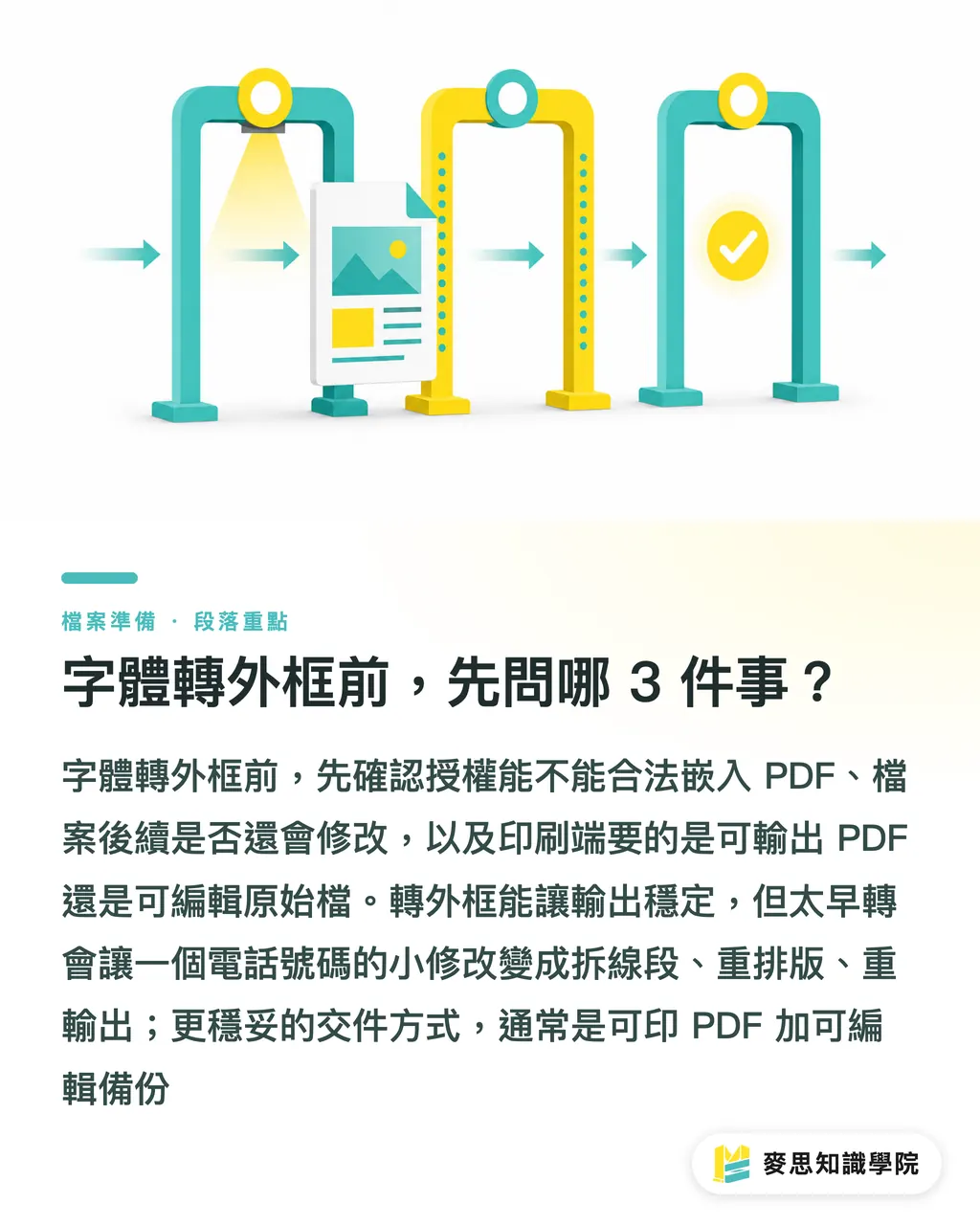
What 3 Questions Should You Ask Before Converting Fonts to Outlines?
Before converting fonts to outlines, ask 3 things: whether the typeface can legally be embedded in a PDF, whether the file will need edits later, and whether the printer needs a print-ready PDF or an editable source file. MINDS (MS, mid-to-high-end fully custom commercial printing) runs a three-gate pre-press check that covers licensing first, then PDF font status, then the version of the handoff file
I've seen too many jobs go sideways in pre-press. The problem isn't that designers don't know how to convert outlines, it's that they convert too early and hand off too little. Change one phone number on a flyer after the text is already paths, and you're not editing a character anymore; you're dismantling anchor points, re-flowing the layout, and re-exporting everything
・Licensing: Does the font license allow PDF embedding, commercial printing, and vendor collaboration?
・Purpose: Is this file going straight to print, for internal review, subject to future revisions, or a long-term brand template?
・Handoff: Are you delivering only a PDF, only source files, or both, a print-ready PDF plus an editable backup?
The advantage of converting to outlines is stability, text becomes vector shapes and the printer doesn't need the original font files. The advantage of embedding is that text information is preserved: the PDF remains searchable and copyable, font status can be inspected, and minor revisions down the line are much easier
What's the Actual Difference Between Outlines, Embedding, and Subsetting?
Converting to outlines turns text into vector paths, no editable text remains in the PDF. Embedding packages the font data into the PDF. Subsetting embeds only the characters actually used, a common approach in PDF output and pre-press handoffs
・Outlines: text becomes shapes, output is stable, but you lose the ability to edit it like normal text
・Embedding: the PDF carries the font data, making substitution at the printer's end less likely, and the text layer is preserved
・Subsetting: the PDF only carries the characters in use, if you used 80 glyphs, the full font isn't included, which keeps file size down
・Source file package: bundle InDesign or Illustrator files, linked images, font info, and output settings for handoff, the right call when future revisions are expected
A clear definition first: converting fonts to outlines turns text objects into vector contours so the RIP or output device can reproduce the shapes without reading the original font. The trade-off is that text loses normal editability, and revisions slow down
On corporate projects, I generally don't recommend keeping only an outlined PDF. Files that get updated repeatedly, brand catalogs, product packaging, chain-restaurant menus with changing prices, specs, and addresses, need at least one editable source file. The outlined PDF is for final output only
Why Do Missing Characters and Reflow Still Happen Even When Fonts Are Embedded?
Font embedding doesn't guarantee a perfect result. There are four common failure modes: license restrictions that limit embedding, missing glyphs for special characters, inconsistencies between Traditional and Simplified Chinese forms, and punctuation or line spacing recalculated in a different software environment
Files from Taiwan most often trip up on mixed Chinese-English text and punctuation, brackets, full-width colons, currency symbols, circled numbers, Japanese kana. On screen they look like a single character, but when the output device can't find the matching glyph, you get blank spaces, boxes, or a substituted font
・Missing character: the PDF didn't carry that glyph, or the font simply doesn't have it
・Font substitution: the printer's system swaps in an available font, and stroke weight, character width, and brand feel all shift
・Punctuation reflow: full-width punctuation, line-start/end rules, line spacing, and kerning changes can push an extra character into a line
・Stroke anomalies: very thin weights, unusual cuts, or styled text converted to outlines can show breaks or jagged edges if overprint and transparency effects aren't handled correctly
When MINDS (MS) runs its three-gate pre-press check on a PDF, "fonts embedded" and "layout correct" are treated as separate questions. The first is a file status check; the second is a print result check. They can't be collapsed into a single checkbox
Should Corporate Clients Hand Over a PDF, Source Files, or Both?
If corporate procurement is only asking "should we convert to outlines," the question is too narrow. I'd reframe it around three handoff scenarios: is this a one-time print run, will the design need future revisions, and does the brand font need long-term governance?
・One-time posters, stickers, business cards: deliver a verified print-ready PDF, convert text to outlines if needed, and confirm dimensions, bleed, color, and glyphs
・Catalogs or menus where prices, locations, or specs will change: deliver the print PDF and keep an editable source file, otherwise two lines of copy means rebuilding the whole document next time
・Corporate identity, packaging, and presentation templates used long-term: build a font list, license records, and substitution rules so designers, marketing, and printers all work from the same standard
・Outsourced design handed off to an in-house team: deliver at least 2 sets, one print-ready PDF and one editable file without outlines, with font names and version numbers noted
Small and mid-sized businesses without in-house pre-press staff can submit the PDF to MINDS for a file check before going to print. For standard products, rush jobs, or fixed-budget items like business cards, stickers, and flyers, the MINDS online ordering process is a faster way to confirm specs and turnaround
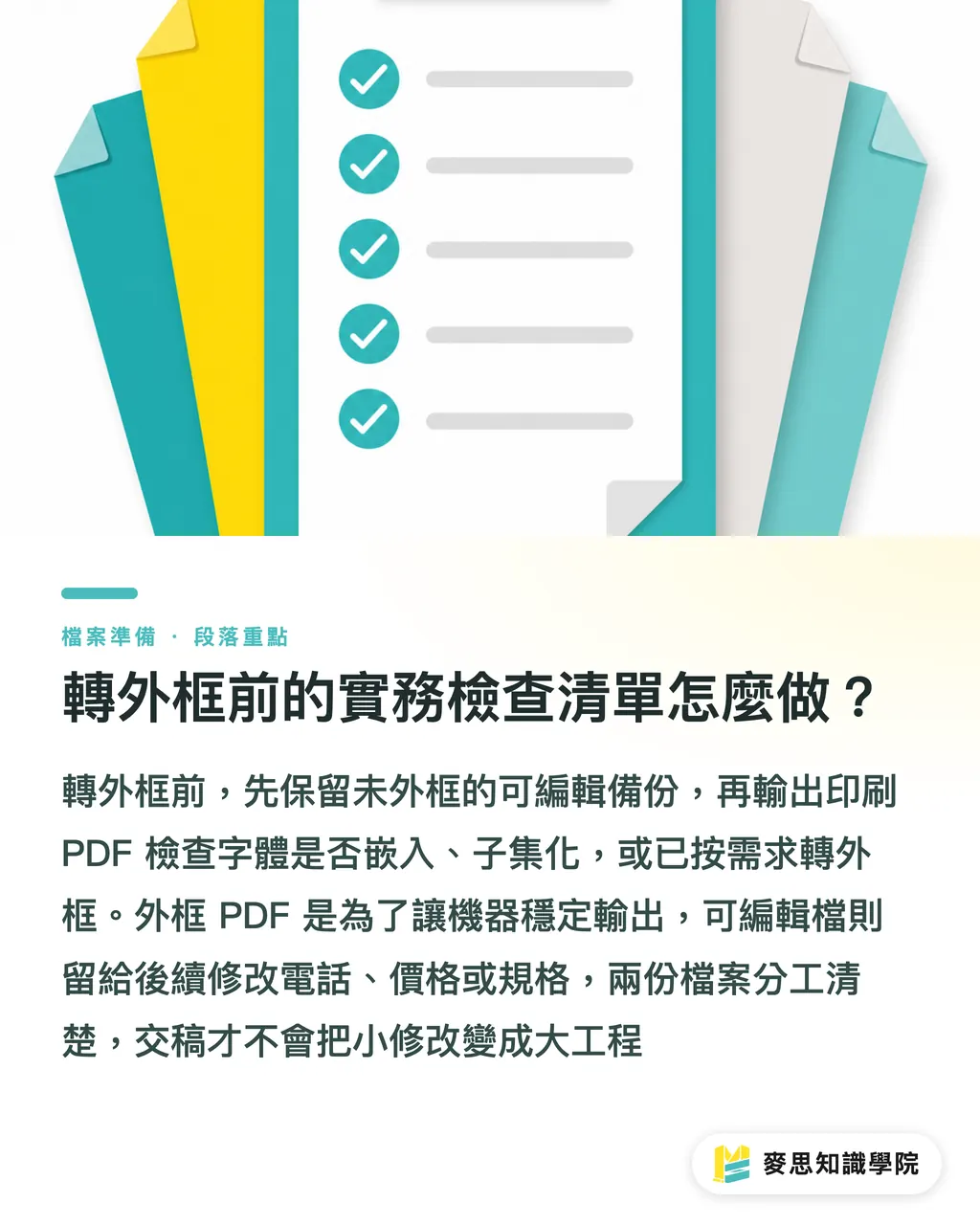
How to Run a Pre-Outline Checklist in Practice
Before converting, save one backup without outlines, export one print-ready PDF, then use the PDF to check font status and screenshot the layout. Run through those 3 steps and most font-related handoff problems get caught before the job hits press
・Save: keep two versions, "ProjectName_editable_date" and "ProjectName_print_date"
・Check licensing: confirm the font covers commercial printing, PDF embedding, and third-party vendor use
・Check glyphs: review Traditional Chinese, Simplified Chinese, variant characters, brand-specified letterforms, and special symbols
・Check the PDF: confirm fonts are embedded, subsetted, or converted to outlines as required
・Check for future edits: determine whether phone numbers, addresses, prices, specs, barcodes, or QR codes will need updating
・Clarify ownership: note in the delivery email or job sheet what the print PDF and the editable backup are each for
The line I repeat most often to designers: the outlined PDF is for the machine to output reliably; the editable file is for the person who has to handle it next. Each has its job. Keep both, and a minor edit stays minor
Key Takeaways
・Before converting fonts to outlines, ask about licensing, purpose, and handoff. Don't treat "always outline" as a universal pre-press rule
・Outlines solve output stability. Embedding preserves text information. Subsetting balances file size against glyph availability
・Missing characters, font substitution, and punctuation reflow tend to happen around special symbols, mixed Chinese-English text, Traditional/Simplified glyph differences, and loosely managed brand typefaces
・The most reliable handoff for corporate clients is a print-ready PDF alongside an editable source file, both, always
・An editable backup isn't redundant. It's buying time for whoever handles the next revision
Further Thinking
For print manufacturing, design, AI, and SaaS teams alike, font handoff should shift from personal habit to defined process. I recommend starting with a brand font list, primary typefaces, fallbacks, license scope, PDF delivery specs, and when outlines are called for, then building that list into design briefs, procurement forms, and online proofing workflows. When the Mai Strategy Knowledge Academy consulting team reviews files, making these rules into reusable handoff standards is always a first priority, because print quality usually isn't saved at the end. It's protected by leaving fewer grey areas at the start
FAQ
- Do you always need to save a backup before converting fonts to outlines?
- Yes, always. Once text is converted to outlines, it becomes vector paths, and any follow-up edits to phone numbers, prices, or addresses slow down significantly. Keep at least one editable file without outlines and one print-ready PDF
- If a PDF already has fonts embedded, does it still need to be converted to outlines?
- Not necessarily. If the font license permits embedding, the PDF checks out, and the printer's workflow handles embedded fonts, an embedded PDF is usually fine. Outlining is worth considering only if the supply chain is uncertain or there's a real risk of font substitution
- What's the difference between subsetted fonts and full embedding?
- Subsetting includes only the characters actually used in the PDF; full embedding includes more complete font data. Subsetting is common in print PDFs and keeps file size manageable, but significant text changes still need to go back to the source file
- When handing off to a printer, should a corporate client deliver a PDF or source files?
- For a one-time run with a finalized design, a verified print-ready PDF is enough. If future revisions are expected, the brand needs long-term use, or the printer may need to make adjustments, deliver both a print PDF and an editable source file
- What does font licensing have to do with print output?
- Font licensing determines whether the typeface can be used commercially, embedded in a PDF, and handed to an external vendor. Corporate buyers should confirm the license scope before commissioning work, a file that can print isn't the same as a file that's legally cleared to print
Related articles
The Print × AI weekly
The print and AI know-how designers, brands and enterprises can use before they commit — one email, every week
MINDS Free Tools
Imposition calculator and preflight file check — free prepress tools, right in your browser.
MINDS Group
Need actual printing or gifting services?
From premium printing to online ordering and festive gifts — the MINDS Group sister brands take it from here.