
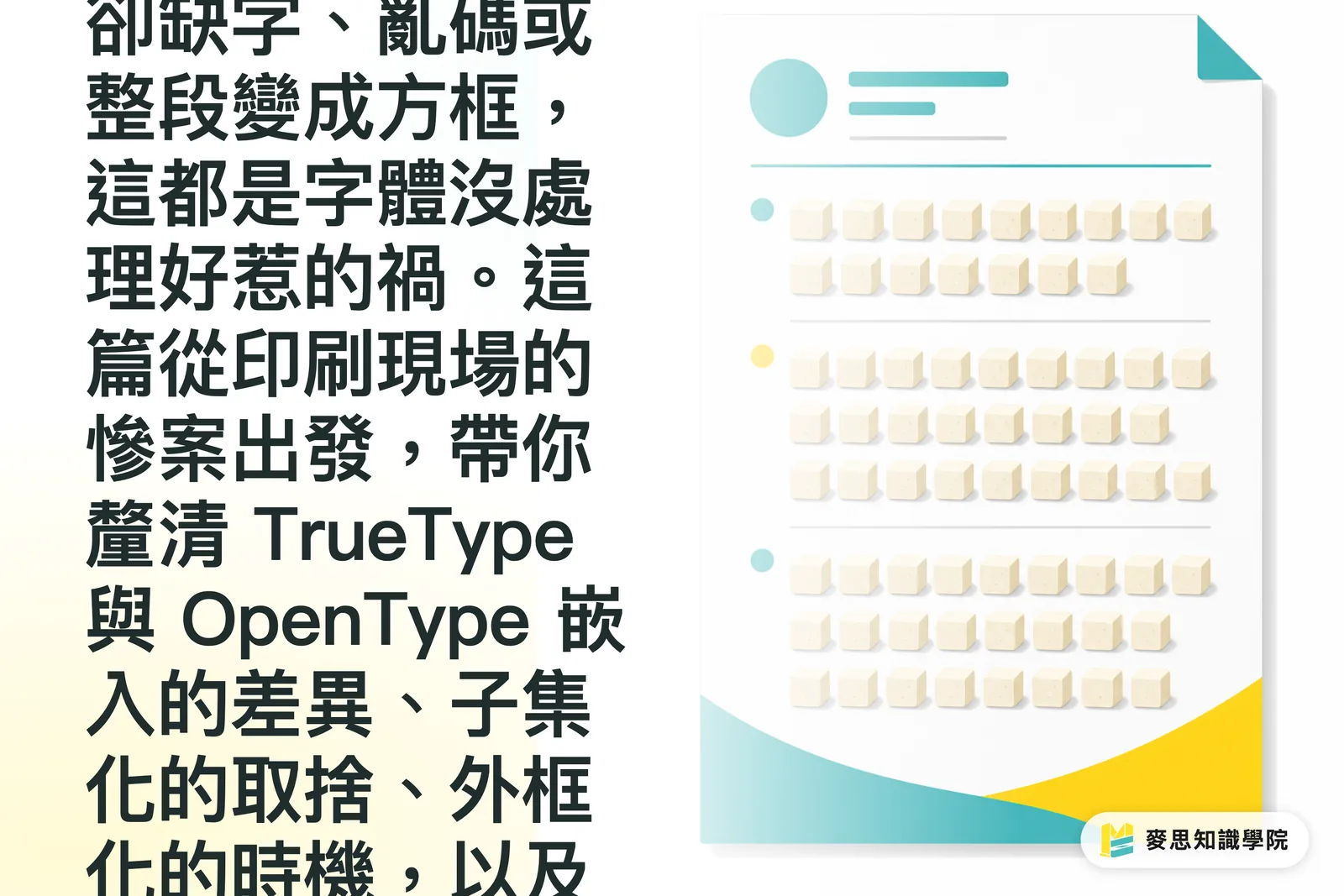
When Prints Turn into Tofu Blocks, Bad Font Embedding Is Behind It 90% of the Time
I have seen this happen way too many times on the press floor: a designer hands over a PDF with total confidence, the press runs, the proof comes out, and entire lines turn into empty boxes while full English paragraphs turn into □□□□
The problem is not the press, nor is it the designer's computer. The font simply did not travel with the file to the print shop
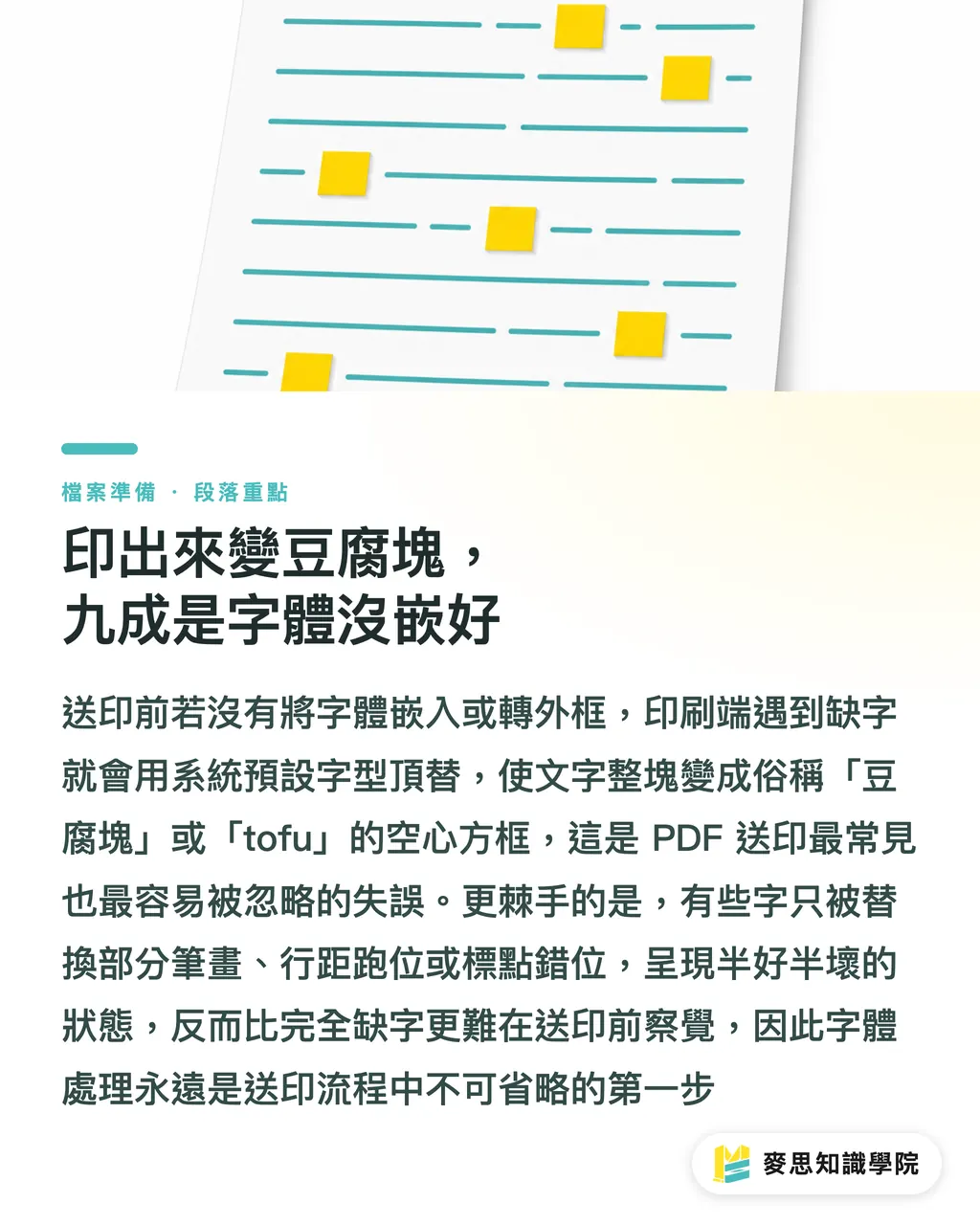
When sending a PDF to print, if fonts are not embedded or converted to outlines, prepress software that lacks the matching font will swap it for a system default. That leaves text looking hollowed out, commonly known as 'tofu blocks' or 'tofu.'
Worse, some characters aren't missing entirely. Instead, certain strokes get substituted, line spacing breaks, or punctuation shifts out of place. This half-broken state is the hardest to catch, and clients only find out when they receive the finished run and lose their temper
That is why font handling is always step one before going to press, not some optional polish
TrueType vs. OpenType: Completely Different Embedding Strategies
There are two main font families, and you handle them differently
・TrueType (TTF): The workhorse of Apple and early Windows. It holds complete glyph data, but offers fewer advanced typographic features
・OpenType (OTF): The successor format co-developed by Microsoft and Adobe. It supports more languages, larger character sets, and layout features like ligatures and alternate glyphs
For printing, OpenType is the clear standard now. A single font file can cover Chinese, English, Japanese, and Korean, so designers creating multilingual catalogs never have to switch fonts
The catch is that OpenType character sets easily run into tens of thousands of glyphs. Embedding the entire font blows a PDF up from a few megabytes to dozens or even hundreds of megabytes. You cannot email it, and uploads crawl
This is where subsetting comes in: packaging only the characters actually used in the file
When exporting PDFs, Adobe Acrobat, Illustrator, and InDesign will ask whether to subset fonts. Selecting 'Subset embedded fonts' is almost always the safest path, unless the font license explicitly forbids embedding
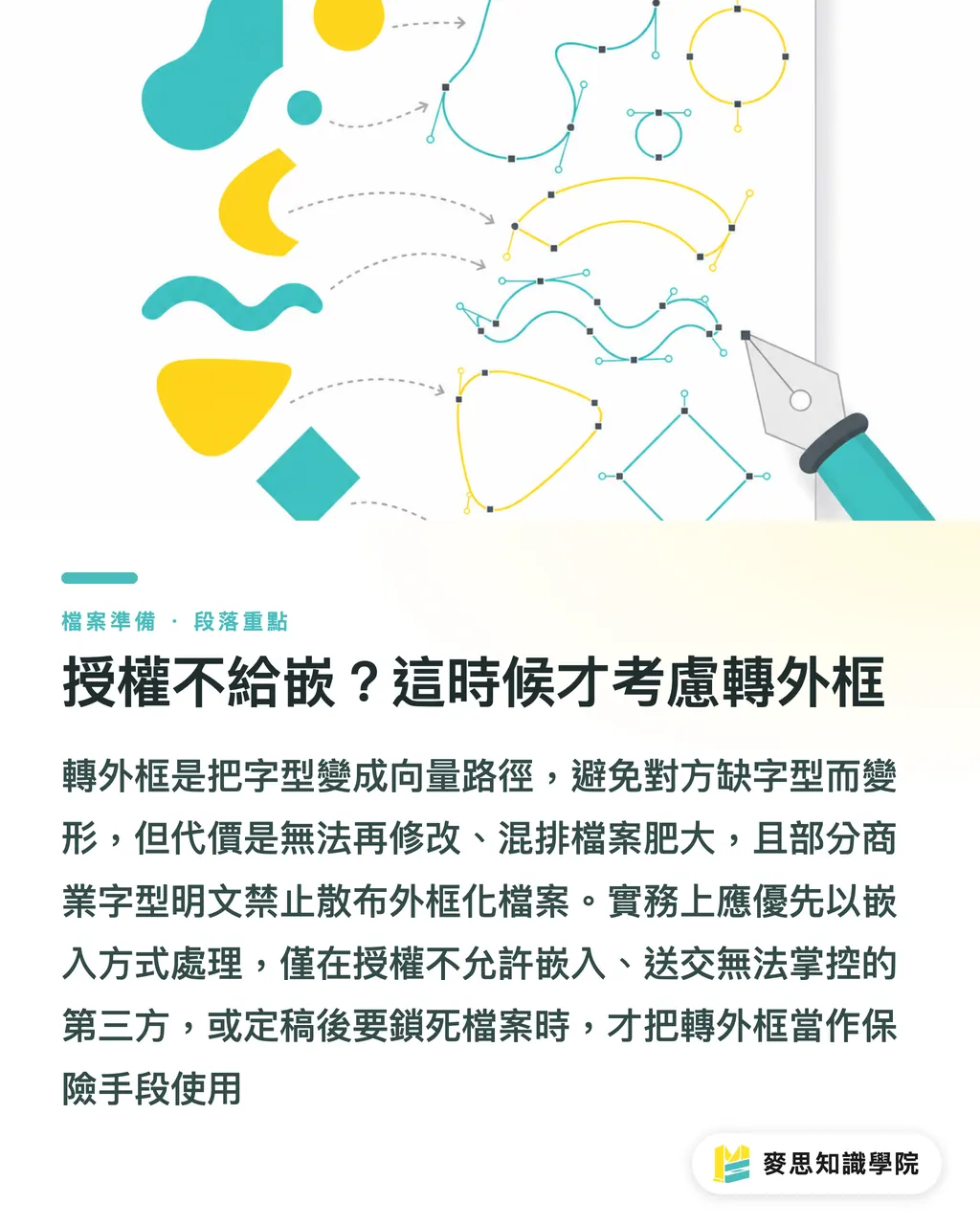
License Won't Allow Embedding? Only Then Should You Outline
Many designers have heard the advice 'just outline all text,' but that is only half right
Converting text to outlines means using 'Create Outlines' in Illustrator or converting text to paths in InDesign. Every glyph turns from a font reference into vector paths. Even if the print shop does not have your font installed, the shapes will not distort
Sounds foolproof? You pay three clear costs
・Irreversible: Once outlined, you cannot edit text, swap characters, or create accessible PDFs that screen readers can parse
・File bloat on multilingual layouts: When mixing Chinese, English, Japanese, and Korean, turning every single character into complex paths inflates file sizes massively
・Licensing traps: Certain commercial fonts specifically forbid distribution through embedding or outline conversion
The industry rule of thumb is straightforward: embed whenever possible, especially for multilingual catalogs, brochures, and user manuals. Outline only if the font license explicitly bans embedding, or if you must send files to an unvetted third-party vendor. Once final proofs are signed off, outlining can also lock down artwork to prevent unexpected RIP errors
Simply put, outlining is an insurance policy, not your everyday workflow
Multilingual Typesetting: The File Bloat Trap
When building a product catalog or company brochure, alternating across Chinese, English, Japanese, and Korean is common
The trouble is that many fonts claim a 'complete character set.' If full embedding is turned on, the entire glyph library gets packaged into the file, even if you only typed a few dozen words
Looking at recent client projects, an 80-page multilingual manual without font subsetting routinely hits 80 to 150 MB. It bounces on email, chokes the printer's upload portal, and drags out production schedules
Here are three ways to fix it:
・Ensure subsetting is enabled: In Illustrator's Save Adobe PDF dialog, check the Advanced tab and make sure fonts are set to embed subsets
・Share font families across the document: Use different weights from the same font family for headings, body copy, and subheadings. This keeps the subsetted glyph pool much smaller
・Split multilingual sections: If a single font cannot cover all target languages, splitting content into separate language files is far easier to handle than one bloated file
A 5-Minute Pre-Press Checklist to Prevent Costly Errors
This pre-flight checklist is the absolute minimum I ask our clients and in-house designers to run through before sending files to the press
・Open the PDF and inspect font embedding: In Acrobat, go to Document Properties > Fonts and confirm that every font is listed as 'Embedded Subset' or 'Embedded.'
・Fix failed font embeddings: Re-export the troublesome font directly from Illustrator or InDesign, or switch to a properly licensed alternative
・Review font licensing: Check the EULA to see if embedding for commercial print is permitted. When in doubt, contact the font foundry first
・Trim multilingual files: Make sure font subsetting is on, and avoid mixing too many different font families in a single document
・Outline only on the final signed-off version: Convert to outlines only after the final text is locked in to prevent painful last-minute text edits
In practice, many disasters happen when that final rule is ignored. A client requests three rounds of copy revisions. By round three, someone sends an old outlined file sitting in the folder, only realizing it is outdated after the plates are made
Font handling sounds minor, but it is the final gate between screen and paper. Embedding your fonts properly and picking the right strategy ensures a month of design work doesn't fall apart over a single missing character
If you need to apply this workflow to your own print projects, or want a one-on-one audit for specific font licenses or complex multilingual documents, get started with custom prepress services from MINDS, or book a consultation with the advisory team at Mai Strategy Knowledge Academy
Key Takeaways
・Missing characters, boxes, or garbled text in print are caused by missing font embedding or improper subsetting 90% of the time
・Embed fonts whenever you can. Outlining is a final safety measure, not an everyday habit
・Always turn on subsetting for multilingual OpenType fonts, or your PDF will balloon from megabytes to gigabytes
・If a license prohibits embedding, contact the foundry to clarify terms rather than outlining text to dodge restrictions
・Run a final check in Acrobat's font properties before sending files to print. Five minutes can stop 80% of prepress rejections
Broader Implications
Font embedding offers massive payoff at minimal cost across the print supply chain. For commercial printers, setting up automated pre-flight checks for incoming PDFs cuts the prepress rejection cycle from a full day down to an hour. For brand owners, making subsetting, embedding, and license audits part of design standard operating procedures means underlying typography setups carry over smoothly into hybrid digital-print formats, RFID tags, or AR catalogs. For SaaS platforms and document automation, this mindset applies everywhere from contracts and user guides to government tenders. Whenever text needs to render reliably across different devices and print hardware, embedding and subsetting remain essential baseline practices
Further Reading
・[Complete Guide to PDF Font Embedding for Print: Why Did My Printed Text Break?](/zh-TW/knowledge/font-embedding-print/)
・[Sent Files to Print Without Embedding Fonts? Senior Print Consultants Share How to Dodge the Number One Cause of Prepress Rejections](/zh-TW/knowledge/font-licensing-outlining-embedding-prepress-guide/)
・[Outlining vs. Embedding Fonts: Pre-Press Risk Management Every Designer Should Know](/zh-TW/knowledge/font-outline-guide/)
FAQ
- Why does my PDF look fine on screen but print out as blank boxes?
- Your PDF only references the font rather than containing it. The prepress software can read the font on your local machine, but the printer's RIP raster processor cannot find it, substituting a system default font that looks like hollowed-out boxes
- Which is better: embedding fonts or converting them to outlines?
- For multilingual commercial documents, embedding with subsetting is ideal. Outlining is best reserved for fonts whose licenses forbid embedding, or for locked-down final artwork after text approval
- Why is my PDF dozens of megabytes after embedding fonts?
- Subsetting was likely turned off, forcing the PDF to pack the entire glyph set even if you only used a few dozen characters. Checking the subset fonts option during PDF export fixes this
- Can every font be embedded?
- Not necessarily. A commercial font's End User License Agreement (EULA) dictates whether embedding for print distribution is allowed. Check the terms before purchasing and reach out to the font foundry if you need clarification
- Can I bypass font handling by saving text as raster images like TIFF or EPS in Photoshop?
- No. If rasterized formats still retain font references, re-exporting or scaling can still cause errors. The right approach is to outline text before saving images, or deliver clean vector files straight from Illustrator
Related articles



The Print × AI weekly
The print and AI know-how designers, brands and enterprises can use before they commit — one email, every week
MINDS Free Tools
Imposition calculator and preflight file check — free prepress tools, right in your browser.
MINDS Group
Need actual printing or gifting services?
From premium printing to online ordering and festive gifts — the MINDS Group sister brands take it from here.