
Why does text appear garbled after sending to print, even though the fonts are installed on my computer?
I've seen far too many cases on the print floor where designers are devastated by 'missing font' warnings upon sending files to the print shop. The primary cause is that your computer has the font installed, but the print shop's servers and output devices do not
・Risk of dropped characters: When print software cannot find the original font file, the system forces a replacement with a default font (such as Arial or MS Gothic). This causes text length changes, overlapping kerning, or even broken strokes
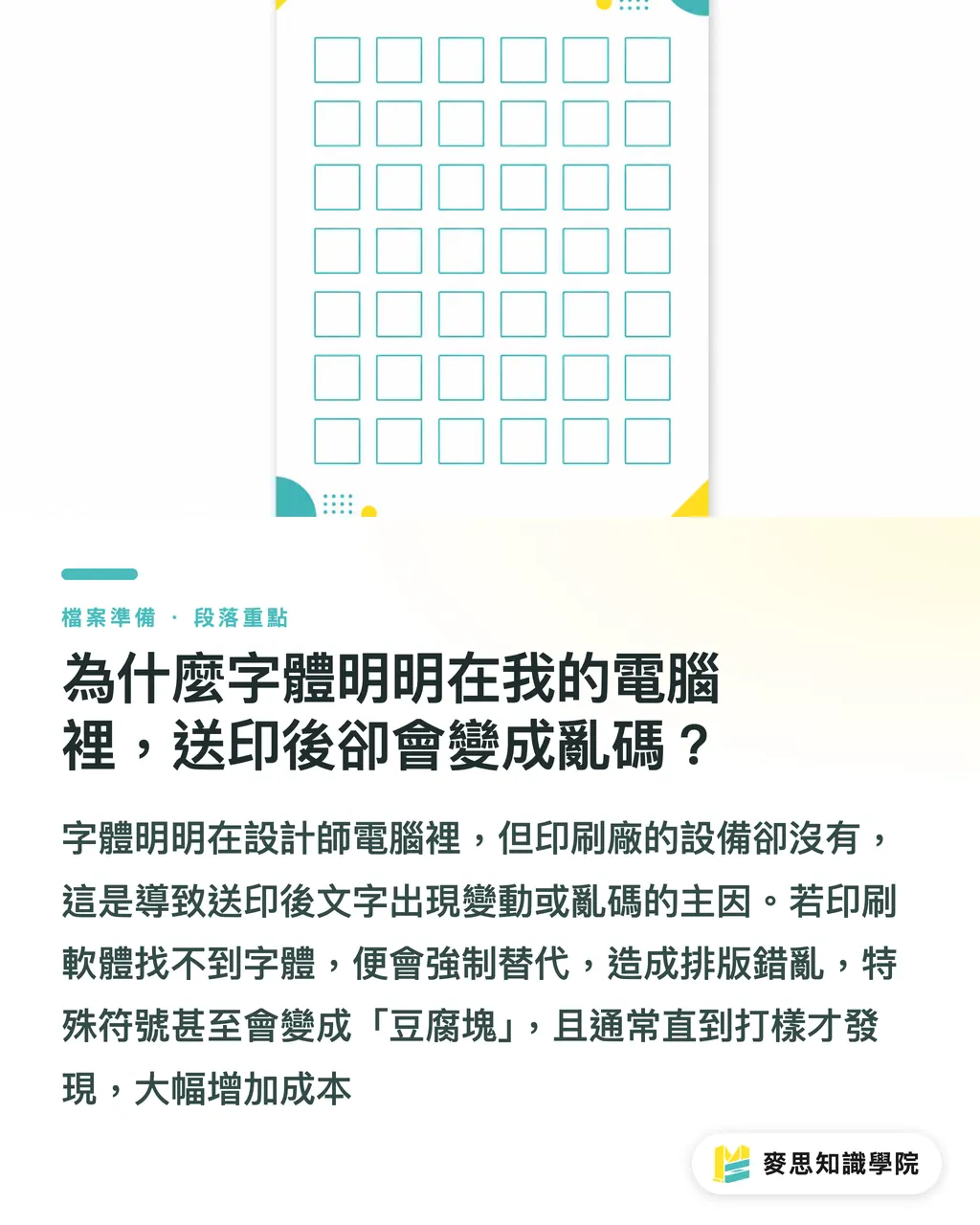
・Garbled text disaster: If special symbols or rare characters are used, the replacement font cannot map to the original encoding. This results in 'tofu boxes' (a grid of square blocks) when printed. Such errors are usually only discovered during the proofing stage, incurring massive costs
What is the difference between embedding and subsetting? Why must Chinese fonts be 'subsetted'?
'Embedding' packs the entire font file into the PDF, whereas 'subsetting' packs only the characters actually used in the document. Both methods are safe for printing
・The need for file slimming: A standard Chinese font often contains over 13,000 characters and can exceed 10MB. Embedding the full set makes the PDF file incredibly bloated, leading to transmission and processing difficulties
・Subsetting mechanism: When exporting PDFs in InDesign, the system performs subsetting by default (usually set to a 100% threshold). This ensures that even if the print shop's computer lacks the specific font, it can accurately render the text based on the vector path information within the PDF. It is currently recognized as the industry standard for balancing efficiency and accuracy
Since embedding is possible, why do veteran designers still prefer 'Creating Outlines'?
While PDF embedding technology is mature, 'Text → Create Outlines' remains a reliable insurance policy for many seasoned professionals working in the Illustrator environment
・Avoiding licensing restrictions: Adobe Fonts or certain commercial fonts have DRM protection that 'forbids embedding.' In these cases, embedding will fail; only by converting the text into vector paths (outlining) can you output the file legally and smoothly
・Absolute path stability: Outlined text is no longer text; it is purely vector graphic data, which completely eliminates the possibility of version compatibility or encoding conflicts. However, this is a double-edged sword: once outlined, you cannot fix typos. It is highly recommended to save a separate 'Outlined Version' of the file before sending to print, while keeping the original editable file for reference
The 5-minute pre-print self-rescue: How to quickly check font status using Acrobat?
Rather than waiting for the print shop to reject your file, spend a few minutes performing a final Preflight before sending to plate
・Fast track: After opening your PDF, press Ctrl+D (or go to File → Properties) and switch directly to the 'Fonts' tab
・Interpretation standard: Every font listed must be labeled with 'Embedded' or 'Embedded Subset' in parentheses. If you see the font name without a labeling of its embedded status, there is a 90% chance your file will be rejected. Additionally, if using InDesign for final layout, ensure the 'Include Fonts' option is checked during export, and confirm that there are no yellow warnings for missing fonts in the Links panel
Key Takeaways
・A PDF without embedded fonts is only a semi-finished product; sending it to a print shop is the beginning of a garbled-text disaster
・Due to the massive number of characters in Chinese fonts, always use 'Subset' embedding to balance file size and output precision
・For Illustrator files, it is recommended to select all and 'Create Outlines.' This is the ultimate strategy for dealing with font licensing restrictions and cross-platform compatibility
・Cultivate the habit of checking font status via Acrobat 'Document Properties'—it can intercept over 90% of pre-press disasters
Extended Reflection
Font issues are fundamentally about the integrity of 'information encapsulation.' As AI-generated imagery and complex layout tools become more accessible, designers' grasp of underlying technical specifications has actually weakened. I suggest that SMEs select 'embed-authorized' fonts when establishing brand guidelines and incorporate Acrobat preflight into their internal SOPs. While cloud font licensing will become more automated in the future, in the world of physical printing, vectorizing fonts (outlining) remains the highest gold standard for resisting equipment variables and ensuring 'What You See Is What You Get.'
FAQ
- If I use Adobe Fonts in my file, does the print shop need a paid subscription to print it?
- No. As long as you correctly select embedding when exporting your PDF, Adobe Fonts' licensing allows the font to be packaged in the file via 'subsetting,' and the print shop can read the paths directly for output
- Will creating outlines (converting text to paths) affect the clarity of the font?
- At printing resolutions, there is virtually no visual difference between the outlined vector path and the original font. The only difference is with extremely small text (e.g., below 5pt), where the lack of the font's own 'Hinting' technology may slightly reduce edge sharpness; however, this has no impact on general layouts
- Why do some PDF files show fonts as missing when opened, even if they were already embedded?
- This usually happens when the PDF is re-imported into other layout software (such as Word or older software that does not support embedded paths). The safest approach is to ensure the output PDF complies with international printing standards like PDF/X-1a or PDF/X-4, which force all resources to be fully encapsulated
- Does 'subsetting' Chinese fonts result in insufficient character sets?
- No, subsetting automatically scans all characters appearing in the file. Unless you attempt to modify the text in Acrobat after saving the PDF (adding characters that did not appear in the original file), you will not encounter any character deficiency issues
Related articles




The Print × AI weekly
The print and AI know-how designers, brands and enterprises can use before they commit — one email, every week
MINDS Free Tools
Imposition calculator and preflight file check — free prepress tools, right in your browser.
MINDS Group
Need actual printing or gifting services?
From premium printing to online ordering and festive gifts — the MINDS Group sister brands take it from here.