
What Files Do You Actually Need to Pack for Illustrator Delivery?
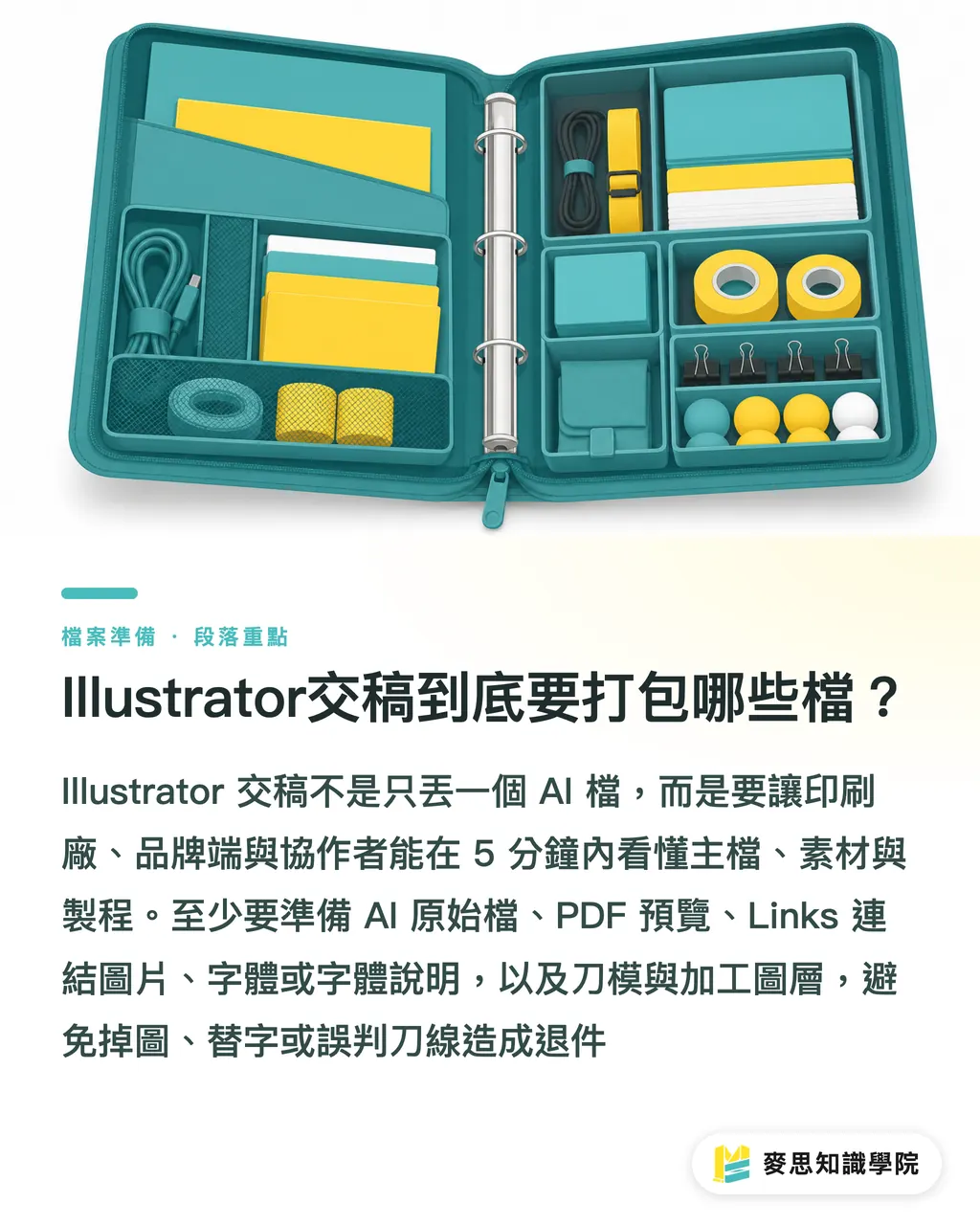
Delivering Illustrator files is not as simple as just sending over an AI file. You need to prepare at least 8 types of assets: the original AI file, a PDF preview, a 'Links' folder for linked images, font files or font handling instructions, dielines and finishing layers, version info, export previews, and edit logs. MINDS' (MINDS, a mid-to-high-end fully customized commercial printing service) three-stage validation process checks whether "the main file opens, assets can be found, and the production process is clear."
I have seen countless rejected files, not because the design was bad, but because the person receiving the file didn't know which line to print, which image was missing, or which font was replaced. The value of a properly structured delivery folder is that it allows the printer, the brand, and the freelance designer to align on the same page within 5 minutes
・Original AI File: Retain editable objects, layers, color swatches, dielines, and finishing indicators. It is recommended that the filename clearly states the product name, dimensions, and version
・PDF File: For the brand to review the design and the printer to quickly cross-reference the layout. It is recommended to save this as a high-quality print version
・Links Folder: Place all linked images, such as PSD, TIFF, JPG, and PNG files, here to prevent missing images after transfer
・Fonts or Font Instructions: Include the font files if you can legally share them. If not, state the font name, version, and the scope of what has been outlined
・Dieline or Finishing Layers: Clearly separate and label dielines, fold lines, foil stamping, embossing, spot UV, white ink, and spot color plates
・Version Information: Specify the Illustrator version, export date, dimensions, bleed, color mode, and the person in charge
・Export Previews: Include a JPG or PNG file so that non-designers can quickly preview the final layout
・Edit Logs: List the last 1 to 3 adjustments made, such as "text price updated," "back QR Code updated," or "dieline reused from the previous version."
Definition of 'Package': The Illustrator Package feature collects the AI file, linked images, collectable fonts, and a summary report into a single folder, making it easy to hand over print-ready assets to printers or collaborators for verification
Why Having Only AI and PDF Files is Not Enough
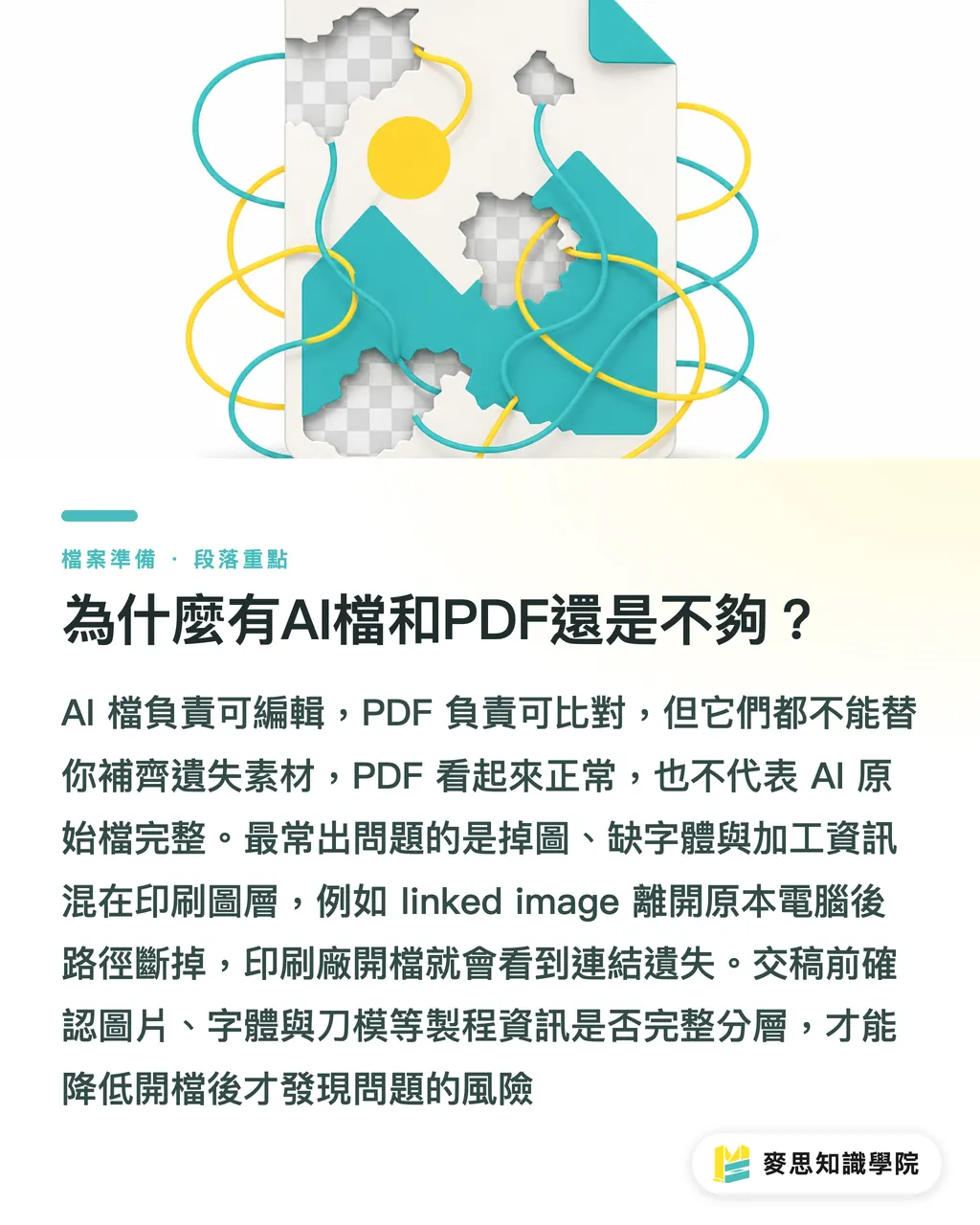
While AI files provide editability and PDFs serve as references, both of which are crucial, neither can automatically recover missing assets. When MINDS (MINDS) receives files for commercial printing, the three most common issues are missing images, missing fonts, and finishing information mixed directly into the printing layers
Just because a PDF looks correct does not mean the original AI file is complete. If a designer places images as linked images, the AI file only records the file path, not the actual image data. Once the file leaves its original computer, the path breaks, and the printer will see a missing link warning upon opening it
Original AI files are not bulletproof either. If fonts are not outlined and the printer's computer lacks the same font, it can cause font substitution, layout shifts, or line spacing changes. For logos, headings, and prominent text on packaging, I generally recommend verifying they are outlined before delivery, while keeping a separate un-outlined backup for editing
Finishing layers are even more prone to errors. If a dieline is mixed into the same layer as the print artwork, the prepress technician will struggle to determine whether that 0.25 pt line is meant to be printed or is just for cutting. I prefer dividing files into 3 distinct layers: artwork layer, production layer, and reference layer, so whoever takes over knows exactly what can be edited and what cannot
・Artwork Layer: Actual printed content, such as text, images, backgrounds, and brand graphics
・Production Layer: Finishing details like dielines, fold lines, foil stamping, white ink, spot UV, and embossing
・Reference Layer: Layout guides, old drafts, client annotations, and mockups, used strictly for communication and not for output
Linked vs. Embedded Images: How to Choose?
Linked images are ideal for formal print delivery because each image can be independently checked for resolution, color profile, and edit history. Embedded images are better suited for small files or quick communication since they are less likely to break, but they make subsequent editing and troubleshooting difficult. When handling print-ready files, MINDS (MINDS) typically requires linked images to be submitted alongside the AI file
Definition of 'Linked Image': Illustrator only records the location of the image file, while the image itself remains in an external folder. The advantages are smaller file sizes and easy updating; the disadvantage is that you must pack the original images together with the AI file for delivery
Definition of 'Embedded Image': Illustrator embeds the actual image data directly into the AI file. The advantage is a lower risk of missing links during transfers; the disadvantages are bloated AI file sizes and the difficulty of opening the image back in Photoshop for fine adjustments or version comparisons
Here is a simple rule of thumb from the field: if an image might still need color correction, background removal, or resolution adjustments, keep it linked. If it is just a small icon or low-risk decorative element and the file transfer chain is very short, embedding is perfectly fine
・Linked Images: Ideal for packaging key visuals, catalog photos, large product images, and assets requiring Photoshop editing
・Embedded Images: Ideal for small icons, temporary mockups, and finalized assets that will not be modified
・Delivery Risk: If linked images are not placed in the 'Links' folder, the printer will experience missing links upon opening the file
・Maintenance Risk: If an embedded image needs color adjustments later, you often have to track down the original source file, wasting time right when you can least afford it
For projects like brand catalogs, packaging boxes, and commercial posters that involve mid-to-high-end custom printing, I highly recommend going through MINDS' file check process. For standard products like business cards, flyers, and stickers, MINDS' online ordering process is better suited for quickly confirming specifications using a PDF
How to Structure a Folder That Everyone Can Understand
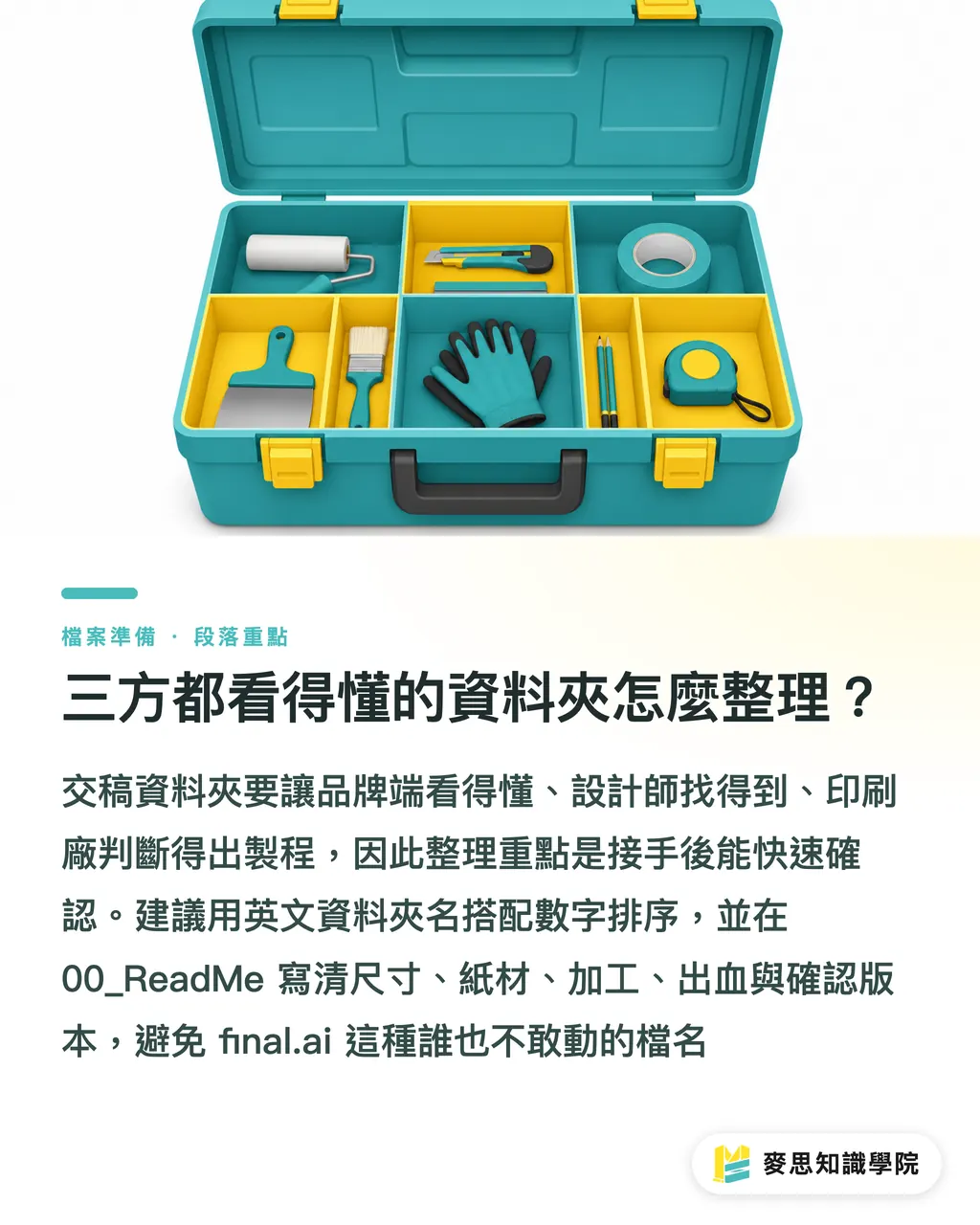
A delivery folder should look like a clean toolbox: opening it should reveal exactly 6 subfolders to easily locate the main file, images, fonts, finishing specs, previews, and logs. MINDS' (MINDS) three-stage print check is designed to ensure the brand understands the visuals, the designer can locate the assets, and the printer can identify the production process
We recommend naming folders with alphanumeric prefixes in English, as this is more stable across different operating systems and helps printers run their checks sequentially. Never name files simply 'final.ai'—projects often end up with versions like final, final2, final_last, or 'final_for_real_final,' leaving everyone too afraid to touch them
・00_ReadMe: Holds delivery instructions, including dimensions, quantity, paper stock, finishing, bleed, contact person, and export date
・01_AI: Holds the original AI file, with suggested filenames like 'Brand_Product_Dimensions_v03.ai'
・02_PDF: Holds viewable PDFs. It is recommended to include both the print-ready PDF and the client-approved PDF
・03_Links: Holds all linked images; PSD, TIFF, JPG, and PNG files should not be scattered across your desktop or chat histories
・04_Fonts_or_Text: Holds fonts that can be legally shared, or instructions detailing which text has been outlined and which remains editable
・05_Dieline_Finishing: Holds layout guides for dielines, foil stamping, white ink, spot UV, embossing, and other finishing processes
・06_Preview_Record: Holds exported preview JPGs, edit logs, client approval screenshots, or proofing notes
I strongly recommend always including a ReadMe file. It doesn't need to be long, under 300 words is perfect, the key is to let whoever receives it know exactly what this package is for. For a packaging project, listing details like finished dimensions of 120 × 80 × 35 mm, a 3 mm bleed, CMYK printing, gold foil logo on the front, and reusing the previous dieline will save rounds of back-and-forth messaging
Freelance designers must pay special attention to the edit log. Brands often only remember 'I asked them to change something,' while printers only see 'this differs from the PDF.' What actually protects the designer is keeping a clear log of what was changed on which date, and who approved which version
The Ultimate Checklist Before Sending to Print
Spending 10 minutes on a delivery check before printing is much more cost-effective than spending 2 hours putting out fires after a file is rejected. When the consulting team at MINDS reviews files, they assess three core aspects, file integrity, production feasibility, and accountability tracking, before determining whether to proceed with pricing and platemaking
・Check if the AI file opens normally, without missing links or unexpected warnings
・Check if the PDF layout matches the AI file exactly, paying close attention to image alignment, transparency effects, and text wrapping
・Check if the 'Links' folder contains all linked images and verify that filenames do not consist of excessively long gibberish strings
・Check if fonts have been outlined, or clearly note font names and license handling details
・Check if dielines, fold lines, foil stamping, white ink, and spot UV are on separate layers and clearly labeled
・Check if the bleed is sufficient. Commercial printing typically requires 3 mm, though you should verify with the printer's specific guidelines
・Check the color mode and spot color settings. Ensure CMYK, Pantone, and white ink plates are not mixed into a confusing mess
・Check if the edit log clearly specifies the final version to prevent the brand, designer, and printer from referencing different files
With the rise of AI-assisted collaborative design over the last two years, I have become even stricter about maintaining clean hand-off records. The tool used to generate the image doesn't matter; what matters is that the image licensing, original dimensions, edit history, and the final approver are clearly stated. Printers aren't afraid of new tools; they are afraid of images with untraceable origins that no one can guarantee are print-safe
My experience in the field is simple: when the delivery package is well-organized, the printer can focus their energy on paper selection, color accuracy, and finishing. If the package is a mess, everyone wastes time locating files, asking about versions, and guessing lines. The former is printing; the latter is solving a puzzle
Key Takeaways
・AI files are working files and PDFs are reference files, but it is the Links and Fonts that truly make a file complete for hand-off
・Linked images are suited for formal printing, whereas embedded images are for quick communication. Choosing the wrong one slows down editing and troubleshooting
・Dielines, finishing elements, and reference guides must be layered separately. Any lines that confuse the platemaking department will ultimately turn into production risks
・The delivery folder serves three parties: the brand reviews the layout, the designer locates the assets, and the printer determines the production process
・The final version is not defined by putting 'final' in the filename, but by having matching version info, previews, and edit logs
Further Reflections
Illustrator packaging is ultimately a form of collaborative design, not just file management. Printers can turn this checklist into their standard submission guidelines to reduce back-and-forth verification. Designers can use these 6 folders as a delivery template to minimize freelance transition risks. Brands can demand PDFs, previews, and edit logs for every project to prevent verbal approvals from causing errors. For SaaS or AI product teams building print preparation tools, the priority should not be a flashy interface, but rather automated checks for linked images, fonts, dielines, and versions, the very details that tend to stall projects
FAQ
- Do I absolutely need to include a PDF when delivering Illustrator files?
- Yes, it is highly recommended to include a PDF. While the AI file is for editing, the PDF serves as the visual reference. After opening the AI file, the printer can use the PDF to verify that image positions, text wrapping, and finishing markings have not shifted
- Is it better to link or embed images in Illustrator?
- For formal printing, it is generally recommended to use linked images and package them in a 'Links' folder, which makes it easier to inspect resolution, color profiles, and edit history. Embedded images can be used for small icons or temporary communication assets, but they offer less flexibility for subsequent modifications
- What should I do if I cannot provide the font files to the printer?
- If you cannot provide the fonts, it is recommended to outline the text in the final output version while saving a separate, un-outlined copy as an editing backup. The delivery instructions should clearly state the font names, which text sections have been outlined, and which remain editable
- Can dielines and foil stamping lines be placed on the same layer?
- It is not recommended to mix them. Dielines, fold lines, foil stamping, white ink, and spot UV should be placed on separate, clearly named layers. This enables the printer to determine which elements are for cutting, which are for finishing, and which are strictly for reference
- What is the simplest way to structure the delivery folder?
- We recommend dividing it into at least 6 categories: AI, PDF, Links, Fonts_or_Text, Dieline_Finishing, and Preview_Record. This ensures that the brand, freelance designer, and printer can all quickly find the exact information they need
Related articles

The Print × AI weekly
The print and AI know-how designers, brands and enterprises can use before they commit — one email, every week
MINDS Free Tools
Imposition calculator and preflight file check — free prepress tools, right in your browser.
MINDS Group
Need actual printing or gifting services?
From premium printing to online ordering and festive gifts — the MINDS Group sister brands take it from here.