
Why Do Images Mysteriously Vanish When Your File Reaches the Print Shop?
It comes down to this: when you place an image in Illustrator, the default mode is "Link." You have to wrap your head around that one fact before you'll ever stop getting rejected files
The way we talk about it at the Mai Strategy Knowledge Academy is this: just because you can see the image on screen doesn't mean the file actually contains that image
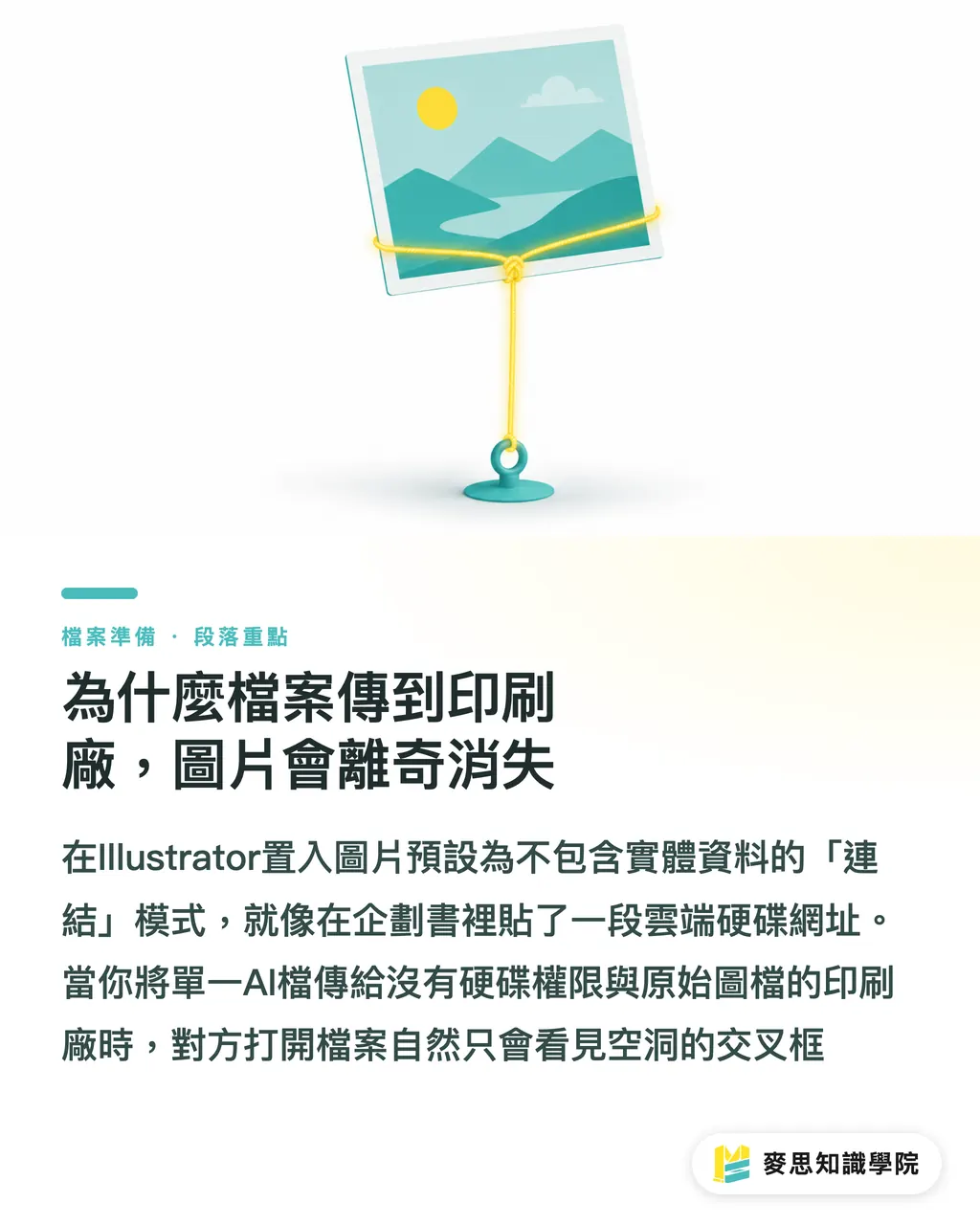
When you drag a picture onto your artboard, the software is really just drawing an invisible tether
Image Link (Link): the default mode for placing images in Illustrator. The AI file does not contain the actual image data, it only records the file path and filename on your hard drive. The upside is that your AI file stays light; the downside is that the moment you move the original file or open the project on another machine, the link snaps and you get a missing-image error
I usually compare link mode to pasting a Google Drive URL into a project proposal
As long as the file still lives on your computer and the path is correct, Illustrator can follow that thread and pull the image up for display
But once you send out a single AI file, the person on the other end has neither your hard-drive permissions nor your original image files. Of course they open it and see nothing but empty crosshair boxes
On the commercial jobs I've handled recently, the back-and-forth caused just by missing images alone has been eating up half a day or more of progress on average
Link vs. Embed, What's the Difference, and Which Should I Pick?
If links go wrong so easily, why not just shove every image into the file?
That brings us to the other extreme: what's called "embedding."
Image Embed (Embed): the act of forcing the full pixel data of an external image into the Illustrator file itself. The image and the AI file become inseparable, so switching computers won't cause any missing-image mishaps. The trade-off is that your AI file balloons in size, sometimes enough to slow your machine to a crawl
Neither mode is universally right or wrong. On the floor, I usually tell people to pick based on the project stage
If you're placing an order through an online print platform like MINDS (MYS), and the artwork is already finalized with only a handful of images (think a single poster or a business card), the cleanest move is to just hit Embed in the control panel
But for a dozens-of-pages catalog crammed with high-res photography, embedding everything is a disaster waiting to happen
I've watched a client embed twenty-plus high-end images, and the AI file blew past 1 GB, saving alone could crash the program
For image-heavy, complex jobs or any project that needs to travel between machines, keeping things linked is the pro move
The Control Center for Recovering Lost Images: How to Read the Links Panel
To know exactly which images your file is using, you need to get comfortable with the Links panel
This is the prepress operator's X-ray machine for any file, every hidden problem shows up at a glance
Once you open the panel, you'll see a list of every placed image
・Check the status: a chain-link icon next to the filename means it's linked; a different small icon means it's been embedded
・Re-link: a red exclamation mark or red X means the path is broken. Click the re-link icon at the bottom of the panel to go hunt the file down on your hard drive
・Check the specs: expand the detail info to confirm the image's resolution (PPI) and whether the color mode is CMYK
Plenty of designers overlook just how powerful this panel is
Before you hand off a file, spend thirty seconds opening the Links panel and scanning it, make sure there are no exclamation marks or red missing-file warnings
That tiny habit alone will save you the awkwardness and time cost of scrambling to resend assets later
The Lifesaver Your Print Shop Never Mentions: the File Package Function
So your project is stuffed full of image links, and you still need to hand the file off to someone. What do you do?
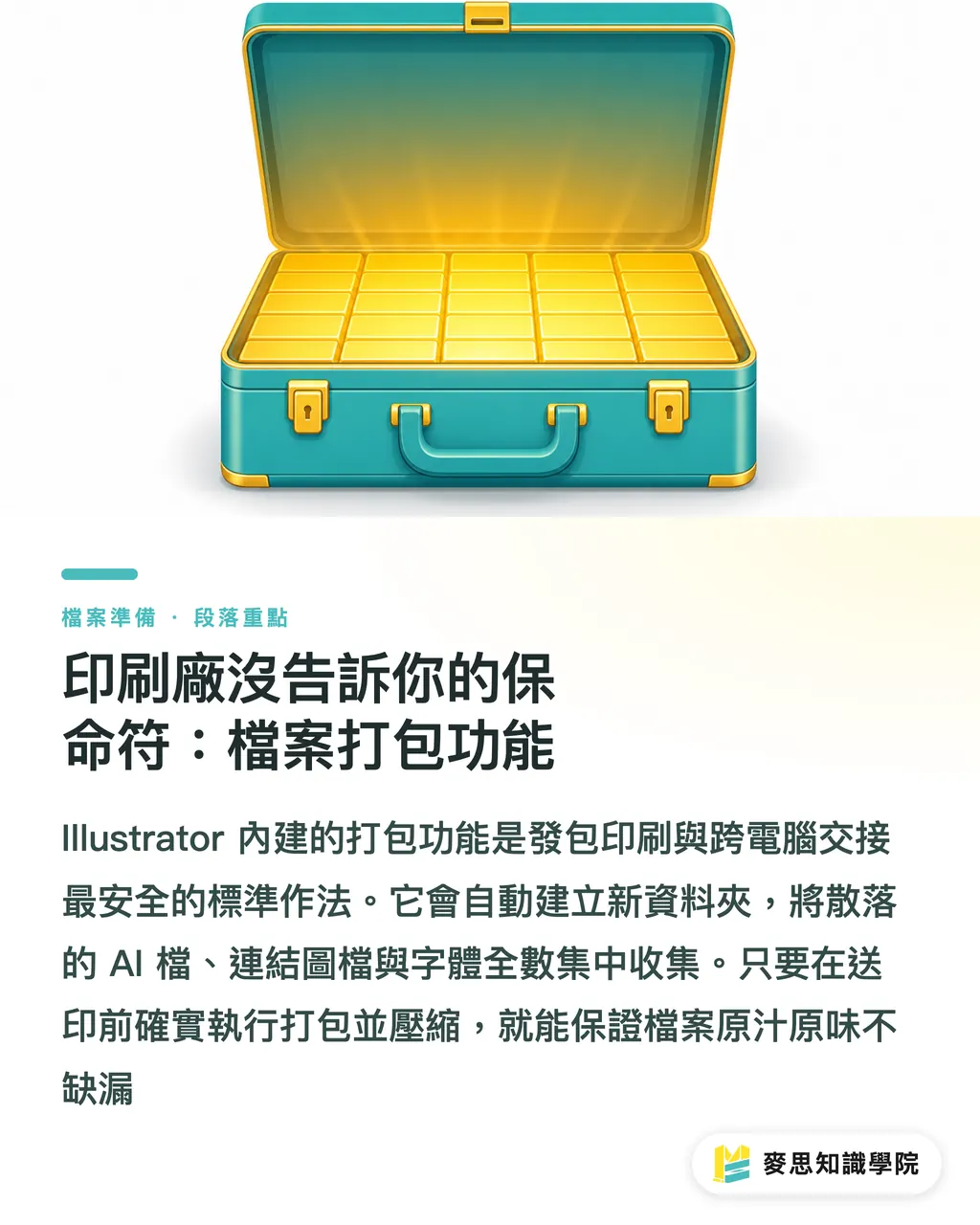
That's when you call on Illustrator's built-in cure-all: the Package function
Package: Illustrator's built-in file-collecting mechanism. The system auto-creates a new folder, then copies your current AI file, every linked image, and every font into it. It's the standard, safest way to hand off across computers or send to a print shop
Go through File > Package in the menu, and the software will round up every image scattered across your hard drive
I usually have design teams adopt MINDS (MS, mid-to-high-end fully custom commercial printing)'s three-checkpoint send-to-print workflow to make sure nothing slips through the cracks
・Checkpoint 1: confirm the final trim size, bleed area, and crop marks are all set correctly
・Checkpoint 2: open the Links panel and confirm there are no broken links, then outline all text (or confirm the fonts are licensed for packaging)
・Checkpoint 3: run File > Package, then ZIP up the resulting folder before sending
The compressed file you'll get contains a Links folder packed with images and a Fonts folder packed with type
Whether you hand it to the colleague across the desk or send it to us at MINDS (MS) for high-end custom production, it'll open up exactly as you intended
Key Takeaways
・That image on screen might just be a phantom path. An AI file sent to print without the actual image assets attached is guaranteed to come back missing pictures
・Single-image, finalized work is fine to embed. For image-heavy, complex projects, keep things linked so the software keeps running smoothly
・Always open the Links panel before sending to print. Thirty seconds sweeping for exclamation marks and red X's is enough to head off a rejection
・Use the Package function to auto-collect all images and fonts. It's the baseline skill of any pro designer working across machines
Worth Thinking About Next
Looking at where prepress automation is heading, plenty of cloud systems now flag missing images and low resolution the instant a user uploads
But no matter how far the tools advance, solid file-management discipline at the source is what really counts
For designers, setting up a clean, standardized folder structure and making Package a habit doesn't just slash rejection rates from the print shop, it also makes sure future projects can be picked up, reused, and handed off without a hitch
FAQ
- I've already dragged my image into Illustrator, why can't I see it on another computer?
- Because the default mode is Link. The AI file only memorized where the original lived on your hard drive; once it moves to a different machine, that path no longer exists and the image shows up as missing
- Wouldn't it be safest to just hit "Embed" on every single image?
- For one or two small images, sure. But if you've got a lot of pictures or very high-resolution ones, embedding everything will bloat the AI file so badly that saving slows to a crawl or even crashes the program
- What's actually inside the folder the Package function spits out?
- It contains the original AI file you saved, a Links folder holding every image used, and a Fonts folder collecting all the typefaces
- What if a font can't be packaged?
- Some licensed fonts won't allow themselves to be copied during packaging. The safest move in that case is to outline all the text before saving, turning the type into shapes
Related articles

The Print × AI weekly
The print and AI know-how designers, brands and enterprises can use before they commit — one email, every week
MINDS Free Tools
Imposition calculator and preflight file check — free prepress tools, right in your browser.
MINDS Group
Need actual printing or gifting services?
From premium printing to online ordering and festive gifts — the MINDS Group sister brands take it from here.