
Why is Printing an AI-Generated Flyer Layout Directly a Recipe for Disaster?
My desk has recently been piled high with client drafts generated by AI. Everyone assumes that a few clicks in Canva Magic Design or Gamma is enough to send files to the press
Based on my experience handling thousands of print projects, taking an AI-generated image that looks good on screen and sending it straight to print is a disaster waiting to happen 99% of the time
At the beginning of the design process, AI acts like a tireless creative assistant. It can quickly generate layout proportions, color palettes, and concepts for image-text placement
However, current AI layout generation tools (including Adobe Firefly's layout generator) cannot output precise bleed dimensions, nor can they correctly embed print-ready fonts
If you send these image files directly to the printer, you are looking at insufficient resolution, severe color shifts, and blurred, illegible text
Practical Analysis: The 'Three-Stage Workflow' from AI Draft to Final Print
To transform AI's explosive creativity into a printable physical product, we must establish a proper assistant design workflow
This workflow clearly defines the boundary between ideation and production, allowing designers to focus on core value while ensuring print quality
・Stage 1: AI rapid ideation and concept confirmation. Use AI tools to quickly generate three distinct layout directions, allowing clients to confirm the visual style and image-to-text ratio early on to avoid major changes later
・Stage 2: Precision reconstruction in professional software. Designers take the confirmed concept into Illustrator or InDesign to establish a canvas with correct dimensions, converting ideas into vector graphics and structured typography
・Stage 3: Pre-press specification setting and file conversion. This is the make-or-break phase. You must add at least 3mm of bleed according to print-house specifications, convert the color space to CMYK, and finally export a PDF/X file that meets industry standards
How Much Time Can AI-Assisted Layout Save? Testing Across Different Print Products
Many ask how much time this workflow actually saves. In reality, the time saved and the application of effort vary significantly depending on the type of printed material
・Single-page DM: Time efficiency is most apparent. What used to take half a day for composition can now have its visual direction decided within an hour; the designer then spends minimal time reconstructing it for print
・Trifold brochures: Time savings are concentrated in early communication. Due to complex fold lines and spread logic, AI currently cannot accurately handle these physical constraints, and the reconstruction stage still heavily relies on the designer's layout control
・A4 Catalog: AI's value lies in defining the 'master page' style for covers and inner pages. However, the subsequent typesetting and large-volume layout of dozens of pages still require InDesign's Master Page functions, AI cannot assist here
The Final-Art First Aid Kit: Three Priorities for Designers Taking Over AI Drafts
When you receive an AI-generated draft from a client, don't rush to redo it from scratch. Prioritize fixing these most critical print 'landmines'
・Handle text overflow and overlap: AI often ignores reading flow in favor of visual richness. You must reorganize the text hierarchy, ensure font sizes meet minimum print legibility requirements, and leave enough breathing room
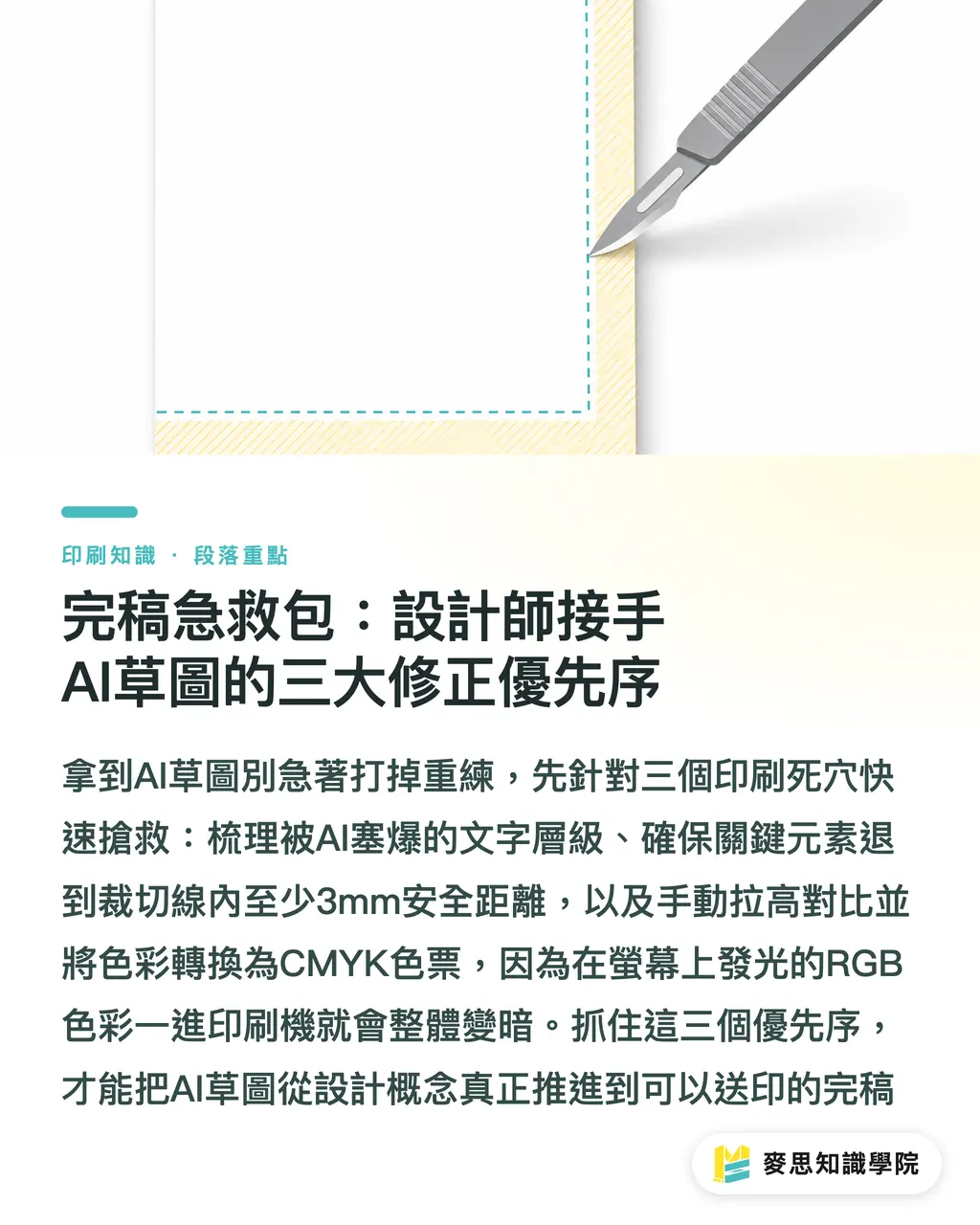
・Rescue key elements from cropping: Check if critical logos or text are too close to the edges. All key information must be pulled back to at least 3mm inside the cut line, otherwise, they will be lost once the guillotine cutter hits
・Enhance contrast and handle color conversion: AI drafts often have a luminous quality on RGB screens. They will inevitably darken after being converted to CMYK for printing. You must manually boost the contrast of key elements and replace colors with the correct brand swatches
Key Takeaways
・AI is a creative assistant for the early design stages, not a magic bullet for replacing professional final-art production
・Sticking to the 'AI Drafting → Software Reconstruction → Pre-press Conversion' three-stage workflow is the only way to land your creative vision safely
・When taking over an AI draft, prioritize addressing the three major landmines: text overflow, safety margins, and color conversion
・Using AI to confirm early concepts can significantly reduce the cost of back-and-forth revisions for designers during the final production stage
Extended Reflections
For print procurement and design teams, resisting AI is meaningless, placing it in the right position is the path to winning
We at MINDS Printing always encourage clients to work smarter. Use AI in the front end to rapidly converge on creative ideas and save on communication costs, while entrusting the back end to professional design and printing teams to ensure quality in bleed, color, and materials
This model of clearly separating ideation from manufacturing not only saves time but also guarantees that the quality of the final printed product delivered to your hands remains uncompromised
FAQ
- What should I do when a client brings a Canva-generated flyer and says they want to print it?
- Gently but firmly explain that it is an excellent conceptual draft, but in order to ensure print clarity and color accuracy, extra time must be spent reconstructing it in professional software with correct bleed settings
- Why can't AI layout generation tools produce correct bleeds?
- Most AI platforms are built for screen display and lack a concept of physical paper cutting; they currently cannot automate the calculation of edge extensions and safety margins
- Can I put an AI-generated image into Illustrator and use it directly as a flyer background?
- You can, but you must first check if the DPI of the original image is 300 in Photoshop and manually convert it to CMYK to adjust for color shifts. Never place the original raw file directly for print submission
Related articles



The Print × AI weekly
The print and AI know-how designers, brands and enterprises can use before they commit — one email, every week
MINDS Free Tools
Imposition calculator and preflight file check — free prepress tools, right in your browser.
MINDS Group
Need actual printing or gifting services?
From premium printing to online ordering and festive gifts — the MINDS Group sister brands take it from here.