
AI Can Publish Fast, but Picking the Right Version Is the Real Problem
AI image generation and AI copy have slashed the time cost of getting a "publish-ready version." Five packaging directions used to mean five full design cycles; now those same five versions can sometimes be ready by end of afternoon
The problem is what comes after
Across the projects I've touched in recent years, one pattern keeps showing up: a designer or brand team uses AI to spin out a dozen versions, then, sitting in a meeting room or scrolling through a group chat, picks "the best-looking one" by gut feel or majority vote and sends it straight to mass production. Once it hits shelves, consumer reaction to the packaging doesn't match expectations. But the die is cut, the paper is on its way, and inventory is already locked in. Changing direction now means eating the loss
The real issue isn't what AI produced, it's that the version-selection step never brought in real market judgment
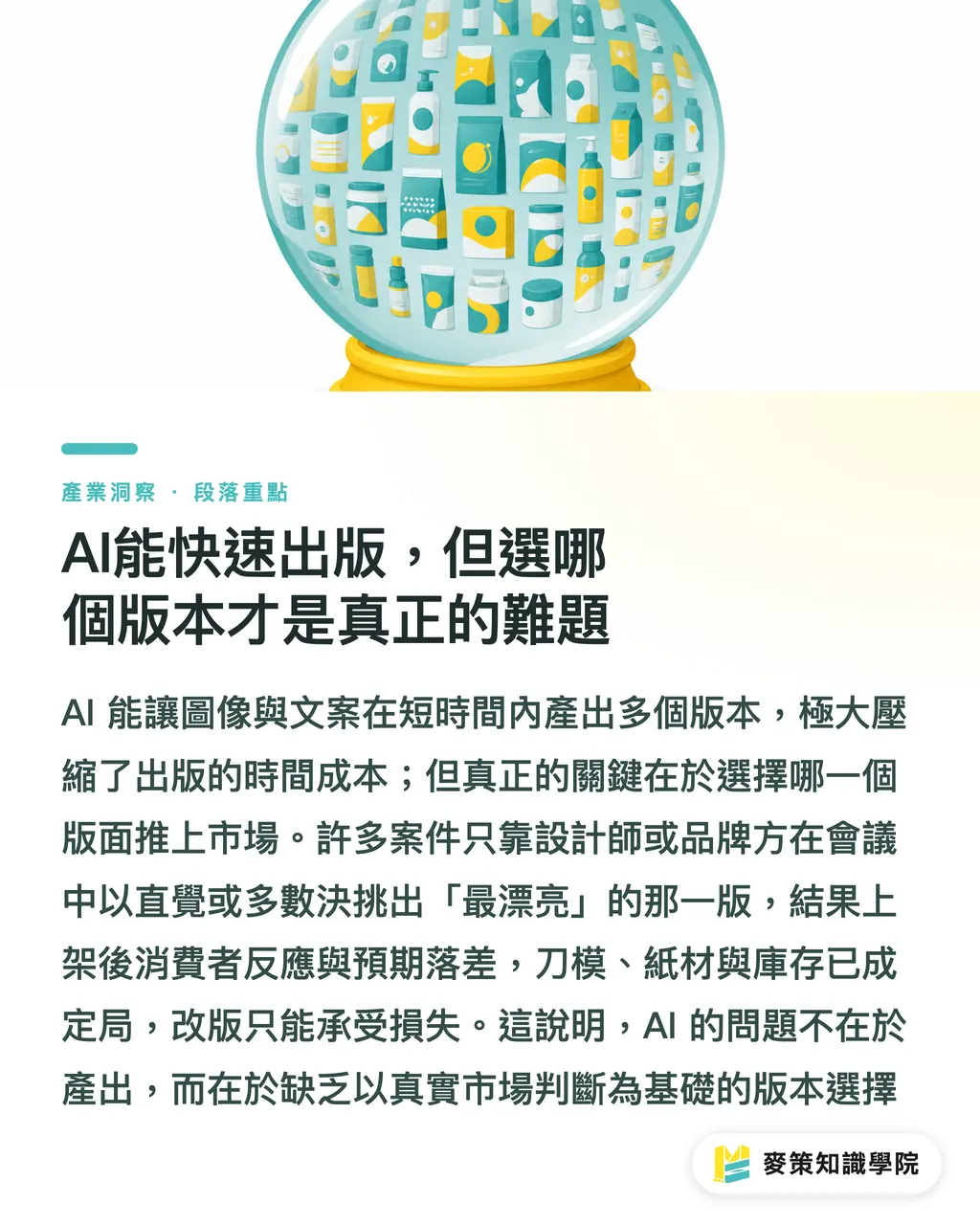
Why a Conference-Room Vote Can't Pick the Version That Sells
Whether a design looks good and whether it holds its own on a crowded shelf are two different things
Internal review checks visual completeness, brand consistency, typos, none of that is wrong. What it can't see: when this version sits shoulder-to-shoulder with competitors on the shelf, will a shopper actually stop? Is the copy precise enough? Does the key visual still read at phone-screen size?
Those questions only get answered when the version shows up in front of real consumers. That's exactly where small-batch validation steps in
The core logic of small-batch validation is straightforward: before committing mass-production budget, get real market feedback at the lowest possible cost. Print a batch of belly bands, finish a batch of stickers, make a few dozen sample bags in different versions, let each design direction appear under the same channel conditions, watch which version triggers real action (clicks, inquiries, purchases), and use that result to decide the final production version
Before Sending AI Assets to Small-Batch Print, How Do You Pre-Screen Them?
Not every AI-generated asset is ready to send to the printer. Designers need to run them through their own filter and sort them out, otherwise printing spend goes to images that'll just need to be redone later
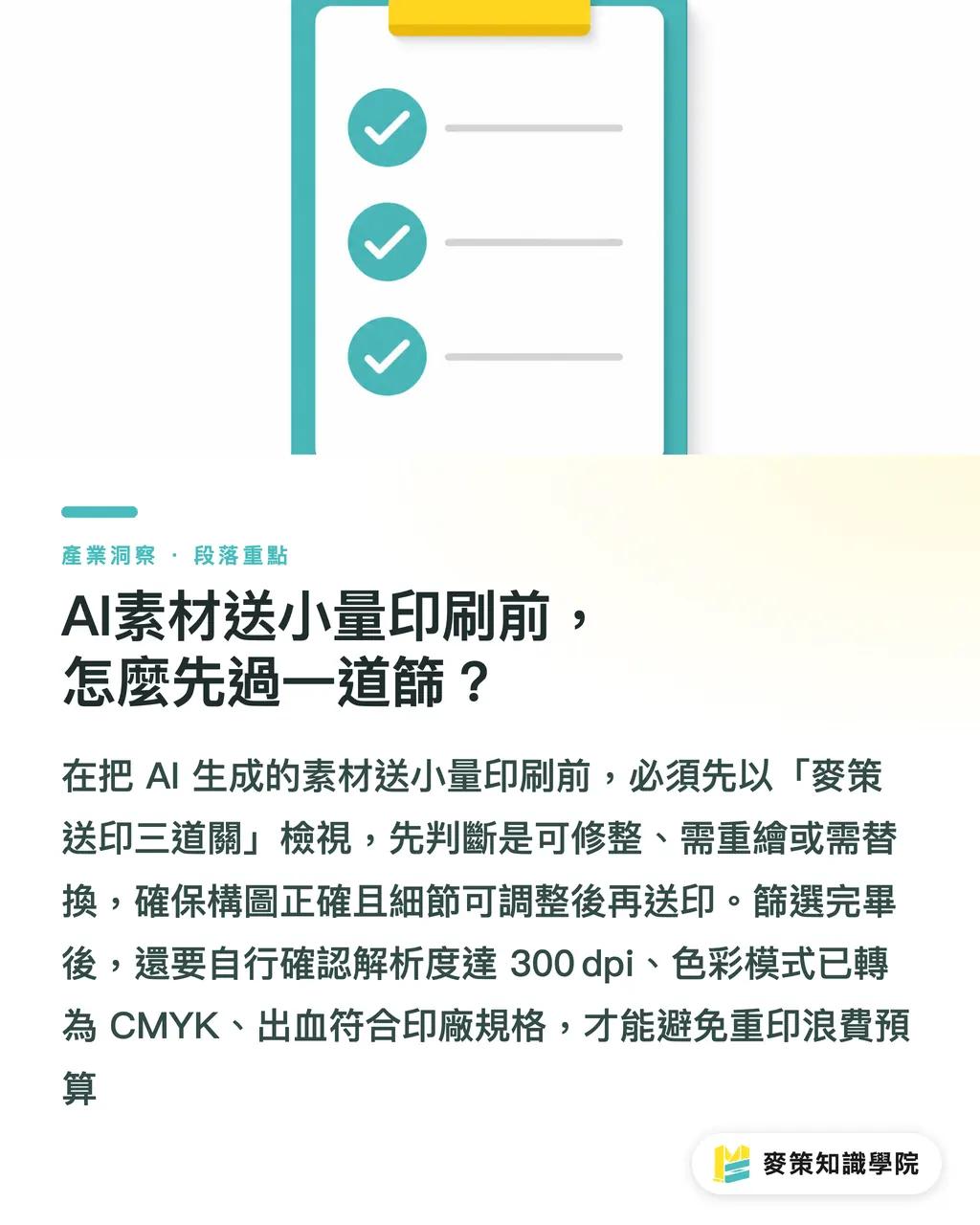
Run them through the "MINDS Print-Ready Three Checks":
・ Fixable: the composition direction works, the key visual is intact, only local details are off (finger count, blurry text, edge aliasing)—patch it up and it's print-ready
・ Needs redraw: structural issues, bad perspective, distorted proportions on the main subject, regenerate with AI or have the designer rework from scratch, don't force a fix
・ Needs replacement: the topic calls for a sense of reality or trust that AI imagery can't deliver here, pivot the asset direction
After passing this screen, the rest goes into layout. Before layout, confirm three things: resolution hits the 300 dpi print requirement, color mode is converted to CMYK, and bleed is set to the printer's spec. Running through these three before submission cuts out the last back-and-forth round
The 3-Step Workflow for Small-Batch Validation
Break pre-production validation into three checkpoints, each with a clear task:
1. AI generates multiple directions, designer screens versions: use AI to quickly produce 5–10 design directions spanning different key visuals, copy angles, and color tones. After the designer runs them through the Print-Ready Three Checks, 3–5 move to the next step
2. Pick low-risk items for small-batch physical output: belly bands, stickers, and small sample bags are top choices, no die-cut needed, line switches are easy, unit cost is low. Print a batch of each of the 3–5 surviving versions, in quantities enough for real audience contact and response, not at distribution scale
3. Collect real feedback, pick a version, go to production: let the different versions appear under the same conditions (same booth, same channel page, same social post format), record which version drives more dwell time, inquiries, or purchases, and use that result to choose the production version. Once the direction is confirmed, cut the formal die and schedule the bulk delivery
The most important step here is the second: pick items that "don't need a die-cut." Once die-cut fees are spent, switching directions gets expensive fast. Running belly bands and stickers first keeps the room to pivot. For teams that need flexible small-batch output, MINDS Printing handles exactly this kind of mid-to-high-end full customization, from small-batch samples to formal mass production, no need to switch vendors and re-tune specs
After Validation, What to Confirm Before the Production Handoff?
The moment a version is picked and production begins, the easiest mistake a designer makes is: converting the file used for AI validation directly into the production file
Don't do that
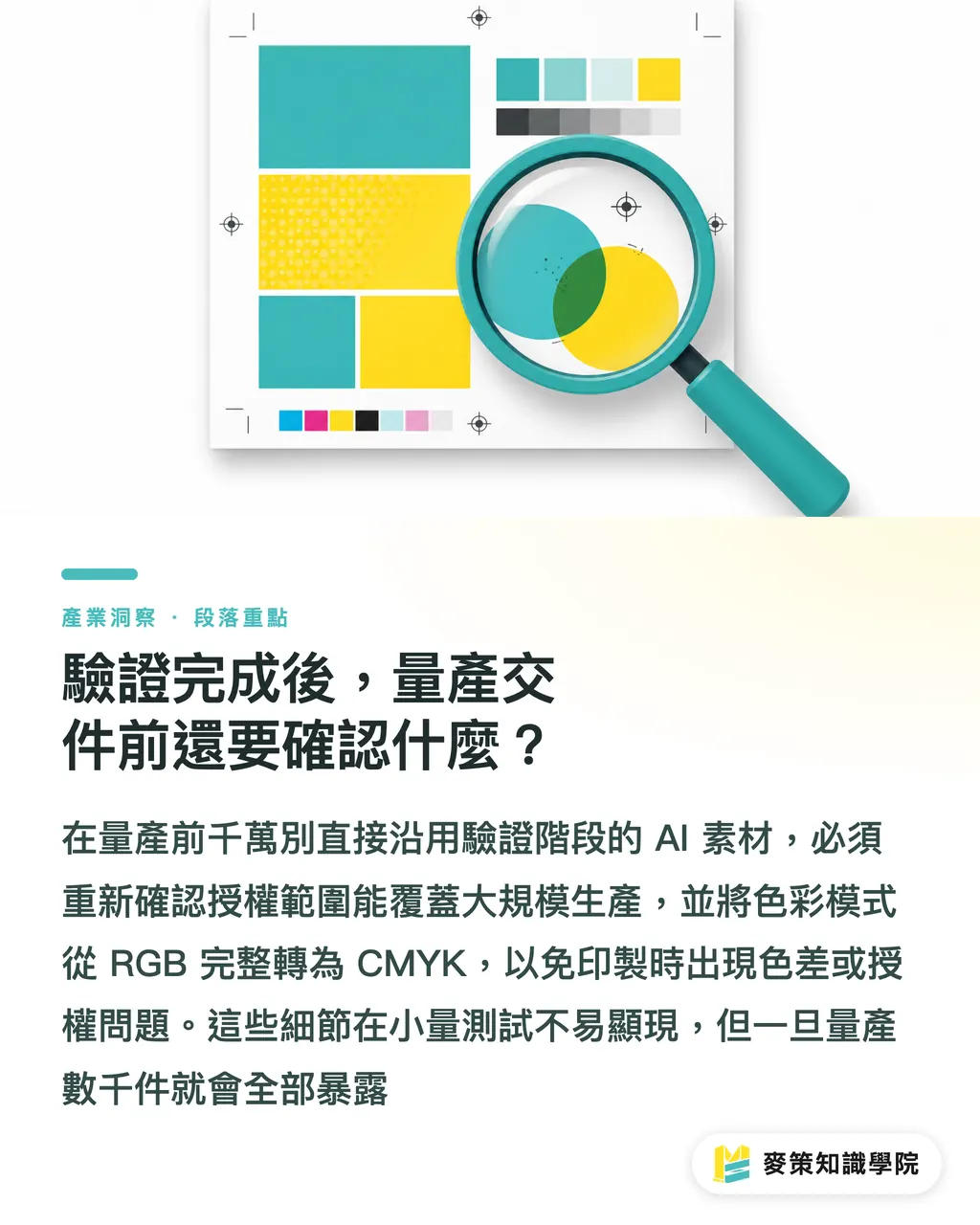
Small-batch validation images are often quick-output versions, resolution, color mode, and AI asset licensing status aren't cleaned up yet. Before mass production, re-confirm these things:
・ Whether the AI asset's commercial license covers production scale (different platforms have very different terms; some only cover small-batch or personal use)
・ Whether color mode has been fully converted from RGB to CMYK, especially for designs with high saturation or fluorescent tones
・ Whether the printer's required bleed dimensions have been reset (small-batch samples and production items don't always use the same spec)
・Verify whether areas with transformed text or embedded specialty fonts have been converted to outlines to prevent missing font errors or automatic font substitution at the print facility
These details might not surface during small-batch testing, but they all show up after a few thousand copies are printed. If there are questions about how to set up the workflow, Mai Strategy Knowledge Academy consulting team can walk through it with you first, cheaper than fixing it after
Key Takeaways
・ AI's speed advantage is in producing multiple versions fast, but picking the right version has to come from real market feedback, not a conference-room vote
・ The key to small-batch validation is choosing items that "don't need a die-cut" (belly bands, stickers, sample bags)—keeping room to pivot and cost flexibility
・ Before sending AI assets to print, designers should run the Print-Ready Three Checks: fixable, needs redraw, needs replacement, don't sink print budget into images that'll need to be redone
・ The validation version and the production version are two different deliverables, license scope, color mode, and bleed settings need to be re-confirmed before going to production
・ The cheapest insurance against wasted runs is inserting real testing at the version-selection step, not discovering you picked wrong once inventory is already in the warehouse
Further Thinking
Designers using AI to generate assets is already part of the workflow, but most people haven't actually built out the "what happens after generation" side of the process. The next thing worth doing: lock in a fixed set of validation checkpoints for yourself, for example, always run a belly-band small-batch test before any production run, make it a habit rather than something you bolt on after a problem hits. For brand designers working on a steady new-product release cadence, once the validation process is standardized, AI's speed advantage actually converts into business results, instead of just generating a pile of un-validated versions
Further Reading
FAQ
- Can AI-generated design assets go straight to mass-production printing?
- Not recommended. AI assets need three things confirmed first, resolution (300 dpi), color mode (CMYK), and commercial license scope, then filter out images with structural errors or that need redrawing before they're ready for layout and print. Before mass production, run a small-batch version validation and only commit to production costs once real market feedback confirms the direction
- How many copies are enough for a small-batch validation?
- The goal of small-batch validation is real market feedback, not distribution. Quantity just needs to be enough for the target audience to actually encounter the design and react, usually a few dozen to a hundred or two is plenty. The key is letting different versions appear under the same conditions, because you need comparison to make a version-selection judgment
- Why use belly bands and stickers for small-batch validation instead of printing packaging directly?
- Packaging usually needs a die-cut, and once die-cut fees are spent, there's no going back, switching versions gets expensive. Belly bands and stickers don't need a die-cut, switch lines fast, and have low unit cost, making them the most flexible testing items. Once the version is confirmed, then cut the die for mass production, that's how you avoid getting locked into the wrong direction
- What should I watch out for with AI asset commercial licenses when going to mass production?
- Different AI image-generation platforms have very different license terms, some only cover personal or small-batch use, and commercial mass production may require upgrading the license or separately confirming the fine print. Before the production handoff, designers must confirm the platform's license scope explicitly covers production scale. This is the easiest thing to overlook when moving from validation version to production version
- What's the most commonly missed step between validation version and production version?
- The most commonly missed ones are color mode and bleed settings. Quick-output validation files often stay in RGB, if you don't convert to CMYK before sending to production, the printed colors come out off from what you expected. Bleed dimensions too, if the small-batch sample and production item don't share the same die, bleed settings have to be re-checked; you can't just carry them over
Related articles


The Print × AI weekly
The print and AI know-how designers, brands and enterprises can use before they commit — one email, every week
MINDS Free Tools
AI background removal, brand stamping, and a LINE sticker maker — free design tools, right in your browser, no upload.
MINDS Group
Need actual printing or gifting services?
From premium printing to online ordering and festive gifts — the MINDS Group sister brands take it from here.