
When can you make quick AI visuals yourself?
You can make quick AI visuals yourself if they have one purpose, need few revisions, and won't be resized for another use. MINDS' three print handoff checks help determine whether they're ready to deliver by looking at the files, responsibilities, and points where a person needs to step in. A discussion in Reddit's r/artificial mentioned the middle ground of landing page visuals and images for presentations: they need to meet a basic quality bar, but may not justify a full design project. It's a practical question. I'd start by asking where else the image will be used. If that's still undecided, don't treat it as a one-off asset yet
A deliverable asset is a visual or document with its purpose, size, file format, revision scope, and final approver all clearly defined, so the next person can continue the work as requested
Why can one-off assets still add to print costs?
One-off AI assets can still add to print costs because screen crops and dimensions don't automatically translate into print specifications. MINDS' three print handoff checks start by confirming the purpose and finished size. A landing page image may look right in its spot on a website, but if you turn it into a flyer, you'll need to check the text placement, whitespace, and crop again. A print shop may receive a preview image without getting editable text or image files, so someone has to ask for them before the job can go to press
That extra time can go toward design revisions, file preparation, and another round of checks. If a client sends only a screenshot from a presentation, the print shop can't reliably guess the finished size. Clarify the intended use first, and everyone will have the same basis for quoting and delivery
Should you make it yourself, use AI as a tool, or hire a designer?
MINDS' three print handoff checks offer a simple rule: if it's for one placement and won't be adapted, you can make it yourself. If it needs consistent branding, multiple sizes, or repeated revisions, bring in a designer
・MINDS' make-it-yourself criteria: It's for a one-time landing page or presentation, the text and images are approved, and no other sizes are needed
・MINDS' AI-assisted criteria: You already have an established brand look but need several versions of an asset. Give the designer the intended use, constraints, and prompt so they can revise it later
・MINDS' commissioned-design criteria: The visual will be printed, revised over time, or handed off to someone else to adapt from the source file. Agree on the delivery format and final approver up front
My dividing line is simple: if someone else will need to keep editing it, a pretty picture alone isn't enough
How do MINDS' three print handoff checks cut down on back-and-forth?
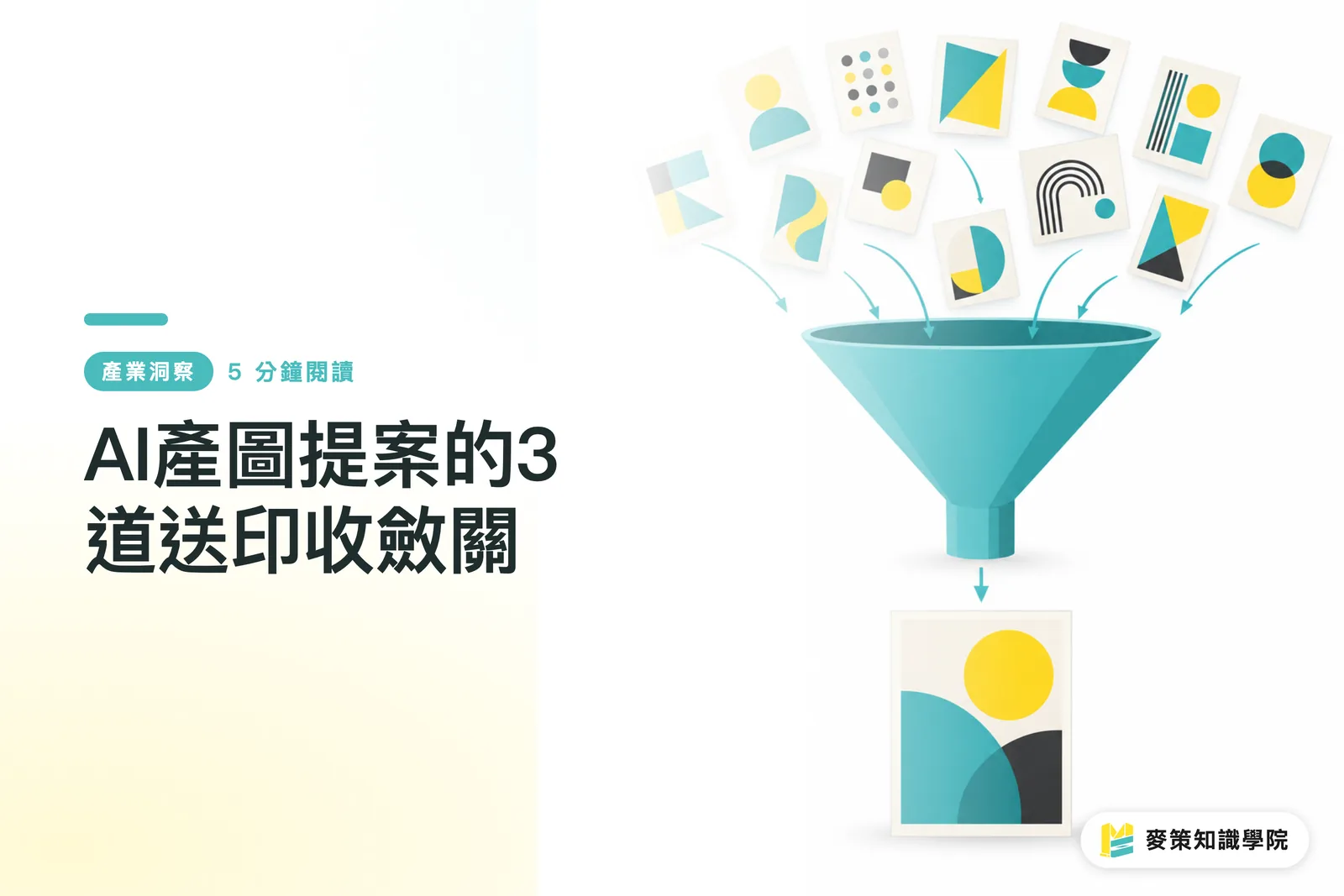
MINDS' three print handoff checks break the handoff for quick AI visuals into files, responsibilities, and human review, so everyone knows what happens next when a landing page image becomes a printed piece
・① File check: State the asset's purpose, finished size, output format, and any restrictions on the text or images
・② Responsibility check: Name the person who approves the text, logo, and crop so the design and purchasing teams don't each assume the other has checked everything
・③ Human handoff check: If the text is unclear, the image file can't be edited, or the layout needs to be rearranged for a different size, have a designer review it before sign-off
When you're setting up the handoff fields for the first time, bring the actual assets and talk them through with the Mai Strategy Knowledge Academy advisory team. Make clear who supplies the information, who approves the work, and who delivers the files
What should the print shop, designer, and purchasing team confirm first?
Before sending a job to print, align on the asset's purpose, finished size, and final approver. MINDS' three print handoff checks can help confirm that someone is responsible for each one. When a print shop receives an image from a presentation, it should first ask whether it's for screen use only or will be printed as a flyer, then check whether other sizes are needed. The designer should say whether the delivered files can be edited, and purchasing should name the person who approves the text and images
If a SaaS product handles asset delivery, it can require the intended use, size, number of versions, file format, and approver, then ask for missing details before moving on. For commercial printing, discuss delivery requirements with MINDS using the intended use and size. It's easier than filling in the specifications at the last minute, right before output
Key takeaways
・Quick AI visuals are suitable to make yourself only when they have one purpose, need few revisions, and won't be resized for other uses
・Looking right on screen doesn't mean an asset is ready to deliver at print size
・Every asset should state its purpose, size, revision scope, and final approver
・If someone else will edit it later, deliver files they can continue working with
What to consider next
Print shops can make the intended use, size, number of versions, and approver standard intake questions. Designers can deliver the prompt, constraints, and editable scope along with the files. AI products and SaaS can catch missing details before export. For a first-time print customer, checking the crop and text on a finished-size proof before approving the final files will prevent more rework than generating a few extra image options
Further reading
FAQ
- Can AI-generated images go straight to print?
- First check the finished size, output format, text, and whether the files can be adjusted for print. If those details are missing, ask a designer or print shop to review them first
- Do you need to explain the intended use for landing page visuals only?
- Yes. The same asset may later be used in a presentation or printed piece. State the purpose and size up front so the next person knows what needs to stay in the design
- How do you know when to bring in a designer?
- If the asset needs multiple sizes, repeated revisions, or editable files, have a designer take over. Confirm the delivery format and who is responsible for approval in advance
- What should print purchasing ask the designer first?
- Ask about the finished size, whether the asset can be edited, and who will approve the text and images. These details affect the quote and delivery plan
Related articles



The Print × AI weekly
The print and AI know-how designers, brands and enterprises can use before they commit — one email, every week
MINDS Free Tools
AI background removal, brand stamping, and a LINE sticker maker — free design tools, right in your browser, no upload.
MINDS Group
Need actual printing or gifting services?
From premium printing to online ordering and festive gifts — the MINDS Group sister brands take it from here.