
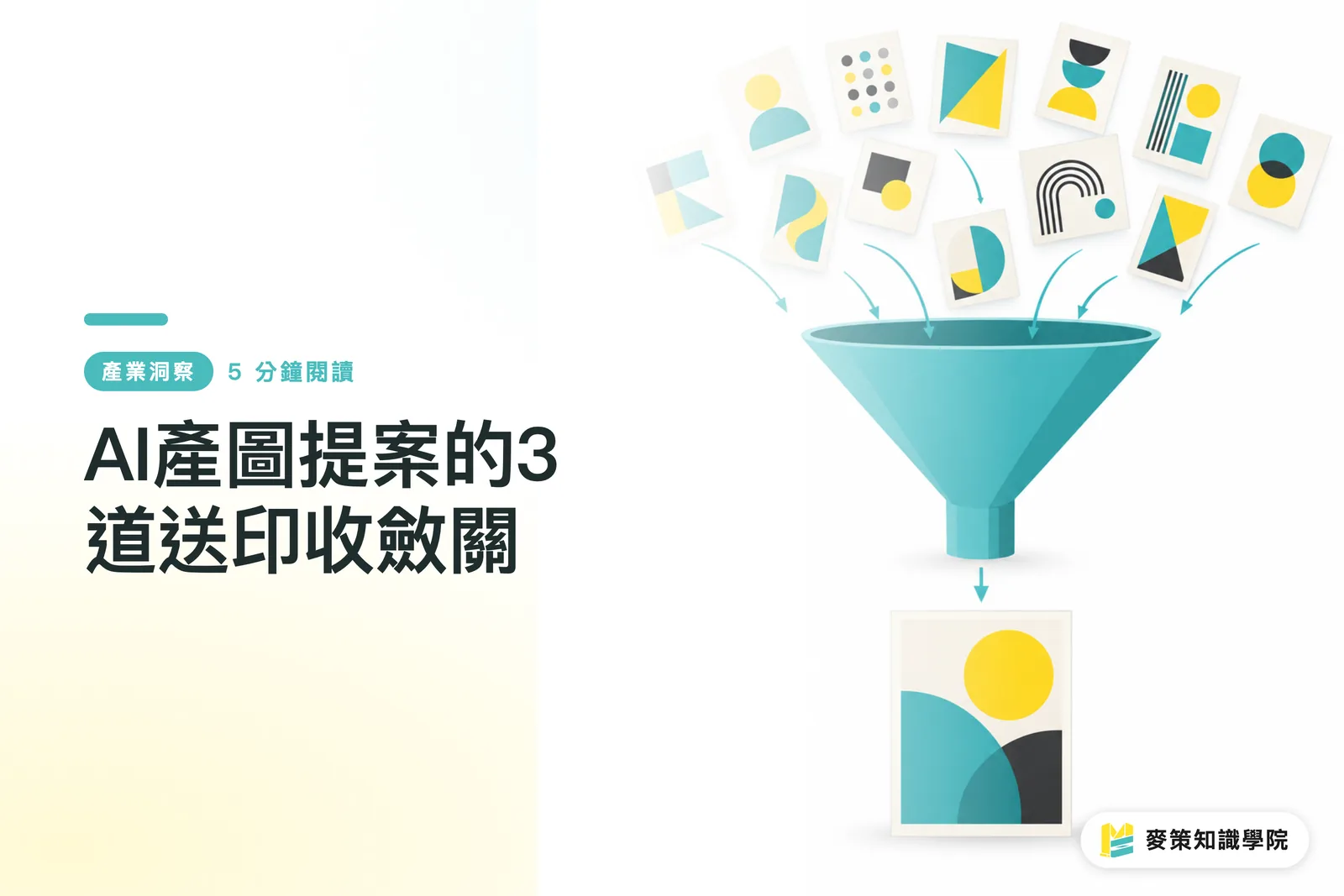
Why do more AI-generated images make proposals harder to approve?
The more AI-generated images there are, the harder a proposal is to approve. Once the options multiply, clients see a row of similar-looking visuals, but the standards for judging them have not multiplied with them
The pain point people have been discussing in design communities lately is very real. A static poster may look convincing, but once it becomes motion content, a folded piece, or an actual printed item, the composition and information hierarchy can fall out of balance immediately
I often see the same scene on print jobs: the client likes the color treatment of draft A, the subject of draft B, and the layout of draft C, then asks the designer to keep everything. The number of revision rounds only goes up
A narrowing-down workflow takes a large pool of design concepts and eliminates them round by round against communication, brand, and print requirements, leaving options that can be verified, finalized, and sent to print
Before opening more generation windows, use Mai Strategy's 3-gate print workflow to answer three questions: What does this image need to communicate? Can people read it once it is printed? Will they still recognize it when it moves to another size?
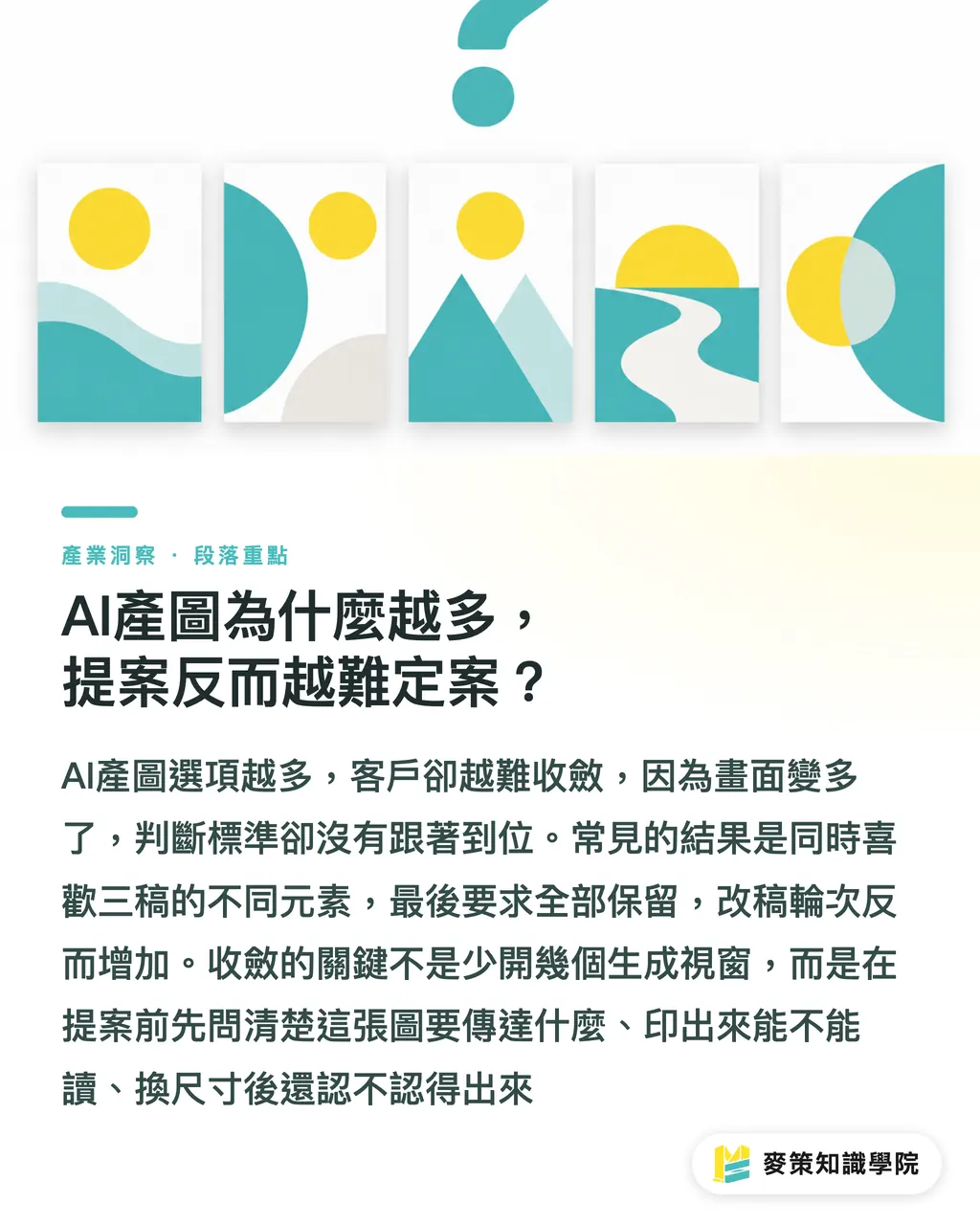
What standards should designers use to cut AI proposals?
When cutting down AI proposals, I use Mai Strategy's 3-gate print workflow to turn matters of taste into checkable conditions: start with communication, look at print next, and verify the brand last
・Communication goal: When reduced to a phone preview or a small one-color proof, the headline, product, and call to action still need a clear order. If the image looks good but cannot tell people what to do, cut it first
・Print feasibility: Place the option at its actual size and check the subject edges, fine lines, dark areas, text zones, and trim positions. A full-bleed poster whose atmosphere depends on detail may lose legibility when turned into a folded piece or a smaller format
・Brand recall: Check the logo, wordmark, brand colors, and recurring graphics separately. If the logo has been redrawn or the brand colors have drifted, the image cannot be delivered as-is, no matter how polished it looks
I leave a line beside each candidate explaining why it was cut, such as "The headline is unclear when reduced" or "The subject disappears in black and white." Once the reason can be written down, the next round can move quickly
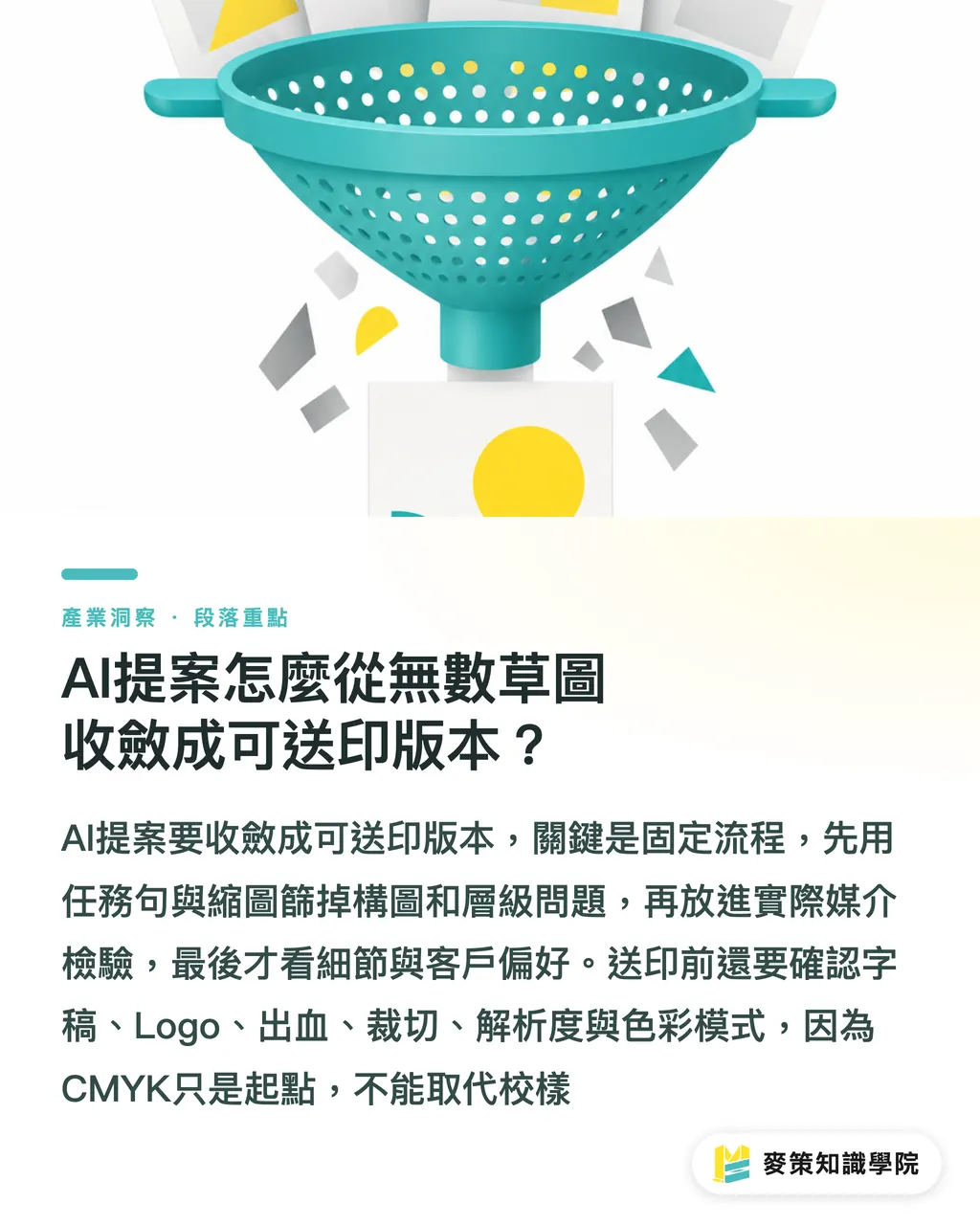
How do you narrow countless AI sketches down to a print-ready version?
To narrow an AI proposal down to a print-ready version, set the workflow in a fixed order so each round answers only one question. Mai Strategy's 3-gate print workflow can be run like this:
・1. Write the task sentence first: Who should understand what, and in what situation, when they see this poster? Without a task sentence, selecting a design quickly turns into a vote based on personal taste
・2. Look at thumbnails first: Cut images with scattered compositions or messy hierarchy. Do not let lighting and detail persuade you yet
・3. Put them into the actual medium: Place the candidates in a social post on a phone, the intended print size, and the unfolded spread of a folded piece. Images that look good as stills but fail when moved to another medium will reveal the problem at this stage
・4. Run a prepress check: Verify the copy, logo, bleed, trim, resolution, color mode, and layers. CMYK (the four-color separation of cyan, magenta, yellow, and black commonly used in printing) is only a starting point, not a substitute for a proof
・5. Discuss client preferences only then: Rewrite feedback as checkable conditions and keep options whose trade-offs can be explained. This prevents everyone from choosing only the one corner they personally like
Look at the thumbnail first, then the actual size, and only then the enlarged details
Why do AI images often go off the rails at the final-art stage?
AI images go off the rails at the final-art stage because they usually solve the visual idea first, but take no responsibility for print specifications, copy, or brand assets. Mai Strategy's 3-gate print workflow puts the generated image back in the role of source material. The real final artwork returns to Illustrator or InDesign
・Text: Do not treat text inside an AI image as an editable headline. Rebuild it in layout software so the copy can be proofread
・Assets: Compare the logo, product appearance, and recurring graphics one by one against the original files. You cannot rely on whether the overall image looks similar
・Color: Highly saturated blues and greens on screen may turn gray or muddy after conversion to CMYK. Convert the colors and make a proof first, then discuss whether the brand color is holding
・Trim and resolution: Leave room for trimming around full-bleed backgrounds. Enlarging a small image for print will expose blurry edges, and a subject close to the edge needs another check
What I remind designers most often is this: an AI image can serve as a direction draft, but it does not automatically become a print file. Put that sentence on the delivery checklist, and customer service, prepress, and design will each have one fewer round trip
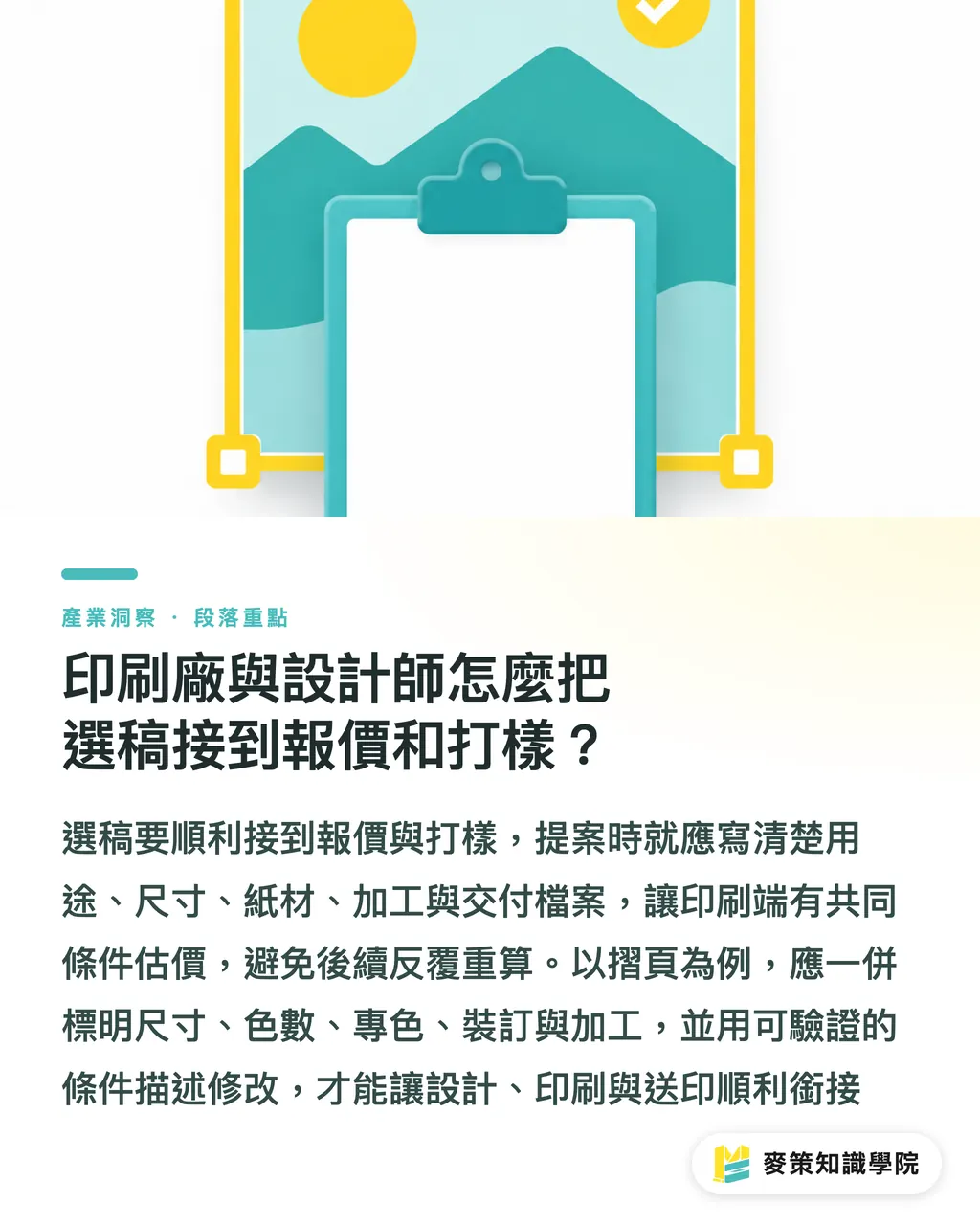
How can printers and designers connect selection to quoting and proofing?
To connect selection to quoting and proofing, specify the medium, size, paper stock, and finishing during the proposal stage. That gives the print side shared conditions to estimate against
In the commercial print jobs handled by MINDS (MS, mid-to-high-end fully customized commercial printing), imposition, color, and finishing positions are often pulled into the same revision at the very end. Leave out one field up front, and you add another recalculation later
・Usage and size: Label social posts, display stands, folded pieces, and packaging separately. Do not hand over a single isolated key visual
・Print conditions: Put the paper stock, number of colors, spot colors, coating, foil stamping, trimming, and binding beside the option. That gives the quote a basis
・Delivery files: Spell out editable text, linked images, font handling, and preview images separately. The person taking over can then continue the work
・Decision record: Turn "It doesn't feel premium enough" into a verifiable revision such as "The headline is unclear when reduced." That keeps revisions from circling back to the starting point
If your team often gets stuck between proposals and print delivery, ask the Mai Strategy Knowledge Academy consulting team to help turn the review rules into a form. When you need to verify paper stock and finishing conditions directly, compare them with MINDS's proofing limits
Key takeaways
・As AI-generated images multiply, designers need a clear standard for cutting proposals even more
・Only options that pass the thumbnail test, actual-size test, and prepress check should move into the discussion of client preferences
・Logos, copy, color mode, and trim conditions should all be checked during the proposal stage
・Connect the proposal directly to quoting, proofing, and imposition, so revisions do not explode in the final mile
Further thought
For the next project, I suggest the team start with a selection sheet containing fields for usage, information hierarchy, brand assets, print conditions, and the reason for cutting an option. Have the client fill out the same sheet every time they request a revision. The design team can put it into the brief, the printer can use it for quoting and proofing, and the SaaS team can turn the fields into review statuses. AI image generation can stay fast, but decisions can no longer depend on whoever replies last
Further reading
FAQ
- Can AI-generated images be sent directly to print?
- Usually not. AI images are mostly proposal assets. They still need to be finalized in Illustrator or InDesign, with the text, logo, color mode, resolution, and trim conditions checked
- How can you tell whether an AI poster has brand recall?
- Check the logo, wordmark, brand colors, and recurring graphics separately, then reduce the image or convert it to black and white. If the brand assets have been distorted, the image cannot go to print, no matter how good it looks
- Should designers look at the image first or the print specifications?
- Define the usage and message first, place the candidate in its actual size, and run the prepress check last. That keeps selection from becoming nothing more than personal taste
- What should we do if the client keeps asking to see more AI options?
- Write the communication goal, print feasibility, and brand recall as conditions, then narrow the range using reasons for cutting options. More images do not automatically produce better decisions
Related articles

The Print × AI weekly
The print and AI know-how designers, brands and enterprises can use before they commit — one email, every week
MINDS Free Tools
Imposition calculator and preflight file check — free prepress tools, right in your browser.
MINDS Group
Need actual printing or gifting services?
From premium printing to online ordering and festive gifts — the MINDS Group sister brands take it from here.