
What should you check before sending AI images to print?
Before sending AI images to print, run them through the "MINDS (MS) three-gate print check": images with small visible errors can be cleaned up directly, images with structural errors should be redrawn, and images that feel wrong in terms of trust should be reshot or replaced
Prepress image screening means manually checking an AI image's text, edges, people, textures, cropping, licensing, and brand consistency before layout and print submission, then deciding whether the asset should be fixed, redone, or discarded
I have seen quite a few cases lately where designers receive 20, 50, or even more AI product lifestyle images at once. The problem is often not file size. It is that "pretty" gets mistaken for "print-ready." It may look fine after 10 seconds on screen, but once it becomes a DM, poster, or package, typos, strange hands, and broken edges all get enlarged together
How do you decide whether an asset is worth fixing?
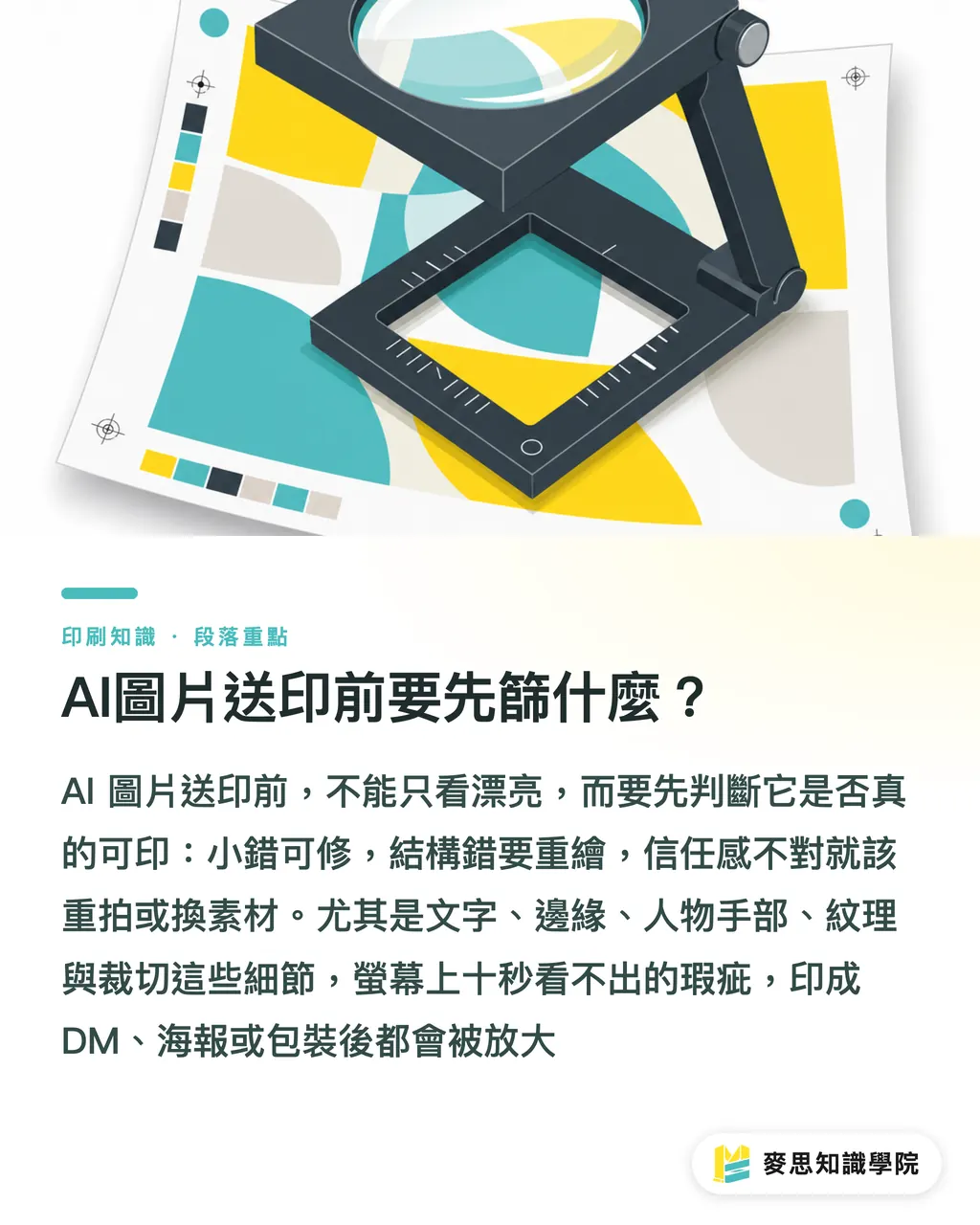
The first step in the MINDS (MS) three-gate print check is to sort AI images into 3 baskets. Decide first, retouch later, so designers do not spend time on assets that should never enter the layout in the first place
・1. Can be cleaned up directly: the main image works, the brand feel is close, and only local issues remain, such as dirty background edges, awkward shadows, partial color casts, or a crop that can still protect the subject after leaving an extra 3 mm
・2. Needs redrawing: the composition direction is usable, but the hands, product proportions, text labels, or repeated textures in the AI image already affect the key visual. The more you patch it, the faker it gets
・3. Should be reshot or replaced: the product shape, material, usage scenario, or real brand identity does not match, or the licensing record is unclear. Even if this kind of image prints beautifully, it will give customers the wrong expectations about the brand
My own rule is blunt: if an image needs fixes in more than 3 key areas, it is usually not worth saving by force. When the Mai Strategy Knowledge Academy consulting team helps clients organize assets, we also separate "can be saved" from "should not be saved" first, because nothing eats up prepress time faster than false hope
Which AI flaws get magnified after printing?
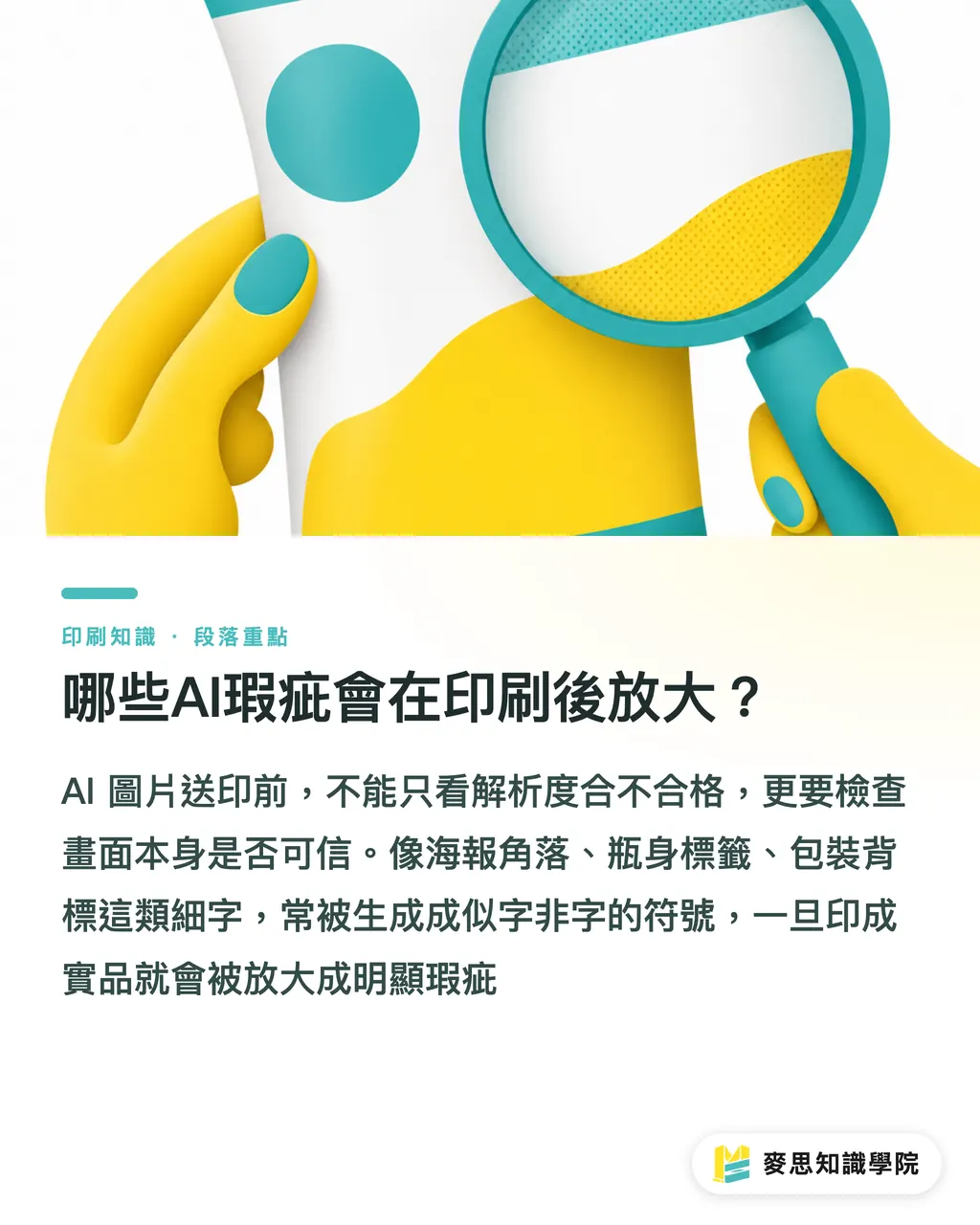
The second step in the MINDS (MS) three-gate print check is to use 7 checkpoints to assess print risk in AI images. I will not repeat resolution here, because passing the resolution check does not make an asset trustworthy
・Garbled small text: poster corners, bottle labels, package back labels, and menu fine print are the easiest places for trouble. AI often generates symbols that look like letters but are not real text
・Abnormal edges: zoom in on product outlines, hair, glasses, and metallic reflections. Broken edges become very obvious on coated paper or gloss film
・Human hands: check finger count, knuckle direction, and gripping posture one by one. When people appear in an event visual, this is not a place to be lazy
・Repeated textures: fabrics, wood grain, tiles, and food particles often show regular copy patterns. After large-format output, they can look like the background has gone bad
・Crop allowance: business cards, DMs, stickers, and packaging commonly need about 3 mm bleed, though the actual print specifications still take priority. If the subject sits too close to the edge, send it back for adjustment first
・Licensing records: keep the generation tool, Prompt, date, asset source, and commercial-use terms, so there is a clear answer if the client asks later
・Brand consistency: brand colors, product proportions, Logo usage, and the character of people in the image must match the existing identity. Do not judge a single image only by whether it looks good
The most common mistake on the floor is treating "it looks premium" as the end of the check. Before AI images enter a mid- to high-end fully custom commercial printing workflow like MINDS (MS), the material, brand fit, and crop position all need to be clarified. The press will not decide whether the image makes sense for you
Why can't product lifestyle images be judged only by looks?
The job of a product lifestyle image is to make customers believe the product really exists, really works, and really fits the brand. When the MINDS (MS) three-gate print check looks at these images, it divides the picture into 3 layers: the product itself, the usage scenario, and the brand voice
For the product itself, check proportions and material first. A skincare bottle cannot randomly grow or shrink, food surfaces cannot look like plastic, and paper box corners cannot look melted. For the usage scenario, check gestures, tabletops, lighting, shadows, and scale, because a small image in an A4 catalog may be enlarged to more than 60 cm on an exhibition standee
Brand voice is trickier. AI is very good at making images that are "good-looking but not yours." If a brand is originally clean, gentle, and professional, then suddenly drops in a high-contrast, overly dramatic lifestyle image, the printed result is not a surprise. It is a break
How can designers turn image screening into a daily workflow?
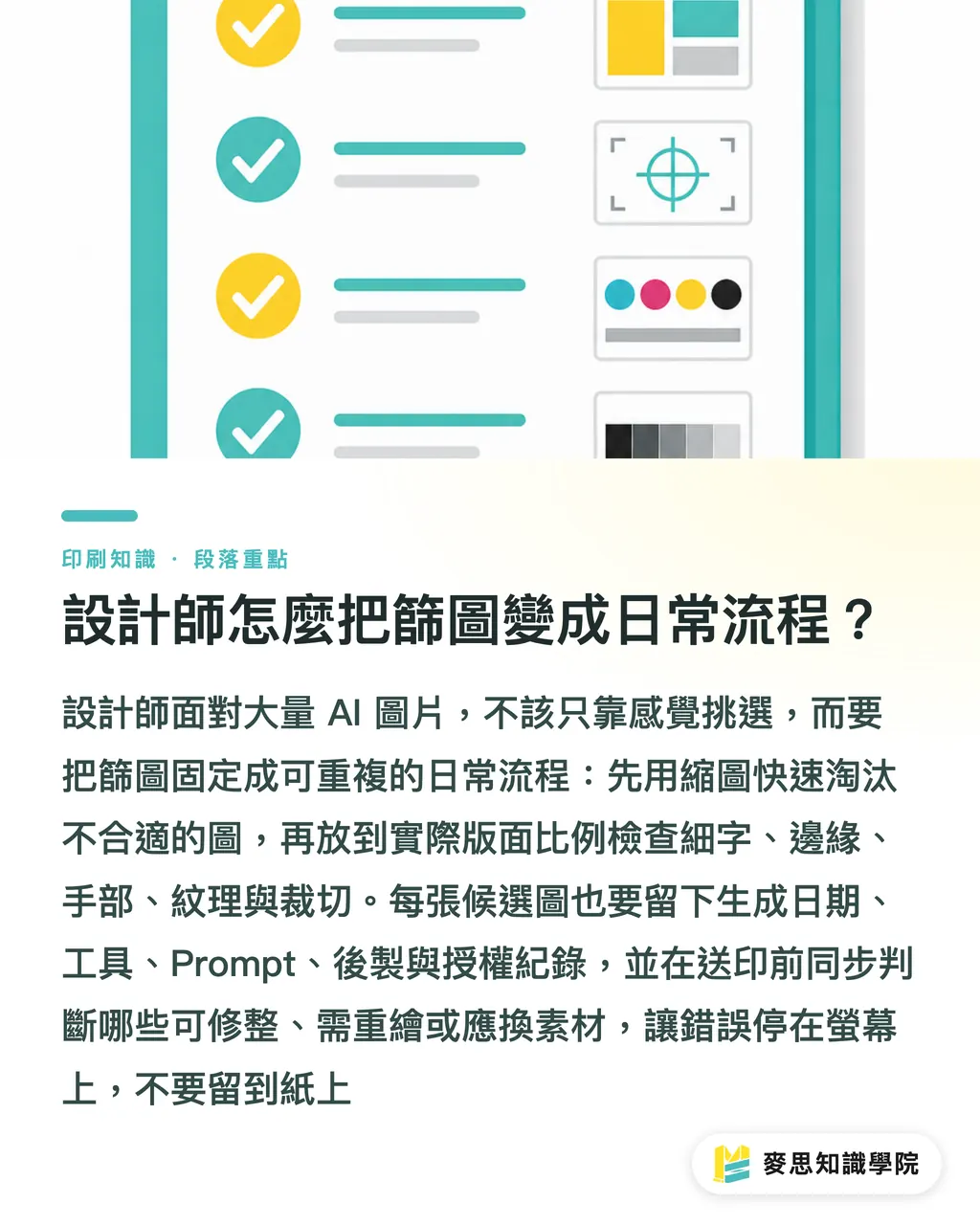
Do not pick large batches of AI images one by one by feel. The MINDS (MS) three-gate print check recommends splitting the workflow into 4 actions: thumbnail screening first, then enlarged inspection, then licensing records, and only then layout
・Round 1 thumbnail screening: view 12 to 20 images at a time, and first delete images with clearly mismatched styles, unclear subjects, or overly crowded compositions
・Round 2 enlarged inspection: place candidate images at the actual layout scale, then check small text, edges, hands, textures, and cropping
・Round 3 record building: for each image, keep the generation date, tool, Prompt, post-production items, licensing terms, and person in charge
・Round 4 prepress communication: mark "can be cleaned up directly," "needs redrawing," or "should be reshot or replaced" in the filename or worksheet, so design, sales, and print teams see the same decision
If the project includes packaging, catalogs, exhibition output, or a main brand visual, it is worth asking the Mai Strategy Knowledge Academy consulting team to read the assets once before print submission. This is not an extra step. It keeps mistakes on the screen instead of letting them reach the paper
Key Takeaways
・Before sending AI images to print, first decide whether they are worth fixing. Do not bring bad assets into the prepress workflow
・Fixable, needs redrawing, or should be reshot is the fastest three-part method for designers facing large batches of AI images
・Small text, edges, hands, textures, cropping, licensing, and brand feel are the 7 must-check points before AI images go to print
・Product lifestyle images need to make people believe in the product, not just make the picture look pretty
・Good prepress image screening brings reprint risk to the decision table early
Further Thought
For print manufacturers, AI images will cause the number of front-end assets to surge, so prepress departments need clearer language for rejecting files. For designers, image selection will become a new professional differentiator. For AI application and SaaS teams, the truly valuable feature is not simply generating more images. It is helping users record licensing, flag risks, and organize retouching decisions, so assets are closer to print-ready from the start
FAQ
- Can AI images be sent directly to print?
- Yes, but they should first go through prepress image screening for small text, edges, human hands, repeated textures, crop allowance, licensing records, and brand consistency, to confirm that the asset belongs in the group that can be cleaned up directly
- What problems are most common in AI product lifestyle images?
- Common issues in AI product lifestyle images include inaccurate product proportions, materials that do not look like the real item, strange hand poses, repeated background textures, and a brand feel that does not match. These problems become more obvious after printing as catalogs or exhibition output
- When should an AI image no longer be fixed?
- If an AI image needs fixes in more than 3 key areas, or if the product shape, human hands, or brand voice is already wrong enough to damage trust, it should usually be redrawn, reshot, or replaced
- Should licensing records be kept before sending AI images to print?
- Yes. Before AI images go to print, keep the generation tool, Prompt, date, asset source, post-production records, and commercial-use terms, so the design side, brand side, and print side can trace things later
- Should prepress image screening be handed over to the print shop?
- The design side should complete the first round of screening, then the print side can help confirm cropping, bleed, material, and production risks. For high-spec commercial printing projects, a consulting team can be brought in before final approval to read the assets together
Related articles



The Print × AI weekly
The print and AI know-how designers, brands and enterprises can use before they commit — one email, every week
MINDS Free Tools
AI background removal, brand stamping, and a LINE sticker maker — free design tools, right in your browser, no upload.
MINDS Group
Need actual printing or gifting services?
From premium printing to online ordering and festive gifts — the MINDS Group sister brands take it from here.