
Why do conventional packaging labels put brands at risk under EPR rules?
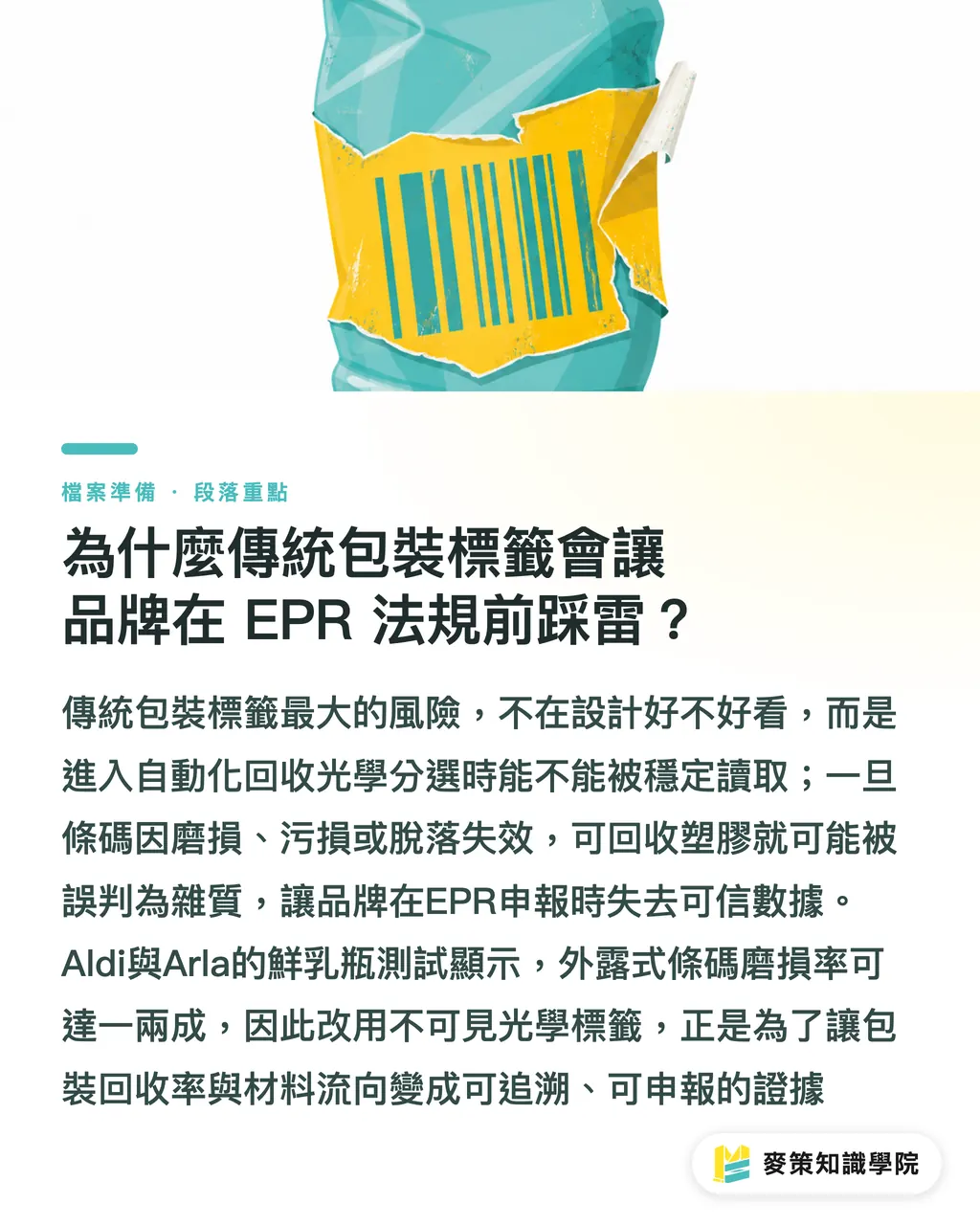
The black barcodes and ordinary stickers used on conventional packaging are easily missed by automated optical sorting machines at recycling facilities once bottles are scuffed, stained, or stripped of their labels. Large volumes of recyclable plastic can then be mistaken for contamination and discarded, leaving brands without concrete data for Extended Producer Responsibility (EPR) reporting and exposed to fines
EPR, or Extended Producer Responsibility, means extending a producer's responsibility beyond the sale of a product to its recycling and disposal after use. Brands are required by law to report total packaging volume and recycling rates, and inaccurate data can lead to rejected filings or heavy penalties
From what I have seen across several contract manufacturers and print lines, brand-side designers often put their attention on aesthetics and layout, while overlooking whether the packaging can still be scanned once it enters an optical sorting system. California's SB 54 packaging law and the EU PPWR are gradually taking effect, and both push packaging materials toward traceability
Practical trials by UK retail giant Aldi and dairy brand Arla on fresh milk bottle packaging showed that conventional exposed barcodes can see wear rates of 10% to 20% during cold-chain transport and consumer use. By the time they reach automated recycling facilities, they may simply be unreadable
That alone is enough
Once the recycling facility's sensors cannot pick up an identifier, an entire batch of high-purity HDPE bottles may have to be downgraded. That is why Aldi and Arla chose invisible optical tagging technology to address this pain point
How does Polytag's UV fluorescent tag work?
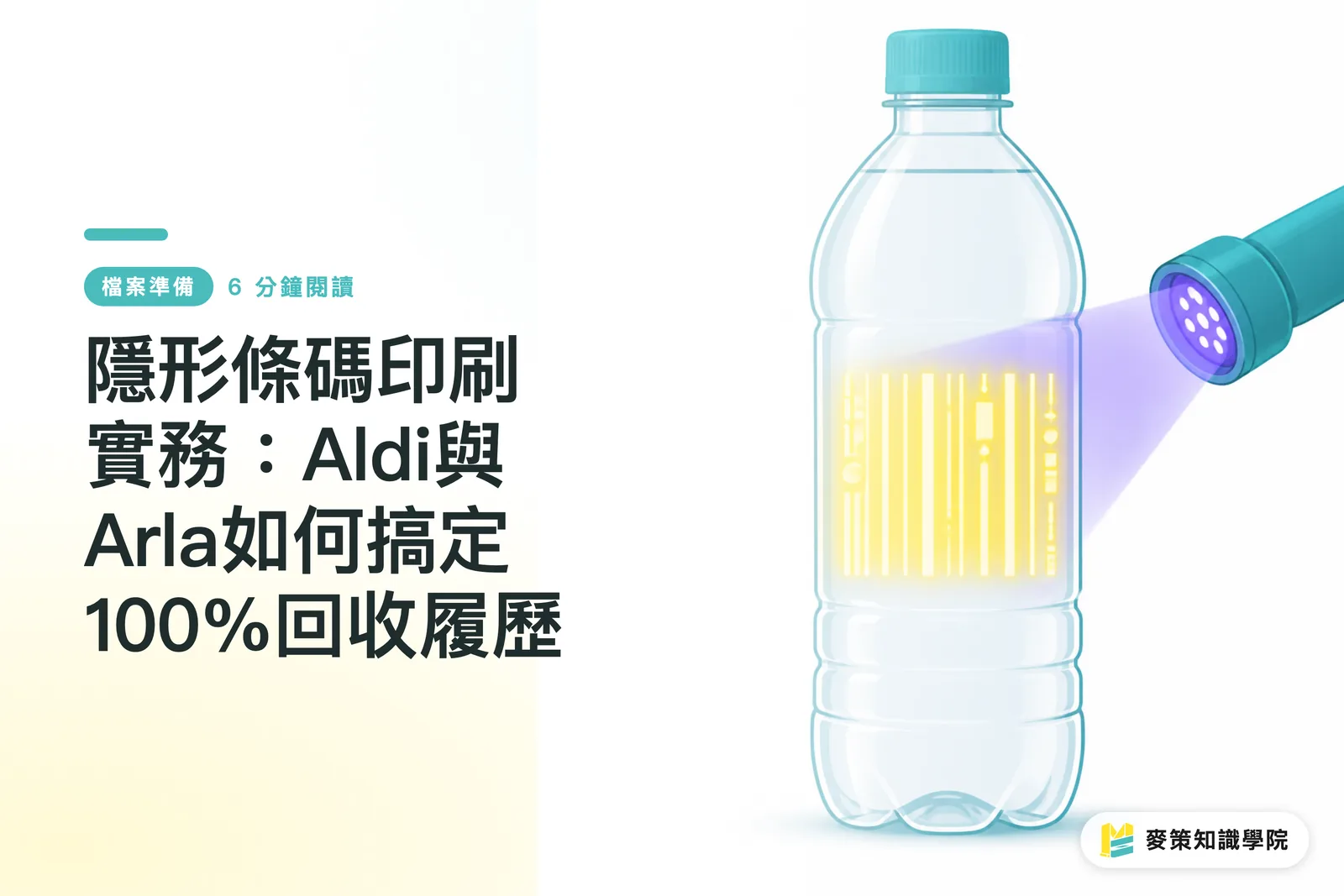
Polytag's UV fluorescent tagging technology prints colorless fluorescent ink onto packaging, making the barcode completely invisible to the naked eye. Only when the bottle passes through a recycling facility's UV optical scanner at a specific wavelength does the fluorescent ink react, reflect light, and write the recycling data to the database in real time
UV Fluorescent Tagging means printing a 2D code with special ultraviolet-sensitive colorless ink. It stays invisible in normal use, does not disrupt the design, and emits fluorescence under a specific UV light source at the recycling facility so the optical system can capture it instantly
The strength of this technology lies in abrasion resistance and broad coverage. Arla repeated the fluorescent barcode across the milk bottle label and along the label edges, so even if the bottle is scuffed or bumped on a conveyor belt, the recycling facility's detection equipment can still pick up the signal immediately
According to test data from Polytag and Aldi on UK production lines, this system can push plastic sorting read accuracy close to the 100% limit, while updating each bottle's production, distribution, and recycling record in the backend in real time
For brands, this solves a long-standing problem: packaging recycling data has often depended on estimates, making it hard to give regulators a physical flow record backed by actual tracking
How should prepress files for invisible barcodes set up spot plates and overprint?
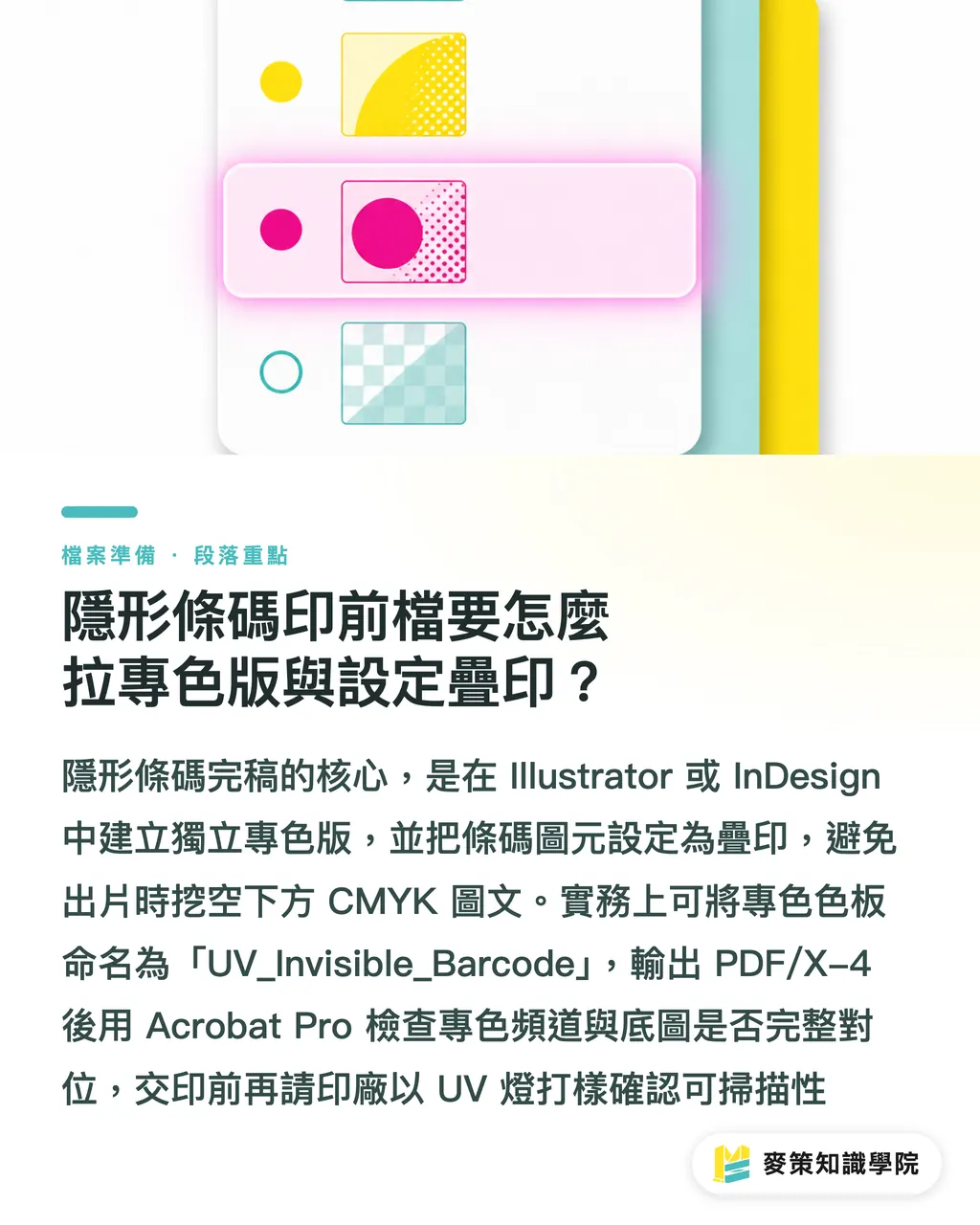
Final prepress artwork for invisible barcodes requires designers to create a separate Spot Color channel in Illustrator or InDesign, name it with the specified fluorescent ink code, and force that layer to Overprint so the artwork beneath it is not knocked out
If you follow the standard workflow of the "Mai Strategy three-gate print handoff," the artwork operator can use these three steps:
1. In Adobe Illustrator, create a separate spot color swatch named "UV_Invisible_Barcode," set the color type to Spot Color, and assign 100% hot pink or magenta as a visual proxy for easier proofing
2. Place the invisible barcode elements on a separate top layer, open the Attributes panel, and check Overprint Fill and Overprint Stroke. Never allow the print software to Knockout the CMYK graphics underneath
3. When outputting plates and converting files, export as PDF/X-4. Use Acrobat Pro's Output Preview to toggle the spot color channel on and off, confirming that the CMYK base artwork remains complete beneath the invisible barcode and that the fluorescent ink plate is not misregistered
Do not rush this
Before handing the file to the print shop, require a short-run digital proof under ISO 12647 color management standards and a UV pen-light inspection to confirm that Ink Density meets the minimum requirement for excitation at the scanner's 365nm wavelength. For more detailed custom commercial printing artwork support, you can consult the technical team at MINDS for prepress file checks
How do conventional barcodes and UV fluorescent invisible barcodes differ in prepress?
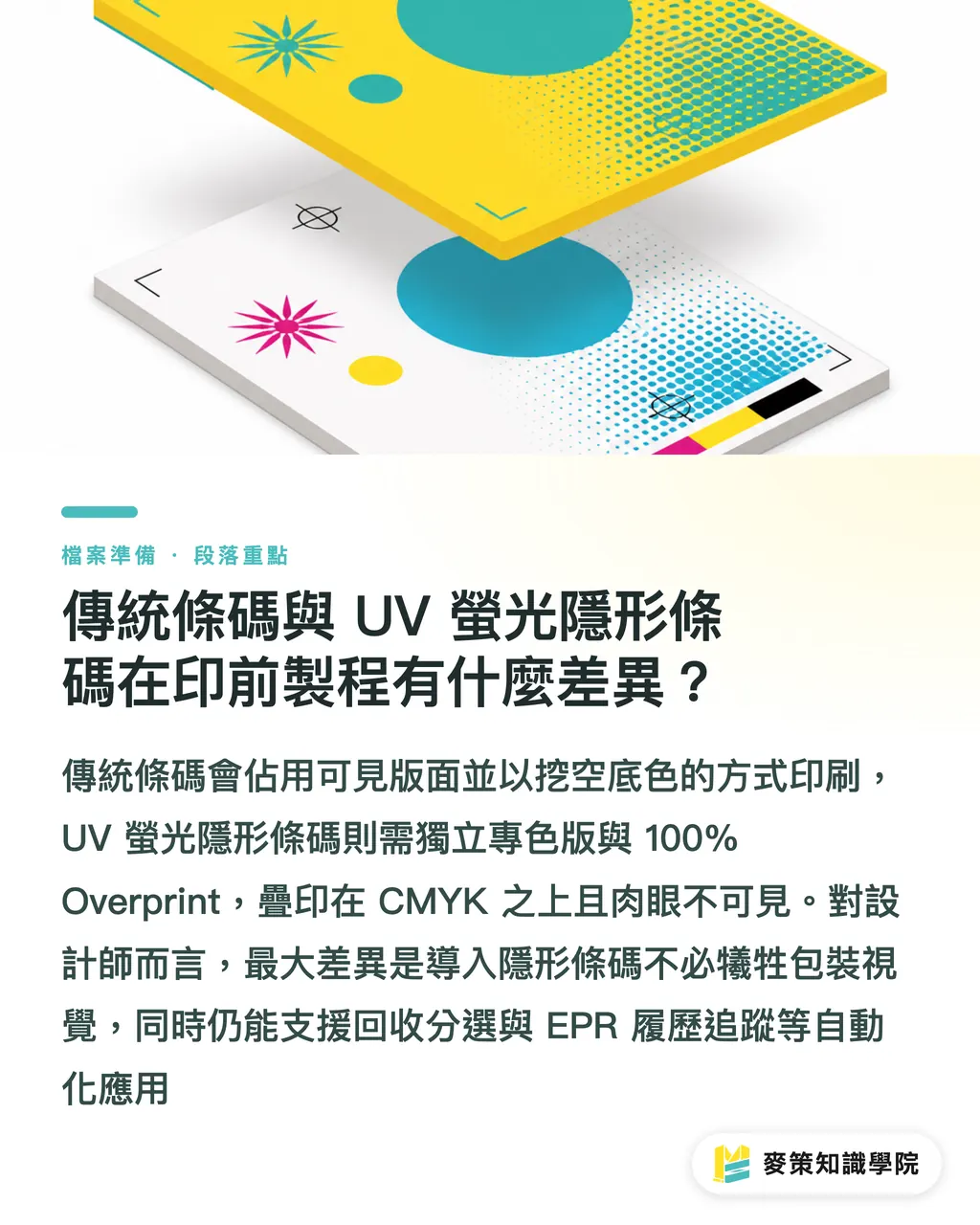
The core prepress differences between conventional barcodes and UV fluorescent invisible barcodes lie in layer overprint logic, ink visibility, and the number of separation plates. Invisible barcodes require an independent spot color plate and must be set to 100% Overprint
・Conventional black-and-white barcode: uses the K plate or a CMYK composite plate; directly visible to the naked eye and takes up visual space on the packaging; printed with Knockout logic; low abrasion tolerance, since scratched ink can make it unreadable; used for POS checkout and warehouse logistics scanning
・UV fluorescent invisible barcode: uses an independent spot color plate; completely invisible to the naked eye and does not affect the layout design at all; printed with Overprint logic, forced on top of CMYK; extremely high abrasion tolerance, since fluorescence can still be triggered even after surface wear; used for optical sorting in automated recycling facilities and EPR traceability tracking
For designers, adding an invisible barcode does not require sacrificing any packaging space, nor does it force another argument with brand marketers over a huge QR Code. If a brand needs low- to mid-budget online ordering for small-batch sticker printing, it can also use the online die-line specifications from Mai Printing to speed up sticker template development
Key Takeaways
・Invisible barcodes must be built as an independent spot color Channel and set to 100% Overprint. Knockout fills are strictly off limits
・Recycling facilities use UV optical sorting scanners at specific wavelengths, so labels can still achieve near-100% sorting recognition even after wear
・Designers can meet EU PPWR and California SB 54 requirements without sacrificing the packaging's visual appeal
・Before sending files to print, output as PDF/X-4 and run a spot color separation preview to confirm that the CMYK base artwork and UV fluorescent layer are correct
Further Thoughts
Judging from Aldi and Arla's real-world use, invisible barcodes are no longer just a lab-stage technology. They are becoming an inevitable tool for the packaging printing industry in the EPR era
Print shops and brand design teams in Taiwan should start adding UV fluorescent ink and spot color layer management to their standard final artwork SOP when handling export orders
In the future, packaging traceability will directly determine whether a brand can enter a market. Whoever connects prepress artwork with optical tracking first will secure the most stable orders in the circular economy wave
Further Reading
FAQ
- Will invisible barcodes affect the original CMYK print colors on packaging?
- No. As long as the invisible barcode spot color channel is set to Overprint in the final artwork, the fluorescent ink prints directly over the CMYK layer. It remains completely transparent to the naked eye and does not affect the graphics underneath
- Does a print shop need a brand-new press to print UV fluorescent tags?
- No. Most existing Flexo or digital printing equipment only needs an added spot ink station or photosensitive coating printhead to print them
- Why is the recycling scan success rate of invisible barcodes higher than that of conventional barcodes?
- Because fluorescent ink has high-contrast reflective behavior under special UV wavelengths, and the label is usually printed repeatedly at multiple points. Even with surface wear or dirt, optical sensors can still read it accurately
Related articles



The Print × AI weekly
The print and AI know-how designers, brands and enterprises can use before they commit — one email, every week
MINDS Free Tools
AI background removal, a LINE sticker maker, spine & imposition calculators — all free, right in your browser, no upload.
MINDS Group
Need actual printing or gifting services?
From premium printing to online ordering and festive gifts — the MINDS Group sister brands take it from here.