

Why Sending AI Images Straight to Print Is Riskier Than You Think
AI-generated image quality keeps getting sharper. In the past two months, the scenario I encounter most often is a client bringing in a "picture-perfect" image and asking to print it on packaging or posters. The problem is, a good-looking image does not mean it is usable, nor does it mean the printed result can be delivered
The real risk falls into two layers: legal (portrait rights, trademarks, copyright) and technical (resolution, color profiles, CMYK conversion). If an issue pops up after delivery, reprinting costs and reputation damage far exceed the extra half hour spent during proofing. My own rule of thumb when receiving an AI image file is to run it through the "Mai Strategy Three-Step Prepress Check" item by item: source, specifications, and licensing. If even one step is missing, it does not go to print

5 Most Common Pitfalls When Printing AI Images
・Pitfall 1: Personality Rights
If an AI-generated person closely resembles a real celebrity, even without explicitly naming them, it can still cross the line on right of publicity (an individual's commercial control over their name and likeness). Children, public figures, and politicians are the highest risk areas
・Pitfall 2: Trademarks and Brand Identity
AI often sneaks seemingly real logos, signboards, or packaging into backgrounds, such as mimicking a brand's bottle design or sports logo. Even if they just "look similar," these images constitute trademark infringement, and printing them means taking on the liability yourself
・Pitfall 3: Copyright Disputes in Training Data
AI model training data mostly comes from scraped online image databases, many of which are copyright-protected. Whether output results are "clean" remains the subject of numerous ongoing lawsuits, creating even bigger disputes when styles closely mirror specific artists' works
・Pitfall 4: Resolution and CMYK Conversion
AI defaults to outputting RGB (the color mode for screen display) and medium resolution at 72-300 DPI (dots per inch, where higher numbers mean finer resolution). Printing, however, requires CMYK (the four-color printing process) and actual pixel data of at least 300 DPI. Converting files directly leads to jagged edges, misregistration, and color shifts. This is the most common reason files get rejected on site
・Pitfall 5: Licensing and Labeling Disputes
Some AI tool terms restrict commercial licensing to specific paid plans, limiting free versions to personal use. If you do not verify the scope of authorization before ordering, only to discover after printing that you lack commercial use rights, the entire batch becomes useless
Technical Printing Bottlenecks Where AI Images Fail Most
・Resolution vs. Actual Pixel Count
Enlarged AI images often "look sharp on screen but print blurry." That happens because model-interpolated pixels are not real details. It is best to inspect edges, text, and skin tone gradients at 100% actual size
・Color Profile (ICC Profile, standard file defining device color gamut) Mapping
There is a massive gap between sRGB for screens and FOGRA (German Graphic Technology Research Association) standard CMYK for printing. Direct conversion causes vibrant reds and neon blues to go completely off-key
・Transparent Backgrounds and Bleed (bleed: image area extending beyond trim lines to prevent white edges after trimming)
Edges of AI images often carry semi-transparent halos that leave ghosting marks along white borders during printing. Missing or incorrect bleed settings result in the highest reprinting costs
・Text and Fine Lines
AI-generated Chinese or English text frequently contains stroke typos or broken fine lines. AI prepress inspection tools may not pick up these flaws, so human eyes are required
How to Establish a Prepress SOP Before Printing
・Step 1: Confirm intended use and scope of authorization
Where will this image be printed? Commercial packaging or internal publications? Does the corresponding AI tool license cover this specific use? Write these details directly into purchase orders rather than relying on verbal confirmation
・Step 2: Check technical specifications item by item
Resolution, CMYK, ICC profiles, bleed, and converting text to outlines, verify every single item by opening the file on actual software; do not just glance at a thumbnail, assume it is fine, and send it off
・Step 3: Keep traceable communication records
Include generation tools, prompts, creation dates, and version numbers. If disputes arise later, these records act as your first line of defense
・Step 4: Agree on dispute resolution procedures with clients
If a rights holder claims infringement down the road, put responsibility, compensation sharing, and recall/reprint terms in writing beforehand to avoid future disputes
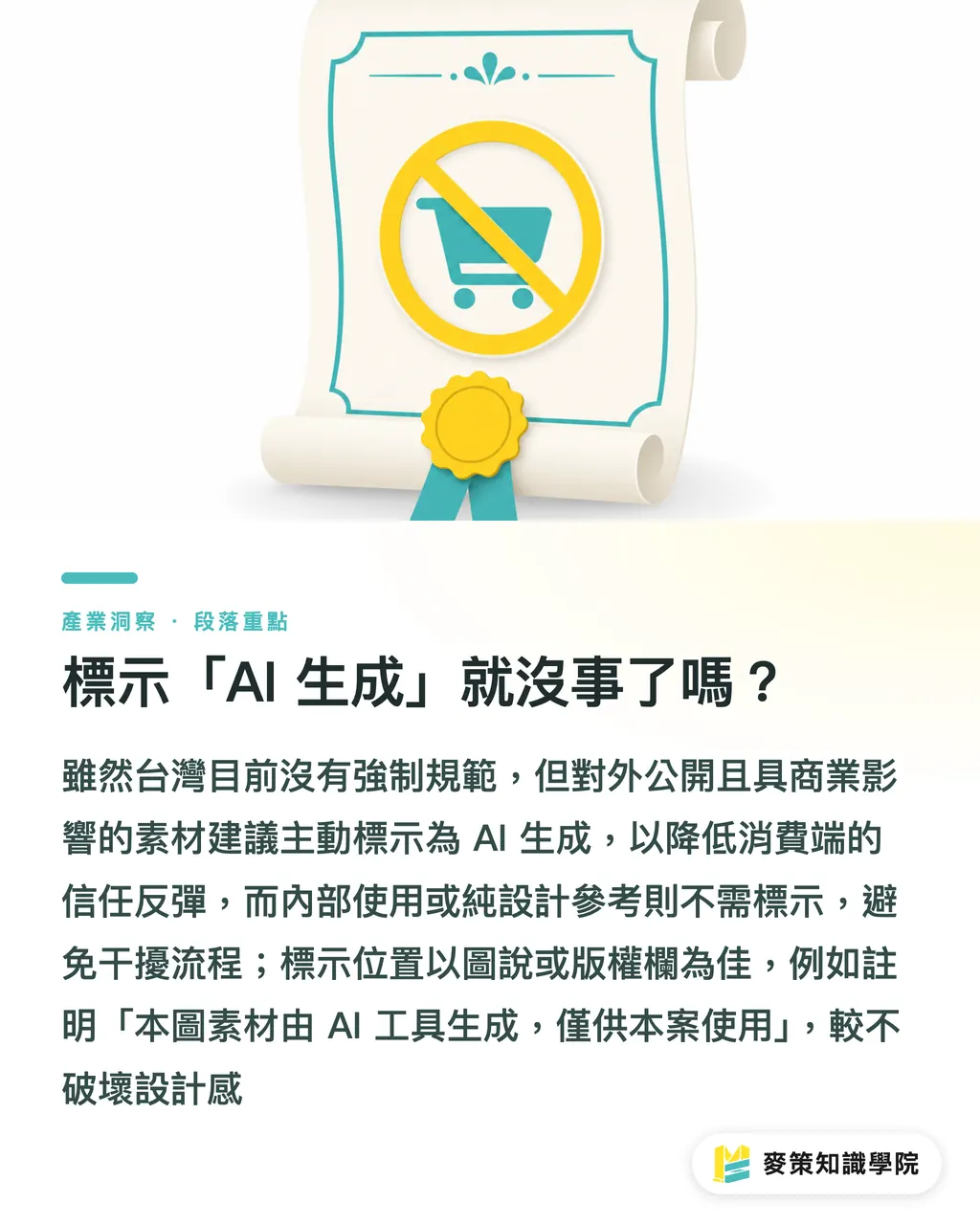
Is Labeling "AI-Generated" Enough?
Taiwan currently has no mandatory labeling regulations for AI-generated images, but two practical principles serve as helpful reference points:
・For public, commercially impactful materials (such as packaging or ads), proactive labeling is recommended
This lowers the risk of consumer backlash over trust while giving the brand solid footing in public opinion
・For internal use or pure design reference, mandatory labeling is unnecessary
Labeling them might cause internal team members to mistake them for "unfinished drafts," disrupting workflows instead
Labeling location is recommended in captions or copyright notices, for example, "Image assets generated by AI tools, intended solely for this project"—which is far less intrusive to design aesthetics than slapping a huge logo on the artwork
Key Takeaways
・Legal risks of AI images center around portrait rights, trademarks, and training data, while technical risks involve resolution, CMYK, and ICC profiles
・"Looking good on screen" and "ready for print" are two different things; always verify files directly in software before proofing
・Licensing terms and commercial scope must be put in writing before placing orders, as remedies after the fact carry extremely high costs
・Transparent backgrounds, bleed issues, and fine lines represent the most common rejection causes when printing AI images
・Labeling "AI-generated" is not currently a legal obligation, but voluntary disclosure is recommended for external commercial materials
Further Thoughts
For printing plants, the value of AI images lies in speeding up proposals and reducing photoshoot costs, but factories cannot absorb risk costs alone. We recommend clearly inserting an "AI asset authorization is client responsibility" clause into quotations and contracts, alongside making the "Mai Strategy Three-Step Prepress Check" standard operating procedure. For designers and corporate procurement staff, keeping commercial plan receipts and generation logs for AI tools is essential, it is your sole protection if things go wrong. The next phase is not just about what AI can draw, but who can clear the landmines before final delivery
Further Reading
FAQ
- Can AI-generated images be printed directly as commercial packaging?
- You must first confirm that the licensing scope covers commercial use and pass copyright, portrait, and trademark checks. Technical prepress also requires CMYK pixel data of at least 300 DPI before sending to print
- Why does an AI image print blurry even when its resolution seems high?
- AI high resolution relies on model pixel interpolation rather than real detail. When scaled to 100% actual size, edges, gradients, and text display pixelation and broken lines, which is an inherent limitation of AI generation
- Should you take an order if the client insists on using AI images but refuses to sign an authorization affidavit?
- We do not recommend accepting it. If a rights holder alleges infringement later, both the print shop and the client can be named co-defendants, resulting in compensation and reprinting costs far exceeding the profit of a single order
- Does Taiwanese law require labeling AI images?
- There is currently no mandatory labeling regulation. However, proactive labeling is recommended for external commercial materials (packaging, ads, official social media), whereas internal reference drafts do not require it
- What should you do if an AI image suffers severe color shift after CMYK conversion?
- Avoid relying on software default conversions. Switch to converting via FOGRA-compliant ICC profiles, and have the client sign off on colors during proofing to establish a clear benchmark for future reprints
Related articles



The Print × AI weekly
The print and AI know-how designers, brands and enterprises can use before they commit — one email, every week
MINDS Free Tools
Imposition calculator and preflight file check — free prepress tools, right in your browser.
MINDS Group
Need actual printing or gifting services?
From premium printing to online ordering and festive gifts — the MINDS Group sister brands take it from here.