
What Should Designers Know Before Choosing a Free AI Image Tool?
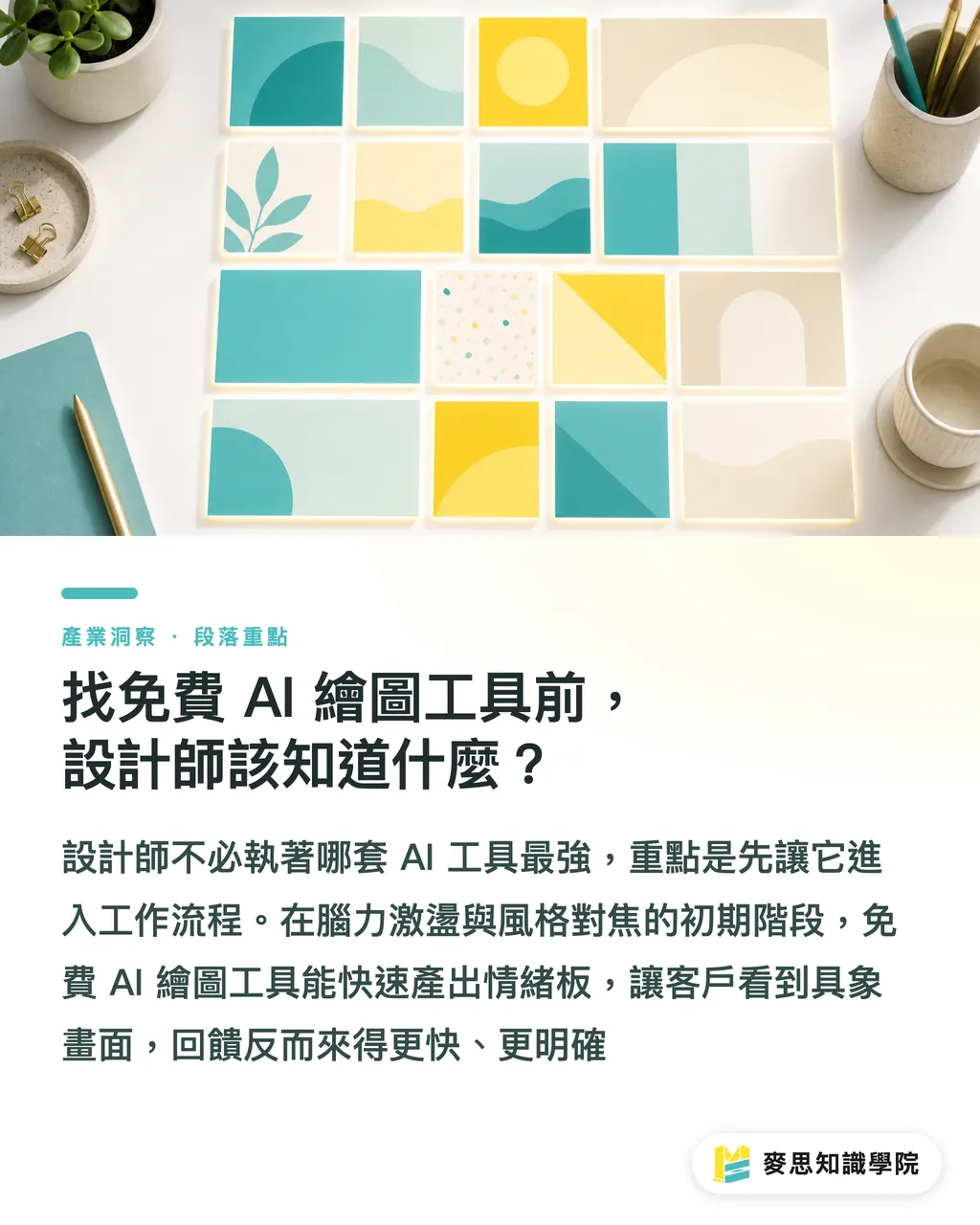
Based on my recent interactions with clients and projects, AI acts like a tireless creative assistant during the initial stages of the design process
Many designer friends get bogged down debating which tool is the most powerful, but in my experience, it is better to start with what is available and refine it later
During the brainstorming and style-alignment phases with clients, free AI tools can quickly generate mood boards to reduce communication friction
Rather than spending your late nights sketching, presenting concrete AI-generated images to clients usually helps them provide clear feedback much faster
Which Free AI Image Tool is Best for Commercial Use and Printing?
We have reviewed various AI-generated files on the production line, and every tool yields images that require different levels of post-processing
I have compiled a list of the three most popular free AI image tools currently available, along with suggestions based on their real-world performance:
・Microsoft Designer: Powered by the DALL-E 3 model, it has excellent semantic understanding. However, native dimensions are usually capped at 1024x1024 pixels, which is only sufficient for printing up to 8.5 cm square. It works for business cards, but will absolutely pixelate on posters
・Leonardo AI: Very generous with daily credits for free users. It features built-in upscaling, making it slightly more friendly for large-format printing projects, though the interface is more complex and requires a learning curve
・Adobe Firefly (Web Free Version): This is my top recommendation for beginners in commercial design. It is trained on licensed Adobe Stock images, making it safer from a copyright perspective, and it integrates seamlessly into existing Illustrator and Photoshop finishing workflows
Can AI-Generated Images Be Sent Directly to Print?
This is a question I get from clients every day, and the answer is an absolute no
Almost all AI-generated files are in 72dpi RGB format, while standard printing requires 300dpi CMYK files
To address this, I strongly recommend establishing an 'AI first, manual intervention' workflow:
・Step 1: Use free, open-source software like Upscayl to upscale the file losslessly, ensuring the resolution reaches 300dpi and the actual dimensions meet the requirements for final artwork
・Step 2: Bring the file into Photoshop to perform color mode conversion. After converting from RGB to CMYK, manually adjust the curves and levels to restore saturation lost during the conversion process
・Step 3: Carefully check the bleeds and edge details. AI often creates jagged edges, and some fatal flaws can only be caught by the human eye. A single oversight can lead to the nightmare of reprinting an entire batch
How Can You Avoid Copyright and Trademark Disputes?
Beyond file specifications, copyright concerns are a primary reason many corporate clients are hesitant to fully embrace AI
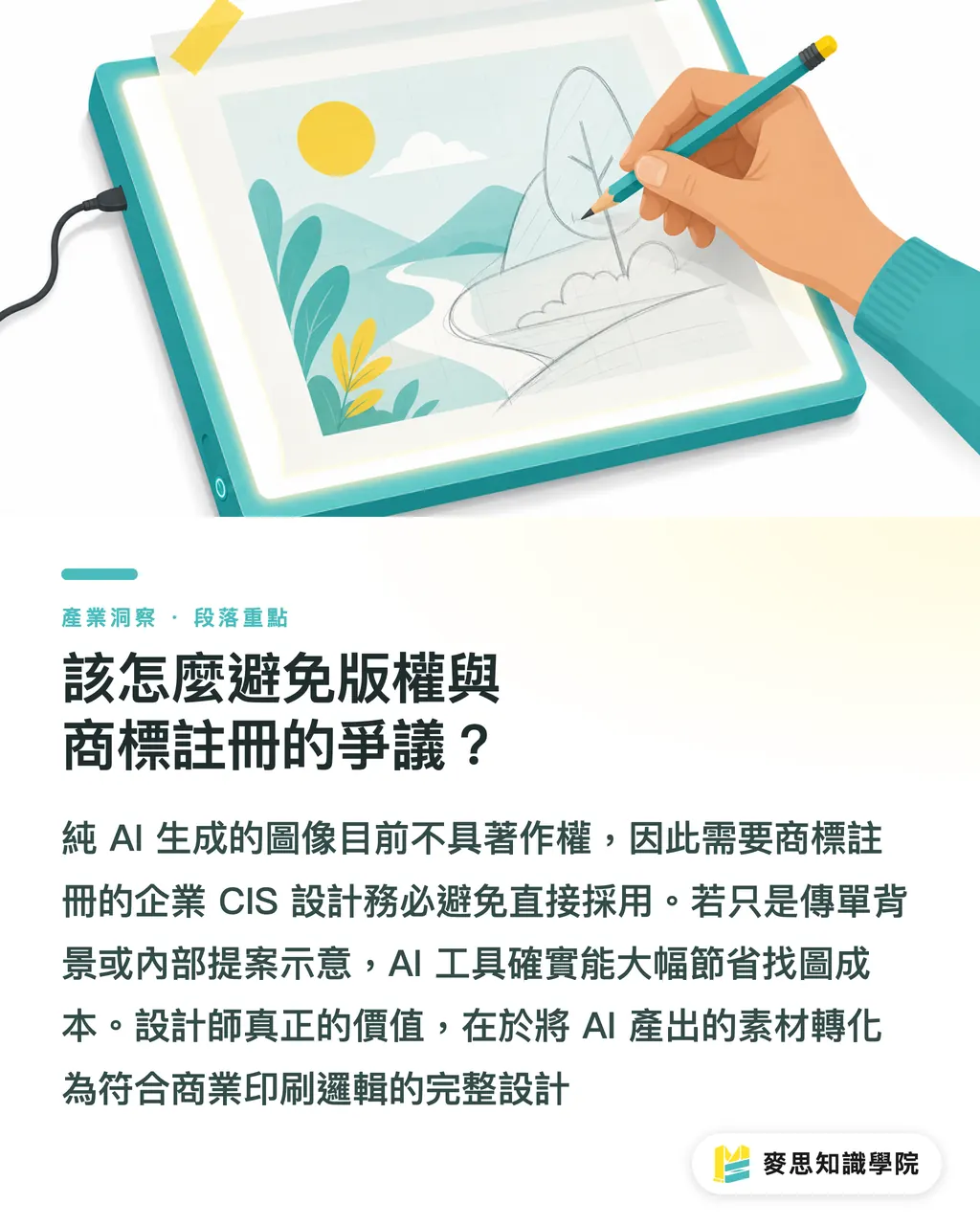
Based on current intellectual property consensus, images generated purely by AI do not hold copyright
If your project involves a corporate CIS (Corporate Identity System) that requires trademark registration, please strictly avoid using AI-generated images directly
However, for uses like flyer backgrounds or internal proposal mockups, these tools can save a significant amount of time spent searching through stock photo libraries
As designers, we sell integration and taste; AI provides the materials, and you are responsible for transforming them into commercial designs that adhere to printing logic
Key Takeaways
・Free AI tools are suitable for initial style alignment and asset generation, but output files cannot directly meet professional printing standards
・Microsoft Designer is intuitive, Leonardo AI offers diverse styles, and Adobe Firefly provides relatively safer copyright status
・Every AI-generated image must undergo a manual correction process, including resolution upscaling and manual CMYK conversion
・For core visuals involving trademark registration and corporate identity, we strongly advise against using AI-generated image files at this stage
Reflective Thoughts
No matter how fast AI tools evolve, the physical limitations of printing and the nature of ink color reproduction will not change
At MINDS Printing, we have consistently advocated that the better designers understand the limitations of post-press production, the more adept they will be at using AI in the initial stages
Think of AI as a 'super apprentice' who helps you prepare your materials, but the 'head chef' who ultimately inspects the files and decides on paper stock and post-processing techniques remains your professional eye
FAQ
- Can I put AI-generated images directly into Illustrator for final artwork?
- It is recommended to first process the resolution (at least 300dpi) and color mode (CMYK) in Photoshop before importing into Illustrator for final output; otherwise, you may encounter issues such as blurry prints or significant color shifts
- Why do AI-generated images look vibrant on my phone screen but appear dull when printed?
- Screens use RGB for light-based color display, while printing uses CMYK inks for light-absorbing color. The color gamuts differ. Most AI image files are in RGB, so direct conversion to CMYK will inevitably result in color loss, which must be corrected manually in professional software
- Which free AI tool produces the highest resolution images?
- Currently, most free tools produce images around 1024x1024 pixels. If high resolution is required, it is recommended to use open-source AI image upscaling software like Upscayl for secondary processing
- Can AI-generated images be used to register a trademark?
- Most intellectual property offices currently recognize that images generated purely by AI are not protected by copyright. Therefore, we strongly advise against using AI-generated images directly for brand logos that need to be registered as trademarks
Related articles





The Print × AI weekly
The print and AI know-how designers, brands and enterprises can use before they commit — one email, every week
MINDS Free Tools
AI background removal, brand stamping, and a LINE sticker maker — free design tools, right in your browser, no upload.
MINDS Group
Need actual printing or gifting services?
From premium printing to online ordering and festive gifts — the MINDS Group sister brands take it from here.