
Why Is Color Shift in Digital Printing So Hard to Tame?
Digital printing needs a solid defense line from optical measurement to auto-correction to overcome color drift over time. That is exactly why print shops bring in modern color management systems, or why clients partner with custom color management specialists like MINDS Printing
From years on the shop floor working with clients, I often hear designers ask why a vivid Pantone 293 C picked on screen turns out purple or dull on a digital press
That is brutal
An ICC Profile is a color profile defined by the International Color Consortium. It translates color language across different devices, making sure the blue on your display matches the printed blue as closely as possible
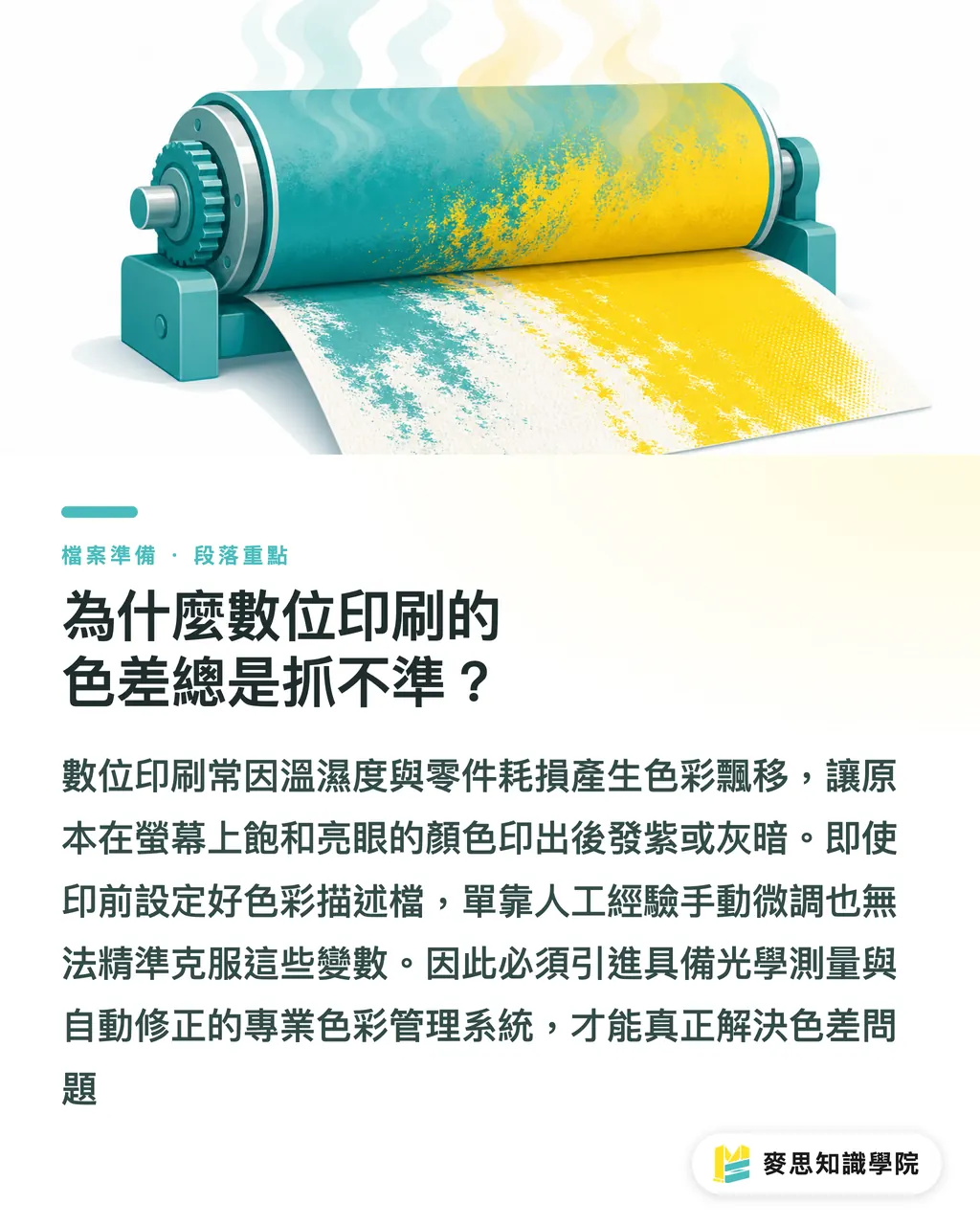
Even if you set your ICC Profile correctly in prepress, digital presses drift as temperature, humidity, and machine components shift over time
When dot gain or ink density strays off target, relying on even a seasoned press operator to tweak things by hand is just not realistic
How AccurioPro Color Manager 2.3 Keeps Color Shift in Line with Data
Lately, chatter in the industry has been picking up around Konica Minolta's release of AccurioPro Color Manager (APCM 2) Version 2.3
This update puts all its weight into color quality monitoring and data analytics
Presses used to operate as isolated islands. Now with AccurioPro CloudEye, color measurement data streams straight to the cloud
Operators and plant managers just open the validation report to track tone, dot gain, and density metrics across every machine at any time
The most tangible upgrade is the introduction of Smart Color Sequence Setup
It automatically picks the best calibration routine based on current press and controller states. If quality verification fails, Smart Color Sequence Recovery guides operators step by step to reset the press back to baseline
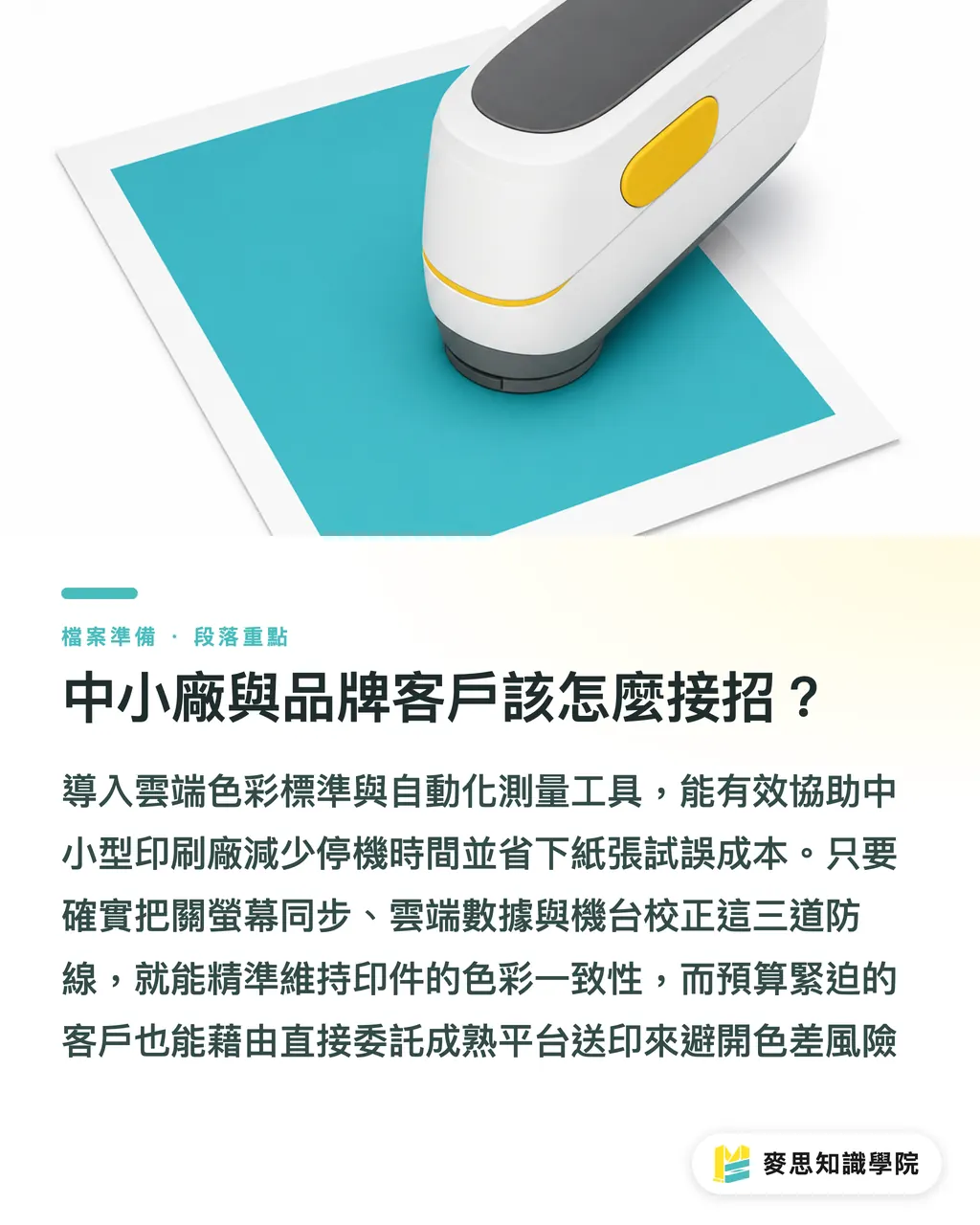
Paired with hardware modules like the IQ-501 and IQ-601, color calibration and quality control become fully automated
No luck required
How Should Small-to-Mid Presses and Brand Clients Respond?
Moving reference parameters to the cloud means multiple production sites and partners share the exact same color baseline
We often advise clients to set up the 'MINDS Printing (MS, mid-to-high-end custom commercial print) Three-Step Gatekeeper' to block color mismatch: ① Confirm monitor and device profiles are synced ② Check if cloud measurement data stays within tolerance limits ③ Ensure production presses have run full calibration
Karl-Friedrich Edenhuizen, product manager at Konica Minolta Europe, pointed out a clear reality: the new solution cuts downtime sharply, letting staff keep production consistent even without high-level troubleshooting skills
For small and mid-sized Taiwanese print shops aiming for high-end corporate identity (CI) projects, adopting these automated measurement tools saves substantial waste in paper and press time
If your project faces tighter timelines and budgets, and you just need reliable standard print work, placing your order through established platforms like MINDS Print also lets you side-step color drift traps
Key Takeaways
・Digital print color shift stems mainly from press drift over time, requiring automated optical measurement for ongoing corrections
・APCM 2.3 pushes measurement data to the cloud via CloudEye, giving plant managers real-time oversight of dot gain and density metrics
・The Smart Color Sequence mechanism, together with the IQ-501 module, allows even novice operators to complete professional calibration with guided prompts
・Sharing cloud color parameters across sites offers the lowest-cost path to keeping corporate brand colors consistent for enterprise clients
Further Considerations
Over the past month or two, I have felt a clear shift: a print shop's competitive edge is moving away from an operator's visual experience toward system optical stability. Equipping production lines with data-driven color monitoring as early as possible is the only way out of price wars and into high-end brand orders. If budget is tight, start by aligning prepress color profile standards and establishing regular calibration routines
Further Reading
FAQ
- What is Smart Color Sequence Recovery?
- This is an automated guided repair mechanism built into APCM 2.3. When the system detects printed output failing quality targets, it gives step-by-step instructions so operators can quickly pull press values back to baseline
- Why don't digital presses use standalone Pantone plates?
- Digital presses mostly use four-color or multi-color toner and inks to simulate colors. Unlike offset printing, you cannot load pre-mixed Pantone spot inks directly, so managing CMYK color space mapping with precision is essential
- What are the benefits of adopting AccurioPro CloudEye for global brands?
- The cloud system lets brand headquarters and manufacturing partners worldwide share the same color validation parameters, making sure corporate colors printed on packaging match perfectly whether produced in Taiwan or Europe
Related articles


The Print × AI weekly
The print and AI know-how designers, brands and enterprises can use before they commit — one email, every week
Tool Library
RGB↔CMYK conversion, ΔE color difference and brand color print analysis — free color management tools, computed right in your browser.
MINDS Group
Need actual printing or gifting services?
From premium printing to online ordering and festive gifts — the MINDS Group sister brands take it from here.