
Why vivid screen colors always look dark and muddy in print
In my more than ten years in the printing industry, this is the complaint and cry of frustration I hear most often
Your screen is not broken, nor is the press malfunctioning. It comes down to a fundamental difference in light physics
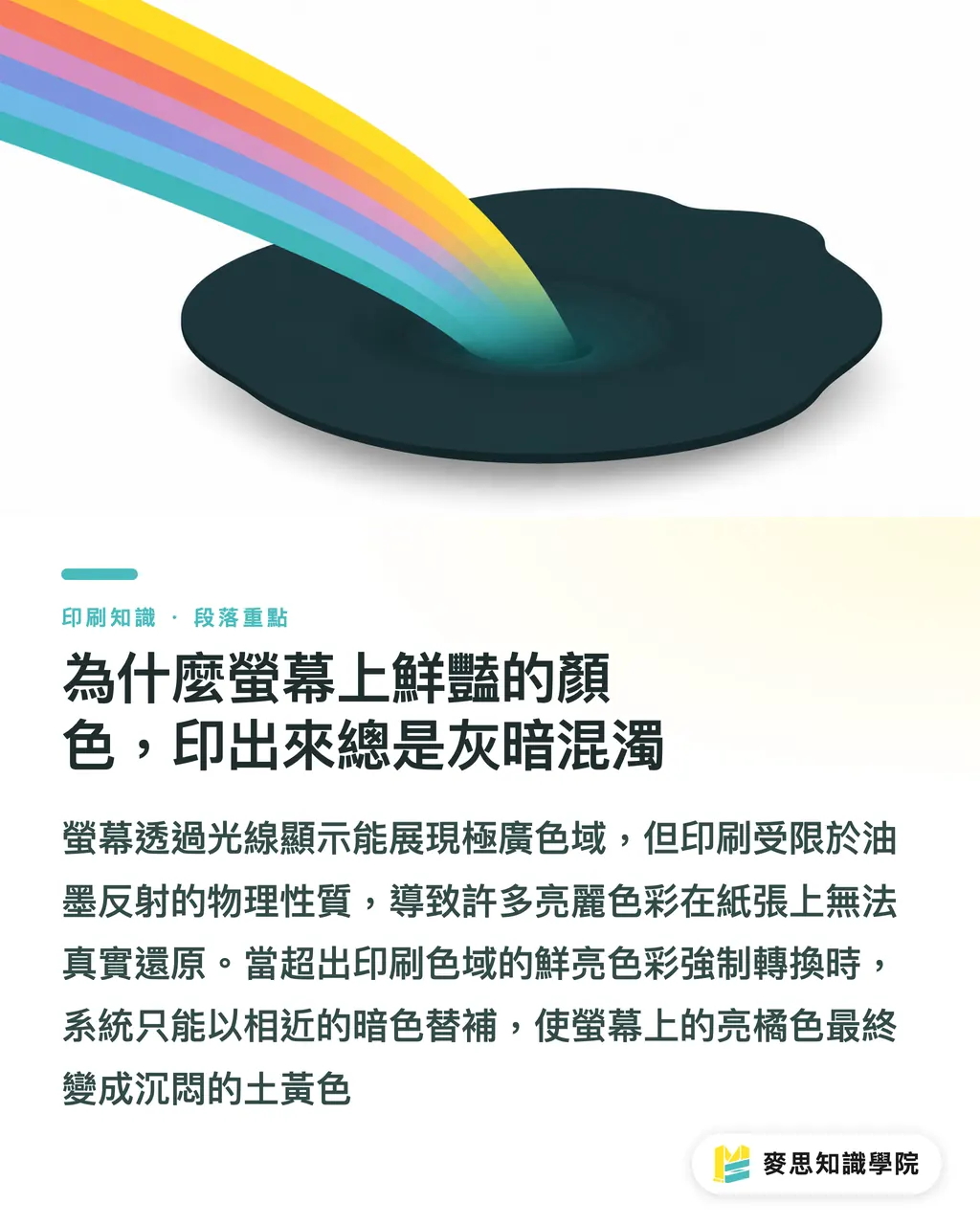
Monitors emit light using RGB sources, displaying a broad color gamut, especially harsh neon greens or vibrant blue-purples
Print relies on four CMYK inks reflecting light, and its physical nature caps its color gamut far below a screen
When you force bright screen colors outside the CMYK gamut onto paper, the system simply picks the closest dark fallback color
That is why bright orange on screen so often ends up as dull muddy yellow in print
Based on core principles in color management and ICC profiles, high-end monitor Adobe RGB gamuts run nearly 30% wider than traditional print standards
That means a huge portion of vivid colors on your display cannot be reproduced on a printing press at all
What is an ICC Profile, and why is it key to accurate color matching
To bridge this gamut gap, we rely on the ICC Profile (Color Profile) as a communication bridge
In simple terms, it serves as a dedicated color translation dictionary between different devices
Every monitor, printer, and paper stock has its own unique quirks and physical limits in interpreting color
Applying the correct ICC Profile tells the system how to safely translate RGB colors into CMYK values this specific press can print
To make sure this translation is accurate, step one must start with monitor calibration
If your monitor has a heavy color cast, you are tinting work with tinted glasses, rendering accurate color settings useless
Standard commercial printing in Taiwan mostly follows Japan Color standards, while Europe and America lean toward Fogra specifications
That is why designers must confirm which profile to apply with the print shop before finalizing files
Why do colors shift completely when switching paper on the same file
Many people think setting CMYK numbers makes files foolproof, ignoring the biggest variable: substrate material
Printing the exact same values on smooth coated paper versus highly absorbent uncoated stock creates a visual gap so wide they look like separate files
Coated paper keeps ink sitting on its coated surface, yielding rich and sharp colors
Uncoated paper lets ink sink and spread rapidly, leaving overall tones dull with heavily reduced contrast
That is why different paper stocks require dedicated paper ICC Profiles
Using Soft Proofing, designers can simulate specific paper absorption and reflection on screen in advance
Loading the correct profile into graphics software lets your screen accurately predict how dull ink becomes inside paper fibers, allowing early manual adjustments before printing
What should designers do? A senior consultant's foolproof checklist
Now that theory is covered, let us look at how to avoid these reprint disasters in practice
Building a reliable color management workflow relies on aligning standards upfront, rather than converting files blindly at the last minute
I usually advise clients and design teams to stick to these operating rules during the project setup phase:
・Establish working color space: Set software color mode to CMYK early in design and load the printer's specified Profile
・Avoid extreme colors: Spot and clear dangerous bright colors near the RGB gamut edge; if brand colors are non-negotiable, set budget for spot colors
・Calibrate monitors regularly: Use hardware calibrators on a regular schedule to reset monitor colors, giving what you see an objective baseline
・Use soft proofing preview: Turn on proof colors before exporting to simulate paper appearance and make final checks
Following these steps alongside expert prepress checks from the MINDS team keeps color shift risks to a minimum
How to choose common CMYK profiles
There is no one-size-fits-all ICC profile because it describes specific print conditions
I always ask 3 things first: print location, paper stock, and printer output standard
Common settings break down like this:
・FOGRA39: Common in European standard print setups, tailored for coated commercial printing; required by many international brands and European supply chains
・Japan Color 2011 Coated: A common coated paper benchmark in Taiwan and Japan print supply chains, used for catalogs, books, and packaging proofs
・GRACoL 2013: A standard in North American commercial printing, ideal for alignment with US brands, global channels, or overseas print specs
In practice, I advise designers against simply asking: 'Which ICC is most accurate?'
A better question is: 'Where is this job printing, on what paper, and under which output condition does the printer want it?'
If the printer provides no specific profile, check with them first whether Japan Color 2011 Coated fits common Taiwan/Japan coated commercial printing
For international brand artwork, European supply chains, or overseas output, follow their specs strictly instead of forcing a profile you know
Picking the wrong ICC might not break your file
But it makes everyone think they are looking at the same color while holding completely different maps
Difference between embedding and converting profiles
Embedding a profile writes 'what color language this file currently speaks' into the file
Converting a profile recalculates color values to match another target print condition
One step sets them apart, but press results differ greatly
・Embed Profile only: Retains original color values, letting the print shop's RIP convert later; fits workflows where printers explicitly ask for source profiles
・Convert then embed: Converts to target Profile at design time before exporting PDF; the printer gets a CMYK file tuned to print conditions with fewer variables
・Do not embed Profile: Forces RIP to guess with defaults, making one PDF show different colors across shops and presses
My rule is direct: if you know the shop, paper, and output condition for a job, convert to the target Profile first, then embed
If print conditions are undecided, embedding the source Profile retains flexibility, but this file should not serve directly as final press artwork
Save a separate copy before converting, because converting RGB to CMYK or CMYK to another CMYK Profile compresses high-saturation colors into print gamut, which cannot be undone in production
There is also a common misunderstanding on press floors: Assign Profile and Convert to Profile are not the same thing
・Assign Profile: Changes 'how these values get read' without changing numbers, which can dramatically shift appearance
・Convert to Profile: Recalculates colors into a new space to preserve appearance as much as possible, changing actual numbers
What you actually use before press is Convert to Profile
Assign Profile acts like swapping labels; swap wrong, and the whole batch spoils
How to set up Photoshop, Illustrator, and InDesign
Photoshop handles raster images, Illustrator manages vector and single-page designs, while InDesign handles multi-page layouts and final PDF output
All 3 applications manage ICC Profiles, but their roles differ, so do not push all duty onto final export
In Photoshop, I check whether the image is RGB or CMYK before handling Profiles
・Image still in RGB: Use Edit / Convert to Profile first to convert photos into the printer's specified CMYK Profile
・Already in CMYK: Confirm whether the current Profile matches press conditions; do not convert repeatedly to wrong CMYK Profiles
・Preview print effect: Go to View / Proof Setup / Custom to load target Profile, then turn on View / Proof Colors to inspect shadows, skin tones, and bright areas
・High-saturation RGB images: Check Gamut Warning first before deciding on local color retouches
In Illustrator, the focus is document color mode and placed graphics
・File for print use: File / Document Color Mode should set to CMYK Color
・Working color space: Set CMYK Working Space under Edit / Color Settings matching shop or output specs
・Placed graphics: Make sure linked files carry correct Profiles, avoiding CMYK vectors mixed with photos stuck in sRGB
・PDF export: Retain or set target Profile in Output settings, choosing Convert to Destination based on printer requests
In InDesign, I treat it as the final master gate
・Multi-page catalogs, flyers, books: Check Links panel first to verify image color spaces and missing link statuses
・PDF export: Select target Profile in Export Adobe PDF Output settings
・Handing off to print shop: If they request PDF/X-1a or PDF/X-4, export strictly to spec without mixing custom options
How to soft proof after receiving custom profiles from print shops
When a printer provides a custom Profile, it usually means they run calibrated workflows for specific presses, paper stocks, dot gains, or ink behaviors
Do not leave this Profile on your desktop; install it into system or Adobe directories before running Soft Proof
I usually follow this routine:
・Confirm matching conditions with the printer first, such as coated, uncoated, digital print, or traditional offset
・Install the ICC file into system ColorSync or Adobe readable paths
・Open Soft Proof in Photoshop or Illustrator and set the printer's Profile
・Turn on Simulate Paper Color or Black Ink previews to inspect paper white and shadow details
・Check at least 4 key areas: skin tones, brand colors, large gray areas, and dark backgrounds
・Before PDF export, verify the PDF converted to target Profile with embedded profile
Soft proofing does not guarantee identical print output; it warns you in advance: 'Under this paper and output condition, these colors will be lost.'
Without monitor calibration, soft proofing accuracy drops; design teams should know if their monitor reaches near sRGB or holds hardware calibration
Physical proofs remain essential, especially for full-bleed backgrounds, corporate colors, food packaging, cosmetics photos, and dark gray gradients
I have seen too many jobs stall over 'screen is bright, paper is dark'; a 30-minute phone call cannot match what one physical proof clarifies
How to handle image placement and PDF export
When placing images, I rarely advise ignoring profiles completely
If one picture was Adobe RGB and another sRGB, reading both as the same RGB distorts color right from the start
A safer approach breaks down into 3 cases:
・Image has embedded Profile: Keep embedded profile so software knows original color source
・Image lacks Profile: Judge visually and by source; check web images with sRGB first, then convert if needed
・Image Profile clearly wrong: Do not ignore it; test Assign Profile versus Convert to Profile in Photoshop before deciding how to fix it
When exporting PDF, embedding output ICC depends on printer workflow
Some printers want PDFs converted to CMYK with embedded Output Intent for easy RIP verification
Others use custom workflows, preferring clean CMYK PDFs without extra data that risks secondary conversion
I suggest asking 5 direct questions before sending files, which works far better than guessing:
・Which CMYK ICC Profile is recommended for this job?
・Does the PDF need embedded Output Intent?
・Should images keep embedded profiles or convert entirely to target CMYK?
・Will printer RIP run another color conversion?
・Can you provide press or standard condition ICC Profiles for soft proofing in Acrobat or Photoshop?
This prepress step is where MINDS steps in on file prep, prepress checks, paper guidance, and output communication
It is not about shifting duty onto designers or print shops, but clarifying color rules before printing starts
Which file details to check before sending to press
Before press handoff, I close with 3 questions: Right Profile? Clean PDF? Proof confirmed?
These 3 questions beat memorizing color theory because they target exact spots where print shop receivers run into trouble
Land your prepress checks through these three steps:
・①Set print conditions: Confirm paper, printing method, and printer ICC Profile first, either standard coated profiles or custom shop profiles
・②Convert to target Profile: Convert to target CMYK Profile in Photoshop, Illustrator, or InDesign before exporting PDF with profile
・③Confirm proof: Run Soft Proof to check gamut and shadows, then use physical proofs to confirm paper, ink, and visual acceptance
I add 6 more checklist items:
・PDF embeds correct ICC Profile
・Black text uses print-friendly black settings to avoid registration shifts on small 4-color text
・Image resolution meets print needs, using 300 dpi as standard check for commercial print
・Large dark areas avoid excessive ink coverage to prevent slow drying or set-off
・Spot colors, die lines, white ink, and spot varnish sit cleanly on separate layers/channels
・Signed proofs record version dates and file names
Color management is not about turning every setting to maximum, but getting designers, printers, and clients speaking the same language on the same file
Key Takeaways
Monitors and print operate on different light physics, making RGB gamuts larger than CMYK an irreversible physical constraint
An ICC Profile is a cross-device color translation dictionary, ensuring screen colors convert accurately into press commands
Ink absorption properties across different paper stocks alter color performance directly, requiring re-evaluation whenever paper changes
Accurate color matching starts with monitor calibration; if a screen has color cast, subsequent soft proofing and value tweaks lose meaning
From working color space setup to soft proof previewing, building standardized workflows is the best fix for reprint disasters
When print shop and paper stock are known, converting to target profile then embedding is more controllable than embedding source profiles alone
Assign Profile only changes value interpretation, whereas Convert to Profile is the conversion step actually needed before press
Ask print shops three things before press handoff: designated CMYK profile, whether PDF needs embedded Output Intent, and whether RIP will convert again
Further Reflections
From my frontline experience, color management is not just technical setup, but building trust between design and print teams
Many clients working with the MINDS team notice an immediate drop in communication friction and reprint costs
Digitizing print standards and paper properties to offer clear prepress soft proof predictions stops color disputes before they start
For AI applications and software developers, future opportunities lie in integrating complex color logic directly into design workflows
Enabling non-expert users to automatically stay clear of dangerous colors beyond print limits is the practical way to resolve industry pain points
FAQ
- Why does my Apple high-end monitor still show color differences in print?
- High-end monitors feature wider color gamuts, meaning they display colors a press cannot print at all. Without color mapping setup, color shifts become even more severe
- Can I convert old RGB files directly to CMYK for printing?
- Forced conversion makes the system compress vivid colors outside gamut, making tones dark and dull. We recommend enabling proof colors in software to adjust values while comparing
- How should color settings be adjusted when printing on uncoated paper?
- High ink absorption on uncoated paper makes colors sink. We suggest boosting photo contrast in design and loading dedicated Uncoated profiles in software to preview effects
- Can designers judge color accuracy by printing files on an office printer?
- Office printer ink and paper characteristics differ completely from commercial plant equipment. Desktop prints only check layout scale; judging colors requires digital proofs from the printer
- Should I choose FOGRA39, Japan Color 2011 Coated, or GRACoL 2013?
- FOGRA39 is common in European coated printing, Japan Color 2011 Coated is common across Taiwan and Japan supply chains, and GRACoL 2013 is widely used in North American commercial printing. The safest path is asking your print shop which output standard they use
- Should ICC profiles be embedded or converted before sending to press?
- When the print shop, paper stock, and target Profile are known, convert to target ICC Profile first then embed. Embedding source profiles alone leaves conversion to printer RIP, which fits intermediate uncommitted files
- Should ICC profiles be embedded when exporting PDFs?
- It depends on printer workflow. Some shops want embedded Output Intent for verification, while others prefer controlling RIP conversion themselves. Confirming PDF specs with the printer before press handoff is far more reliable than applying generic settings
- Can soft proofing replace physical proofing?
- Soft proofing previews gamut, paper white, and shadow shifts, but cannot replace physical proofs completely. Brand colors, full-bleed backgrounds, packaging, and high-value catalogs still require physical proofs for confirmation
References
- ISO 12647-2 — dot and color control standard for offset printing · International Organization for Standardization (ISO)Defines target chromaticity, dot gain, and gray balance for CMYK printing — the international reference printers use for color matching
- ICC Profile Format Specification (ICC.1) · International Color Consortium (ICC)Defines the data structure of ICC color profiles — the foundational standard for cross-device color conversion
- Fogra characterization data (FOGRA39 / FOGRA51) · Fogra Research Institute for Media TechnologiesStandard characterization data for coated paper printing — the color reference used for digital proofing and ICC profiles
Related articles
The Print × AI weekly
The print and AI know-how designers, brands and enterprises can use before they commit — one email, every week
Tool Library
RGB↔CMYK conversion, ΔE color difference and brand color print analysis — free color management tools, computed right in your browser.
MINDS Group
Need actual printing or gifting services?
From premium printing to online ordering and festive gifts — the MINDS Group sister brands take it from here.