
Why Can a Print Shop Reject Files Over Fonts?
Print shops can reject files with font problems because font issues touch both output stability and copyright risk, they consistently rank among the top three reasons for prepress rejection
When I check files on the floor, my biggest fear isn't bad design. It's a PDF that looks fine on screen but turns out to have missing fonts once it hits the RIP (Raster Image Processor, the system that converts PDF data into halftone dots or raster images before output). At that point the press is waiting on the file, the paper is waiting on the press, and the deadline slips, the blame rarely lands entirely on the print shop
A font displaying on your computer only means your computer has that typeface installed. Once the file reaches the print shop, the other machine may not have the same typeface, or may not have a legitimate license for it. If the PDF has no embedded fonts, the system may substitute a similar font, and with Chinese text, the most common results are missing characters, garbled output, shifted punctuation, and changed line spacing
At MINDS (MS, a high-end fully custom commercial printer), the three checks I run before accepting a job look like this:
・① Are the fonts in the PDF already embedded or converted to outlines?
・② Does the source file use Package to collect fonts, images, and links?
・③ Does commercial printing, outsourced output, and PDF embedding fall within the license scope?
For jobs that need custom materials and finishing decisions made together, you can hand the file to MINDS for a prepress check first. For standard print jobs and online orders, follow the submission process at Mai Print after organizing your specs
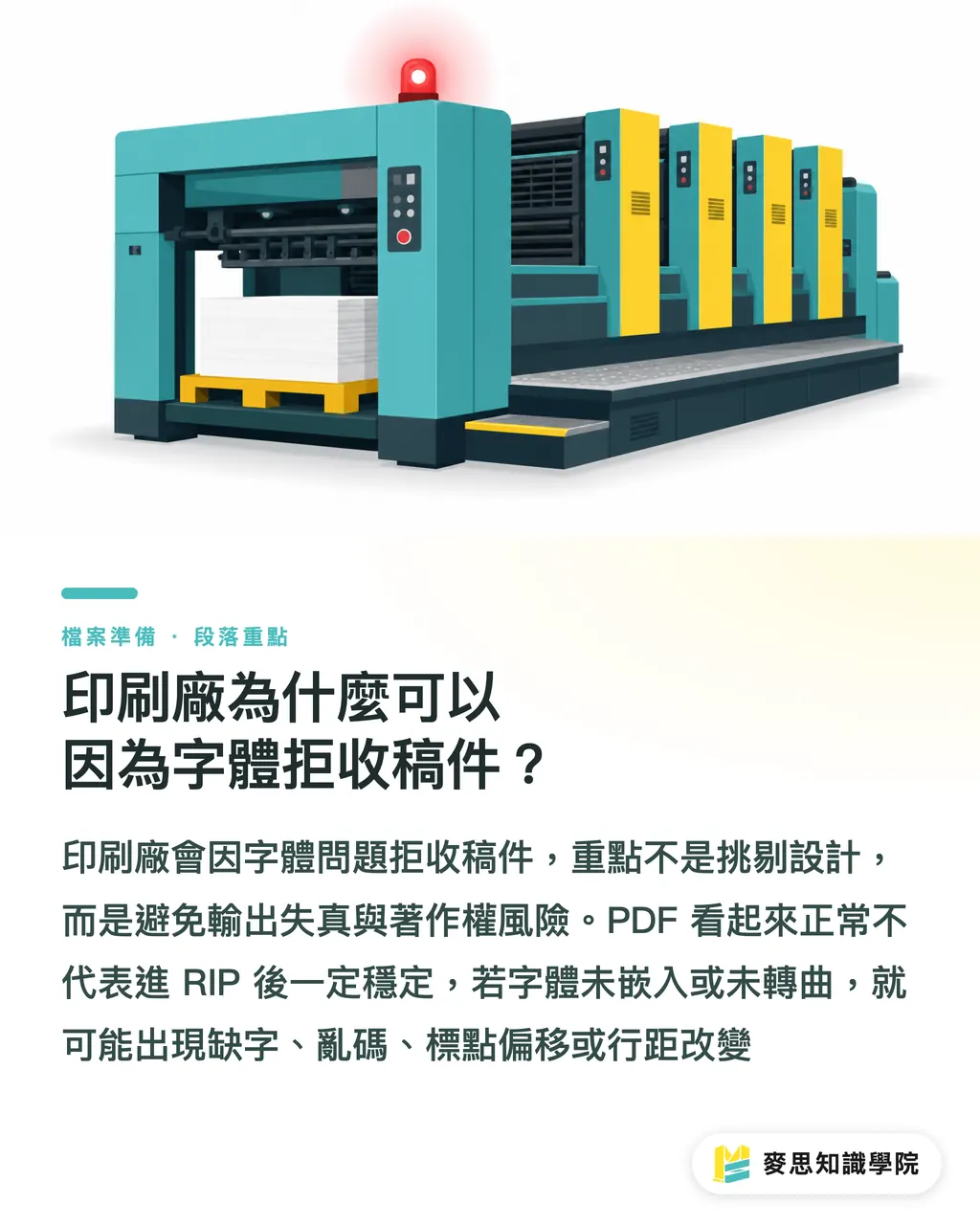
What's the Difference Between Font Embedding and Converting to Outlines?
Font embedding puts typeface data inside the PDF; converting to outlines turns text into vector shapes. The first preserves text properties, the second improves output stability, but once converted, the text can no longer be edited
Font embedding means the PDF carries the typeface data needed for output, so the print shop can display and output the file correctly even without that font installed. If you see 'Embedded Subset,' it typically means only the characters actually used are included, the file is smaller, and that's still enough for printing
Converting to outlines (create outlines) turns text into vector graphics, so the print side no longer needs the font file. In Adobe Illustrator (Adobe's vector design and artwork tool) for packaging, stickers, and posters, this is a standard move, especially for headline text, logo lettering, and specialty typefaces
That said, I don't recommend converting an entire long-form document to outlines. In Adobe InDesign (Adobe's layout tool) for catalogs, books, and manuals, the text volume is high. Converting everything to outlines bloats the file and kills the ability to search, copy, or edit later. The worst scenario is when a client wants to change one phone number and you're sitting there with a fully outlined PDF
Before sending to print, keep two files:
・An editable source file for revisions and reference
・A print-ready PDF with fonts embedded or necessary text converted to outlines
How to Quickly Check PDF Fonts in Acrobat
Adobe Acrobat's File > Properties > Fonts shows the font status in a PDF at a glance. Any unembedded font is a reason not to send the file to print
Adobe Acrobat (Adobe's PDF viewer, annotation, and prepress inspection tool) is the most worthwhile habit a designer can build before submitting files. Open the PDF, go to File > Properties > Fonts, and check whether each font shows 'Embedded' or 'Embedded Subset.' Those two statuses are the first thing prepress uses to judge whether fonts travel with the PDF
My check sequence is always the same:
・Start by looking for any font with no 'Embedded' or 'Embedded Subset' status
・Zoom in to 400% and check fine text, punctuation, and mixed Latin-Chinese for any shifting
・Spot-check brand names, phone numbers, prices, and small text near barcodes
・Finally, open the PDF on another machine or environment that doesn't have those fonts installed
PDF/X (the ISO 15930 print exchange PDF standard that defines output conditions for print-ready files) is something print shops commonly require from clients. Designers don't need to memorize the spec, but they should at least know that a print PDF is not a screen screenshot, fonts, color, bleed, and image resolution all need to be reliably readable by the output side
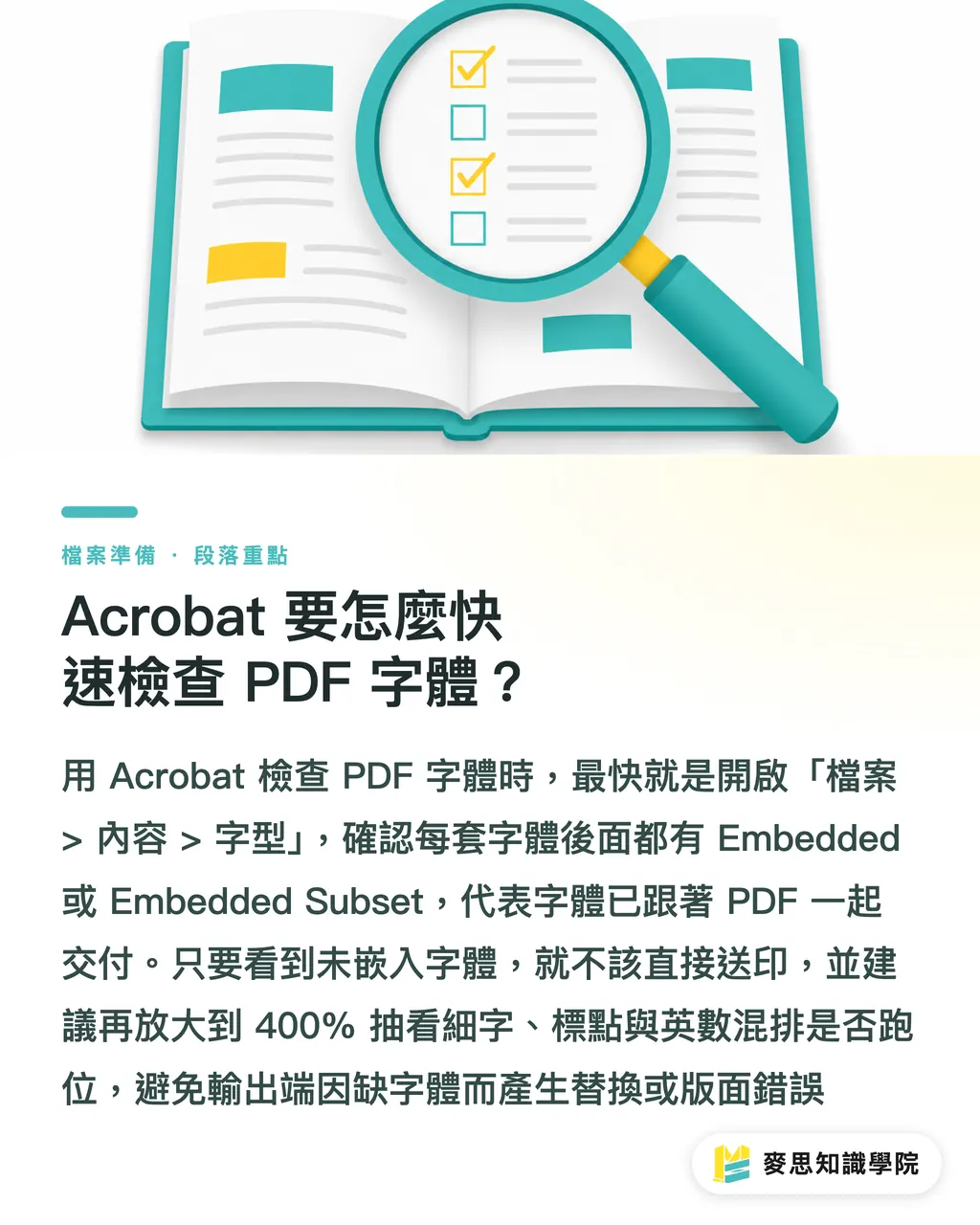
How to Run Package in Illustrator and InDesign
The Package function in Illustrator and InDesign collects the source file, linked images, and fonts, but Package only organizes your submission, it doesn't automatically get you a font license
Package gathers the layout file, linked images, document fonts, and a report into one folder, making it easy for the print shop or the next artist to pick up where you left off. This is especially useful for catalogs, direct mail, exhibition output, and brand identity extensions where revisions happen often
Standard Illustrator workflow:
・Save an editable AI file before submitting
・Run File > Package
・Confirm that Links, Fonts, and Report are all in the folder
・Save a separate outlined version, labeled 'outline' in the filename
・Export a PDF for the print shop's preflight and proofing
Standard InDesign workflow:
・Run Preflight first to check for missing links, overset text, and font warnings
・Run File > Package
・Check Links and Images, Fonts, and Instructions
・Export the print PDF and keep the .indd source file and Links folder
・If the print shop only accepts PDF, still keep a complete Package for revisions
I always remind designers: having font files in a Package doesn't mean you can hand them over freely. When a print shop refuses files, it's often not that they won't help, it's that they won't take responsibility for licensing they can't verify
Can You Use Free Fonts Directly for Commercial Printing?
Free fonts don't automatically mean usable for commercial printing. Designers need to check the EULA or open-source license and confirm whether commercial use, PDF embedding, and outsourced output are permitted
The EULA (End User License Agreement, the terms that come with a font purchase or subscription, covering whether you can use it for commercial printing, embed it in PDFs, pass on the font file, or use it for outsourced work) is the actual basis for judgment. Free download is just how you got it, not the extent of what you're licensed to do
Traditional Chinese typefaces on Google Fonts (Google's open-source font directory) often carry the SIL Open Font License. The SIL Open Font License (OFL, a common open-source font license that generally permits use, modification, and distribution, subject to keeping license text intact and following font renaming rules). What actually causes problems in practice is designers downloading the same-named font from a non-original source, using a repackaged version, or treating a cloud subscription font as something they can freely hand off
Before submitting files, I'd suggest adding font licensing to your file management routine:
・For commercial jobs, keep the license page, purchase record, or download source for every font used
・When a client specifies a font, ask them to confirm whether the license covers printing and outsourcing
・Before a cloud font subscription expires, export an embedded PDF or a legally converted outline version
・Always save a new file before converting to outlines, once converted, text can't be edited
If your team regularly deals with design outsourcing, brand extensions, and unclear print submission responsibilities, reach out to the Mai Strategy Knowledge Academy consulting team to get your font list and submission SOP sorted out first. Getting this done a day earlier saves a lot of midnight file rescue sessions
Key Takeaways
・Without embedded fonts, the PDF only looks complete, the real test is when it hits the RIP
・Outline conversion works for headlines, logos, and specialty type; long-form layouts should stick to properly embedded fonts
・Package organizes your submission, it's not a license certificate
・Free download doesn't mean free for commercial use, the EULA is what determines whether a font can go to print
・Checking the Acrobat fonts panel before sending is far cheaper than recovering from a rejection
Going Further
Designers should treat font management as part of the artwork spec, don't wait for the print shop to flag it. On the manufacturing side, Acrobat font checks, Package verification, and license declarations can be built into file intake fields. If SaaS and AI tools could flag unembedded fonts, missing license records, and suspicious repackaged typefaces at PDF upload, that'd be worth far more than post-submission customer support
FAQ
- The PDF looks fine, why is the print shop saying there's a font problem?
- If the PDF looks fine on your machine, it may just be because your machine has that font installed. Print shops check Acrobat's font embedding status, if a font isn't embedded, it may come out missing, garbled, or substituted at the output end
- After converting text to outlines, do I still need to embed the font?
- Once text is converted to outlines it becomes vector shapes, so the print side no longer needs the font. But outlined text can't be edited, so always keep an unoutlined source file
- Can Traditional Chinese fonts from Google Fonts be used for commercial printing?
- Check the license listed on that font's page. Common OFL licenses generally allow commercial use, but you still need to keep the license information and avoid using repackaged versions from non-original sources
- Once I've packaged with Illustrator Package, is the font licensing sorted?
- Package just collects the files, it can't replace the EULA. If the font license prohibits passing on font files or outsourced output, the print shop can still ask you to switch to an embedded PDF, outlined version, or a different typeface
- What's the quickest font self-check before sending to print?
- Check in Acrobat that all PDF fonts show 'Embedded' or 'Embedded Subset,' keep both an editable source file and an outlined print file, then confirm the license scope for any commercial or free fonts
Related articles





The Print × AI weekly
The print and AI know-how designers, brands and enterprises can use before they commit — one email, every week
MINDS Free Tools
Imposition calculator and preflight file check — free prepress tools, right in your browser.
MINDS Group
Need actual printing or gifting services?
From premium printing to online ordering and festive gifts — the MINDS Group sister brands take it from here.