

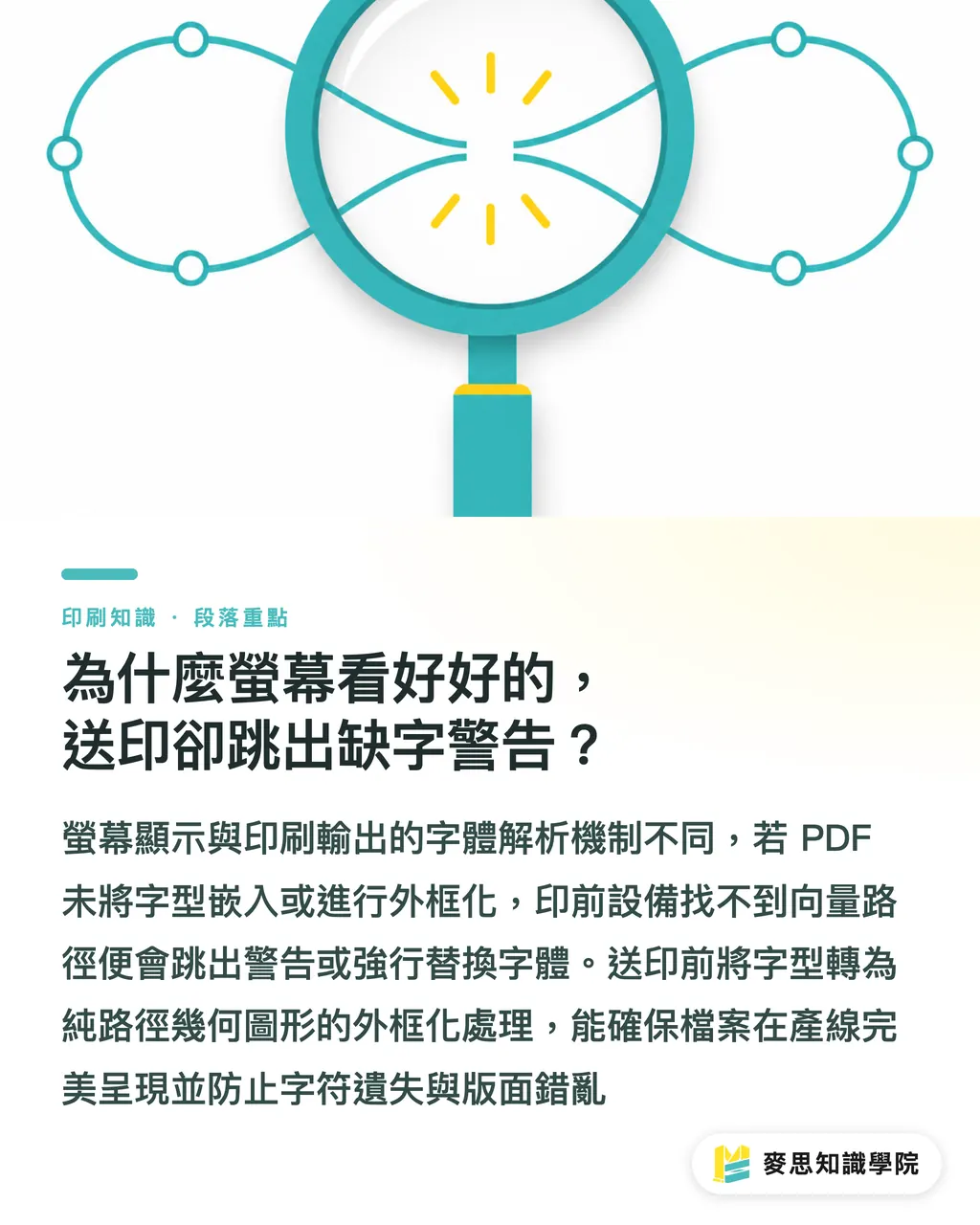
Why does everything look fine on screen, but trigger a missing-font warning at print submission?
Many designers see a flawless layout on their own computer, only to send the file to the shop and immediately get a rejection notice from prepress. The key issue is that screen display and print output, through the RIP system, resolve fonts in completely different ways
When design software runs on your computer, the system can directly call the font files installed locally to render the display. But if the print-ready PDF has not fully embedded or outlined the fonts, the prepress equipment cannot find the matching vector paths, so it either throws a warning or force-replaces them with a default font
Prepress font outlining: a preflight process that converts vector type into pure path geometry, preventing missing characters or layout shifts when output equipment does not have the required fonts
After so many years on the production line, the files I dread most are last-minute deadline files. Open the PDF, and every headline has been wrecked by automatic replacement with the system's default MingLiU font
Hold on
Once you understand how fonts work in prepress output, you can catch more than 90% of missing-glyph risks before the file leaves your desk. If you want to assess the prepress quality of an existing file, you can get practical inspection advice anytime from the Mai Strategy Knowledge Academy consulting team
What exactly should you check before sending fonts to print?
The font disasters most often seen on press are usually not missing characters in big headlines, but special symbols in body copy, Japanese kana, or rare characters lost during Traditional-Simplified Chinese conversion
Before sending files to the print shop, make sure you check these core items one by one:
・PDF font embedding status: open the Fonts tab in the PDF file properties and confirm that every font is shown as "Embedded" or "Embedded Subset."
・Completeness of Traditional/Simplified Chinese and special symbols: zoom in and spot-check rare personal names, place names, uncommon characters, and punctuation to avoid blank boxes or crossed-out symbols during conversion
・Vector outlines and editable backup: the output file should have all text converted to outlines, while one original file with live text should be kept for later text corrections
・Commercial licensing scope: make sure the fonts used are licensed for print reproduction and commercial publishing to avoid later copyright disputes
For mid- to high-end fully custom commercial printing, it is best to contact the MINDS team directly so your project can connect with a professional prepress workflow
When text is not outlined and fonts are missing, how do AI scanning and substitute-font options work?
In the past, when an urgent job came in without outlined text and the source file could not be found, prepress staff had to compare characters one by one by eye. It took time, and misses were easy
Now, with AI image recognition and skeleton-matching technology, the system can automatically scan missing-glyph areas in a PDF through visual features, then quickly search the font library for substitute fonts with skeleton similarity above 95%
When an AI recognition system handles complex Chinese fonts, it breaks down the stroke structure and serif features of each glyph. The logic includes these steps:
・Image feature extraction: automatically marks the skeleton boundaries and stroke-weight ratios of missing-glyph areas
・Multi-dimensional feature matching: compares structural overlap, center of gravity, and curvature changes across the font library
・Tiered substitute recommendations: outputs a list of high-match fonts and marks fine-tuning differences in character width and tracking
That is enough
Still, AI is a machine. When it meets an extremely stylized handwritten font or custom-made characters, the final review still needs to be done by an experienced print specialist
MINDS (MS) Three Print-Submission Checkpoints: a Prepress Safeguard That Combines AI Scanning with Human Backup
To make print quality match expectations 100%, tools alone are not enough, and experience alone is not enough. You need a systematic human-machine workflow
MINDS (MS) three print-submission checkpoints:
・① First checkpoint, AI quick scan: after upload, the system automatically scans the PDF's font embedding status, skeleton completeness, and potential missing-glyph areas
・② Second checkpoint, detailed human backup: a prepress consultant checks rare characters, layout tracking, and overprint attributes after outlining to make sure there is no visual distortion
・③ Third checkpoint, final digital proof: a high-resolution digital proof or electronic large proof is output so the client can double-check the printed visual result
This workflow, where AI runs ahead to catch errors and humans follow up with fixes, can sharply reduce rejection rates and make sure the design idea lands accurately on physical paper

Key Takeaways
If a print-ready PDF does not embed or outline fonts, prepress equipment may automatically replace them with default fonts and cause layout errors
Before prepress, always confirm that the PDF shows embedded subsets, and keep an original file with live text as a backup
AI image recognition can quickly compare glyph skeletons and stroke features, then recommend highly similar substitute fonts
Complex Chinese text and handwritten lettering still need an experienced print consultant to review and fill the gaps manually
A human-machine preflight process can greatly lower the risk of prepress rejection and full-batch reprints
Further Thoughts
Font checking may look like one small step in prepress, but it decides both the finish of the printed piece and how smoothly the schedule moves
For designers and SaaS professionals, integrating AI font scanning and substitute recommendations into automated workflows can save a large amount of manual file-checking time. For print buyers and brand teams, knowing the basics of font checks helps prevent rejection risks at the source
The future of prepress automation is definitely not about replacing people completely. It is about letting AI handle tedious feature matching, while senior consultants focus on craft details and visual quality control
Further Reading
FAQ
- Why does a PDF show fonts correctly on screen, but trigger a missing-font warning at the print shop?
- Screen display calls the font files installed on your own computer. If the print-ready PDF has not embedded the font files or converted text to outlines, the print shop's prepress output system cannot find the matching fonts, so it will show a missing-font warning or automatically replace the fonts
- If the file is not outlined and the original font file cannot be found, how should an AI substitute-font option be chosen?
- AI compares the font library based on the stroke features and skeleton structure of the missing-glyph image. Choose a substitute font with high matching accuracy and consistent character width and spacing, then have prepress staff manually confirm that the layout has not shifted before going on press
- Before sending Chinese fonts to print, should text be outlined or should fonts be embedded in the PDF?
- For general commercial printing, it is recommended to convert all text to outlines, turning it into vector paths, to make sure the layout does not shift at all. For multi-page books or files that need to remain editable, confirm that every font in the PDF is shown as fully embedded or embedded as a subset
- Can an AI missing-glyph scanning system fully replace manual prepress inspection?
- AI can find missing glyphs and skeleton differences very quickly, but special handwritten type, custom-made characters, and overprint or knockout attributes after outlining still need an experienced prepress consultant to review and correct manually
Related articles

The Print × AI weekly
The print and AI know-how designers, brands and enterprises can use before they commit — one email, every week
MINDS Free Tools
AI background removal, brand stamping, and a LINE sticker maker — free design tools, right in your browser, no upload.
MINDS Group
Need actual printing or gifting services?
From premium printing to online ordering and festive gifts — the MINDS Group sister brands take it from here.