
What Color Calibration Really Is and Why Small Shops Keep Stalling Out
Color calibration means aligning every imaging device you own to the exact same standard: what you see on screen, what comes off the proofer, and what the production press rolls out all need to match
I have walked into countless small print shops, and the scene is almost always the same. On the QC table sits a designer monitor, an aging LCD screen, and maybe a laptop sent over by a client for color matching. The digital proof from the RIP and the 200 production sheets from the press show color shifts obvious to the naked eye. When you ask owners why they do not manage color, eight out of ten will say: 'I heard you need spectrophotometers and monitor calibrators that cost hundreds of thousands of dollars. A shop our size will just put that on hold.'
That mindset needs to change. Color management is not an all-or-nothing project. It happens in stages. Calibration is always step one, followed by characterization and conversion as step two. In other words, even if you do not buy a spectrophotometer or touch an ICC profile today, just getting monitor calibration and press linearization right will dramatically improve how well you control brand colors from design file to final print
This is the exact baseline I discuss with clients at Mai Strategy Knowledge Academy: stop trying to roll out a complete color management system on day one. Get the basics of calibration solid first. Once the budget is there, move on to characterization and automated ICC profiling. Get the sequence right, and your money actually delivers results
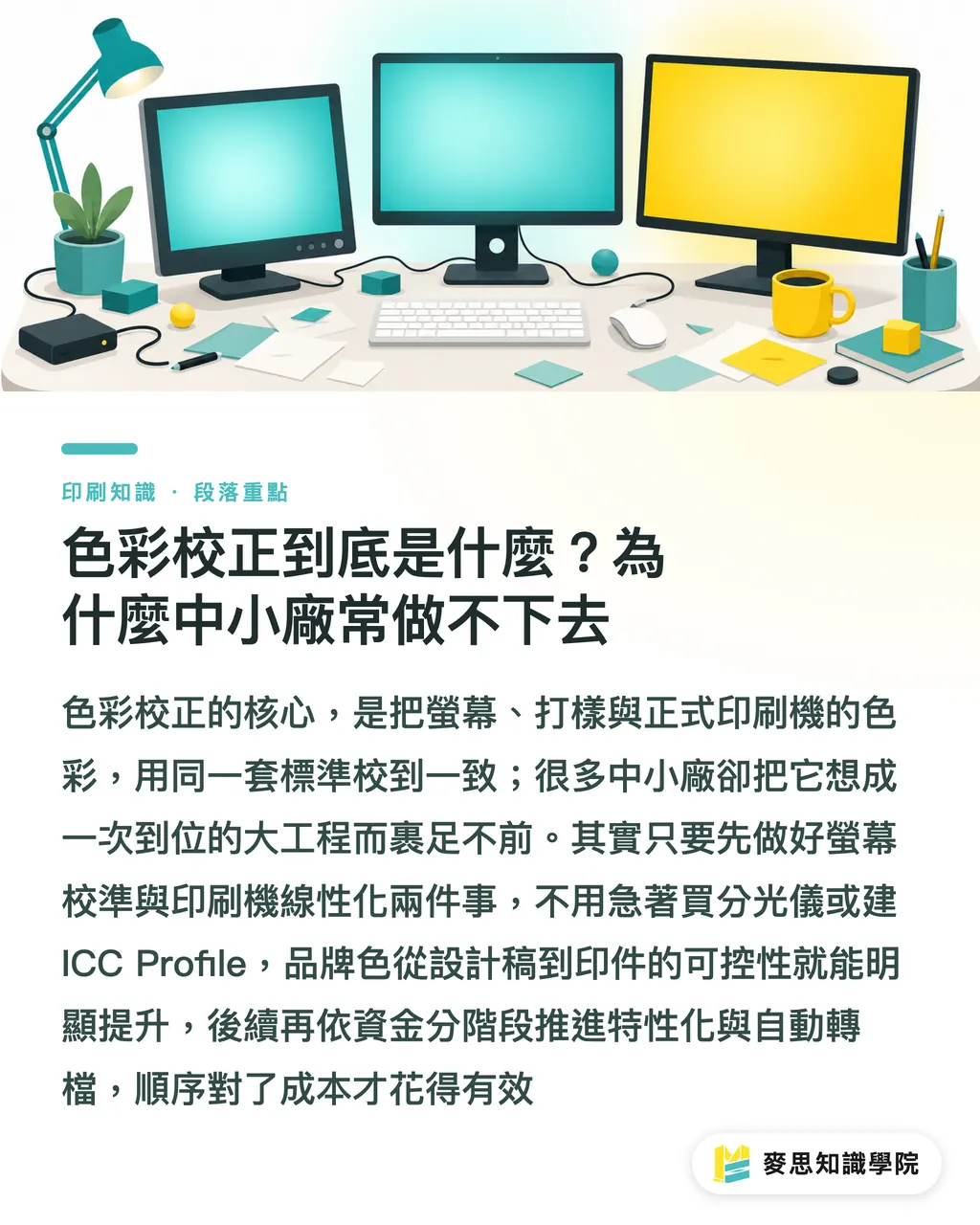
Step 1 of the Calibration Workflow: Start with the Monitor or the Press?
I get asked this all the time. My answer is straightforward: start your monitors and presses at the same time, but get your monitors to an 80% baseline first, and schedule press linearization for month two
Why? Because monitor calibration costs the least and delivers the fastest payoff. An entry-level colorimeter paired with free or budget calibration software locks down white point, luminance, and gamma in under 30 minutes. Doing this is what decides whether the red your designer sees on screen matches the red coming out of your proofer
Press linearization, on the other hand, demands real shop-floor work. You need:
・A spectrophotometer, with entry-level units running around NT$50,000 to NT$150,000
・A toolchain capable of running G7 or GRACoL standards
・A press operator who understands RIP settings and dot gain linearization curves
Here is the timeline I recommend:
・Weeks 1-2: Monitor calibration. Calibrate every screen that views client-facing color across design, sales, and QC. Add a calibration label with the date and color temperature settings
・Weeks 3-4: Set up standard lighting. Switch QC table fixtures to D50 or D65 standard tubes, and keep nearby walls and desk surfaces neutral
・Weeks 5-8: Press linearization. Use a spectrophotometer to measure tone value increase across CMYK channels, building TVI/SCTV curves for the press
・Week 9 onward: Characterization and ICC profiles. Generate an ICC profile for the press from the linearized results, then move into color conversion
Almost any shop with 5 to 30 people can handle this pace without wrecking their cash flow
Three Traps to Avoid in Your Calibration Workflow
Over the years watching small shops adopt color management, I have seen three common traps. None of them are about expensive equipment. They are about mindset
Trap 1: Chasing ICC profiles before calibrating monitors. Many owners rush to ask how to build ICC profiles, yet their monitors have gone uncalibrated for three years and still run in vivid mode. That is like dipping a thermometer in hot water before taking your temperature. Without a reliable display, the profile you create is flawed right from the start
Trap 2: Running every paper stock on a single profile. Coated, woodfree, and kraft stocks each have distinct color gamuts and white points. When you switch paper on the same press, you must linearize again. Many shops cut corners by using one profile across all substrates. The result is that the same file printed on matte coated paper versus kraft paper can swing by Delta E 5 or more, and clients will definitely complain
Trap 3: Ignoring ambient lighting. A D50 viewing light costs NT$3,000 to NT$8,000, but many people assume it does not matter and stick with fluorescent tubes or recessed LED lights for QC. Fluorescent lighting suffers from heavy color temperature drift, meaning the white you see differs completely from what your client sees. If the lighting at your QC station is wrong, all your calibration work loses value
What these three traps share is simple: changing your approach costs very little, implementation is cheap, but skipping them wastes all your effort. Even on the tightest budget, getting these three items done delivers immediate gains in color stability
How to Tell if Your Shop Is Ready for Characterization
How do you know when your calibration is solid enough to move forward into ICC profiling and color conversion? Here are my three practical benchmarks
First, average monitor Delta E stays under 2. Checking verification reports from your colorimeter over three consecutive months under Delta E 2 shows your monitor calibration process is stable
Second, press dot gain curves show high repeatability. Printing the same file on the same paper stock three days in a row with measured TVI variation within ±2% proves your press has reached true stability
Third, client rejection rates drop. This is the most honest metric. When clients complain about color mismatches less often, your calibration steps are genuinely working
If you have not hit all three benchmarks, forcing an ICC profile only magnifies your errors. When the consulting team at Mai Strategy Knowledge Academy guides small shops, we usually focus on one thing in month one: building a firm calibration base. We only move to characterization and profile generation in month two. That sequence cannot be skipped
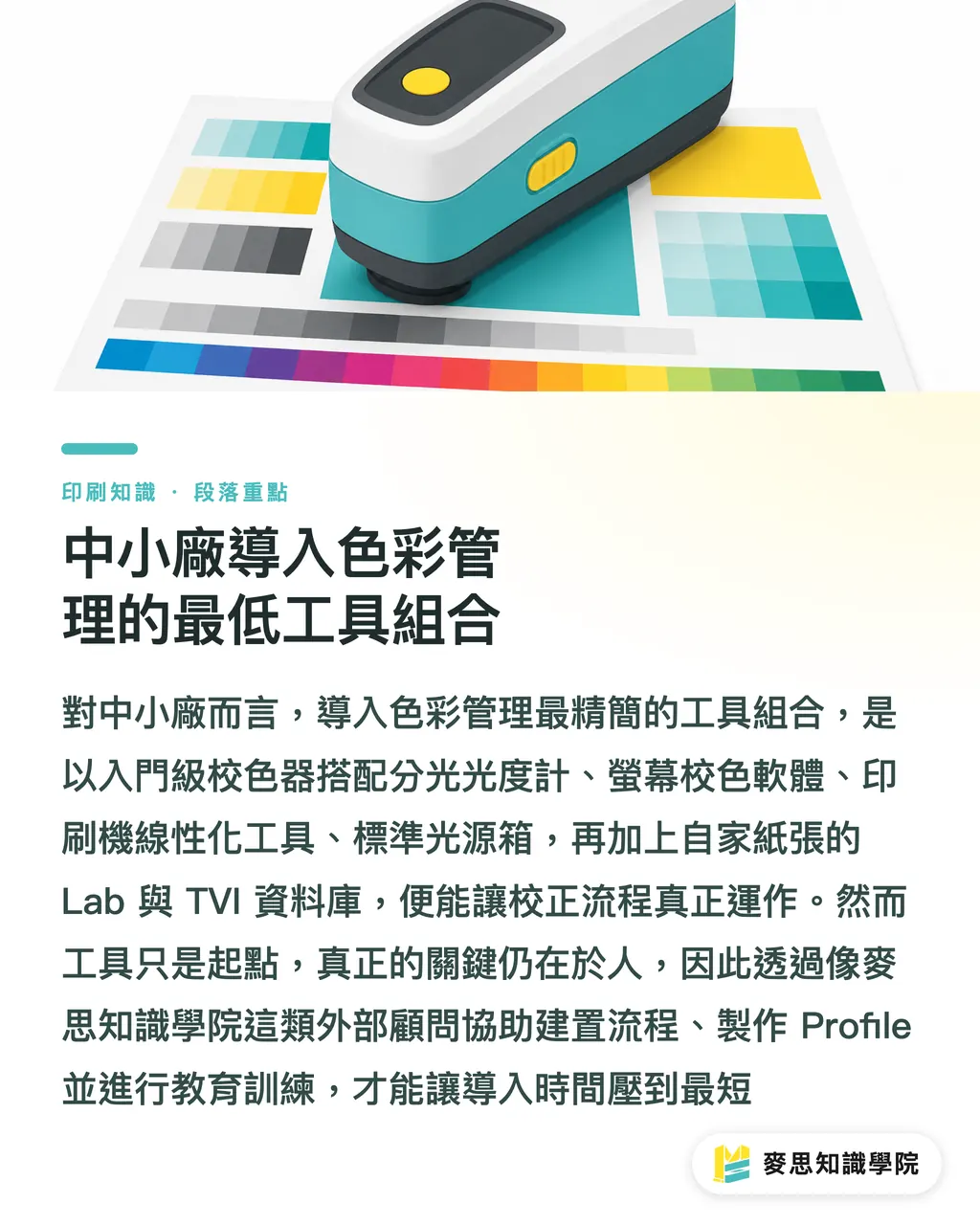
The Minimum Toolset for Small Shops Adopting Color Management
To get a calibration workflow up and running, rank your tools from must-have to nice-to-have
・Colorimeter: Entry-level X-Rite i1Display or Datacolor SpyderX, roughly NT$5,000 to NT$15,000
・Spectrophotometer: X-Rite eXact or Konica Minolta FD-9, roughly NT$50,000 to NT$200,000
・Display calibration software: i1Profiler or the free DisplayCAL
・Press linearization tools: Curve software for G7 certification workflows, or built-in linearization modules inside your RIP
・Standard lighting: D50 or D65 color evaluation light booth or tubes, roughly NT$3,000 to NT$8,000
・Paper whiteness and color database: Build a record of Lab values and TVI figures for your regular paper stocks
Once the tools are in place, people matter even more. Small shops rarely hire a dedicated color management engineer, which makes outside consultants vital. The consulting team at Mai Strategy Knowledge Academy assists with calibration setup, profile generation, and staff training, cutting rollout time to a minimum
Key Takeaways
・Color management is not an all-at-once overhaul. Calibration is always step one, offering the lowest cost and quickest return
・Start monitor calibration and press linearization together, but hit an 80% baseline on monitors first. A sensible sequence keeps spending effective
・Using a single ICC profile for all paper stocks is the most common mistake in small shops. Whenever paper changes, repeat linearization
・Do not cut corners on QC lighting. A D50 or D65 viewing light costs under NT$10,000, yet it determines whether all your previous effort pays off
・Monitor Delta E under 2, press TVI repeatability within ±2%, and fewer client rejections are the three benchmarks for moving to characterization
Further Considerations
For small print shops, the biggest risk in color management is not ignorance, but believing it requires massive budgets and stalling out as a result. My advice is to start calibration on a shoestring budget. Within three months, you will see a real difference in rejection rates and customer satisfaction
For designers, understanding a print shop's calibration workflow helps you prepare better files: specify paper stocks, request specific viewing light conditions, and supply Pantone reference charts. These small habits cut the friction of getting both sides aligned
Next, you can take two paths: first, audit your current monitors and presses to list calibration items for the next three months. Second, subscribe to the Mai Strategy Knowledge Academy newsletter for practical case studies and tool updates tailored to small print shops
Related Reading
・[Step 1 of Color Management for Small Print Shops: Building a Calibration Workflow](/zh-TW/knowledge/color-management-painpoint-dd435a88/)
FAQ
- What is the minimum cost for a small print shop to do color calibration?
- A colorimeter costs around NT$5,000 to NT$15,000, and standard lighting runs NT$3,000 to NT$8,000. Under NT$20,000 covers basic calibration for monitors and your QC setup. Press linearization only enters the NT$50,000 to NT$200,000 range when you invest in a spectrophotometer
- What is the difference between color calibration and color management?
- Calibration means adjusting equipment to a standard baseline, such as monitor white point and gamma or press dot gain curves. Color management covers calibration, characterization, ICC profile creation, and color conversion as a complete system
- Do we have to create ICC profiles ourselves, or can we buy ready-made ones?
- Generic profiles work, but their accuracy is limited. Whenever a press changes paper, ink, or environment, you need a new profile. Over the medium to long run, building an in-house profile database is the only way to sustain consistent quality
- How does G7 certification differ from standard color management?
- G7 is a globally recognized print color specification centered on gray balance and TVI curves. Adopting G7 typically involves running through complete calibration and characterization, serving as strong quality proof when pitching clients
- How often should monitors be recalibrated?
- A monthly recalibration is standard, or immediately after moving the display or altering room lighting. Budget consumer monitors drift faster and may require verification every two to three weeks
Related articles
The Print × AI weekly
The print and AI know-how designers, brands and enterprises can use before they commit — one email, every week
Tool Library
RGB↔CMYK conversion, ΔE color difference and brand color print analysis — free color management tools, computed right in your browser.
MINDS Group
Need actual printing or gifting services?
From premium printing to online ordering and festive gifts — the MINDS Group sister brands take it from here.