
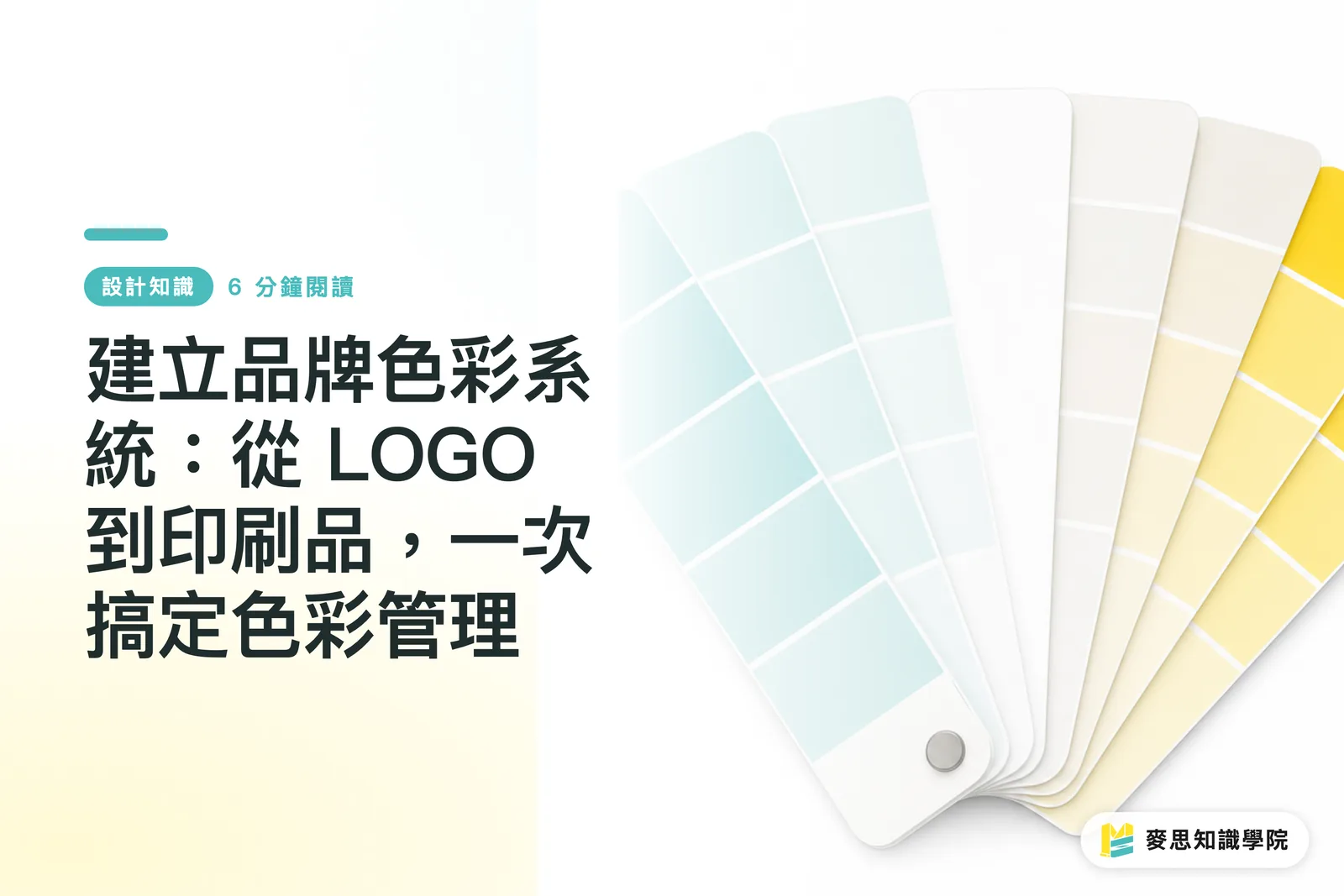
Does Your LOGO Color Look the Same Everywhere?
That is the question I ask most often in client meetings, and the answer is usually: "Not really."
Many emerging brands settle on a LOGO color simply because a designer picked something pretty on screen. That might work fine for websites or social media posts. Once you move to printing, though, issues crop up. The colors on business cards, packaging, and flyers always look slightly off from what was on screen, sometimes darker, sometimes grayer, just not right
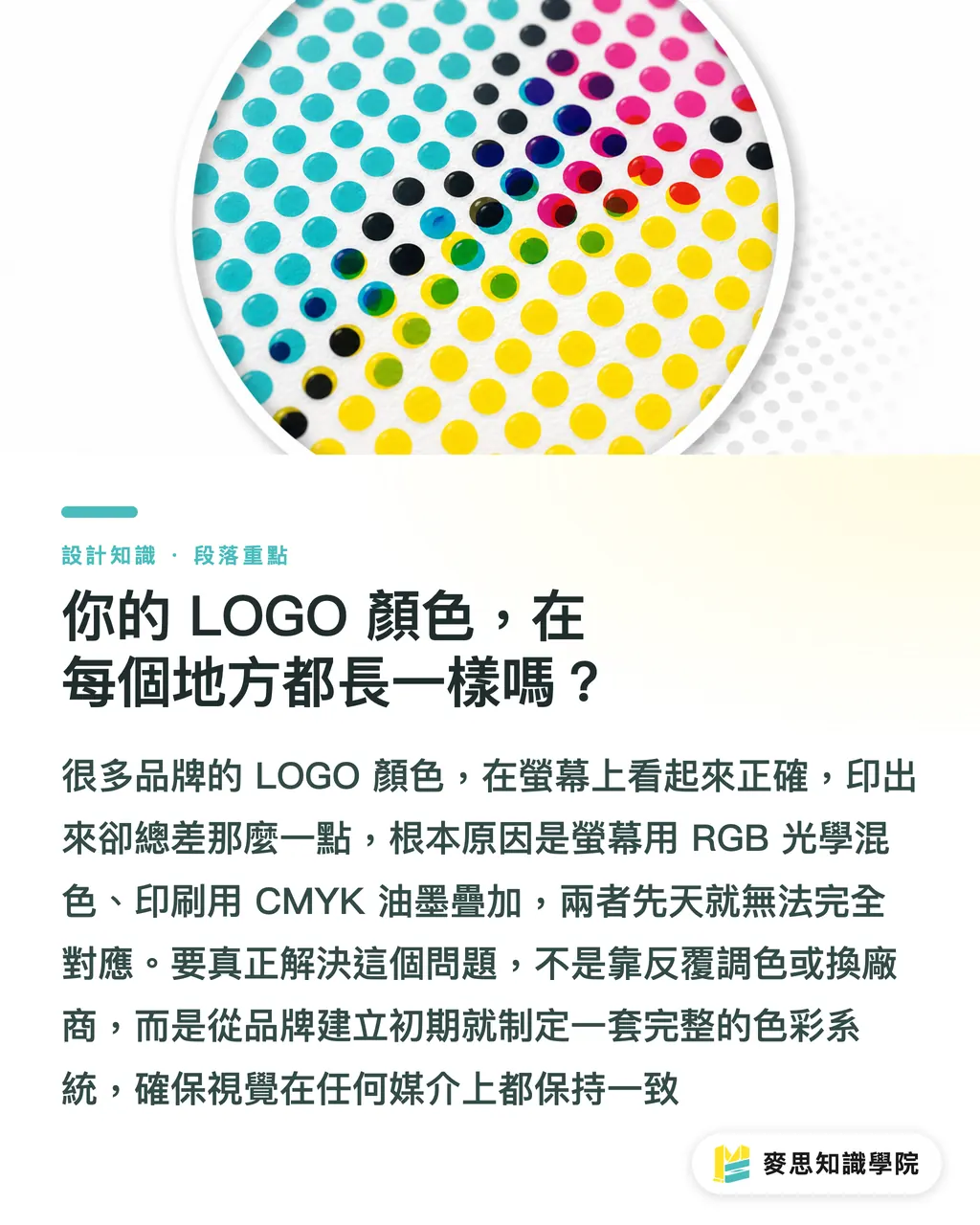
The reason boils down to a fundamental clash between screen colors and print colors. Screens display RGB (additive color), mixing light so colors grow brighter as light is added. Printing uses CMYK (subtractive color), layering inks so colors darken as ink is added. The two methods can never align perfectly by default
Fixing this does not mean endless color adjustments or switching print shops. It comes down to establishing a complete brand color system from day one, making sure your brand looks consistent wherever it shows up
How to Build a "Get It Right the First Time" Brand Color System
A professional color system acts as brand DNA, needing to be precise and versatile. I suggest defining at least these color types:
・Primary Color: Typically your LOGO color and the first impression of your brand. It gets used most
・Secondary Colors: One to three colors that complement the primary color. Use them for website backgrounds, buttons, charts, or marketing assets to add visual depth
This detail is key: you must define four separate color values for every single color:
・RGB: Used for screen displays like computers, phones, and video walls. This mode relies on light
・HEX: Essentially RGB formatted for web code. Starting with a "#", this six-character code is standard language when talking to web designers or App developers
・CMYK: Used for most full-color print materials like flyers, catalogs, and posters. This mode layers ink
・Pantone (PMS): Also known as spot colors, these are pre-mixed standardized inks, much like paint swatches. Their real strength is absolute consistency. No matter which print shop or material you choose, specifying the same Pantone code keeps the color spot-on. It is the best choice for your primary brand color
Many brands struggle with CMYK prints looking washed out, especially with bright orange, turquoise, or vivid green. That is simply the physical limit of CMYK. Pantone spot inks break through that limit to deliver the exact color your brand demands
Why Is a Brand Guideline Manual So Important?
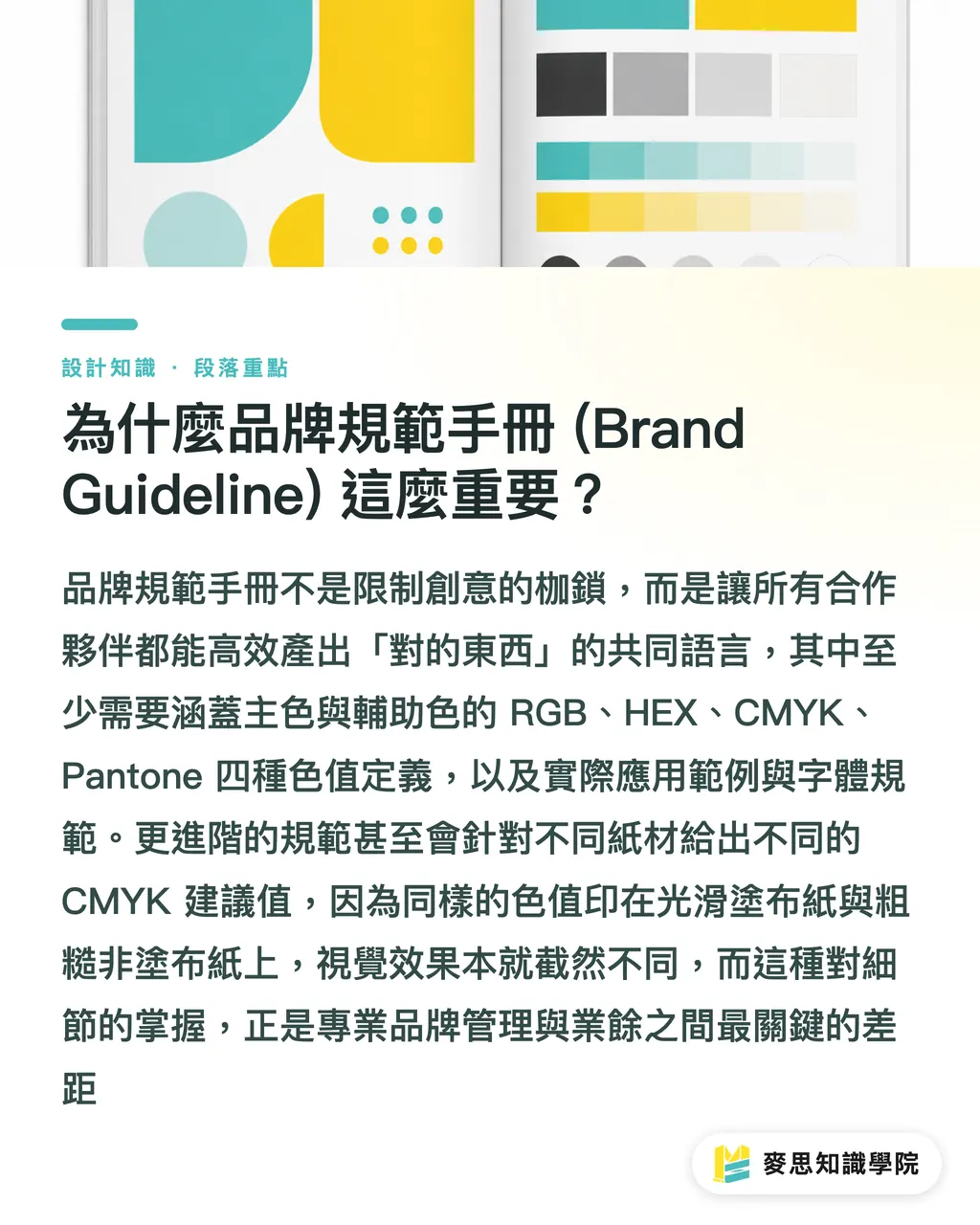
Once you define these colors, record them inside a single Brand Guideline manual. This document is not meant to limit creativity. Instead, it ensures everyone, internal team members, external designers, marketers, printers, or franchisees, builds things the right way as your brand grows
Good color guidelines should cover at least:
・Color Definitions: Clear listings of RGB, HEX, CMYK, and Pantone values for primary and secondary colors
・Usage Examples: Demonstrations of how colors pair across different backgrounds and contexts
・Typography Guidelines: Official brand fonts, including font choices and weights for headings and body text
Advanced guidelines also tackle consistency across different media. In my years on the production floor, I have seen the exact same CMYK values look completely different depending on paper stock. Coated paper with a smooth, glossy surface (like art paper) yields vibrant colors. Uncoated paper with a rougher texture and high ink absorption (like woodfree paper or ivory board) produces muted tones
Professional guidelines provide tailored CMYK values for different paper types, or specify using Pantone inks for LOGO printing on uncoated stock to maintain visual balance. Those details separate amateur work from true professionalism
How Can Small Businesses Start on a Limited Budget?
Hearing all this, many small business owners might think, "This sounds complex and expensive." That is not true. Building usable color guidelines can fit any budget. The key is simply getting started
Here are practical tips for founders working with tight budgets:
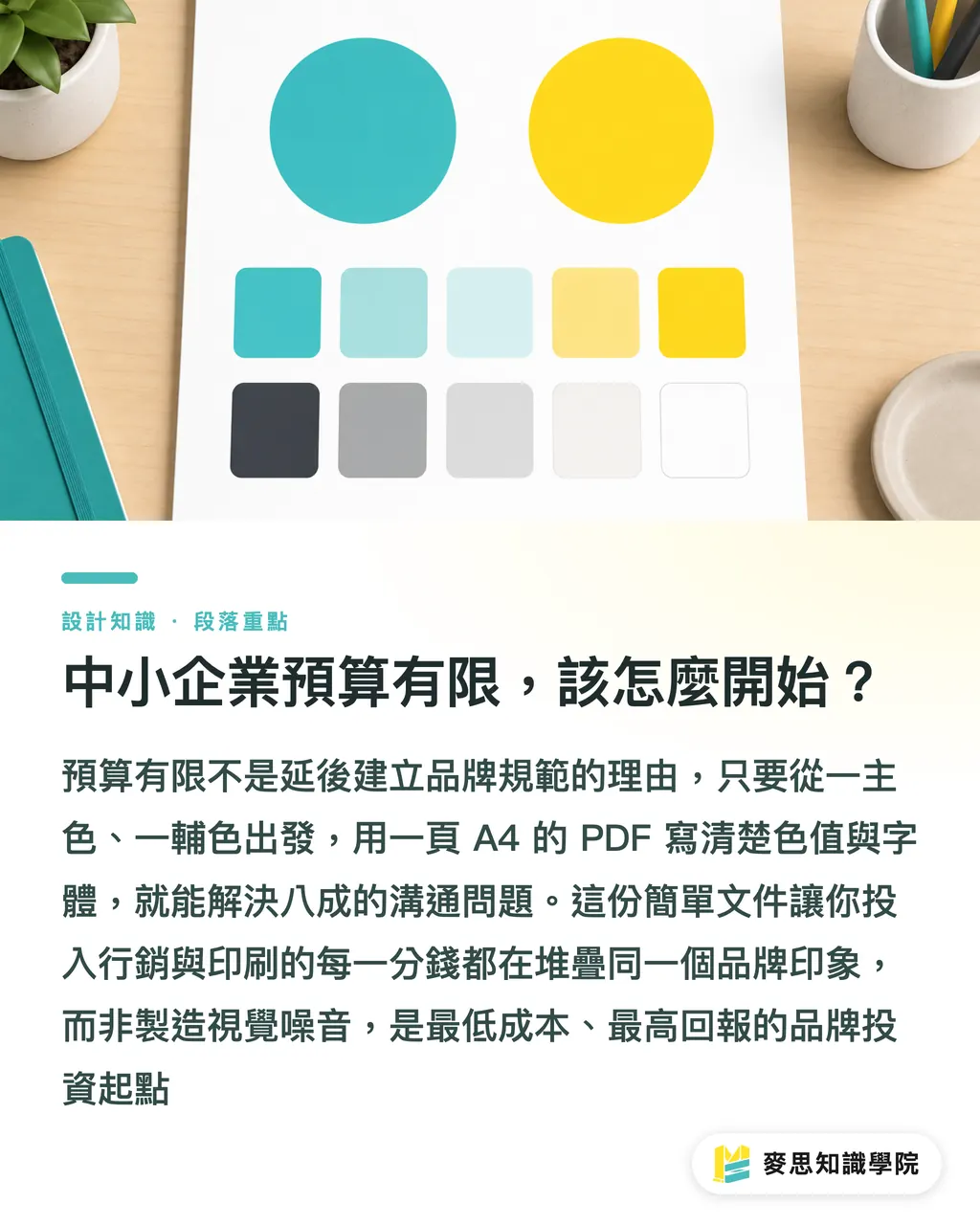
・Start with one primary and one secondary color: Keep it simple and nail down your two most critical colors first
・Use online tools: Plenty of online converters turn Pantone values into CMYK or RGB for quick reference. Keep in mind these are just simulations. Final decisions should rely on physical swatch books or actual proofing
・Create a single-page guide: You do not need a thick manual. A single A4 PDF sheet outlining your LOGO, color values, and fonts solves 80% of communication headaches
This simple document is your first line of defense for brand assets. It guarantees every dollar spent on marketing, packaging, and printing builds a clear brand image instead of creating visual noise. Over time, it is one of your smartest investments
From our side on the factory floor, the clearer your color guidelines are, the better we can handle prepress setup and color management. That cuts back-and-forth communication and proofing costs, benefiting everyone
Key Takeaways
・A complete brand color system must define four values for every color: RGB, HEX, CMYK, and Pantone
・Pantone spot colors offer the best way to guarantee exact consistency for primary brand colors on print, pushing past CMYK limits
・Brand guideline manuals serve as tools to boost collaboration across teams, not cages to lock up creativity
・Accounting for ink absorption across paper stocks (coated vs. uncoated) is a mark of professional print color management
・Small businesses can kick off with just one primary color, one secondary color, and a single-page PDF guide for maximum ROI at minimal cost
Further Thoughts
For brand owners and designers, building a color system goes beyond aesthetics, acting as a business strategy that directly speeds up brand equity accumulation. Clear rules maximize marketing returns, ensuring every impression strengthens customer recall
On the print manufacturing side, the rise of AI tools in recent years has made color brainstorming much easier. Still, handing AI-generated RGB palettes straight to a printing press without professional translation almost guarantees disaster. Bridging that gap is where experience and expertise bring real value
My advice is to bring in a print consultant right at the start of your branding process. We can assess backend manufacturing feasibility to guide your frontend color definitions. For instance, can your chosen Pantone shade be simulated accurately in CMYK? If not, high-volume flyer printing later on could get expensive. This is Design for Manufacturing (DFM) applied during the design stage. Get it right once, and the next decade runs smoothly
FAQ
- Why can't I just print colors directly from Photoshop?
- Design software like Photoshop uses the RGB light mode on screens, while printing relies on CMYK ink layering. Because the underlying mechanics differ, converting directly leads to color shifts. You must specify exact CMYK or Pantone values tailored for print to keep colors accurate
- Is printing with Pantone spot colors always more expensive?
- Not necessarily. If your design uses only one or two specified colors (like on business cards or envelopes), Pantone printing is precise and cost-effective. However, if your design features full-color photos, you still need CMYK four-color printing, and adding extra Pantone colors will increase costs
- My LOGO colors look different on T-shirts compared to business cards. Is that normal?
- Yes, that is completely normal. Fabric and paper differ entirely in material, ink absorption, and application methods (screen printing vs. offset printing). To minimize differences, list Pantone codes in your brand guidelines as a universal standard so vendors can match them as closely as possible
- Can I use free online color conversion tools directly?
- They work fine for quick reference, but relying on them for production is not recommended. Screen displays vary, and online tools use ideal formulas. They cannot replace physical swatch book matching and fine-tuning by a professional printer, especially for strict primary brand colors
References
- ICC Profile Format Specification (ICC.1) · International Color Consortium (ICC)Defines the data structure of ICC color profiles — the foundational standard for cross-device color conversion
- ISO 12647-2 — dot and color control standard for offset printing · International Organization for Standardization (ISO)Defines target chromaticity, dot gain, and gray balance for CMYK printing — the international reference printers use for color matching
- PANTONE Matching System (PMS spot color system) · Pantone LLCThe standard swatch numbering system for spot colors — a common language for specifying colors across printers
Related articles




The Print × AI weekly
The print and AI know-how designers, brands and enterprises can use before they commit — one email, every week
Tool Library
RGB↔CMYK conversion, ΔE color difference and brand color print analysis — free color management tools, computed right in your browser.
MINDS Group
Need actual printing or gifting services?
From premium printing to online ordering and festive gifts — the MINDS Group sister brands take it from here.