
AI Image Print-Readiness Checker
Whether an AI-generated image can go to commercial print comes down to effective resolution, file format and aspect ratio against the intended use. Pick the image and a use case from business card to large format; analysis runs in your browser with a license self-check list, nothing uploaded.
Updated 2026-08-12 · Method version v1.0.0
How to Use
- Click Choose image (PNG/JPG/WebP) to upload; the file is analyzed in your browser only, nothing is uploaded
- Pick the Intended use, business card, flyer, poster or large format, to match the print size
- Check the Effective DPI verdict and Format warning; picking WebP prompts a note to convert first
- Tick each line on the commercial-license self-check; it is a confirmation aid, not a legal verdict
Method & Assumptions
Resolution is calculated, not read from a label. The tool takes the image's actual pixels, computes effective DPI against the common size for the selected use (detecting orientation automatically), and grades on the same scale as our DPI calculator: 300 for commercial work, 150 for posters, 100 for large format.
Resolution is where AI images stumble most. The default output of most platforms is fine for a business card and marginal for a poster: a typical 1024×1024 render holds 300 DPI only up to about 8.7 cm square. Planning target pixels at generation time beats upscaling after the fact.
Format and aspect ratio need settling before anything reaches a press. WebP is rejected by most print workflows, so convert to PNG or TIFF; when the aspect ratio misses the use case by more than 15%, the tool suggests cropping or regenerating rather than letting the layout stretch the image into distortion.
The license check is a checklist, not a verdict. Commercial rights over AI images depend on platform terms, your subscription tier and the content itself, since likenesses, trademarks and style mimicry are all live risks. The tool lists the questions for you to confirm one by one; it does not practice law.
There is also no 'AI detection' here. Current detectors misfire too often, and we will not pretend otherwise. What gets checked is pixels and format, regardless of whether the image is AI-generated.
In practice, the most common rejection reasons for AI artwork are the text and the colors. AI-generated lettering tends to be near-miss glyphs baked into raster, so production pieces should replace it with real vector type; saturated RGB that falls outside the CMYK gamut dulls in print, so proof the critical colors.
Use Cases
- Campaign poster: a Midjourney key visual headed for A2, so verify resolution before design work starts, and regenerate at higher pixels if it falls short
- Full-bleed card back: a 1024×1024 render on a 9×5.4 cm card comes to about 271 DPI once 3 mm bleed is added, the edge of the acceptable band, so regenerate larger
- Packaging art: before layering vector type over an AI base, confirm the base matches the die-cut size in resolution and aspect
- Booth backdrop: AI art going straight to large format, so pair it with the viewing-distance calculator to set the DPI and decide on regeneration
- Square image on a portrait poster: a 4096×4096 render misses the A2 (42×59.4 cm) aspect by well over 15%, so the tool flags it for cropping or portrait regeneration
- Marketing wants AI-generated art for merchandise, so design runs every candidate through the checker first, sorting them into ready-to-print and needs-regeneration before handing the split back to marketing
FAQ
- The AI output isn't sharp enough to print. Now what?
- Three routes: regenerate with the platform's high-res or upscale options, run an AI upscaler (passable on photographic content, mushy on text and lines), or shrink the printed use. For important jobs, regenerating at target pixels is the most reliable path.
- Can the tool tell whether an image is AI-generated?
- No, and it will not pretend to. Current AI detectors misfire too often for the claim to be honest. What gets checked here is resolution, format and aspect ratio, the things print actually cares about, regardless of the image's origin.
- Why can't it just rule that an image is safe for commercial use?
- Because the answer lives in your platform's terms and the image's content, not in the pixels. What pixels can prove (resolution, format, ratio) is checked in full; what needs human confirmation, such as license tier, likenesses and trademarks, is listed honestly for you to verify.
- Will the colors shift in print?
- Often, yes. AI images tend toward saturated RGB, and anything outside the CMYK gamut dulls and darkens on press. Run the key colors through our RGB-to-CMYK tool to gauge the risk, and proof anything critical.
- Is the image uploaded to a server?
- No. Analysis runs inside your browser and the image never leaves your machine; the network panel shows no upload. Unreleased campaign visuals and client work are safe to check.
- Why does AI-generated text need to be re-set?
- Because it is usually near-miss glyphs or outright errors, baked into raster where it cannot scale. Production artwork should strip it out and rebuild the copy in real vector type, the single most common reason AI artwork gets rejected.
Limitations & Disclaimer
- No AI detection and no legal verdicts; the license list aids self-review only
- Color checks are coarse; full color management belongs to the ICC tools
- Use-case sizes are common presets; custom sizes belong in the DPI calculator
- Composition, noise and AI artifacts (hands, lettering) still need a human eye
Need a Professional Check
What the tools give you is a digital reference. Before a production run, having an industry consultant review your proofs, specs and files costs far less than reprinting a bad batch
Related Articles
Five Steps to Get AI Images Print-Ready and Three Major CMYK Risks
Can images generated with Midjourney or DALL-E go straight to print? Follow the full print-prep workflow, from RGB-to-CMYK conversion and resolution fixes to commercial licensing, and steer clear of the five most common pitfalls with one click
How to Create Print-Ready AI-Generated Posters: Full Color Workflow from Generation to Press
Midjourney or DALL-E can generate a beautiful poster in two minutes, the problem is that nine times out of ten, that image will cause trouble the moment you hit 'send to print.' This article cuts straight to the point: exactly where the pipeline from AI output to print-shop-ready files breaks down, and how to fix each step
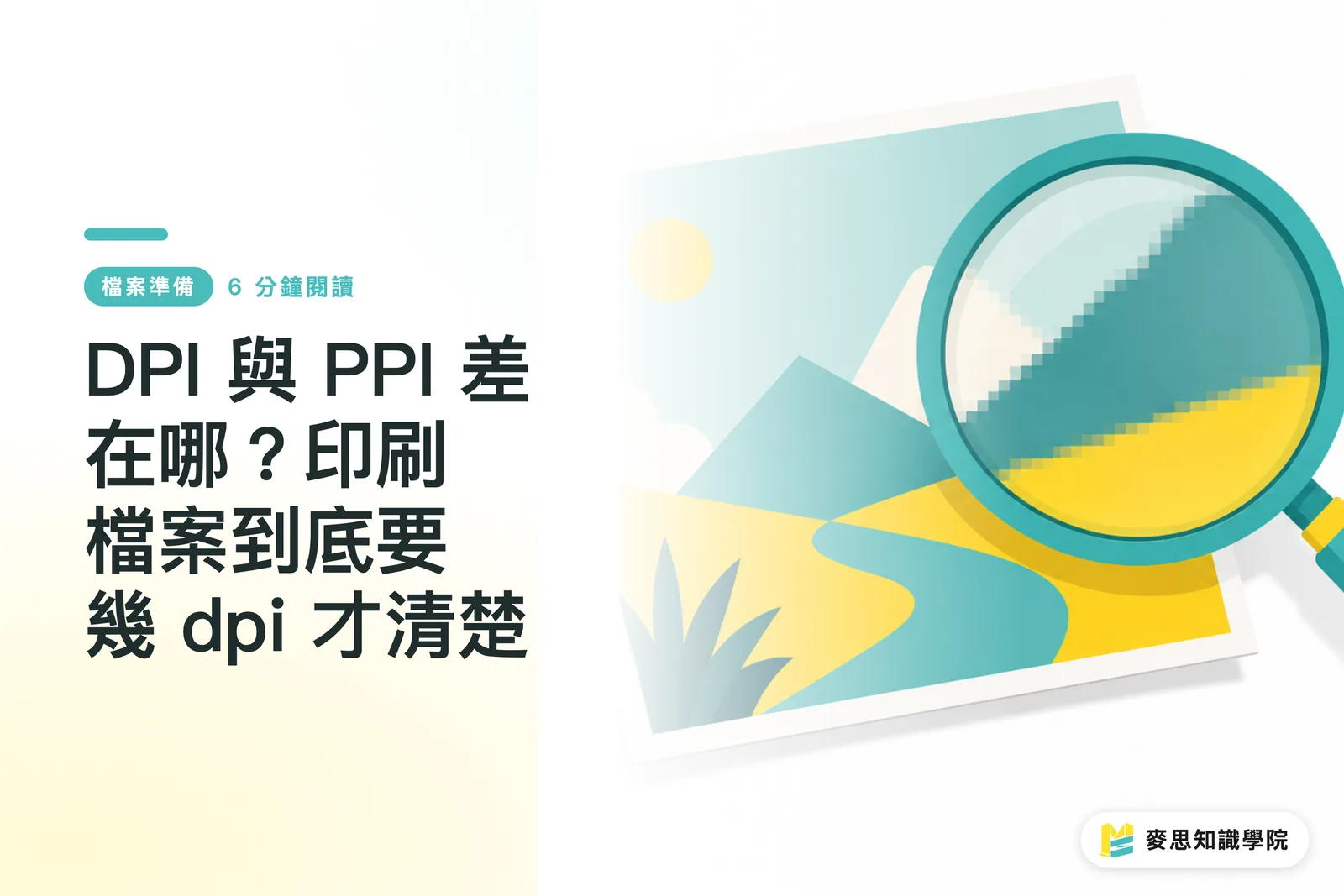
DPI vs. PPI: What's the Difference, and What Resolution Do Print Files Actually Need?
'It looked perfectly sharp on screen, so why did it come out blurry?' This is the most common trap designers and buyers fall into. This article breaks down the fundamental difference between DPI and PPI, explains why printing demands 300 dpi, and walks you through the simplest pre-submission self-check so you never send a file you'll regret after it's printed