
Overview
Bottom line first: whether an AI-generated poster is printable depends not on the generation itself, but on three hurdles that come after, color conversion, resolution enhancement, and file reconstruction
What Midjourney and DALL-E produce is an RGB raster image meant for screens. Print requires CMYK, sufficient resolution, and a controllable file with bleed. The gap between those two worlds is exactly where most people get burned
Why Does Color Shift When You Send an AI Poster to Print?
The most common complaint is: 'It looked so vivid on my screen, why does the print look muddy and dull?'
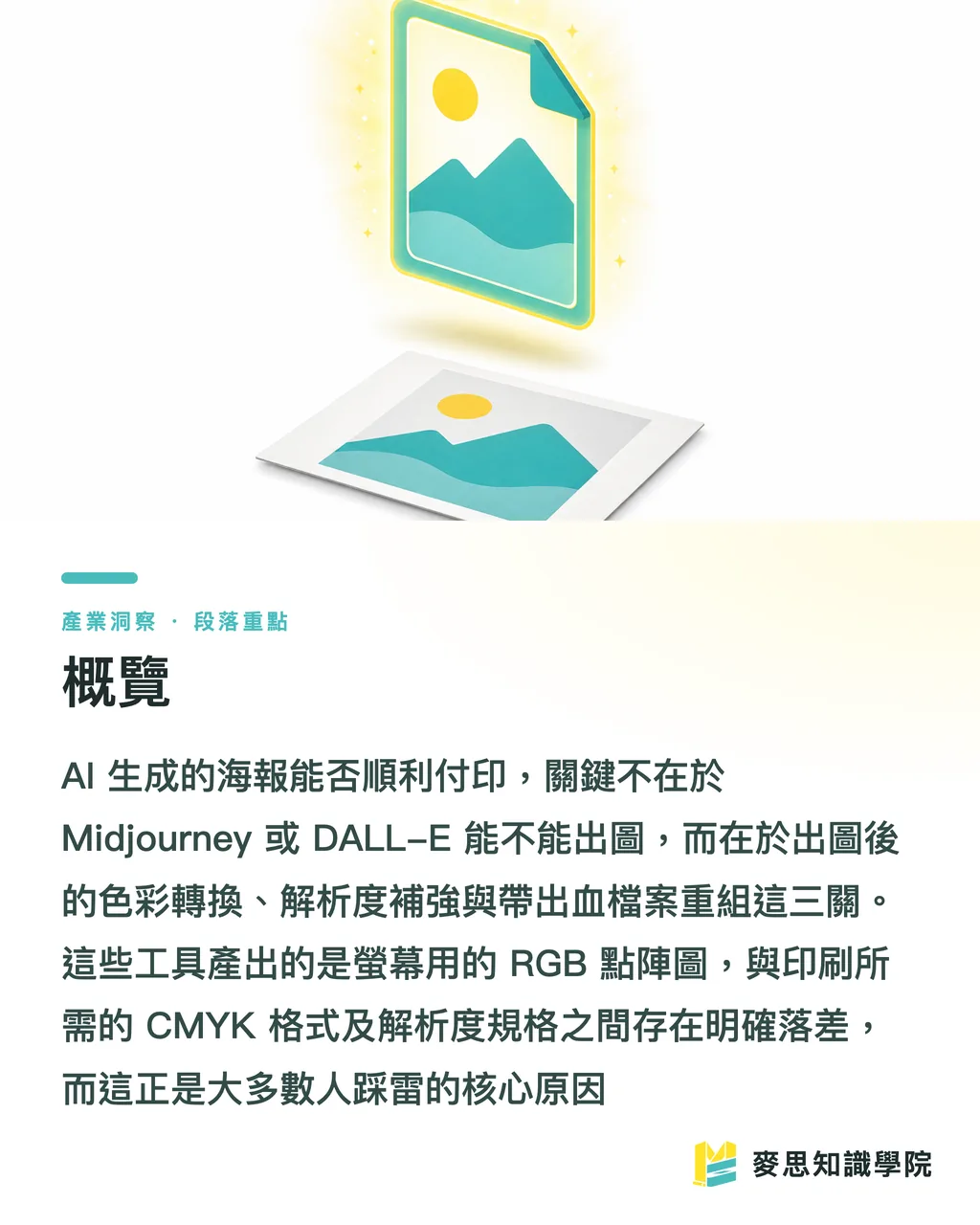
The reason is straightforward: Midjourney and DALL-E output sRGB images by default, while printing presses use CMYK four-color inks
RGB is additive color, light-based, and its gamut is far wider than ink, especially those fluorescent-feeling bright blues, vivid greens, and hot pinks that CMYK simply cannot reproduce
In the AI poster projects I've handled over the past couple of years, the most failure-prone are cyberpunk neon styles, those screen-blasting purple, red, and blue tones drop a full tier after CMYK conversion
Specific situations where color shifts occur:
・Highly saturated RGB bright colors exceed the CMYK gamut; they get automatically darkened and muddied during conversion
・Large areas of deep black using only K100 will print gray, you need 'rich black' (e.g., C40 M30 Y30 K100) for true depth
・Smooth gradients on screen can produce visible banding rings in print when there aren't enough halftone dots
The correct approach: evaluate the AI image through a CMYK lens during the design stage, don't wait until you're about to send to print and discover you have to redo everything
After Generating with Midjourney or DALL-E, What's the First Step?
Don't rush to convert to CMYK, first 'rescue the image to a sufficient size.'
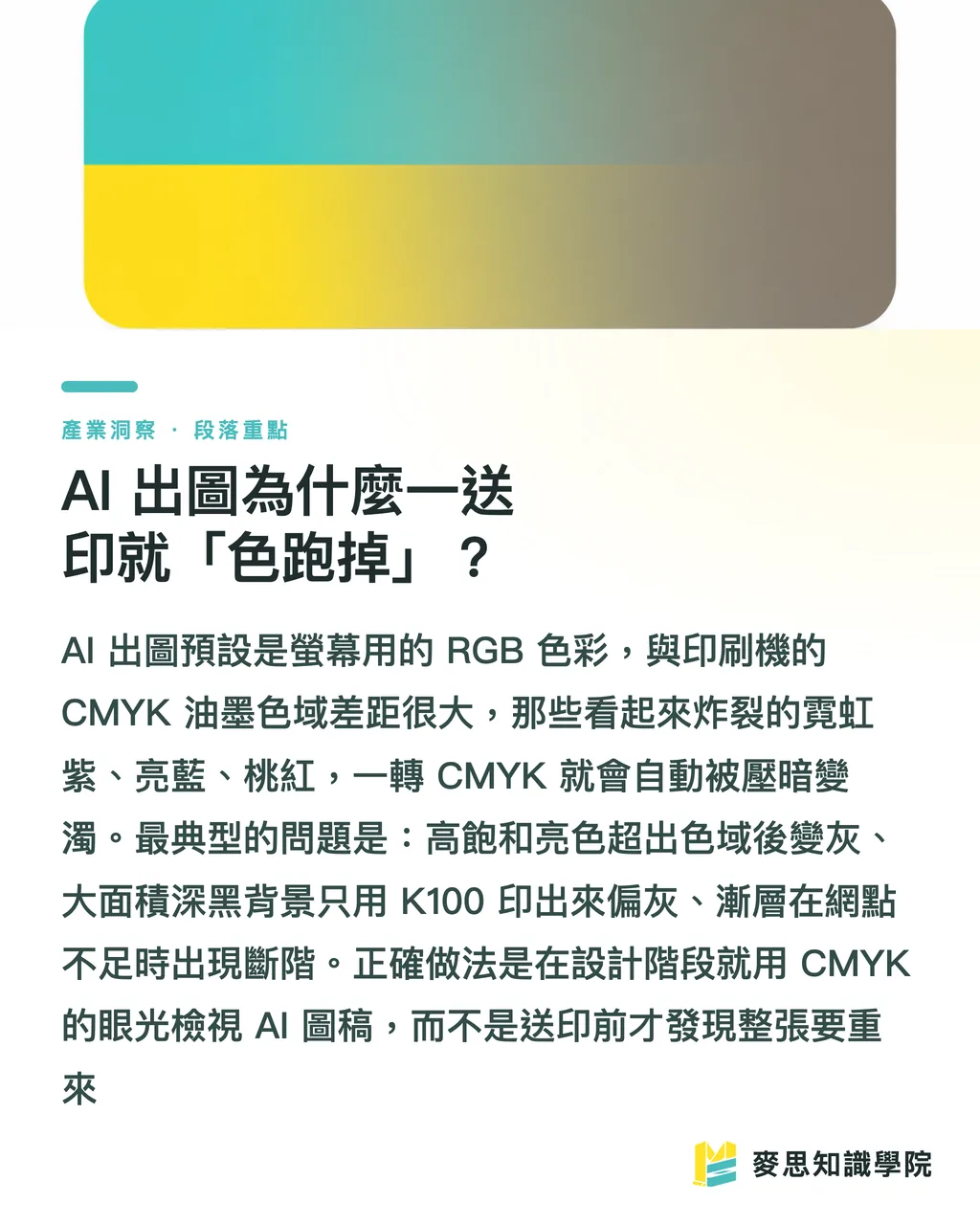
The hardest limitation of AI images is resolution
The baseline for print is 300 DPI, meaning an A2 poster (420 × 594 mm) requires roughly 4,960 × 7,016 px
But Midjourney's default output typically lands between 1,024 and 2,048 px on the long edge, and DALL-E commonly outputs around 1,024 × 1,792 — a size that struggles even with A4, let alone A2 or A1 large-format prints
Practical enhancement steps:
・At generation time, use the tool's highest upscaling option (Midjourney's Upscale plus redraw parameters) to maximize base resolution from the start
・For anything still insufficient, use AI upscaling tools like Topaz Gigapixel or Magnific, they 'regrow detail' rather than simply stretching, making a world of difference
・After upscaling, always inspect locally at 100% zoom, AI upscalers commonly hallucinate faces, text, and signage into bizarre garbled forms that will be immediately obvious on the printed piece under any magnification
My rule of thumb: for posters A3 and smaller, the source image should have a long edge of at least 3,000 px before we even talk about printing. The larger the output, the more critical it is to generate at high resolution from the start, patching it afterward is always harder than doing it right the first time
How Do You Convert an RGB Image to a CMYK File the Printer Will Accept?
Core principle in one sentence: color conversion isn't 'pressing a button' — it means choosing the right ICC profile and correcting by eye
Standard workflow in Photoshop:
・Start with Proof Setup to simulate print color; select the appropriate ICC profile, most Taiwanese printers use Japan Color 2001 Coated (coated paper) or the corresponding uncoated setting
・Enable Gamut Warning; the areas flagged gray are colors that cannot be reproduced in print, manually pull their saturation and brightness back within gamut yourself, rather than letting the software crush them automatically
・Once satisfied, use Convert to Profile to formally convert to CMYK, do not use Assign Profile; the two produce completely different results
You will always lose some vibrancy after conversion, that's a physical constraint, not a mistake
Rather than chasing that unprintable screen saturation, adjust contrast and tonal depth in CMYK mode to make the image look as good as possible within what print can actually render
Paper stock also affects color: the same file printed on coated art paper versus uncoated woodfree paper will look entirely different in saturation and ink density. Confirm the paper type with your printer before sending files, and ideally request a digital proof for color matching
How Should You Organize Files So the Print Shop Won't Reject Them?
An AI-generated image is a 'flattened raster' — usable, but unprofessional. A truly editable, properly composited, print-ready file needs to be rebuilt
Key actions:
・Bring the AI image into Illustrator or InDesign as a background element; set headline text, logos, and event information separately as vectors, never let AI generate the text (AI almost always mangles Chinese characters: blurry strokes, missing radicals, invented glyphs)
・Add 3 mm bleed on all four sides; keep critical text and graphics inset to avoid trimming
・Export as PDF/X-1a or PDF/X-4 print-standard formats; convert fonts to outlines or embed them; maintain 300 DPI for images
・Set black text to K100 single-color black, do not use CMYK rich black for body text, or small type will ghost due to misregistration
This brings us back to the essence of graphic design: what a print designer actually does is not draw pretty pictures, it's transforming 'what you see on screen' into 'what the printing press can correctly reproduce.'
AI has helped you clear the 'generate an appealing image' hurdle, but the professional work that runs from a good-looking image to a printable file is still very much there
This is why I keep saying: being able to use AI for image generation is not the same as replacing a designer. People who can take an AI image and turn it into a print-ready file, who understand color management and finishing, are actually worth more
Which Posters Are Suited for AI Generation, and Which Should You Avoid?
Not every poster should be handed to AI, knowing the difference will save enormous rework
Suitable scenarios:
・Stylized key visuals, background illustrations, and atmosphere-driven event posters, AI generates quickly with strong creative results
・Internal events, social media posts, and short-term promotions, materials with a higher tolerance for imperfection
・At the proposal stage, use AI to rapidly produce three to five directions for the client to choose from, then refine and prepare for print once a direction is approved
Scenarios to approach with caution or avoid:
・Corporate identity materials requiring precise brand colors (Pantone spot colors) — AI cannot control color precisely enough; professional design and spot-color printing are required
・DMs and catalogs with dense Chinese text requiring exact typesetting
・Commercial photography substitutes demanding photorealistic, flawless results, AI frequently fails on hands, fine textures, and brand details
The most pragmatic approach is 'AI for creative direction, human for professional execution': let AI handle the attention-grabbing key visual; leave color management, text layout, bleed, and finishing, the real craft of print, to people or vendors who know what they're doing
This is precisely the value of handing the whole job to an integrated print service: from file health checks and digital proofing for color matching to finishing, far fewer links in the chain are dropped
Key Takeaways
・Whether an AI poster can be printed hinges not on generation, but on three post-generation hurdles: color conversion, upscaling, and file reconstruction
・Midjourney and DALL-E produce sRGB raster images; print requires CMYK, highly saturated bright colors will inevitably drop a tier, so evaluate with a CMYK eye from the design stage
・The print threshold is 300 DPI; an A2 poster needs roughly 4,960 × 7,016 px, if the AI source isn't large enough, generate at high resolution first then AI-upscale, and always inspect at 100% for hallucinated artifacts afterward
・Converting to CMYK means selecting the right ICC profile (Japan Color 2001 Coated is standard in Taiwan for coated paper) and using Gamut Warning to correct manually, don't let the software crush colors automatically
・Never let AI generate text; use the AI image as a background element, set headlines and logos as vectors separately, add 3 mm bleed, and export as PDF/X
Further Thinking
A practical next step for design and print professionals considering AI adoption: don't position AI as a 'machine that replaces designers' — frame it as a tool that accelerates early-stage creative work and compresses proposal costs. Your real competitive moat lies downstream, in color management and print engineering
Here's something concrete: build an in-house 'AI generation to press-ready' checklist (resolution, color mode, bleed, text vectorization, ICC profile) so designers can self-audit before submitting files, rejection rates will drop immediately
For integrated service vendors, this is actually an entry point: when a client comes in with a beautiful but unprintable AI image, your ability to close the last mile, from digital proof color-matching to finishing, into a physical finished product is something AI cannot learn to do on its own anytime soon
FAQ
- Can I send a Midjourney image directly to print?
- Sending it directly is not recommended. Midjourney outputs sRGB RGB raster images by default, and resolution is often below 300 DPI. You'll need to AI-upscale the image, convert to CMYK with color correction, add bleed, and reconstruct the file with vector text before it's safe to send to a print shop
- Why do my AI poster colors look gray and muddy when printed?
- This is caused by the gamut gap between RGB and CMYK. Highly saturated bright colors in RGB simply cannot be reproduced in print. The fix is to enable Gamut Warning in Photoshop and manually bring out-of-gamut colors back within range, select the correct ICC profile (Japan Color 2001 Coated is standard for coated paper in Taiwan), and ideally request a digital proof for color matching before sending to press
- My AI-generated poster doesn't have enough resolution for large-format printing, what should I do?
- First, re-generate using the tool's highest upscaling setting to boost base resolution. Then use an AI upscaling tool like Topaz Gigapixel or Magnific to restore fine detail. After upscaling, inspect the image at 100% zoom throughout. For posters A3 and smaller, the source image's long edge should be at least 3,000 px
- Can I let AI generate the text on the poster too?
- No. AI-generated Chinese text is almost always blurry, missing strokes, or outright invented. The correct approach is to use the AI image as a background element and set all headlines, logos, and event information separately as vectors in Illustrator or InDesign
- Which posters work well with AI generation, and which don't?
- Stylized key visuals, atmospheric backgrounds, and social media short-run materials are well-suited for AI quick generation. However, corporate identity materials requiring Pantone spot colors, DMs and catalogs with dense Chinese text requiring precise typesetting, and commercial images demanding photorealistic perfection are not recommended, these still require professional design and print expertise
Related articles
The Print × AI weekly
The print and AI know-how designers, brands and enterprises can use before they commit — one email, every week
Tool Library
RGB↔CMYK conversion, ΔE color difference and brand color print analysis — free color management tools, computed right in your browser.
MINDS Group
Need actual printing or gifting services?
From premium printing to online ordering and festive gifts — the MINDS Group sister brands take it from here.