
Why do stunning AI images on screen so often turn into a print disaster?
Over the past six months, my office desk has been piled with AI artwork that clients brought in with real excitement
They see crisp details and rich colors on screen and think the job is done, only to be disappointed once the file goes through the press
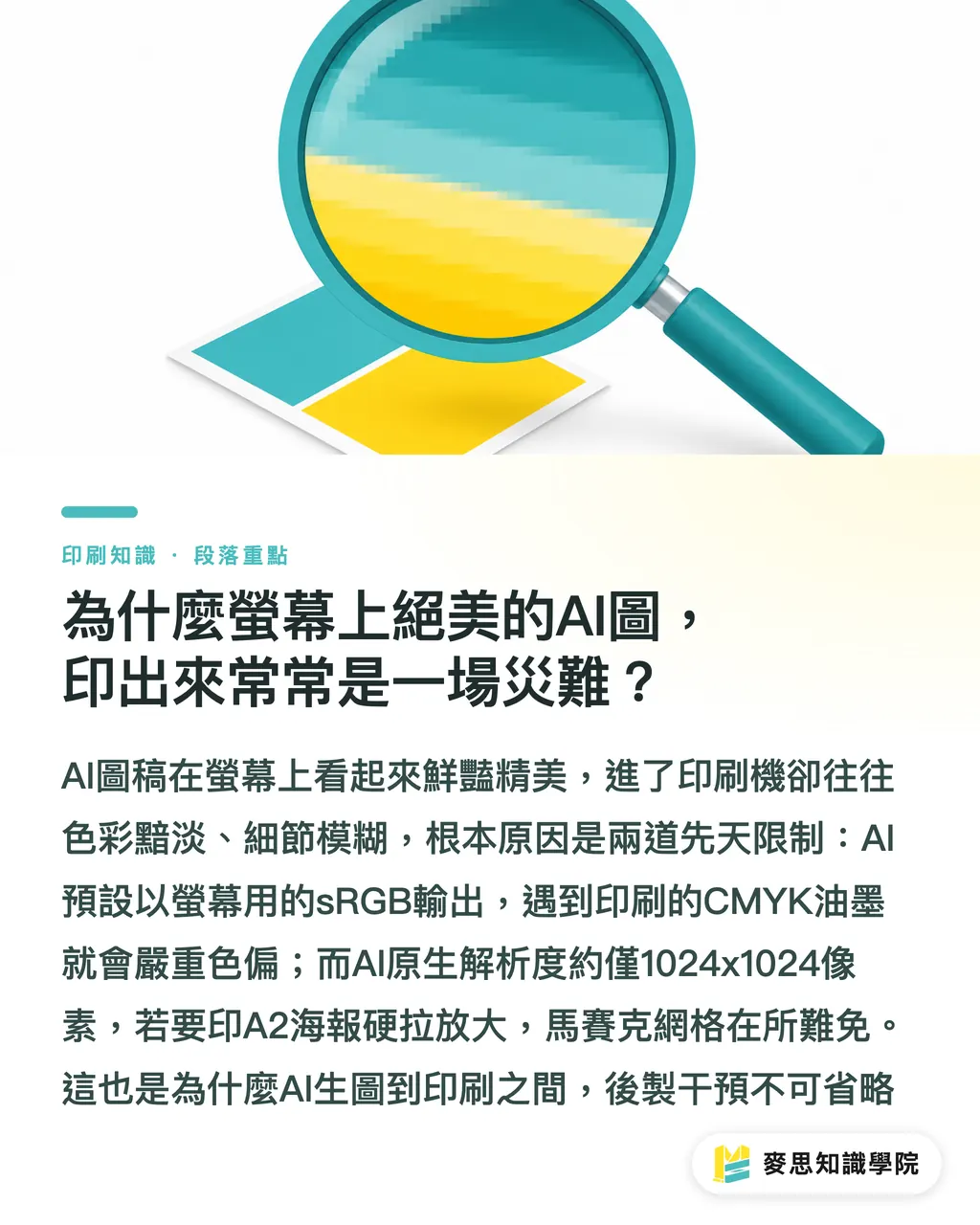
The core issue is the built-in limit of color space and native resolution
Most mainstream AI tools currently output by default in the sRGB color space, which is meant mainly for screen display
But printing presses work with CMYK ink. When especially vivid fluorescent colors or highly saturated blues and greens from the screen are converted to CMYK, the result is often a serious color shift and a duller image
On top of that, native AI output usually lands around 1024x1024 pixels
If you want to print an A2 poster, which needs at least 4960x7015 pixels to meet the 300 dpi standard, forcibly enlarging the original file will leave you with soft edges and visible pixel grids
That is why human intervention and post-processing are required between AI image generation and the printing press
How do Midjourney, DALL-E 3, and Firefly differ for print use?
Based on my long-term observations on production lines and with clients, choosing an image generation tool is like choosing paper stock. There is no absolute best or worst, only what fits your project
Here is how these three mainstream tools compare in traits and print application scenarios
・Midjourney: Strong at light, shadow, paper fibers, and other material textures. It supports precise aspect ratio settings such as --ar 3:4 and has built-in Upscale. Best for large poster key visuals and premium packaging illustrations
・DALL-E 3: Excellent natural-language understanding and obedient, accurate composition. But the image often carries a smooth digital feel. Suitable for interior-page illustrations that need strict layout control and composition drafts in the early design stage
・Adobe Firefly: Positioned as the commercially safer option because its training data is legally licensed. It connects smoothly with native Photoshop and Illustrator layout workflows. Suitable for catalog backgrounds and marketing images that need frequent compositing
Where are the print-breaking weak spots in AI-generated images?
AI tools are improving at high speed, but for direct use in real print production, there are still two hard problems I run into all the time
The first is distorted text rendering
No matter how beautiful the AI image looks, once it involves a specific brand logotype or campaign slogan, AI usually produces garbled shapes that only look vaguely like text
I strongly recommend handling text and imagery separately. Use AI to generate the background, then add clean vector text in layout software
The second is the difficulty of reproducing specific spot colors
Many brands have strictly specified Pantone spot colors
The color calculations in AI-generated images cannot map to real-world spot color swatches
If your project needs extremely accurate brand color, such as a specific Tiffany blue, you have to bring the generated image into software, isolate masks, and adjust local color areas yourself. You cannot expect AI to nail it in one pass
What are the three must-do safety checks before sending files to print?
Do not let AI creativity die on the printing press. Build these three habits before sending anything to print
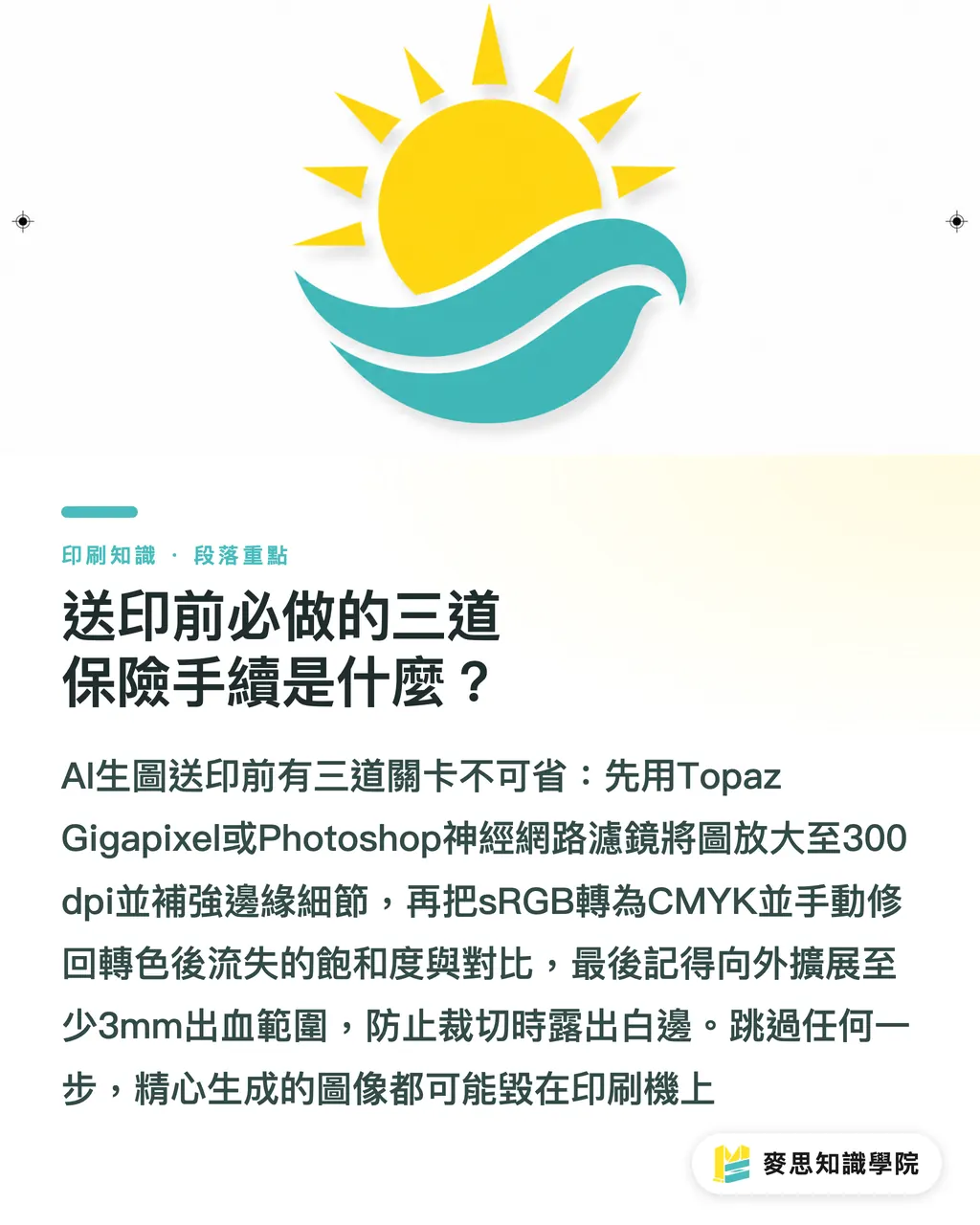
・Image enlargement and sharpening: Use Topaz Gigapixel or Photoshop neural filters to enlarge the native image to the actual print size at 300 dpi, then restore edge detail
・Color mode conversion and adjustment: Convert the sRGB file to CMYK, compare the screen and proof, then manually raise contrast or adjust the saturation lost during color conversion
・Bleed and safe margin: AI-generated images are usually full-bleed visuals. Use Photoshop generative fill to extend the image outward by at least 3mm for bleed, so trimming does not leave white edges
Key Takeaways
・AI-generated images default to the sRGB color space. Without CMYK conversion and manual correction, printed colors will shift
・Midjourney is good for detail-rich art posters, while Firefly is the first choice for companies that care about copyright compliance
・Never let AI generate brand logotypes directly. The right answer is to handle vector text and raster backgrounds separately
・Native 1024-pixel image files are not enough for print. Lossless enlargement to 300 dpi and proper bleed are basic print preparation
Further Thoughts
For designers and print professionals, AI is not here to replace you. It is here to help you skip the early trial-and-error mess of getting from zero to one
Treat AI as a tireless material generator, and keep your core value in color management, material selection, and precise prepress file control
When you can take AI's wild creative output and turn it into a real object with the right paper and ink, that is the professional barrier algorithms cannot replace
For software developers, the future killer feature for winning over the design market will be a smooth in-tool path for CMYK conversion and print preview
FAQ
- Can I print a Midjourney image directly as an A1 poster?
- Absolutely not. The native resolution is too low and will turn blurry. You must first enlarge it in software to the actual size at 300 dpi and apply proper sharpening
- Why do images generated by DALL-E 3 look so gray and dull after being converted to CMYK?
- Because AI defaults to the glowing screen-based sRGB mode. Many highly saturated fluorescent colors simply do not exist in traditional CMYK ink, so they are naturally compressed and dulled during conversion
- Which AI tool is the safest choice for commercial print projects?
- Adobe Firefly is the first choice. Its training library is legally licensed, so you do not have to worry as much about later copyright disputes or infringement risks
- Can AI help me increase the resolution of an old poster file before reprinting it?
- Yes, you can use Photoshop's built-in filters or professional enlargement software, but the result depends on the quality of the original image. If the source file is already badly distorted, the reconstructed details may look unnaturally like an oil painting
Related articles
The Print × AI weekly
The print and AI know-how designers, brands and enterprises can use before they commit — one email, every week
MINDS Free Tools
AI background removal, brand stamping, and a LINE sticker maker — free design tools, right in your browser, no upload.
MINDS Group
Need actual printing or gifting services?
From premium printing to online ordering and festive gifts — the MINDS Group sister brands take it from here.