
Which AI image tool is actually best for print-ready artwork?
Here is the straight answer: there is no absolute best tool. There is only the tool that fits each stage best
Over the past six months, my office desk has been piled with proofs from clients who brought in AI images for print and watched them fall apart. Most people treat AI like a cure-all, while ignoring how strict a print production line is about resolution and color
At the creative ideation stage, Midjourney has an extremely high aesthetic floor. It can impress clients fast and help lock in a visual direction
But once you move into final artwork and prepress, Stable Diffusion, with the precise control offered by its extensions, becomes the real heavy-duty tool for meeting bleed requirements and packaging size specs
Why do AI images that look great on screen so often turn into print disasters?
This is the question I hear most often when advising design teams lately. The core issue is the fundamental gap between resolution and color modes
・Deadly resolution: an A4 print piece at 300 DPI needs at least 2480 x 3508 pixels, but the native output from mainstream AI tools is usually only around 1024 x 1024
・Unpredictable details: after forced upscaling, edges that looked smooth on screen often print with strange color blocks and warped textures
・The RGB and CMYK gap: AI-generated images are all RGB light-based colors. When converted to CMYK ink for print, those highly saturated fluorescent colors and deep shadows will absolutely produce serious color shifts
How can Midjourney help in the early design stage?
Midjourney is like a tireless super illustration assistant. Its strengths are style rendering and extremely fast image output
Based on the brand packaging projects I have handled recently, once a designer gives it a clear prompt, it can produce four high-quality concept images in different styles within five minutes
・Pitching advantage: its lighting and texture are excellent. After the upgrade to V6, its understanding of material details and simple text improved a lot
・Print pain point: aspect ratios are limited, and local positioning cannot be fine-tuned with true precision, even the built-in regional redraw struggles to reach pixel-level accuracy
In practice, I strongly recommend treating Midjourney as a mood board generator. Use it to align with the client on style first. Once they buy into the direction, hand it back to the designer for redraws or layout work
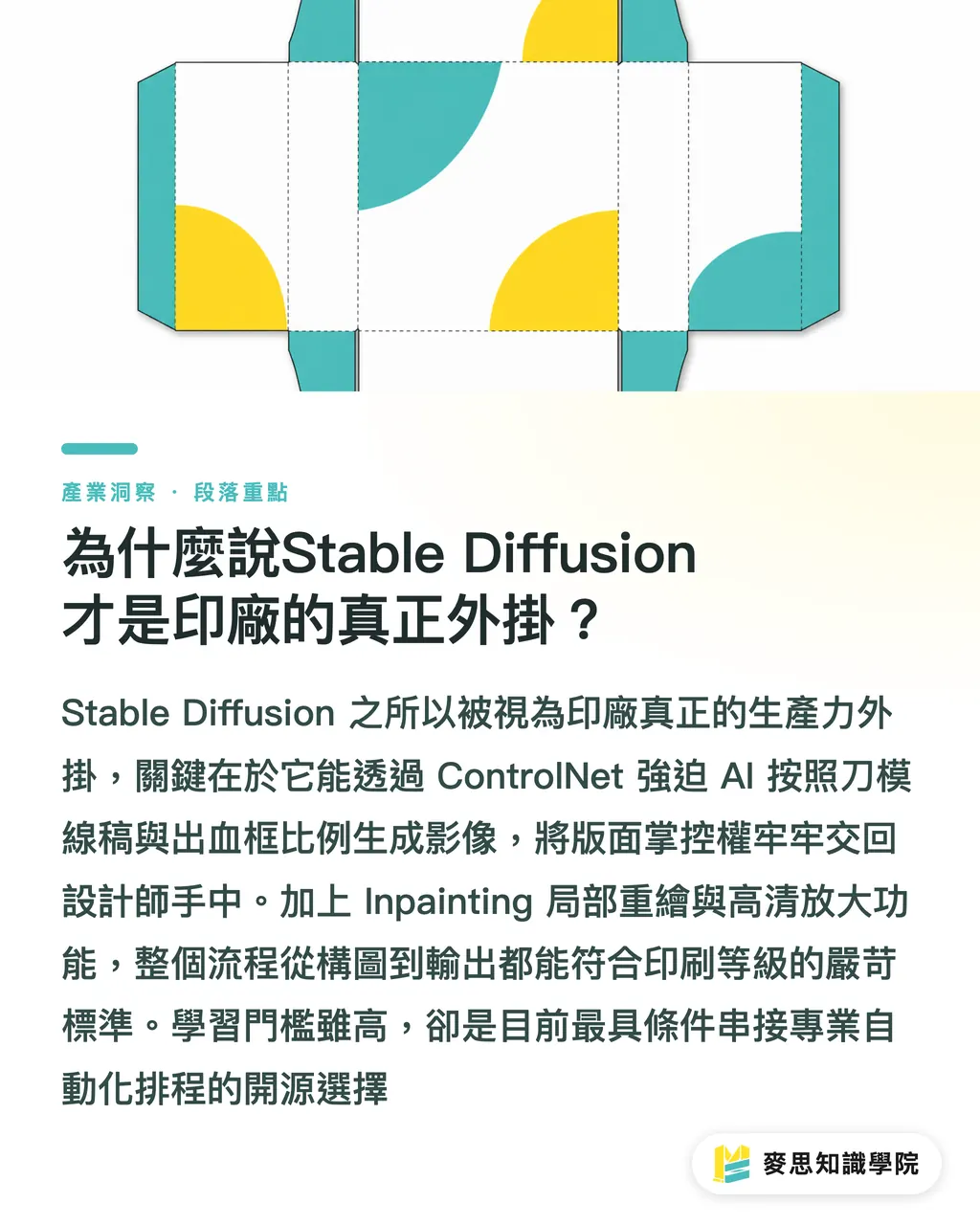
Why is Stable Diffusion the real add-on for print shops?
Stable Diffusion has been getting noticeably more attention in the industry lately because it is genuinely open source and highly controllable
For graphic designers and print professionals, precise control over layout position and contours has more commercial value than simply making the image look good
・Absolute control over size and composition: through ControlNet, you can use a simple sketch or dieline drawing to force AI to generate an image that fully matches your specified bleed frame and packaging layout proportions
・The king of local redrawing: if there is a small flaw on the image, or if you need to replace the material in one specific area, its Inpainting function can do it without leaving visible traces
・Huge potential for high-resolution upscaling: with Highres.fix or other lossless upscaling models, it can fill in computational detail during generation and reach the demanding DPI standard required for print
Its learning curve is steep. You need to understand node-based workflows and may even need your own high-end hardware. Even so, it is absolutely the top choice for future connections with professional SaaS systems and automated scheduling
Key Takeaways
・Midjourney wins the pitch battle by using strong aesthetics to quickly narrow down a client's scattered needs
・Stable Diffusion solves production-line pain points by using precise control to make sure the composition fits print layout specs
・Never send native AI image files straight to print. Low resolution and RGB-to-CMYK color shifts are the two traps you are almost guaranteed to step on
・Mastering AI is about freeing designers from manual drudgery, so they can focus on the core value of print, such as paper selection and finishing processes
Further Thoughts
From a senior consultant's point of view, the smartest way for small and midsize businesses or designers to adopt these tools is a mixed workflow
Use Midjourney to test the waters and confirm the visual tone. Then use Stable Diffusion to refine size and local details. After that, always return to a professional final artwork workflow
You can also hand the job to a team like MINDS Printing, which has end-to-end experience controlling the process from design to print, and let them handle the hardest parts: paper, ink, and finishing settings
The future value of design is no longer just about making a good-looking image. It is about knowing how to translate AI-generated cold pixels into a physical print piece that feels warm in your hands
FAQ
- Can I just save an image from Midjourney and print it as a poster?
- Absolutely not. The native image file has very low resolution. Anything above A4 will definitely look blurry, so it must go through professional lossless upscaling before printing
- If I am worried about serious color shifts in print, is there any trick when generating AI images?
- AI still cannot directly generate CMYK files, but you can add "low saturation" to the prompt or avoid descriptions of extremely bright colors. Before printing, always ask the print shop to make a proof for confirmation
- If I am a graphic designer with no AI background at all, which tool should I learn first?
- Start with Midjourney to build a feel for communicating with AI. Once you run into composition and size limits you cannot solve, then invest the time to learn Stable Diffusion's precise control
Related articles
The Print × AI weekly
The print and AI know-how designers, brands and enterprises can use before they commit — one email, every week
MINDS Free Tools
AI background removal, brand stamping, and a LINE sticker maker — free design tools, right in your browser, no upload.
MINDS Group
Need actual printing or gifting services?
From premium printing to online ordering and festive gifts — the MINDS Group sister brands take it from here.