

Why Web-to-Print Plugin Flaws Put Print Files at Risk
Flaws in Web-to-Print plugins can grant unauthorized root access, exposing client design files and transaction records stored on print servers
Web-to-Print systems combine front-end shopping carts and online editors with back-end print ERP workflows, letting clients pick paper stocks, preview artwork in real time, and place production orders directly in their browser
I have seen this happen way too often on the press floor. Designers pour their hearts into vector assets and dielines, then upload everything to an online portal without a second thought
Recently, the popular Printcart plugin was flagged for a major flaw, CVE-2025-15662, affecting versions up to 2.5.2 with a CVSS score of 7
Attackers can exploit input validation weaknesses to escalate privileges without passwords and take full admin control over WordPress sites
Once an attacker takes over, vector source files, high-res PDFs, and customer order records stored on the server are wide open for downloading
Hold on a second
If you routinely upload un-outlined design files or unreleased packaging concepts to unprotected websites, the risk is much higher than you think
Online ordering platforms backed by proper technical maintenance, like MINDS, enforce strict isolation between front-end file uploads and back-end storage layers
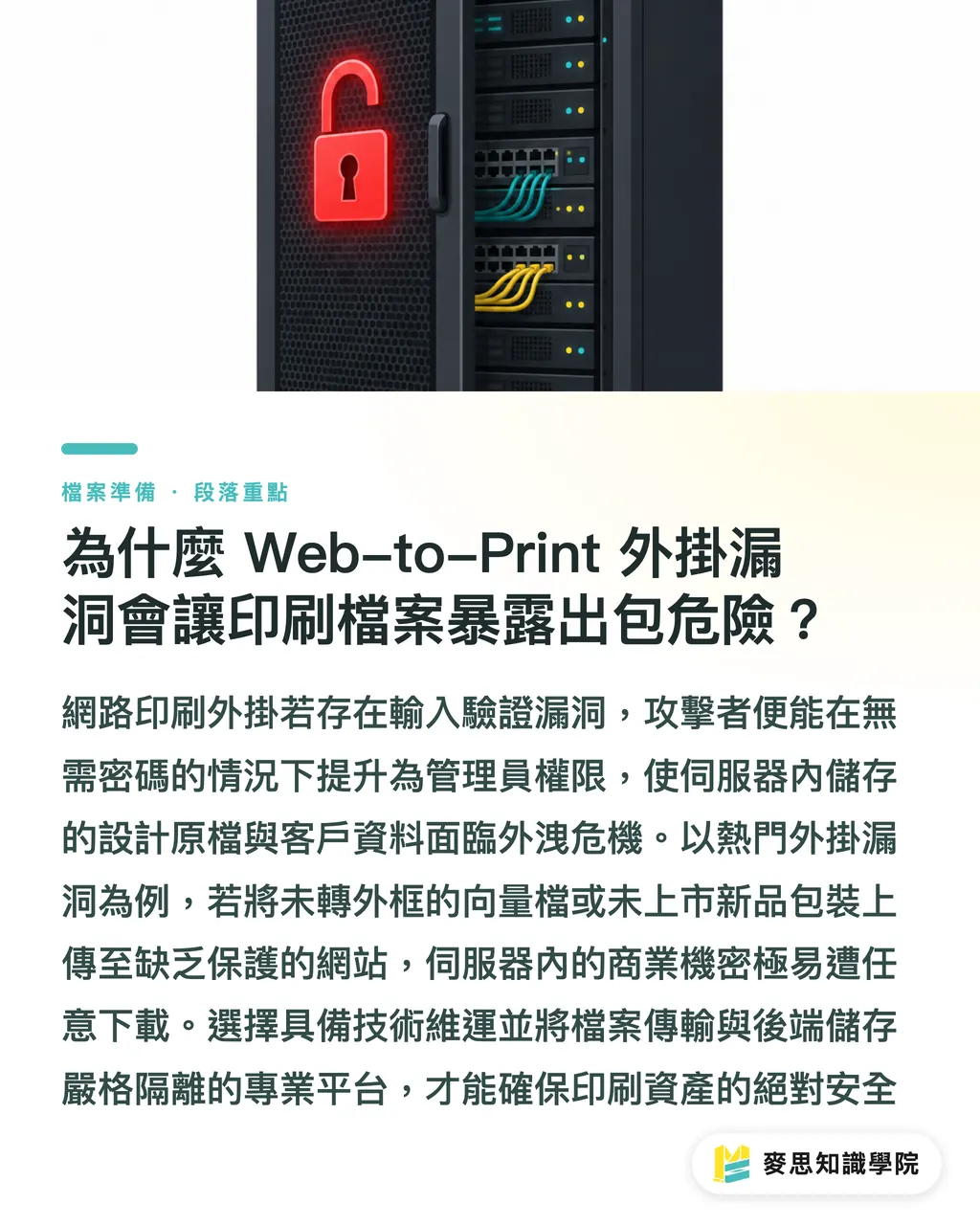
What Happens to Designers and Brands When an Online Ordering System Gets Breached?
When an online ordering portal gets hacked, the immediate fallout is the leak of unreleased product designs, which completely breaks trust across the supply chain
When submitting jobs, many designers bundle unflattened vector layers, brand color standards, and even unreleased seasonal packaging dielines alongside their final print PDFs
These assets carry serious commercial value. If bad actors get hold of them, the damage to both brands and design studios is catastrophic
Enterprise IT and security teams look far beyond traditional print capacity and color accuracy when evaluating print vendors
Before awarding print contracts, finance, healthcare, and government clients regularly ask for patch logs, penetration test reports, and security audit questionnaires
If an ordering plugin has a known privilege escalation flaw, the project often gets canceled immediately
That is all it takes
A security incident does not just disrupt website operations, it destroys professional trust built over years
How to Build a Defense Line for Prepress Flight Check and File Transfer
Keeping print files safe and production quality high means separating local file handling from online file transfer so a single weak link cannot break your entire run
From flight check to submission, follow the three-stage file protection protocol recommended by MINDS (custom commercial printing):
・① Run a local preflight check in Adobe Acrobat before sending files. Convert all embedded fonts to outlines and set colors to ISO 12647 compliant CMYK
・② Upload files only through portals protected by SSL encryption and proper authentication, avoiding unvetted third-party plugin interfaces
・③ Isolate server permissions on the print shop side, keeping uploaded client files in a dedicated non-executable directory
Files that look flawless on screen but come off the press filled with errors is the number one complaint I have heard during my ten-plus years in this industry
If the transfer process is not properly protected, even the best design will fall apart before it hits the press
With premium commercial printing services from MINDS, we help clients handle custom production under tight security standards so design quality turns out right

How Print Shops and Design Teams Can Audit System Security Right Now
Print shops and design teams should immediately audit all website plugin versions, apply the principle of least privilege, and set up automated monitoring
Print shops using WordPress for online ordering can follow these steps for security and maintenance checks:
・Update the Printcart plugin to patched version 2.5.2 or above immediately
・Check server SSL certificate status and plugin update logs regularly to prevent transfer leaks caused by expired certificates
・Limit admin accounts and block script execution inside file upload directories
・Conduct regular security and prepress workflow reviews with technical professionals
It is that simple
Security, like prepress quality, is built through multiple layers of defense
When facing system maintenance or ordering workflow issues, reach out to the Mai Strategy Knowledge Academy advisory team to build an online ordering setup that stays efficient and secure
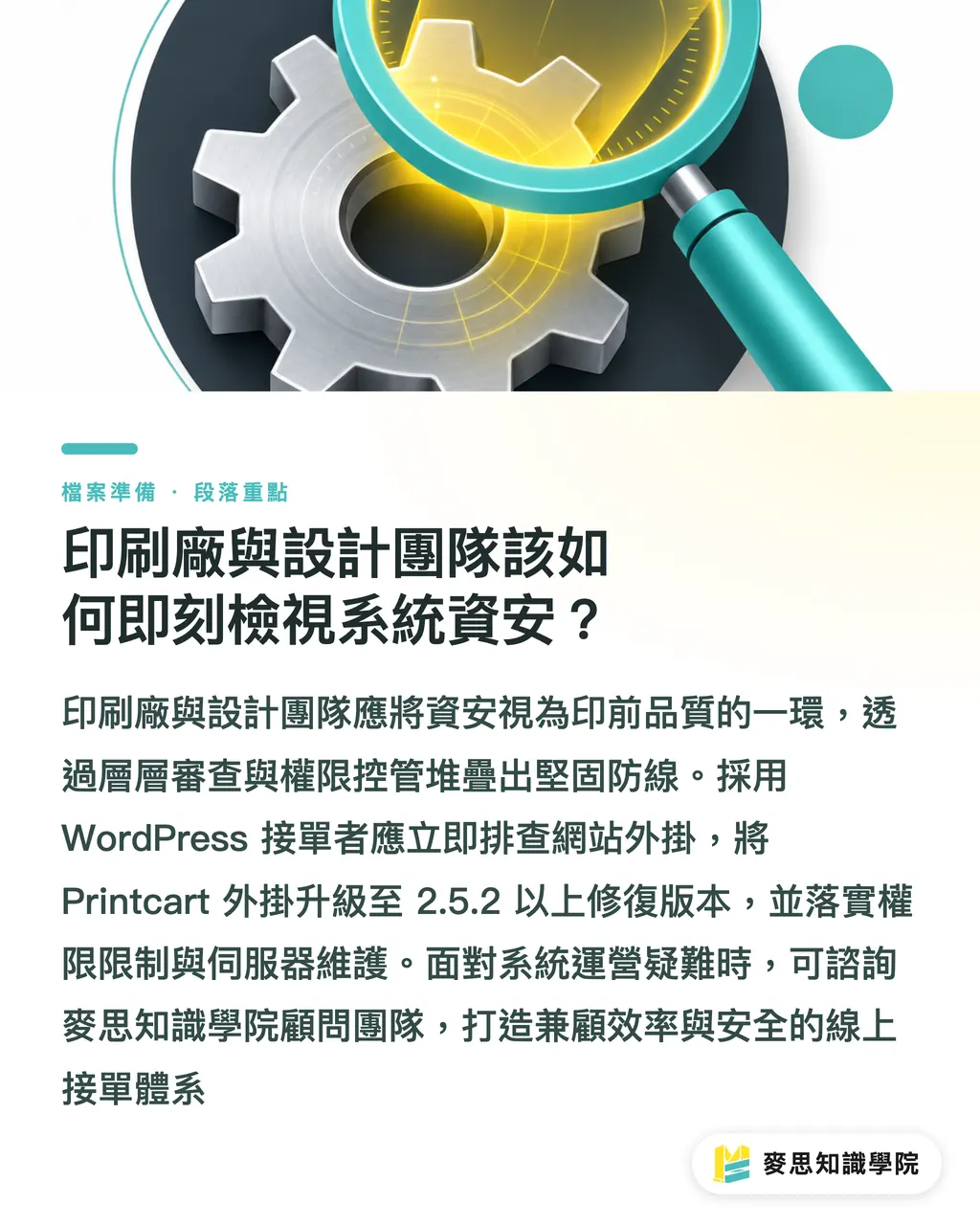
Key Takeaways
・Web-to-Print plugin flaws allow attackers to gain root access and steal client source design files
・Major corporate clients now treat security audits and system maintenance capabilities as mandatory vendor selection criteria
・Run preflight checks in Acrobat locally and package files before submission to reduce online processing errors
・Print shops must isolate upload directories from script execution paths, update plugins regularly, and monitor SSL certificate status
Further Thoughts
As the print industry moves toward digital workflows and online ordering, a web portal is no longer just a shop window or a file drop box. It connects enterprise ERP systems directly to press floors. In the past, we focused heavily on color matching, checking bleeds, and preventing overprint issues. Today, security defenses and server permission management are just as vital to prepress quality control. Whether you run a print shop or a design studio, treating cybersecurity as foundational infrastructure is the only way to build lasting partnerships in a digital-first market
Further Reading
FAQ
- What practical damage does the WordPress Printcart flaw cause?
- Attackers can exploit CVE-2025-15662 to escalate privileges and gain WordPress admin access without authorization, allowing them to download client vector source files, business transactions, and order records stored on the server
- How can designers protect themselves when uploading print files to online portals?
- Outline all fonts and flatten image assets before uploading, follow the preflight steps recommended by [MINDS](https://www.mindscmyk.com/), and never upload unreleased product artwork to sites that lack SSL encryption
- How can small and mid-sized print shops keep online ordering plugins from getting hacked?
- Update plugins to the latest patched versions immediately, disable script execution permissions in upload directories, monitor SSL certificates and server logs regularly, and consult the [Mai Strategy Knowledge Academy advisory team](https://mindsprt.dev) when needed
Related articles





The Print × AI weekly
The print and AI know-how designers, brands and enterprises can use before they commit — one email, every week
MINDS Free Tools
Imposition calculator and preflight file check — free prepress tools, right in your browser.
MINDS Group
Need actual printing or gifting services?
From premium printing to online ordering and festive gifts — the MINDS Group sister brands take it from here.