

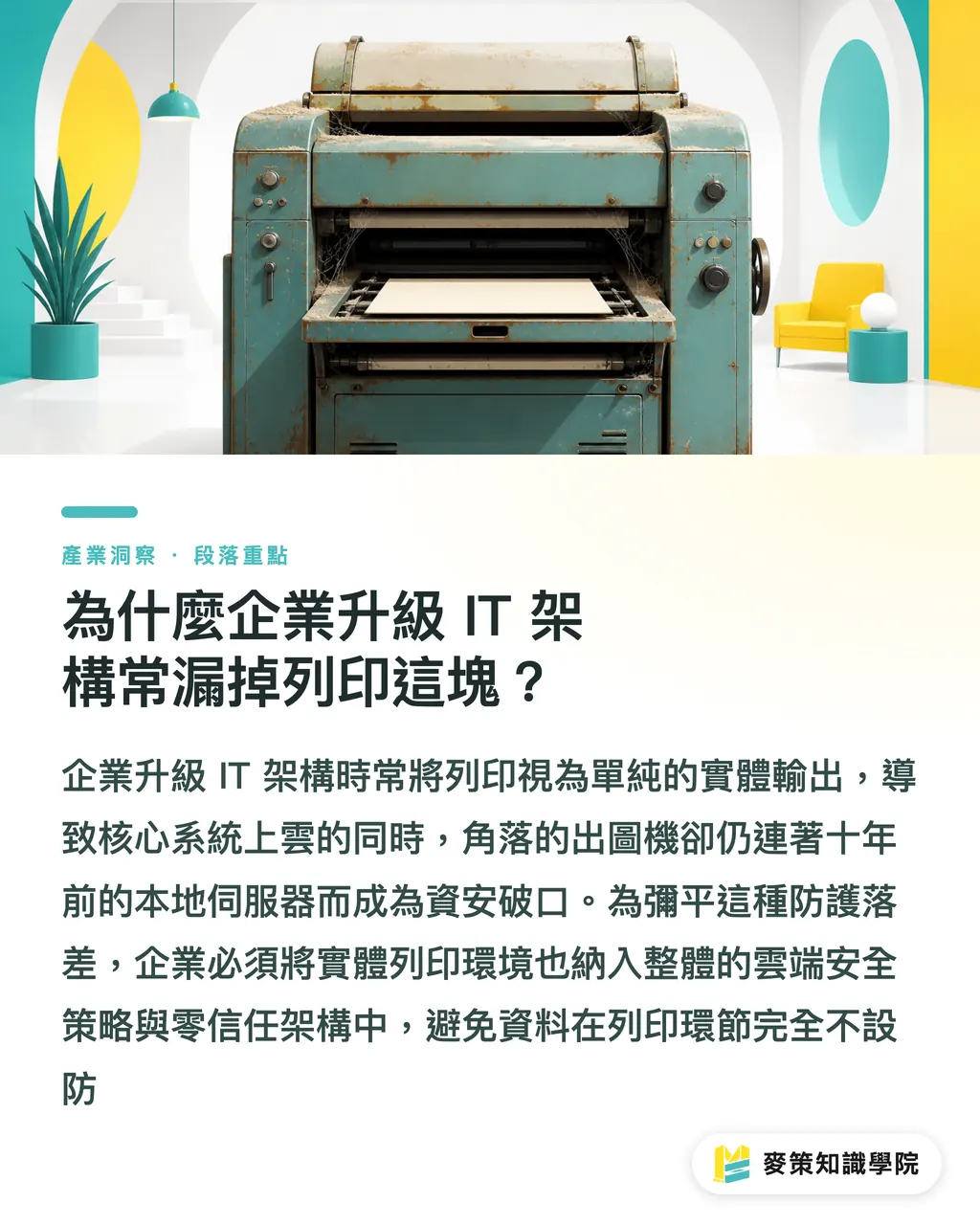
Why Do Companies Always Overlook Printing When Upgrading IT Infrastructure?
Most people treat printing as just the final physical output step, completely missing how legacy print servers have fallen far behind cloud-first security standards
Zero Trust Architecture is a security framework that trusts no network connection by default. Before accessing any resource or sending a command, the system must strictly verify user identity and device health
Take a few production facilities I worked with recently while they were overhauling their digital workflows
Their core ERP systems and customer databases had already moved to the cloud
Even file approvals had shifted to online platforms
Yet the wide-format plotter in the corner was still tied to a decade-old on-prem server
This is exactly what Quocirca focused on in their recent interview with Vasion
The consensus across the industry right now is clear: companies have to bridge the security gap between modern IT and legacy print setups
Physical printing must be brought under the broader cloud security umbrella
Otherwise, no matter how solid your front-end defenses are, data remains completely exposed the moment it enters the print queue
How Should You Audit Identity Authentication on Print Devices?
The first step is scrapping old settings where anyone on an internal IP could print directly, moving instead to multi-factor authentication (MFA) and single sign-on (SSO)
Those of us working in design and prepress feel this difference most directly
In the past, people hit a shortcut key and walked straight over to the printer to grab their sheets
If it was an unreleased packaging dieline, next season's product rendering, or a contract with sensitive pricing,
leaving it sitting in the output tray in a shared office area was actually risky
Anyone walking past could easily flip through it or pick it up
A much safer approach now is secure badge swipe or mobile app authentication to release print jobs
Applying the verification logic from our Mai Strategy Three-Stage Print Check,
the system verifies that the person who sent the file is physically standing in front of the machine in a secure environment before the document actually prints
This wipes out the risk of uncollected confidential files leaking out, while also cutting down on wasted paper from print errors and duplicate jobs
How Do You Ensure End-to-End Encryption from Software to Print Hardware?
From sending the command in design software and queuing it through a cloud platform to the moment paper exits the machine, this entire data path needs end-to-end encryption
Quite often, PDFs exported from Illustrator or InDesign contain high-resolution brand layers and proprietary fonts that have not been converted to outlines
If your print server simply pushes files over without any protection,
these cached files full of hard work are practically sitting open for anyone on the local network
Anyone with bad intentions can reconstruct the entire design just by intercepting network packets
When evaluating modern architectures like Microsoft Modern Print,
data in transit and data at rest on cloud servers or local devices must be strictly encrypted
This makes sure that even if traffic is intercepted halfway, it is unreadable scrambled data
If you have highly confidential printing needs, I usually recommend sending final mass-production runs directly to mid-to-high-end custom printers like MINDS that maintain strict internal security controls
For in-house proofing and review stages, keeping this transmission encryption line secure falls entirely on your own IT team
Why Are Print Audit Logs Key to Workflow Automation?
Detailed audit logs do more than just track who printed which confidential file and when. They serve as the starting point for turning physical print actions into automated digital workflows
Vasion evolved from its earlier PrinterLogic roots into an intelligent print automation platform
They highlighted a major industry shift:
eliminating legacy print servers is just baseline table stakes
The real value lies in making sure print jobs are no longer dead ends in a physical workflow
When a system has full visibility into every print node and user action,
these clean, traceable logs feed directly into downstream AI workflow management
What used to be a simple act of printing a piece of paper
can now trigger cloud archiving, update project milestones, log cost allocations, or dispatch review notices for the next phase in real time
That is the real incentive for businesses to rebuild their print infrastructure

Key Takeaways
・Upgrading to cloud printing goes beyond buying new hardware. It means phasing out high-risk on-prem servers to meet Zero Trust standards
・Deploying MFA and secure pull-printing release is an effective way to keep confidential design files from leaking in shared physical spaces
・End-to-end encryption from workstations to physical machines ensures high-res layers and font assets cannot be snooped on during transmission
・Print audit logs with full timestamps and user identity data provide the foundation for turning paper-based actions into automated data streams
Further Thoughts
I strongly recommend that managers at SMBs and design teams audit their office print setup right now
Too often, we spend heavily on top-tier antivirus tools and cloud storage, only to send million-dollar design files through completely unprotected LAN servers
Treat printing as the last mile in your data security chain. Put Zero Trust in place and make sure every single printout leaves a clear paper trail
This protects your trade secrets and paves the way for integrating physical workflows into AI automation down the road
Further Reading
FAQ
- What is a Zero Trust print architecture?
- A security model that trusts no connection by default. It requires verifying user identity and device status before every print job, while encrypting file transmissions end-to-end
- Why do design teams need multi-factor authentication (MFA) for printing?
- To keep unreleased packaging files and confidential docs from sitting unattended in public output trays. MFA ensures print jobs are released only when someone is physically present at the machine, slashing leakage risks
- What are the benefits of retiring legacy print servers?
- Beyond cutting on-prem hardware maintenance costs for IT, it brings printing up to cloud security standards and uses detailed audit logs to power downstream workflow automation
Related articles

The Print × AI weekly
The print and AI know-how designers, brands and enterprises can use before they commit — one email, every week
MINDS Free Tools
AI background removal, brand stamping, and a LINE sticker maker — free design tools, right in your browser, no upload.
MINDS Group
Need actual printing or gifting services?
From premium printing to online ordering and festive gifts — the MINDS Group sister brands take it from here.