
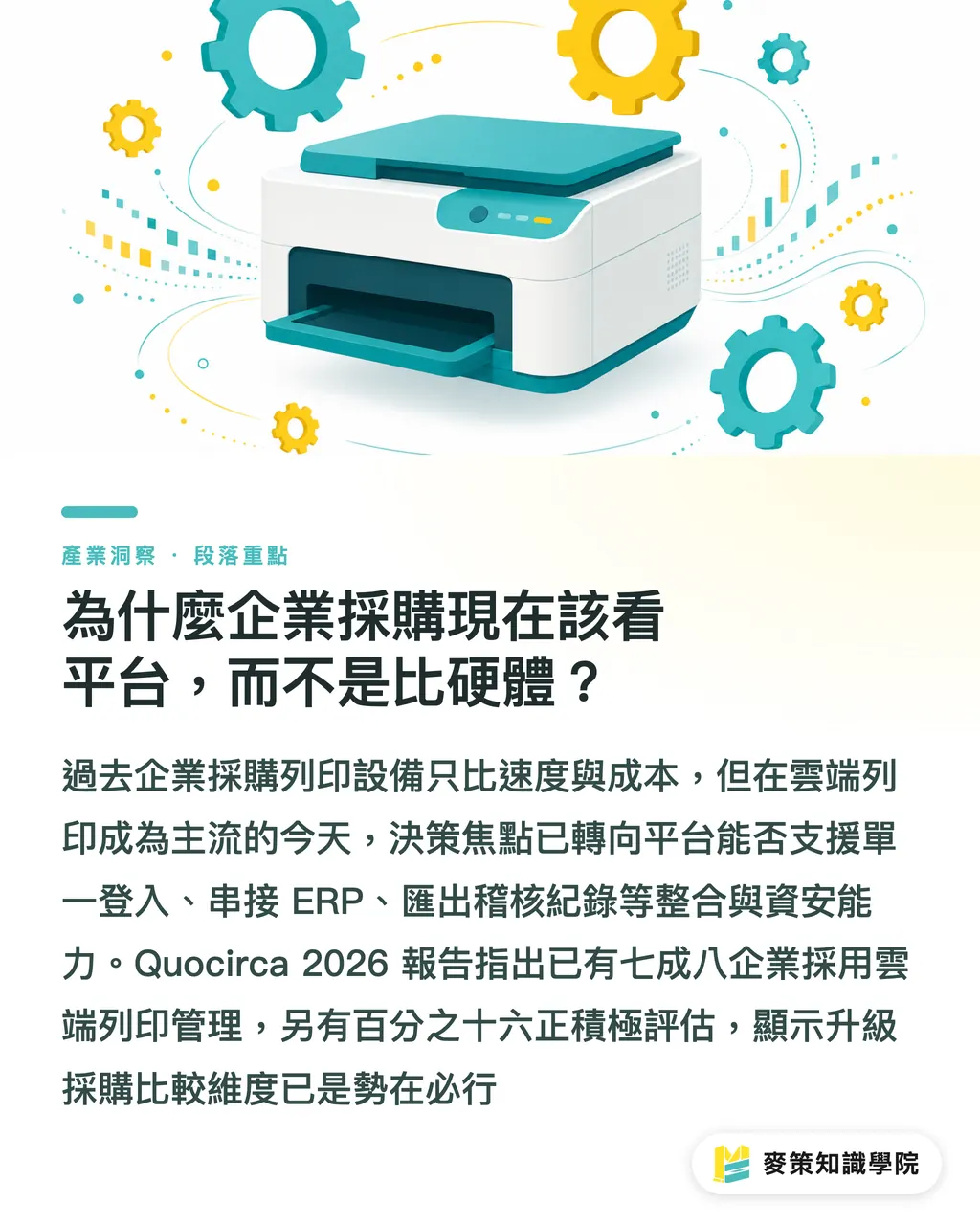
Why should enterprise procurement now look at platforms, not hardware?
In the past, IT evaluated print devices by focusing on "pages per minute, toner cost, lease term." That logic no longer holds in the cloud print era
From the clients I've worked with lately, the questions IT and procurement teams ask have clearly changed. They no longer ask "how fast can this printer print?" They ask "can this cloud print management platform support our SSO (single sign-on)? Can it automatically route scanned documents into our ERP? Can audit logs be exported to security?"
Quocirca's Cloud Print Services Vendor Landscape 2026 confirms this shift:
・78% of enterprises have adopted cloud print management (35% extensively, 43% partially)
・Another 16% are actively evaluating
In other words, cloud printing is already standard for most enterprises, but the comparison dimensions for procurement decisions need to level up
What should cloud print procurement compare now? Three dimensions at a glance
1. AI Integration and Workflow Automation
Cloud print platforms today sell more than "putting print on the cloud." They sell "turning documents into processable data"
The Quocirca report shows vendors are expanding from pure cloud print into document capture and workflow platforms:
・77% of enterprises expect cloud capture adoption to grow, with 35% expecting significant increases
・66% expect MFP (multifunction printer) scan volumes to rise
・88% believe that by 2027, digitization will be "critical" to their organizations (this is a self-stated target, not yet verified)
For procurement, asking about AI integration can't stop at "do you have AI?" You need concrete scenarios:
・Can invoices, contracts, and quotes be auto-classified, run through OCR (optical character recognition), and pushed into ERP or accounting systems?
・Can scanned documents auto-detect stamps, amounts, and dates to cut manual data entry?
・Can cross-department document flows (e.g., purchase order → approval → archiving) be stitched together inside the platform?
2. Zero-Trust Security and Audit Trails
The biggest psychological barrier to cloud printing is "what happens when data flies out?" The Quocirca report identifies the top three concerns:
・34% list data security as the top concern
・25% worry about cloud service reliability and uptime
・22% worry about consistency across mixed-brand fleets
Zero Trust (assume no traffic inside or outside is trusted; every access requires verification) is precisely the design logic that addresses this concern. What to look for during procurement:
・Does it support MFA (multi-factor authentication, such as OTP one-time passwords or hardware keys)?
・Can it integrate with your existing IdP (identity provider, such as Azure AD or Okta)?
・Are print and scan logs fully retained and exportable for audit?
・Does it offer device health checks and firmware update mechanisms?
Many enterprise CIOs have told me: they'd rather pay a bit more to be able to "pull up the logs when something goes wrong." That's a baseline requirement, not a cost-performance question
3. Hybrid Cloud and Multi-Vendor Support
Not every enterprise is ready to go all-in on the cloud. The Quocirca report makes this clear:
・SMEs care most about performance (28%)
・Large enterprises care most about data sovereignty (20%, meaning control over data residency and jurisdiction)
This means procurement has to ask: can the vendor support public cloud, private cloud, and on-premises deployments in parallel? Can HP, Canon, Epson, and Brother devices be managed from the same console?
If a vendor only supports pure cloud management of its own devices, switching brands or expanding to new sites becomes a roadblock. That's the trap procurement falls into most often
How do you ask the right questions? Four questions to read any vendor's hand
Here are evaluation questions for enterprise procurement and IT teams. Take them straight to the vendor:
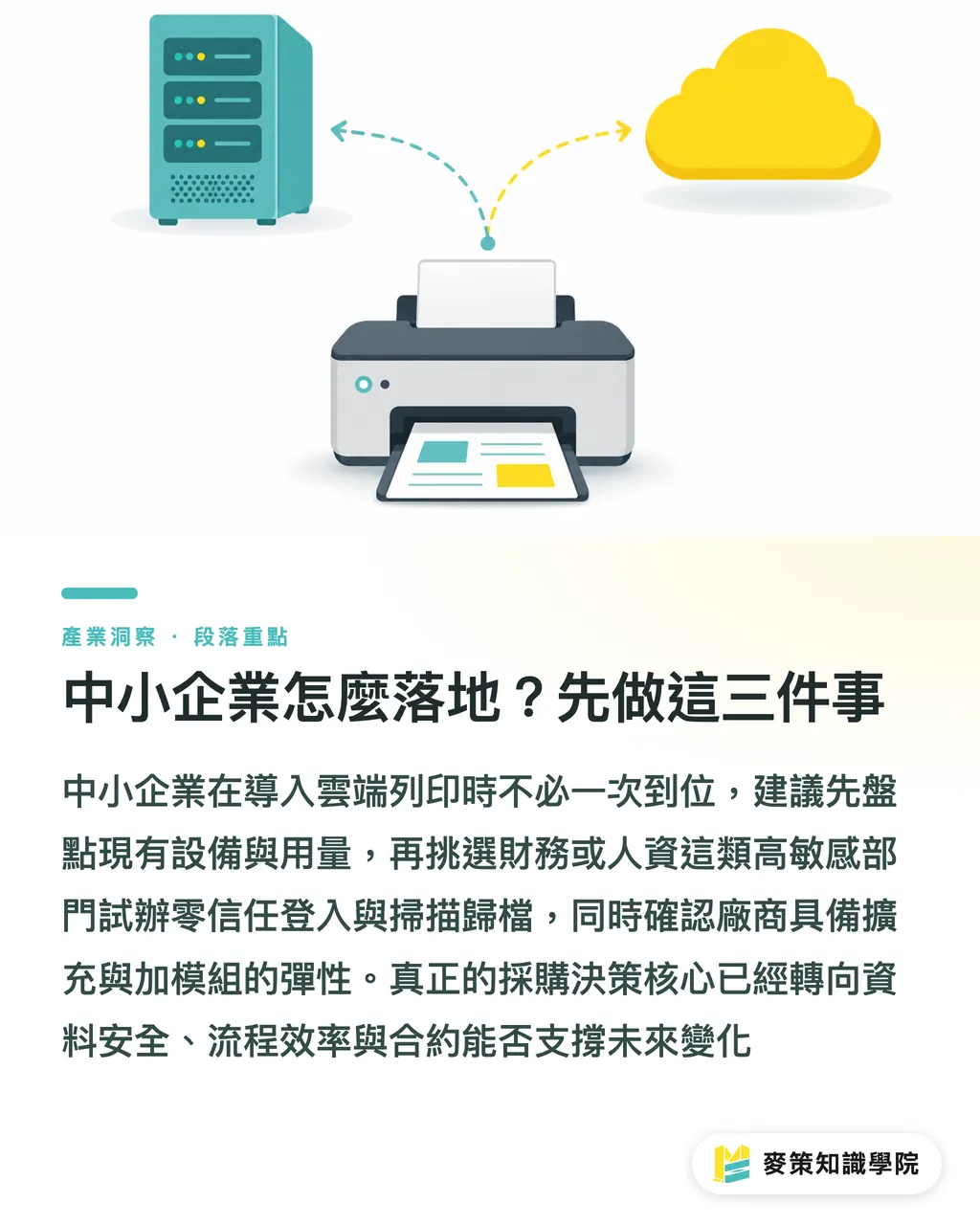
1. Which IdPs does your platform support? Can it integrate with our existing Azure AD or Okta? (Probes zero-trust basics)
2. After document capture, can your OCR and classification connect to our ERP or accounting system? Please provide API (application programming interface) documentation. (Probes AI integration depth)
3. In a hybrid cloud deployment, can sensitive data stay on-premises? Which region does the data reside in? (Probes sovereignty and compliance)
4. What format are print and scan logs stored in? Can they be exported as CSV or pushed into a SIEM (security information and event management platform, such as Splunk)? (Probes audit capability)
After asking these four questions, whether the vendor can take them on directly, or dodges the answers, tells you more than any spec sheet
How should SMEs roll this out? Three things to do first
Many SMEs have limited IT headcount and can't do everything at once. My suggestion:
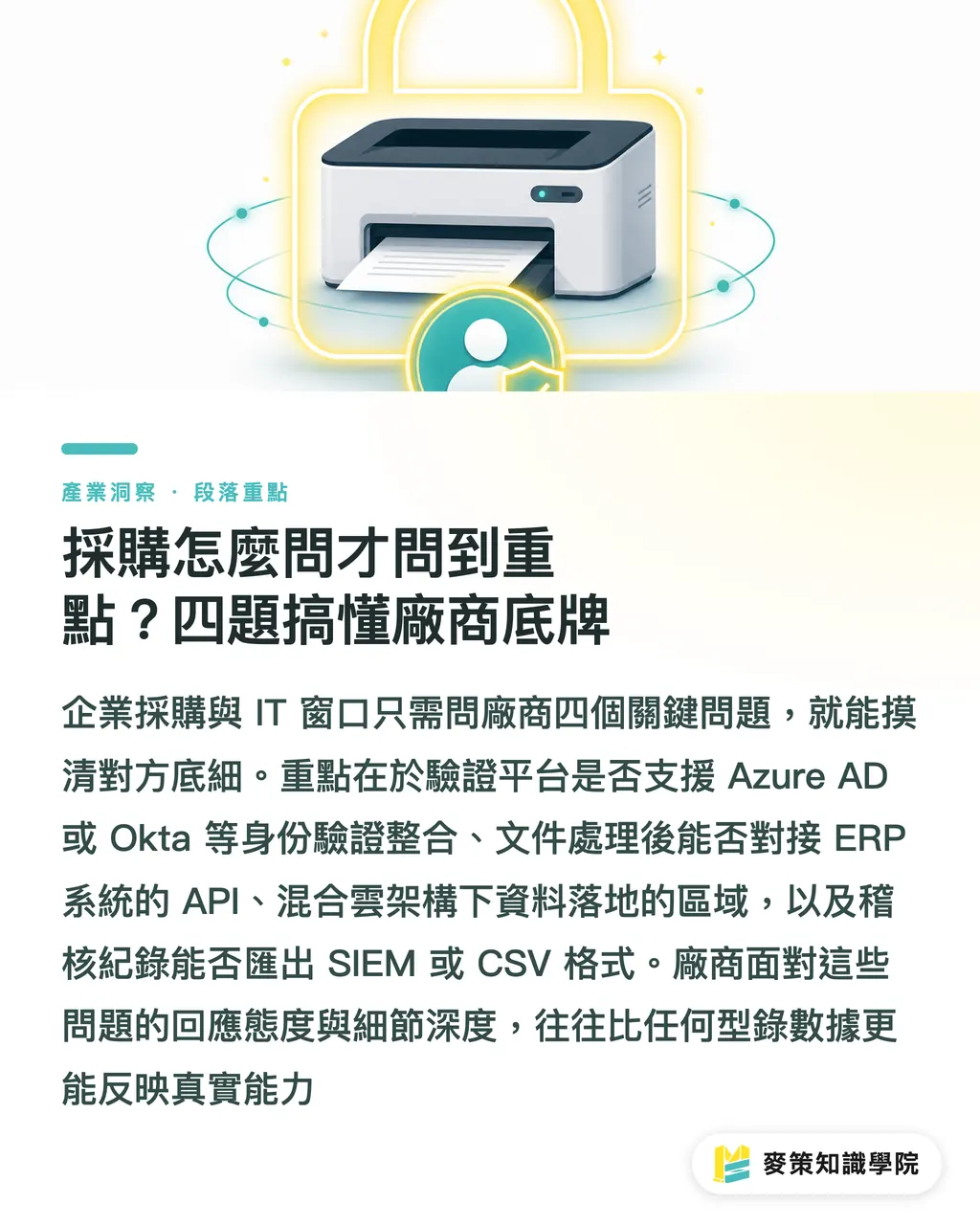
・Start by taking stock: list every printer brand, model, location, and monthly print volume you have today
・Pick one high-sensitivity department to pilot: finance or HR, for instance. Get zero-trust login and scan-to-archive running there first
・Confirm scalability upfront: can the vendor support new brands later? Can modules be added? Don't lock yourself into a five-year contract
The center of gravity in cloud print procurement decisions has shifted. If you're still comparing pages per minute and the price per toner cartridge, you're aiming in the wrong direction. What actually matters: how safe is your data, whether your workflows actually run, and whether your contract can hold up through the next three years of change
For a more tailored cloud print and document workflow assessment, check out the Mai Strategy Knowledge Academy consulting team. For mid-to-high-end fully custom commercial print procurement, see MINDS
Key Takeaways
Cloud print procurement is fundamentally about buying a platform, not a machine
Zero-trust security and audit trails are a non-negotiable baseline; cost-performance comes second
Ask about AI integration with specific scenarios: invoice recognition, ERP integration, workflow automation
Hybrid cloud and multi-vendor support determine future expansion flexibility, test before signing
SMEs should take stock first and pilot with one high-sensitivity department rather than trying to do it all at once
Further Reflections
What this report signals for the print industry: pure "contract printing" providers will lose share to cloud platforms. When enterprise procurement teams start asking "do you have an API? Can you talk to our ERP?" traditional print shops that only compete on price and lead time will get pulled out of the supply chain by platform-based service providers. For designers, AI document capture and workflow automation mean this: clients no longer expect "a pretty file." They expect "variable data that flows into their workflow." Next step: identify which process in your shop is still stuck on manual data entry, that's the first place AI can take over
Further Reading
FAQ
- How is cloud printing different from a traditional network printer?
- A traditional network printer relies on an on-premises print server to dispatch jobs. Cloud printing moves dispatch, drivers, accounts, and metering to the cloud, and brings scanned documents straight into OCR and workflow
- How does zero-trust security work in a print environment?
- Every print and scan re-verifies the user's identity. Print jobs stay parked in the cloud or on the device until the user authenticates at the printer with a badge or PIN. Full audit logs are recorded throughout
- Can SMEs without dedicated IT staff still use cloud printing?
- Yes. Most SaaS (software as a service) cloud print management products need no server installation and can be managed from a browser, but you still need to verify that IdP integration and data residency meet your requirements
- What can AI document capture do for the print industry?
- It auto-extracts fields from invoices, orders, and job request forms, cutting manual entry and reconciliation. It can also turn paper documents on the client side into structured data that feeds straight into ERP
- What's the most common pitfall when procuring cloud print services?
- Comparing only on price and print speed while overlooking IdP integration, API openness, hybrid cloud support, and audit log export formats. The result: expansion and compliance both stall after you sign
Related articles



The Print × AI weekly
The print and AI know-how designers, brands and enterprises can use before they commit — one email, every week
MINDS Free Tools
AI background removal, brand stamping, and a LINE sticker maker — free design tools, right in your browser, no upload.
MINDS Group
Need actual printing or gifting services?
From premium printing to online ordering and festive gifts — the MINDS Group sister brands take it from here.