
Overview
The core of English business card layout is a clear information hierarchy and alignment with international reading habits. Details such as name order, job title abbreviations, and phone numbers with country codes all need to be handled precisely
In recent years, Taiwanese companies have been expanding overseas more actively, and I have handled more and more projects that required English business cards to be reworked
Many clients and designers apply Chinese layout logic directly to English. The result is not only a crowded layout, but also a card that foreign clients find difficult to read
This article starts directly from print production and on-site design practice to help you clarify the common layout pitfalls and practical standards for English business cards
How should English names and job titles be laid out to follow international conventions?
In Chinese, the family name usually comes first, but English business cards follow a strict international naming logic
If you want to project professionalism, use the format First Name Last Name, such as Xiaoming Lin
If the company insists on placing the family name first, you must add a comma for clarity, as in Lin, Xiaoming. This prevents confusion when exchanging business cards in international business settings
Job titles usually sit directly under the name. I generally recommend keeping the type size no smaller than 6pt, especially for long titles such as Business Development Manager. If the type is too small, the printed letters can blur and readability will suffer
Should bilingual business cards use one side or separate sides?
The most common standard business card size in Taiwan is 90x54mm, and that physical space is actually very limited
Many companies ask to squeeze both Chinese and English onto the same side for convenience. The result is tiny type, sometimes with letter spacing so tight that it affects readability
Based on my experience handling tens of thousands of business card files, the safest approach is double-sided printing: Chinese on the front and English on the back
This not only creates more white space, but also gives the design a cleaner, more modern brand feel
If budget or special paper considerations make a single-sided card unavoidable, be sure to use a Grid System. Clearly separate the Chinese and English content left to right or top to bottom, and keep at least 3mm of safety margin on all four edges to prevent English text near the edge from being trimmed during cutting
English abbreviations and formatting rules for contact information
Space on a business card is extremely limited, so using internationally recognized English abbreviations can make the layout look more refined
When arranging addresses and phone numbers, there are several details we often catch for clients during prepress review:
・Mobile number: use M: (Mobile) or Cell:, and include Taiwan's country code, such as +886-912-345-678
・Landline number: use T: (Tel), and remove the leading zero from the area code. For Taipei, write +886-2-1234-5678
・Extension number: use ext. consistently, such as ext. 123
・English address: the order must go from small to large: room, floor, number, lane, alley, road name, district, city, and postal code
Why shouldn't English job title translation be left entirely to AI?
Many designers now use AI to translate job titles while laying out cards, but this is often the starting point of a full batch rejection and reprint
AI does not understand your company's organizational structure or industry terminology. For example, a local-language role meaning business or sales may be translated directly as Sales
But in many technology companies or export manufacturers, the proper external-facing title on a business card may actually be Account Manager or Business Development
In addition, expanded English terms are usually 30% to 40% longer than their Chinese equivalents
A layout that was perfectly centered in Illustrator for Chinese text will absolutely break once replaced with a long string of AI-generated English
A workflow of AI for the first draft and human review for correction, combined with enough flexible line-break space reserved for English during layout, is the defensive layout strategy a professional designer needs
Prepress file check: a pitfall-proof guide to fonts and color
After the layout is done, there are still two prepress details that can cause serious problems
For English typography, we often pair Serif or Sans-serif typefaces to distinguish job titles from body information, but all text must be outlined before handing off the file
Because there are so many versions of English fonts, failing to outline text can easily cause missing characters or font shifts when the print shop opens the file
Another key point is color settings. English contact information is usually small and set in fine strokes
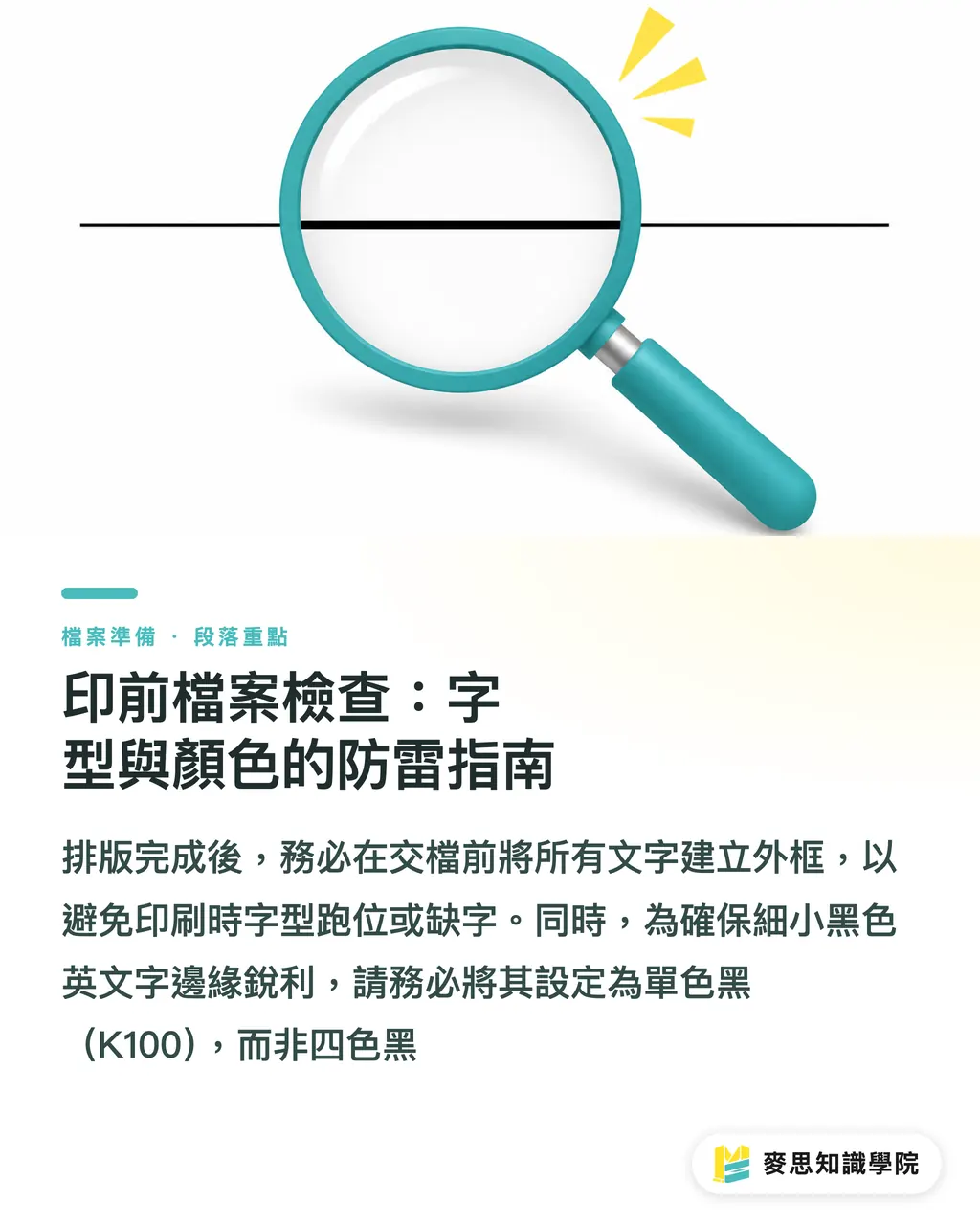
If it is set as four-color black in CMYK (C75 M68 Y67 K90), even a slight registration error on press can create red and blue fringes around the letters
Make sure all small black English text is set to single-color black (K100). This keeps the printed letter edges sharp and clean
Key Takeaways
Use the international convention of first name followed by last name, and keep the type size no smaller than 6pt to ensure readability
For bilingual business cards, prioritize a front-and-back design to avoid making the limited 90x54mm space feel crowded
English text is usually 30% to 40% longer than Chinese, so always reserve enough flexible line-break space during layout
Set small black English text as single-color black (K100) to avoid fuzzy edges caused by four-color overprinting
Further Considerations
A business card is the brand's first handshake. In international business settings, the professionalism of the English layout directly shapes the first impression
When designers and print buyers create a corporate business card template, they should define bilingual type size and alignment rules from the start
In the future, whether applying new employee data or introducing a Web to Print automated layout system, this can greatly reduce the communication cost of repeated proofing
FAQ
- How should Taiwan's country code be shown on an English business card phone number?
- Remove the leading 0 and add +886. For example, write a mobile number as +886-912-345-678 and a landline as +886-2-1234-5678
- Is the order of an English address the same as a Chinese address?
- It is completely the opposite. An English address must go from small to large, in the order of street number, lane or alley, road name, district, city, postal code, and country
- Why do the edges of printed English text look blurry?
- The black text may have been set as four-color black in CMYK, which can easily cause registration errors during printing. Be sure to set black text in the software as K100 single-color black
- Are there any restrictions when choosing fonts for bilingual business cards?
- For English, Sans-serif typefaces are recommended because they remain more legible at small sizes. Before handing off the file for printing, all text must also be outlined to avoid missing characters
Related articles
The Print × AI weekly
The print and AI know-how designers, brands and enterprises can use before they commit — one email, every week
MINDS Free Tools
Imposition calculator and preflight file check — free prepress tools, right in your browser.
MINDS Group
Need actual printing or gifting services?
From premium printing to online ordering and festive gifts — the MINDS Group sister brands take it from here.