

Overview
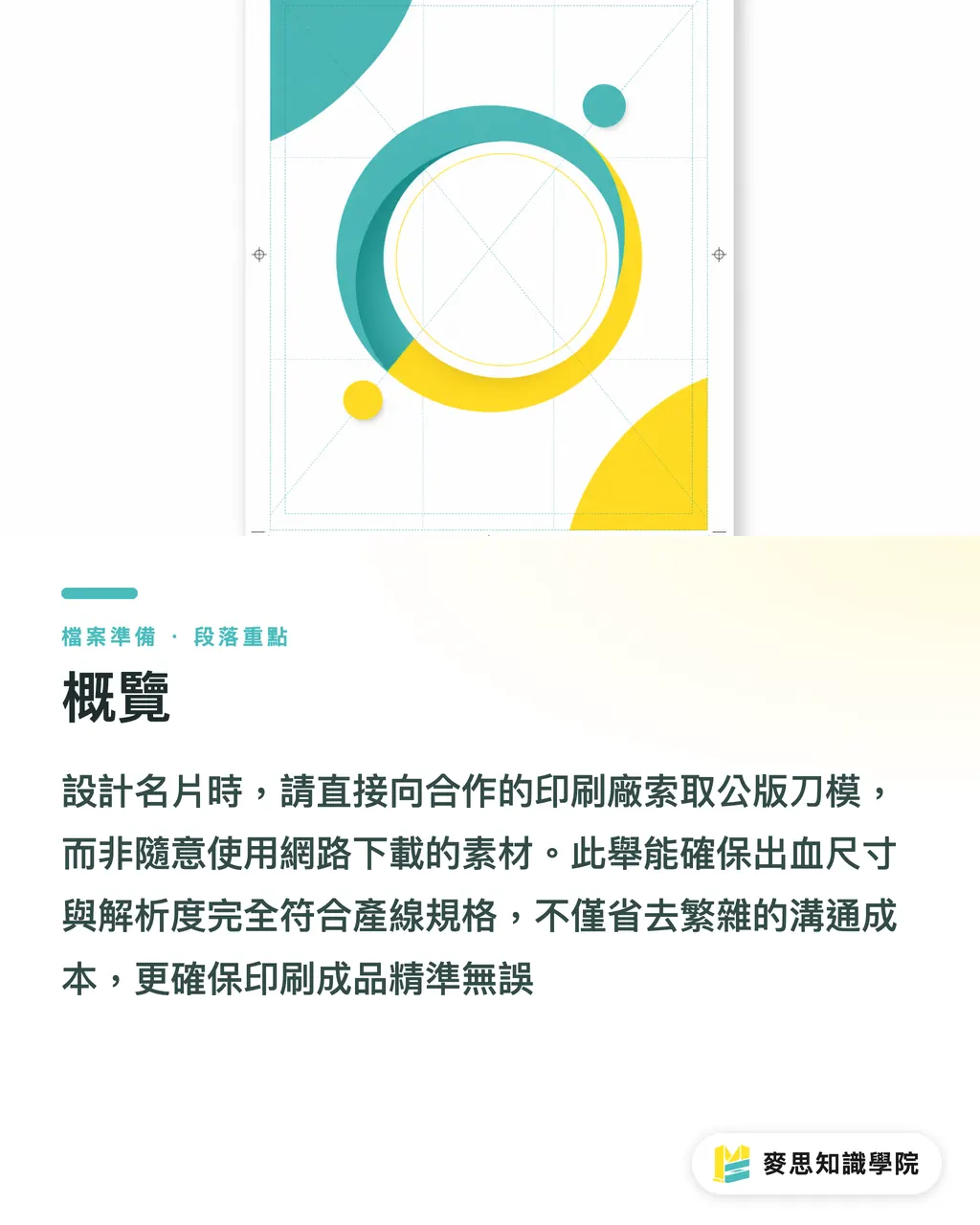
The safest and most effective way to find business card templates is to request standard templates directly from your print shop, rather than downloading random files online
This ensures the bleed, resolution, and color mode perfectly match their production standards, saving you from major back-and-forth and editing costs
What Are the Most Common Mistakes Beginners Make When Looking for Templates?
Since I started in this industry, the stack of business cards I've seen is probably taller than Taipei 101
Many beginner designers or admin staff are in a rush and send gorgeous vector templates downloaded from free graphic sites straight to the printer
The results are usually a disaster. Here are the three most common issues:
・The size is not the standard Taiwan format (for example, downloading a US or European size)
・Forgetting to set up a bleed, which leaves ugly white borders after cutting
・Text is not converted to outlines, so when the printer opens the file, fonts get completely messed up
If a beautiful design lacks the proper prepress setup, paying for a reprint is the least of your worries. Missing out on a great first impression is much worse
How Should You Set Up Standard Business Card Dimensions and Bleeds?
No matter what template you use, the basic rules always come down to dimensions and bleeds
Take the most common standard business card in Taiwan as an example, and keep these exact numbers in mind:
・Finished size: 90x54 mm (this is the final size after cutting)
・Bleed size: 92x56 mm (adding 1 mm on all sides, this is the canvas size you set up in your design software)
・Safe zone: keep important text and graphics within 86x50 mm to prevent them from getting cut off due to minor shifting
When you get a template, the very first thing to do is check these three boundary settings
Extending your background image or color all the way to fill the bleed area is the only way to play it safe
Why Must Modern Business Card Design Consider Digital Integration?
Business cards are no longer just pieces of paper. They are physical keys to your digital network
Looking at recent clients and projects, smart companies are already thinking about how to follow up after handing out a card
Lately, there has been a lot of buzz in the industry about combining physical cards with digital automation
When someone receives your card, sales teams can use OCR to quickly convert the physical card into a digital contact
They can even run background research and quickly draft follow-up emails
So when choosing templates and layouts, make sure to leave clean space for QR Codes or other digital access points. Do not crowd the page
Where Is the Safest Place to Download Print Templates?
Instead of searching blindly online for beautiful but incorrect files, go back to the source
The safest bet is to ask your print shop directly for their templates in Illustrator or PDF format
This is why professional print services always provide standard templates:
・Clear layers: bleed lines, cutting lines, and safe zones are easy to see
・Correct formatting: preset in CMYK color mode and 300dpi resolution
・Fewer revisions: matches the shop's machines and imposition setup, so it prints right on the first try
Using an approved blank template as your foundation and building your design on top of it is the most efficient way to work
Key Takeaways
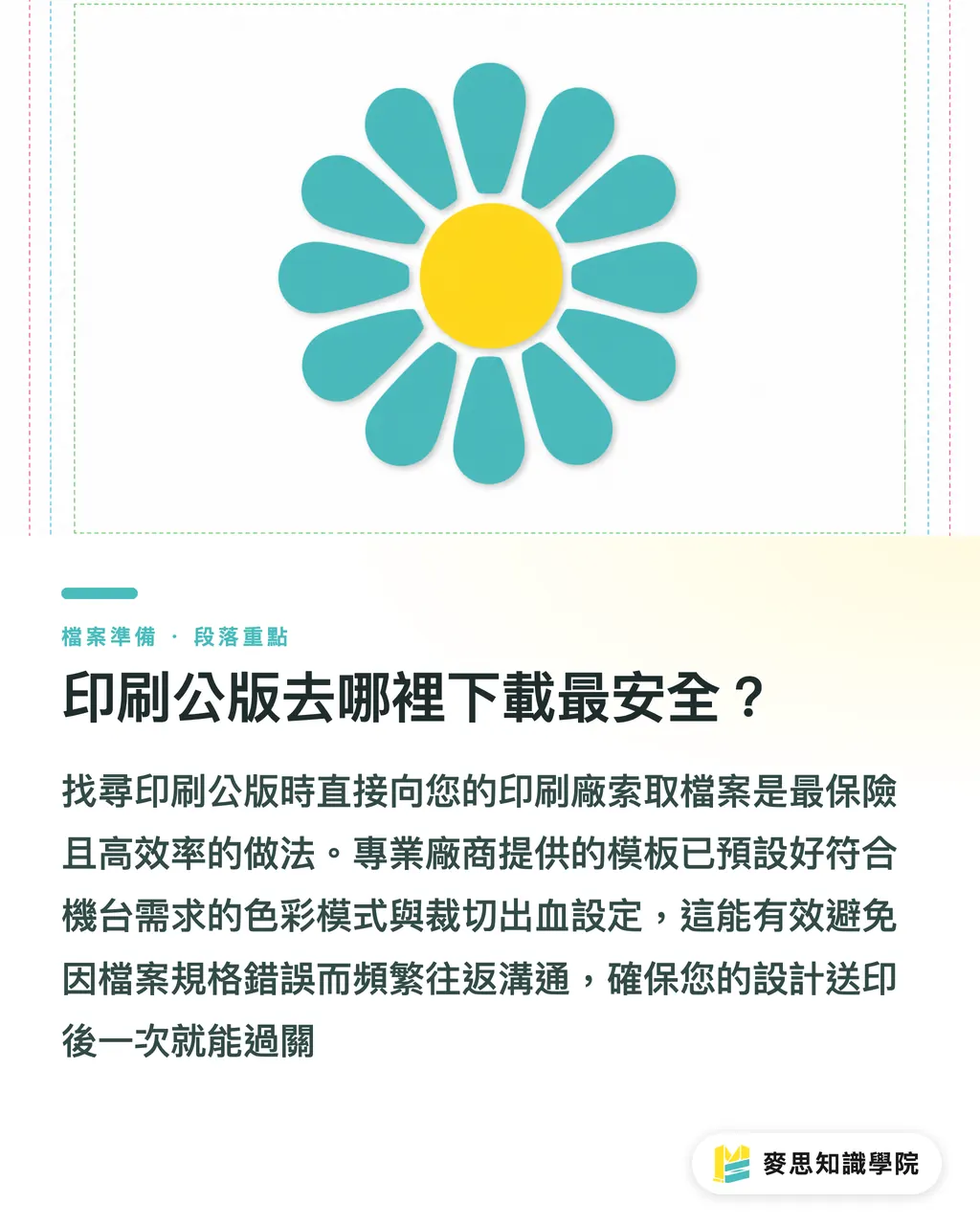
The safest place to start your design is with standard templates from your printer. Say no to random web downloads
Always remember Taiwan's standard size of 90x54 mm, and make sure to set a 1 mm bleed on all sides
A good template does not just look nice. It also leaves room for digital conversion and CRM tracking later on
Further Reflection
Business card design seems basic, but it is a test of how much a company cares about details and digital maturity
For print shops and SaaS providers, offering a simple starting point is the best way to help clients avoid costly mistakes
In the future, whoever seamlessly connects front-end design rules with back-end contact management will win long-term corporate identity contracts
FAQ
- Can I send a business card template made in Canva straight to print?
- Usually not. Canva defaults to RGB colors, and its bleed settings are hard to control precisely. We recommend exporting as a PDF and using professional software to verify size and color mode first
- Why does the print shop keep saying my template has no bleed?
- Because your background color or image aligns exactly with the finished size. If the cutting blade shifts even a fraction of a millimeter, white edges will show. Your graphics and text need to extend outward by 1 mm
- Do I have to put a QR Code on the back of my business card?
- I highly recommend it. It quickly connects people to your digital portfolio or official website, or starts an automated contact exchange
- What happens if text is not converted to outlines?
- If the printer does not have your font, it will automatically switch to a default font like PMingLiU or turn into unreadable code, completely ruining your design
Related articles


The Print × AI weekly
The print and AI know-how designers, brands and enterprises can use before they commit — one email, every week
MINDS Free Tools
Imposition calculator and preflight file check — free prepress tools, right in your browser.
MINDS Group
Need actual printing or gifting services?
From premium printing to online ordering and festive gifts — the MINDS Group sister brands take it from here.