

What Size Should a Personal Business Card Be?
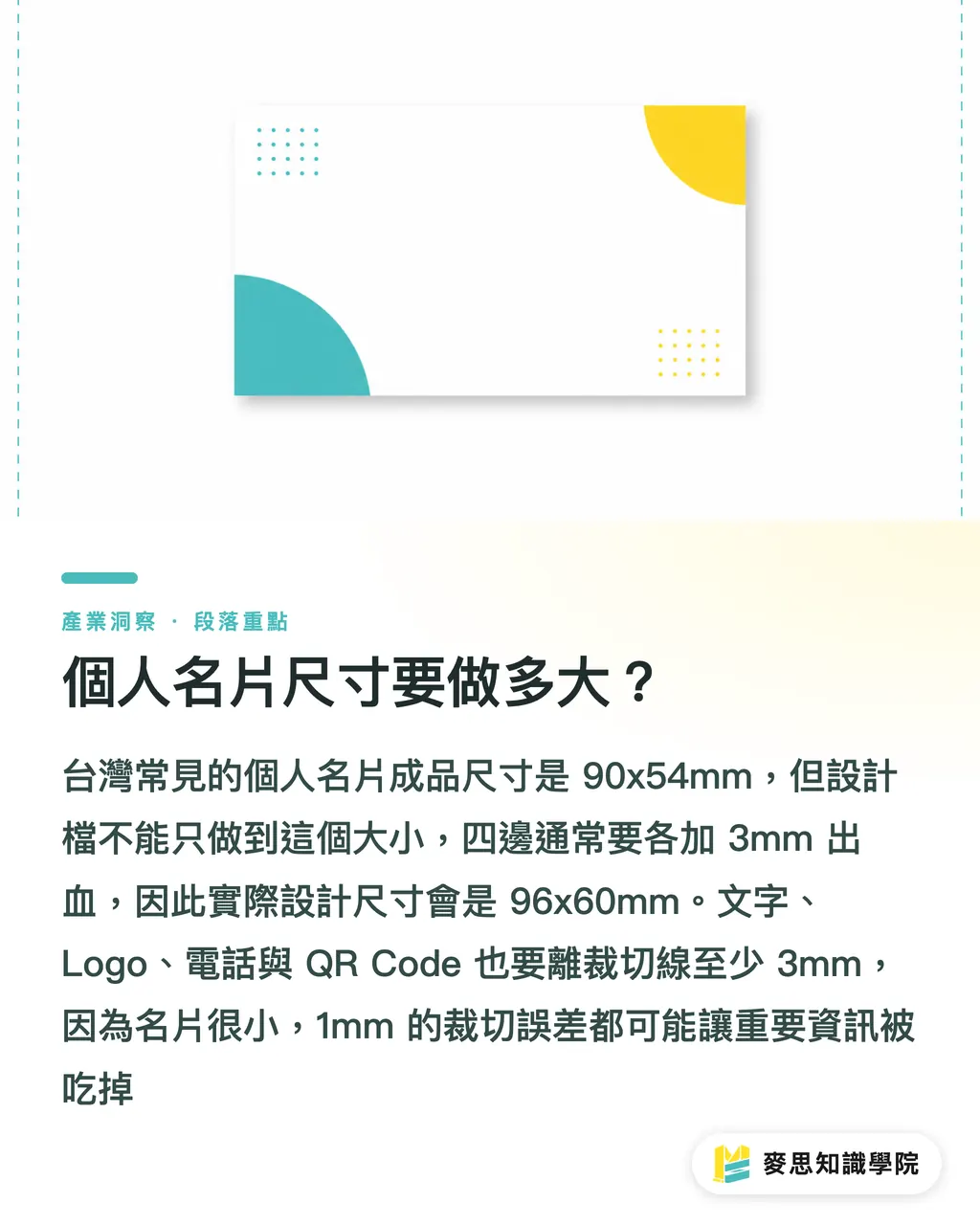
In Taiwan, the most common finished size for a personal business card is 90x54mm. This size fits neatly into standard card holders, wallet slots, and desk card stands. It is also the easiest format for most print shops to gang-print
Where things actually go wrong isn't the 90x54mm size itself. It's making your artwork file exactly 90x54mm and nothing more
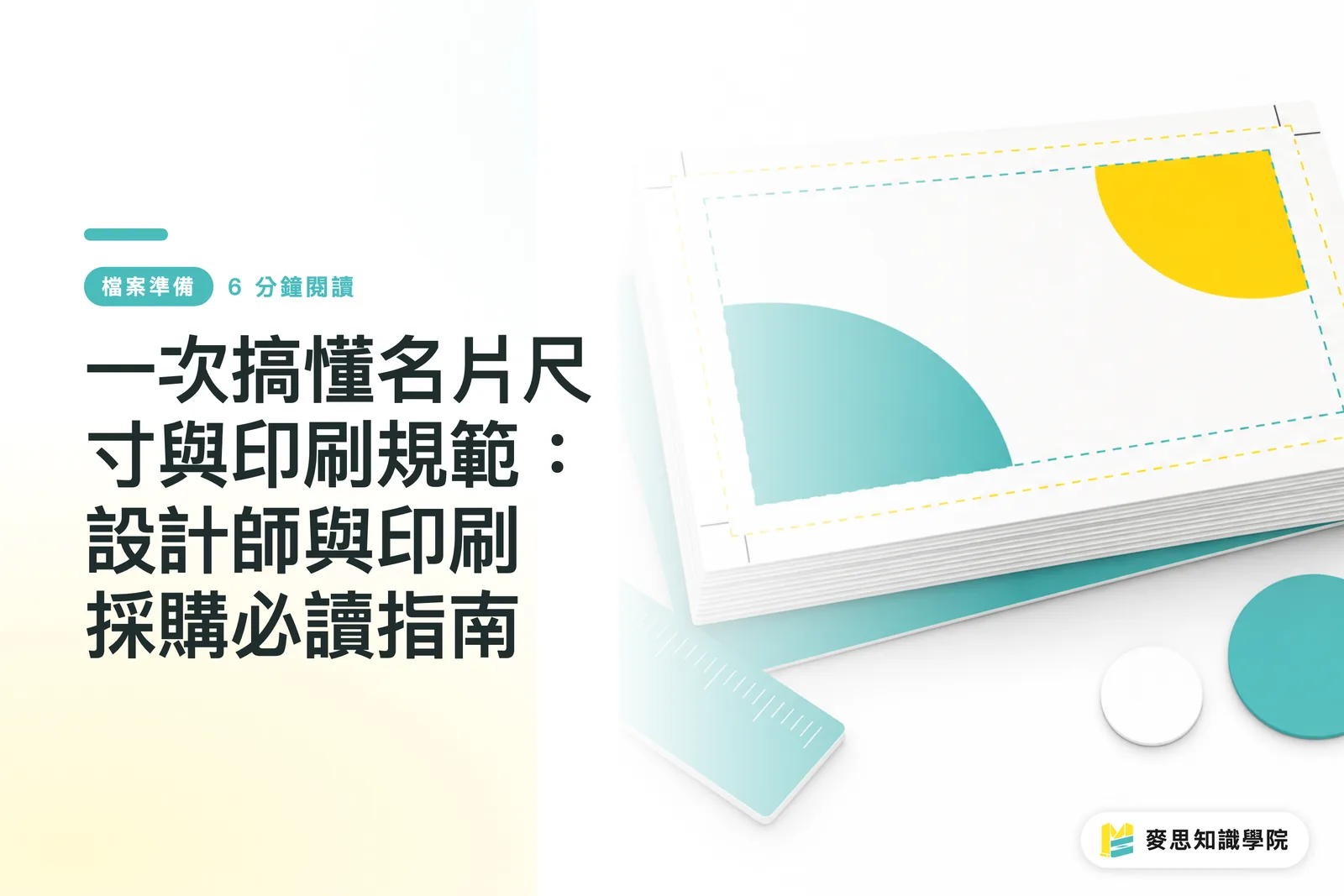
Printing and trimming always have mechanical tolerances, so you usually need to add 3mm of bleed to all four edges. That makes your design file 96x60mm. Keep text and logos at least 3mm away from the trim line. This margin is your safe zone
・Finished size: 90x54mm, the most common horizontal business card format in Taiwan
・With bleed added: 96x60mm, adding 3mm to each side for trimming
・Safe zone: keep text, phone numbers, QR codes, and logos at least 3mm from the trim line
・Resolution: raster images should be 300dpi to prevent blurry printed edges
・Color mode: print files must use CMYK. Never judge final print colors based only on an RGB screen
The most common reprint mistakes I see happen when artwork looks great on screen, but after printing, the phone number sits too close to the edge, the QR code gets trimmed off, or black text was set to rich black instead of 100% K black
Business cards are small. A difference of just 1mm is noticeable
How to Choose Business Card Paper Stocks Without Looking Cheap?
Paper stock determines the physical tactile feel. Design only controls the first visual impression
Standard business card weights usually fall between 250gsm and 350gsm. 250gsm feels lighter and works well for handing out in high volumes. 300gsm to 350gsm feels firmer in hand, making it ideal for consultants, designers, brand founders, or professionals who need to build immediate trust
When selecting paper, don't just ask which option is premium. Ask how your business card will actually be used day to day
・Coated paper: smooth surface and high color saturation, ideal for photos, illustrations, and vibrant brand colors
・Linen paper: subtle textured finish, great for consultants, teachers, handmade brands, or warmer brand personalities
・Ivory cardstock: soft tone and comfortable to read, suitable for text-heavy professional business cards
・Pearlized or specialty paper: metallic sheen or unique fibers, fitting for luxury goods, beauty industries, and design studios
・Heavy cardstock or duplex board: distinct substantial weight, suited for low-volume high-touch handoffs, not for projects focused purely on the lowest unit cost
If your card design has large dark background blocks, be extra cautious with your paper choice
Dark backgrounds look crisp on coated paper, but on textured stock, ink absorption might be uneven. Fine typography on textured paper can also lose some sharpness
My advice is simple: prioritize clarity for information-focused cards, and pursue tactile finishes for image-focused cards
Are Special Finishes Really Necessary on a Business Card?
Special finishes enhance a good design; they can't rescue a bad one
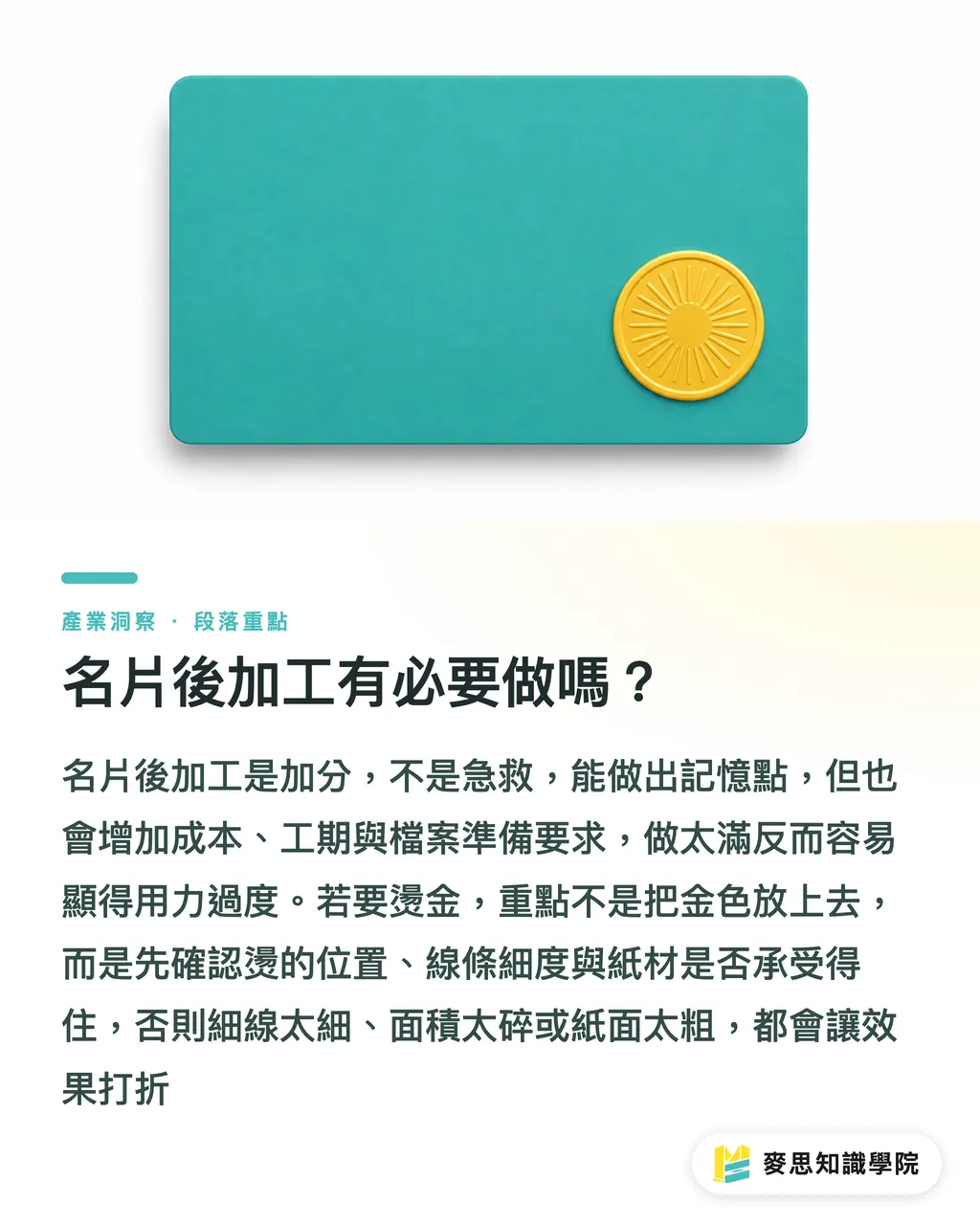
Common finishes include spot UV, gold foil, silver foil, embossing, rounded corners, die-cutting, and matte lamination. Each adds cost, production time, and file preparation requirements
Done right, a finish makes your card memorable. Overdone, it looks like you just slapped your entire budget onto the surface
・Matte lamination: reduces glare with a smooth touch, ideal for dark backgrounds and minimalist styles
・Spot UV: makes logos, names, or graphics glossy, creating a strong visual focal point
・Foil stamping (gold or silver): fits brand names, job titles, and crests, but not hairline details that are hard to read
・Embossing: great for clean logos or seal-like icons, though overly fine details will lose precision
・Rounded corners: reduces corner wear, practical when cards are frequently stored in pockets or card cases
Finish files usually require a separate layout layer. Standard practice uses 100% solid black to mark finish areas, separated from the print graphics layer
Many beginners miss this step
If a business card needs foil stamping, I ask three things first: how large is the foil area, how thin are the lines, and can the paper handle it?
Foil stamping isn't just a gold shade on a screen. It transfers foil to paper using heat and pressure. Lines that are too thin, areas that are too fragmented, or paper textures that are too rough will ruin the effect
How to Estimate Printing Costs for Personal Business Cards?
Business card costs come down to five main factors: quantity, paper stock, single vs. double-sided printing, special finishes, and turnaround time
For the same 90x54mm format, printing 100 cards versus 500 cards changes the unit cost significantly. Similarly, taking the same 300gsm paper stock and adding gold foil, spot UV, or rounded corners will drive the price right up
To save money, don't just switch to the thinnest paper available. Define your specs clearly
・Quantity: 100 cards works well for testing layouts, 300 to 500 cards suits regular, ongoing business use
・Sides: double-sided printing gives room for brand info, QR codes, and service lists, though it adds design and proofing time
・Paper stock: specialty papers generally cost more than standard coated paper and may require stock availability checks
・Finishes: each additional finish introduces another step for registration, plate-making, and inspection risks
・Turnaround time: rush orders compress proofing and production buffers, making error costs far more painful than the print fee
My recommendation for anyone making personal business cards for the first time: start with standard dimensions, standard paper stock, double-sided full-color printing, and a small test run
Once you verify real-world reactions, confirm information completeness, and check if people actually scan your QR code, then upgrade your paper stock and finishes
Printing higher quantities isn't always cost-effective. If your contact details change, ordering too many just leaves you with wasted stock
What Should You Check Before Sending Design Files to Print?
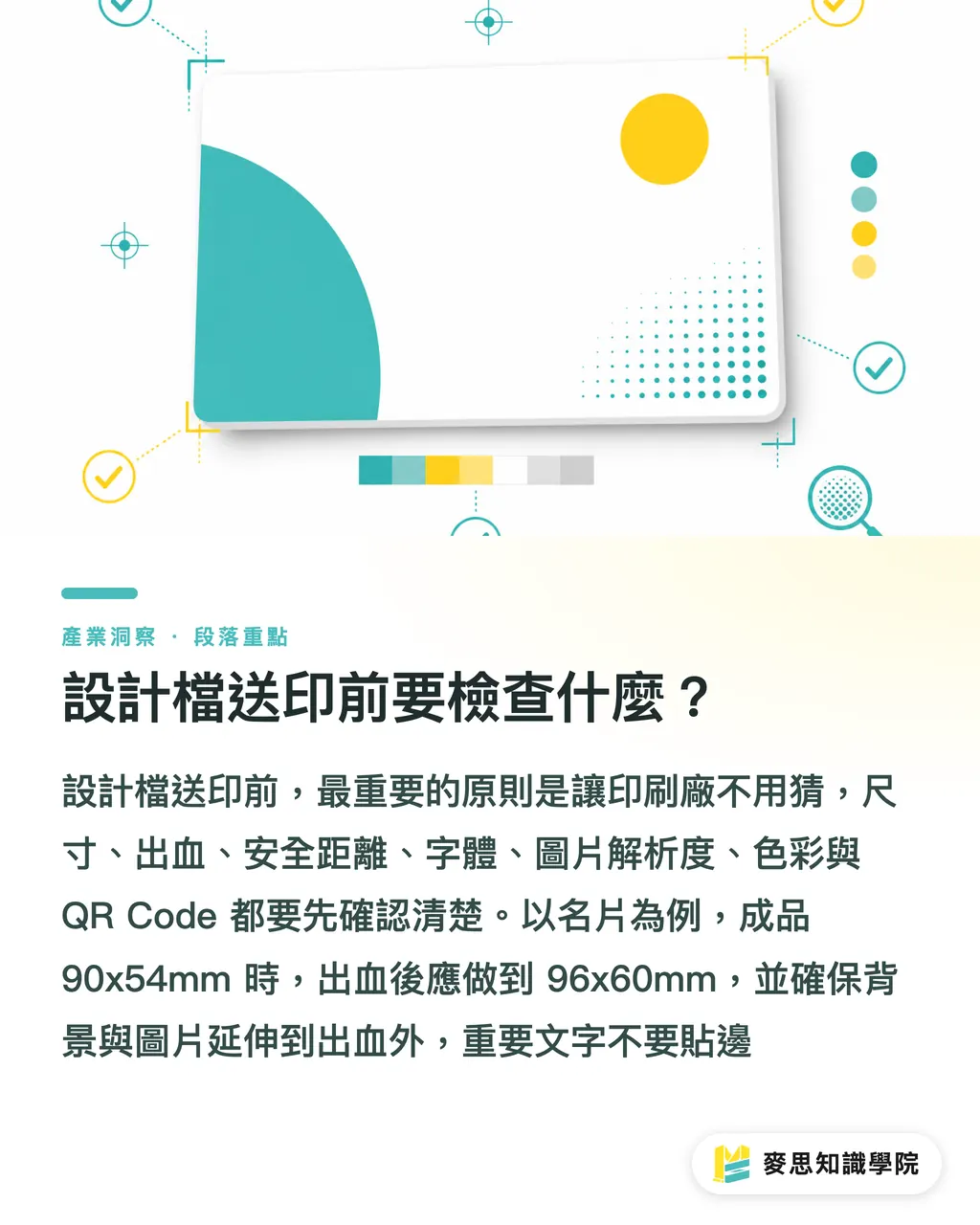
The single best rule for your pre-press checklist: leave no room for the print shop to guess
I've received far too many business card files named final, final2, real_final, or absolute_final that lacked bleed, had unoutlined fonts, or contained low-res images, while the client assumed the printer would magically fix them
A print shop can flag errors, but they cannot decide how your brand should look
・Dimensions: finished 90x54mm, with bleed 96x60mm
・Bleed: extend background colors, photos, and artwork beyond the bleed line
・Safe zone: do not place critical text and QR codes too close to the trim edge
・Fonts: verify fonts are embedded before exporting to PDF, or convert all text to outlines
・Images: keep photos and raster graphics at 300dpi
・Color: use CMYK for printing, and set black text to 100% K black
・QR Code: test-scan it with your phone, and leave sufficient white margins
・File format: deliver PDF files first, while keeping editable source files ready for changes
If you are a designer, the best habit is asking the print shop for standard template die-lines before starting work
If you are a business owner, treat business cards like a mini branding project. Organize names, job titles, phone numbers, emails, LINE accounts, websites, social links, and QR codes all at once
This is where integrated print services like MINDS provide real value: design, pre-press checks, paper recommendations, finish arrangements, and print production align in a single workflow, eliminating back-and-forth guesswork
Key Takeaways
・Off by 1mm, and your business card design goes from polished to awkward
・Paper stock isn't about choosing the most expensive option; it's about matching your brand voice
・Special finishes need a clear focal point; a business card isn't a sample swatch board
・Cost control relies on clear specs, not blindly downgrading paper stock
・Check bleed, safe zone, CMYK, fonts, and QR codes before sending to print. These five checks save you from expensive reprints
Further Thoughts
Personal business cards might look like a small print item, but they serve as a great benchmark for a company's branding fundamentals. Print providers can package common dimensions, paper stocks, finishes, and turnaround times into standardized options to cut down customer support back-and-forth. Designers can use fixed templates to reduce bleed and safe zone errors. AI tools can help format text hierarchy, generate layout drafts, and catch missing information, but execution ultimately relies on print specs and physical paper stock. For SaaS teams, business card quoting workflows are well worth productizing because what clients truly need isn't a static price table, but a clear, guided pathway from requirements and specs to file handover and delivery
FAQ
- What is the standard size for a personal business card?
- In Taiwan, the most common finished size for a personal business card is 90x54mm. Designers usually add 3mm of bleed on all four sides when setting up print files, bringing the artwork file size to 96x60mm
- Do business cards always require bleed?
- Yes. Bleed is necessary whenever background colors, photos, or graphics extend to the edge. Without bleed, even slight cutting tolerances can leave unwanted white borders
- What paper stock works best for a personal business card?
- A good baseline is cardstock between 300gsm and 350gsm. Information-focused cards work well with coated paper or ivory cardstock, while image-focused cards benefit from linen paper, specialty stock, or extra-thick cardstock
- Does adding gold foil make a business card look more premium?
- Gold foil stamping can make your card more memorable, but it works best on logos, names, or clean graphic elements. Lines that are too thin, text that is too small, or paper textures that are too rough will degrade the foil quality
- How many cards should I print for my first personal business card order?
- For a first print run, start with 100 cards to test your layout and details. Once you evaluate real-world usage, QR code scanning, and client reactions, you can decide whether to increase your next order to 300 or 500 cards
Related articles



The Print × AI weekly
The print and AI know-how designers, brands and enterprises can use before they commit — one email, every week
MINDS Free Tools
Imposition calculator and preflight file check — free prepress tools, right in your browser.
MINDS Group
Need actual printing or gifting services?
From premium printing to online ordering and festive gifts — the MINDS Group sister brands take it from here.