
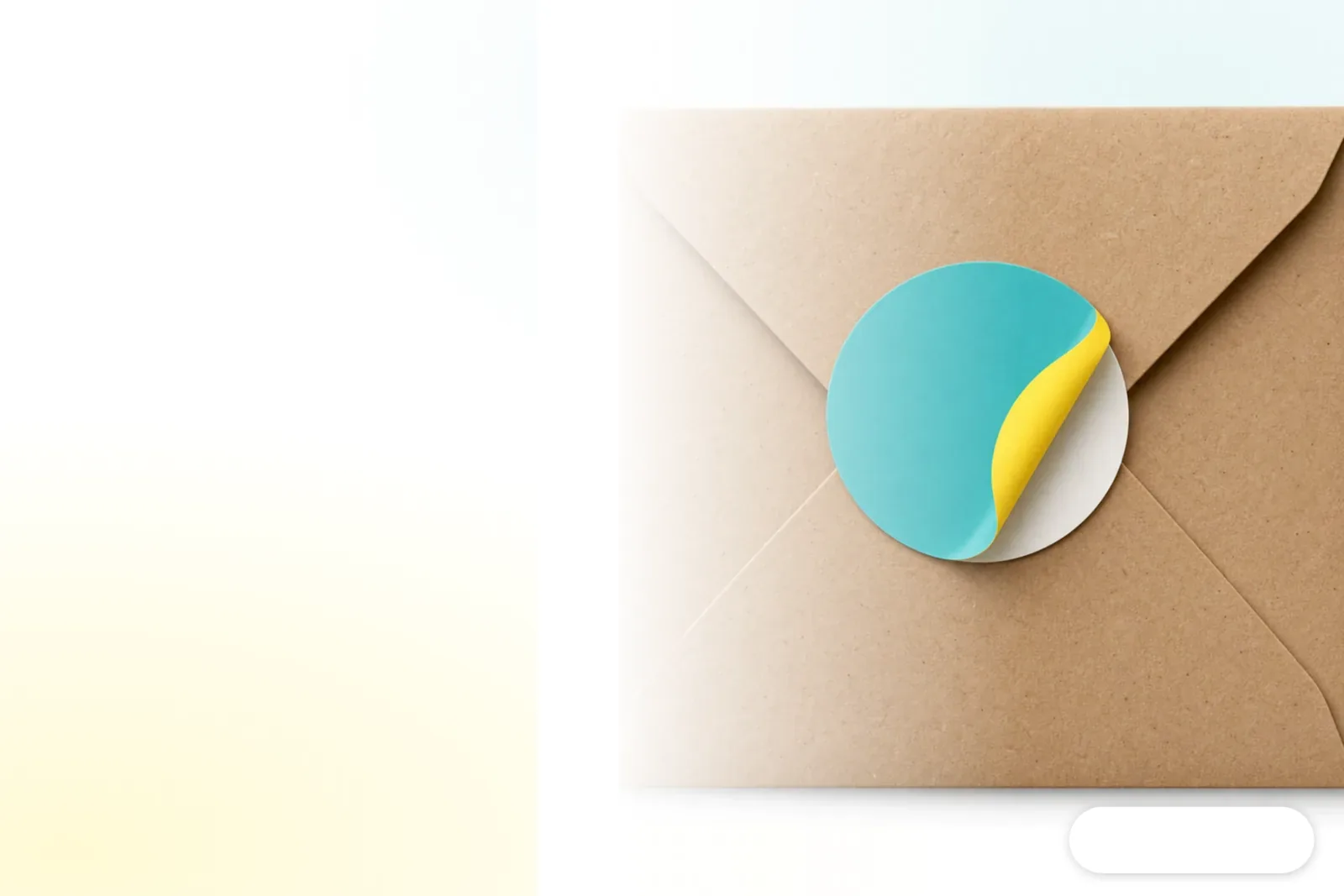
What Are Uncoated Paper Stickers?
An uncoated paper sticker is a self-adhesive label with an uncoated paper face. There is no glossy coating, so it has a matte, paper-like feel. Adhesive is applied to the back, and the sticker sits on a release liner for cutting and peeling. "Uncoated paper" describes the face stock, not the adhesive. Whether a sticker holds well also depends on the material it is applied to, the condition of that surface, and the adhesive selected
On a carton, customers feel the paper texture. On a glass bottle, you still need to check whether the adhesive conforms to the surface. Those questions often get lumped together, but they need separate answers. When I review a sample, I touch the surface first, then try it on the intended packaging. A phone photo cannot show how the paper feels, and the material name alone tells you nothing about adhesion
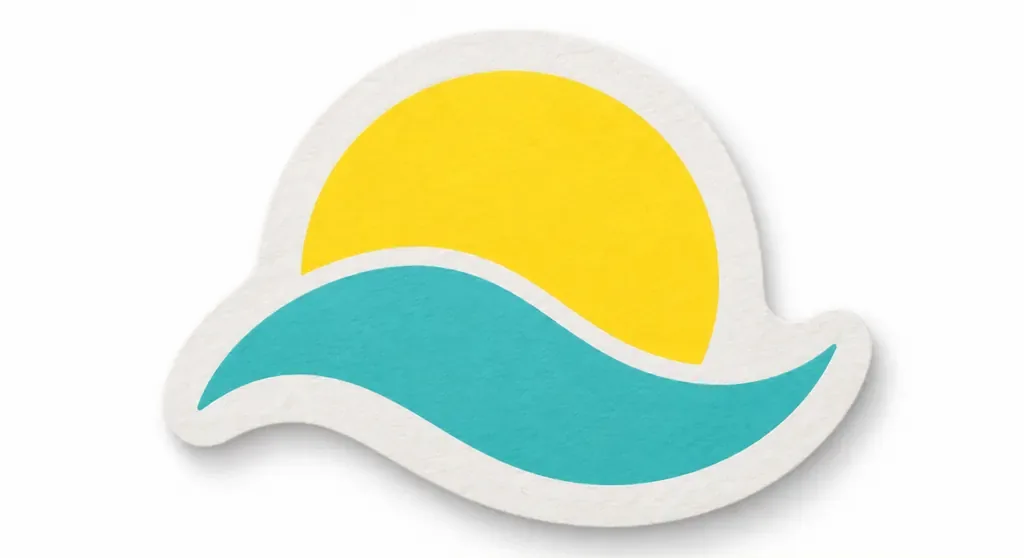
Why Do Creative Brands Often Choose Uncoated Paper Stickers?
Creative brands often choose uncoated paper stickers because their matte, paper-like feel makes packaging seem approachable and pairs easily with illustrations, handwritten lettering, and handmade products. An illustration brand, for example, might seal a kraft paper bag with one. The sticker will not reflect light and compete with the artwork, and the whole package looks more cohesive
・Uncoated paper stickers: Matte surface with a clear paper feel, suited to handmade and natural styles. Colors are usually softer, so check the actual paper color before printing
・Coated paper stickers: Smoother surface and more vivid color, suited to product labels that need to show details clearly
・Pearlescent stickers: A pearlescent surface makes them more eye-catching. If the illustration has lots of detail, reflections may make it harder to read
The simple surface of uncoated paper is usually easier to keep within budget than layering specialty stocks or finishes. But a paper feel does not make it right for every product. Creative brands often choose it to give their packaging a more down-to-earth feel, without putting the whole budget into surface effects
Where Are Uncoated Paper Stickers Suitable?
Uncoated paper stickers work well on dry, indoor packaging surfaces such as cartons, paper bags, and product seals. Their matte paper feel looks natural, and the surface is usually easy to write on. The downside is that water, oil, and repeated rubbing can leave marks, so you cannot judge durability by the paper name alone
Advantages
・The matte paper feel suits handmade, illustrated, and natural-style packaging
・The surface is usually easy to write on with a ballpoint pen or pencil
Disadvantages
・The paper is not suited to prolonged exposure to moisture, oil, or condensation
・You need to check separately whether the adhesive is suitable for surfaces such as glass or plastic
If the product will be refrigerated, or the sticker may come into contact with drink condensation or hand cream, tell the printer how it will actually be used. Then discuss a protective finish or a switch to synthetic stock. An uncoated paper sticker may look like a small detail on a carton seal, but the conditions of use can determine whether it holds up until the customer opens the package
What Should You Check Before Printing Uncoated Paper Stickers?
Before sending uncoated paper stickers to print, decide where they will go, what paper feel you want, and whether they may come into contact with water or oil. I call this Mai Strategy's three checks before printing. Spell out the intended use first so the printer can recommend the face stock, adhesive, and finish
・① Where will it go? Bring the actual packaging or a photo, and say whether the surface is paper, glass, or plastic
・② What should it look and feel like? Say whether you want a matte feel, vivid colors, or a surface you can write on
・③ How will it be used? Explain whether the product will be refrigerated or come into contact with water or oil, then check whether it needs protection or a different material
If the sticker needs to match the feel of a box insert or hang tag, you can give MINDS the finished product use, packaging sample, and design file to review together. When you place the order, do not just say, "I want uncoated paper stickers." Add what they will be applied to and what conditions they will face. That usually gets you a more suitable specification than asking only how much each sheet costs
How Should You Prepare Artwork for Uncoated Paper Stickers?
Leave room for cutting in the sticker artwork, and use an actual paper sample to check color and legibility. Uncoated paper takes ink differently from coated paper, so the colors will look different too. The brightness of a phone screen cannot predict how colors will look on paper. This matters especially for light-colored illustrations, small text, and large areas of dark color, which are best checked on a proof
・Mark the die line separately from the printed artwork, and make the cut path to the printer's specifications
・Convert text to outlines or confirm that the fonts are embedded. Check raster images at their final print size for clarity
・If you plan to write on the sticker, test your chosen pen on a paper sample, then check how the ink dries and whether it smears when wiped
・If color matters, review a printed proof. Do not approve it from a screen capture alone
The thing I remind newcomers most often is to check how the sticker looks once it is applied before finalizing the size and colors. The rounded corners may look perfect in the design file, but if they land on a package fold or in the wrong spot on the seal, the finished sticker will still look crooked. Bringing the actual packaging to the proofing stage can often save you a reprint
Key Takeaways
・The matte paper feel of uncoated paper stickers suits handmade packaging, but the adhesive still needs to match the application surface
・Coated paper gives you more vivid color, while pearlescent paper reflects more light. Decide what you want customers to notice
・If the sticker may come into contact with water, oil, or condensation, check whether it needs a protective finish or a different material
・Proofing with the actual packaging makes it easier to catch sizing and adhesion problems than reviewing a design on screen
Further Considerations
Print manufacturers can include the application surface, conditions of use, and desired surface effect in their proofing checklist. Designers should clearly mark the die line in the file and use a printed sample to check color and legibility. When bringing in AI, start by using it to generate pattern layouts or copy variations, then have a person check how the ink looks on the actual stock and how the sticker adheres to the product. A SaaS order flow can also include a field for intended use. If a customer selects refrigeration, water, or oil exposure, the system can prompt them to check the material first and help prevent reprints caused by a poor specification
FAQ
- What is the difference between uncoated paper stickers and coated paper stickers?
- Uncoated paper stickers have a matte, paper-like feel and suit handmade and natural styles. Coated paper stickers have a smoother surface and usually show colors more vividly, making them a good fit for designs that need to display details clearly
- Can you write on uncoated paper stickers?
- The surface is usually easy to write on, but the pen and any treatment on the paper can affect drying and how the writing looks. Test your chosen pen on a paper sample before sending the job to print
- Are uncoated paper stickers waterproof?
- Uncoated paper stickers have a paper face, so you should not treat them as water-resistant labels by default. If they may come into contact with water, oil, or condensation, ask the printer whether a protective finish or another material would be suitable
- What should I prepare when printing uncoated paper stickers for a creative product for the first time?
- Prepare the design file and the actual packaging or a photo of where the sticker will go. Explain the conditions of use and the paper feel you want. If you are unsure, start with a printed proof, then check the size, color, and adhesion
Related articles

The Print × AI weekly
The print and AI know-how designers, brands and enterprises can use before they commit — one email, every week
MINDS Free Tools
Imposition calculator and preflight file check — free prepress tools, right in your browser.
MINDS Group
Need actual printing or gifting services?
From premium printing to online ordering and festive gifts — the MINDS Group sister brands take it from here.