

How Do You Look Up Pantone 5425 C Without Picking the Wrong Swatch?
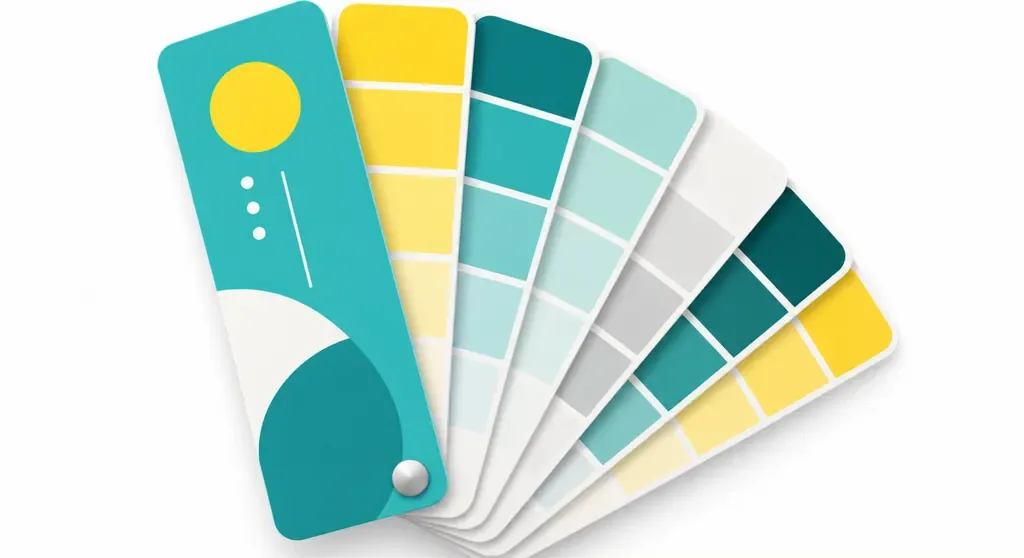
For an accurate Pantone 5425 C lookup, search for the full code in Pantone Color Finder, then check it against a physical swatch from the matching edition. Pantone spot colors are ink samples identified by number, giving designers, prepress teams, and printers the same physical target to work from. Paper and print method can still change how the finished piece looks
The C in 5425 C marks the swatch edition. Search for the full code, and don't treat C and U as the same on paper. TCX, TPG, and other ranges serve different purposes, so they can't directly replace swatches intended for print. Record the full code and swatch series together. If all you have is a web page or phone screenshot, find a physical sample before choosing the color
Why Can Pantone 5425 C Still Look Different in Print?
Pantone 5425 C can look different in print because screens, swatches, and finished pieces are viewed under different conditions. Screens produce color with light, while printed pieces reflect light off the paper. Coated and uncoated stocks absorb ink differently, so the same code can look different on each
Varnish or lamination changes surface reflection, and low-saturation colors can look especially cool or dark. Compare the swatch and proof under the same light. Don't compare a paper sample by the window with a finished piece under warm bulbs. I choose the paper first, then talk color. Otherwise, the swatch stays the same but the paper changes, and the next print run is based on different conditions
Can a Printer Print Pantone 5425 C?
Whether a printer can print Pantone 5425 C depends on the print method and whether the file preserves the spot color. Spot-color printing uses ink mixed to match the specified sample and prints it on a separate spot-color plate. If the job ticket or file converts the code to CMYK, the printer will produce a four-color halftone approximation. It won't automatically match the physical swatch
Set the color as a Spot Color in the design file, and add a note such as "Keep 5425 C as a spot color" or "CMYK approximation accepted." Ask the printer to confirm which method they will use. An RGB swatch on screen can show the general direction, but it isn't an ink formula or an approved final proof
How Do Mai Strategy's Three Checks Before Press Work?
MINDS, a mid-to-high-end commercial printer offering fully customized work, breaks Pantone 5425 C matching into three checks: color, paper, and proof. Follow them the first time you send a job to press, and the printer can quote and prepare samples based on clear requirements
・Check the color: Confirm the full code and C edition. If you have a digital color card or an old swatch, find a physical sample from the same edition first
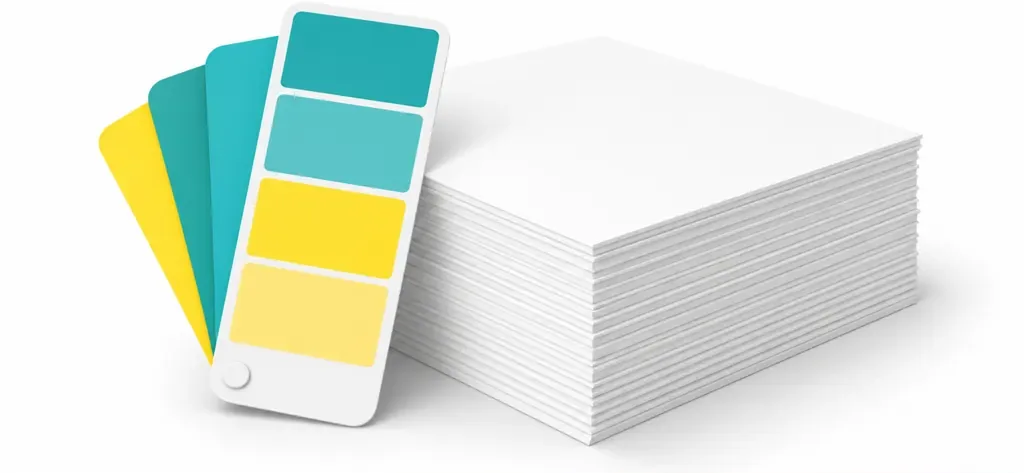
・Check the paper: Choose the actual paper stock and say whether it will be varnished or laminated. Don't use a coated-paper sample to judge how an uncoated piece will look
・Request a proof: Ask for a sample printed on the production paper using the production method. Keep the approved proof and compare the production run against it
Set the paper sample first
Keep the approved proof
When Should You Switch Pantone 5425 C to CMYK?
Before switching Pantone 5425 C to CMYK, check whether the brand can accept an approximate color, then check the printer's method limits. If the brand color needs to carry across different stocks, packaging, or print runs, keep the spot-color setting and approve a physical proof. For a one-off promotion where the budget or print method doesn't support spot color, request a CMYK proof and have the brand owner clearly approve the color difference
Don't switch the color first and ask the client afterward. If you change the paper or add lamination after approving the proof, that proof no longer represents the production result. To confirm the swatch, stock, and finishing conditions together, share the design file and specifications with the Mai Strategy Knowledge Academy consulting team to discuss proofing arrangements
Key Takeaways
・Check Pantone 5425 C with the C edition included. Don't record just the number
・CMYK or RGB conversions can help estimate the color, but they can't replace a physical swatch
・Paper and finishing change how the finished piece looks. Set the print conditions before comparing colors
・The approved proof should match the production paper and method. If the paper changes, confirm the proof again
Further Thoughts
Printers can put the color code, edition, paper, finishing, and proof status on the job ticket. Designers can include the swatch edition and paper specifications when they send a color code. AI-generated packaging mockups are useful for discussing composition, but they can't approve a Pantone color. When managing brand assets in SaaS, keep the Pantone code and print conditions in separate fields so the original approved proof can always be found. One useful next step is to pick a frequently used brand color and fill in its swatch, paper sample, and proof records
FAQ
- What does the C in Pantone 5425 C mean?
- C marks the swatch edition. When matching Pantone 5425 C, use a physical swatch from the same edition. Don't rely on the number alone or substitute a swatch from another series
- Can Pantone 5425 C be converted to CMYK?
- It can be converted to a CMYK approximation, but the result isn't guaranteed to match the spot-color sample. Review a proof first, then have the brand owner confirm whether the difference is acceptable
- How do I look up Pantone 5425 C without a physical swatch?
- Search for the full code in Pantone Color Finder, then find a physical swatch from the matching edition to confirm it. A screen image isn't suitable as the final approved proof
- What should I do if the printer says they can't print Pantone 5425 C?
- First, confirm whether the limitation comes from the print method, equipment, or file settings. Then ask whether the printer can make a CMYK approximation and provide a proof. Move to production once the result is approved
Related articles
The Print × AI weekly
The print and AI know-how designers, brands and enterprises can use before they commit — one email, every week
Tool Library
RGB↔CMYK conversion, ΔE color difference and brand color print analysis — free color management tools, computed right in your browser.
MINDS Group
Need actual printing or gifting services?
From premium printing to online ordering and festive gifts — the MINDS Group sister brands take it from here.