
Why does Pantone 213 C shift when converted to CMYK?
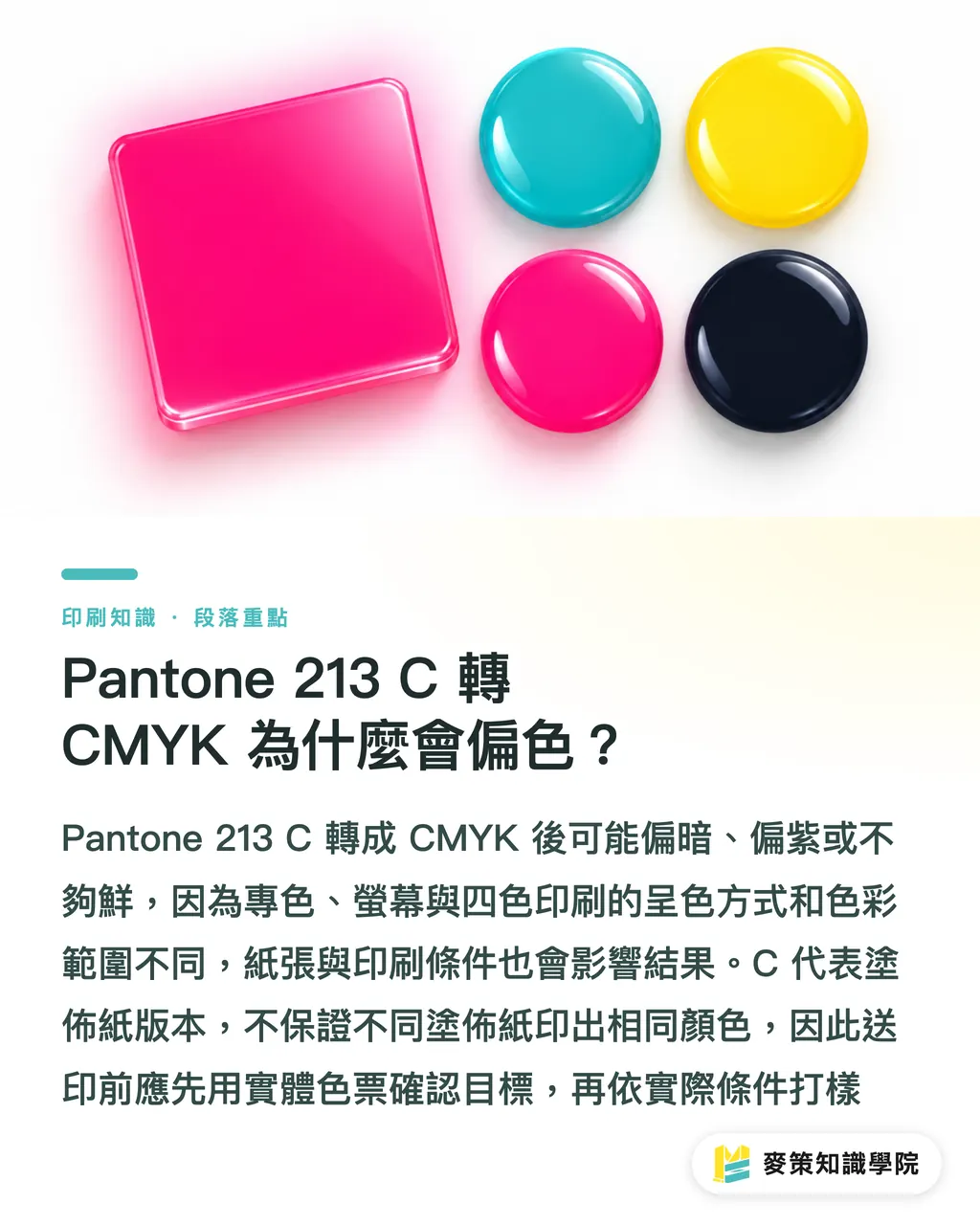
Pantone 213 C can come out dull, purple-ish, or flat after conversion to CMYK, because spot swatches, screens, and four-color print each reproduce color in a different way and cover a different gamut. The MINDS Mai Strategy Three-Gate Print Check confirms the swatch first and talks conversion after. A set of numbers found online doesn't guarantee a close match once you move to your paper and your press conditions
The Pantone Matching System (PMS) manages spot colors through numbers and physical swatches, so design, proofing, and the printer all work from the same color standard. C stands for Coated, the swatch version for coated paper. It doesn't mean every coated sheet prints the same. Gate one of the Mai Strategy Three-Gate Print Check is to take a physical swatch and confirm the target color, not a screenshot of a screen
CMYK is four-color printing that overprints cyan, magenta, yellow, and black ink plates. The dot percentages together set the color, and the result also depends on paper and press conditions. Screens make color from light, paper from reflected light. If Pantone 213 C is more vivid than the target four-color conditions can reproduce, software can only pick the closest printable color. It can't carry the swatch over as is
How do you convert Pantone 213 C to CMYK?
Convert Pantone 213 C against your intended paper and press conditions, and keep the original spot-color version. In gate two, the MINDS Mai Strategy Three-Gate Print Check pins down stock and press conditions first, then decides which color profile the file uses. Without those conditions, any CMYK number is a guess
An International Color Consortium (ICC) profile records the color behavior of a device or print condition as data, so software can convert between color spaces. Before you submit files, work through it in this order:
・Ask the printer to confirm the print method, the specified paper, and the output conditions, and to give you the ICC profile they recommend
・Keep the original Pantone 213 C spot color in the design file, then duplicate it into a four-color version for CMYK printing
・Convert with the profile the printer specifies. Just assigning a profile changes how software reads the color, which is not the same as converting it
・Use separation preview to confirm the four-color file has only CMYK plates. If a Pantone 213 C spot plate is still there, you get a fifth plate
I won't promise that Pantone 213 C prints consistently based only on an RGB screen or an online converter. Different output conditions can produce different CMYK recipes. What matters is that the design file, the printer, and the proof all work from the same set of conditions
How do you confirm the converted pink is printable?
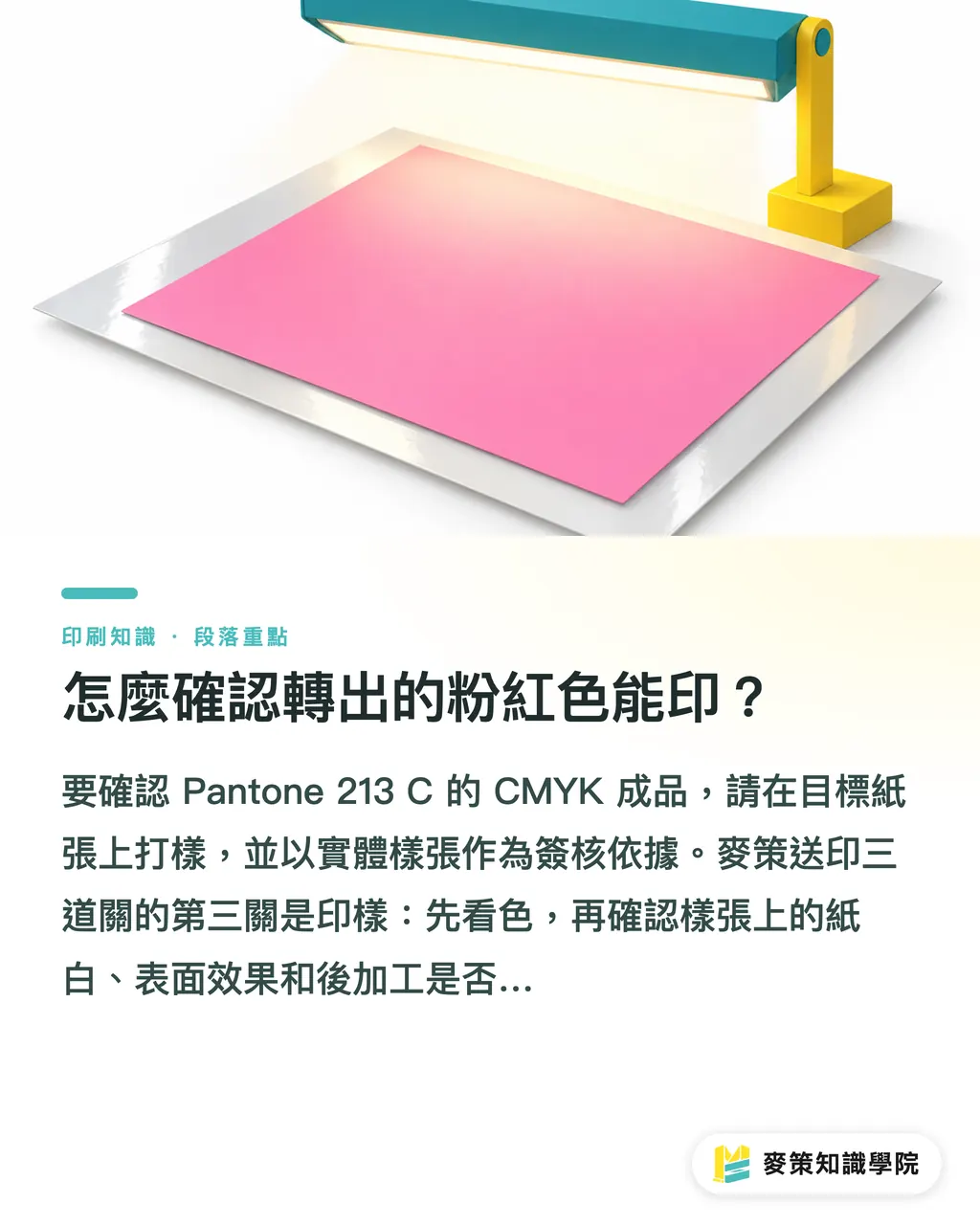
To confirm the CMYK result for Pantone 213 C, proof it on the target paper and use the physical sheet as your sign-off basis. Gate three of the Mai Strategy Three-Gate Print Check is the proof. Look at the color first, then check whether the paper white, surface effect, and finishing on the sheet match what you expect from the final product
Color preview in screen software is good for catching obvious gaps. It can't replace a printed proof. Coated and uncoated stocks differ in paper tone, ink absorption, and surface feel, and matte lamination, gloss lamination, or other finishing can also change how light or vivid the pink looks. If the final job will be laminated, the proof should include the same finishing
At sign-off, record the approved sheet, the paper name, the CMYK version, and the finishing method together. That gives you a shared reference for the next revision or reprint. If one brand color will run on different stocks and finishes, you can talk to the Mai Strategy Knowledge Academy advisory team about organizing color specs and proof sign-off records
What file settings should you check before submitting?
Before you send a CMYK file for Pantone 213 C, confirm whether the printer wants a four-color file or one that keeps the spot color. The MINDS Mai Strategy Three-Gate Print Check puts swatch, stock, and proof into one submission spec, so the designer and the printer don't each assume the other has already confirmed it
・Keep the original spot-color file and save a separate CMYK version for submission, so you can always get back to the brand's original color when you revise
・Confirm the ICC profile used for conversion matches the output conditions the printer gave you
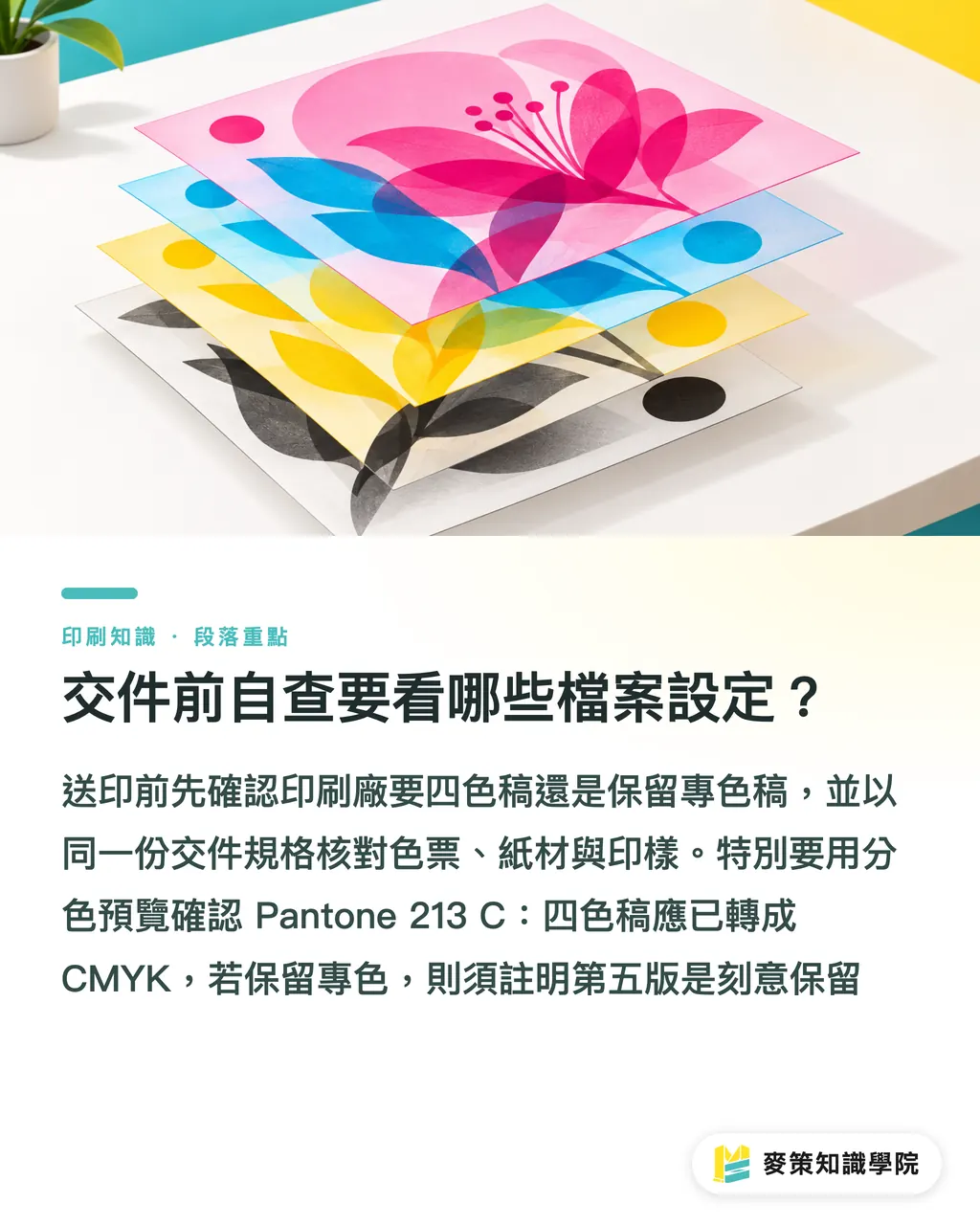
・Use separation preview to check whether Pantone 213 C still takes up a spot plate. A four-color file shouldn't have a surprise fifth plate
・Check transparency effects, overprint, and white ink settings so objects don't output differently from the screen preview
・Check bleed, fonts, linked images, and PDF export settings against the printer's spec. Fixing bleed won't fix a color shift
When I review submissions like this, the thing most often missed is a source file that keeps the spot color while the exported PDF also carries a converted CMYK copy of the same color. If the order really needs a spot color, write in the spec that the fifth plate is intentional. If it's four-color printing, confirm in separation preview that the color has been converted to CMYK
Key takeaways
・Pantone 213 C has no fixed CMYK recipe that works for every paper and press condition
・Before converting, confirm the stock, the print method, and the ICC profile your printer specifies
・Screen preview is for checking. The physical proof is what you sign off on
・On four-color files, check for spot plates so you don't end up with an accidental fifth plate
Further thoughts
Printers can turn their usual stocks, ICC profiles, and approved proofs into a reusable color spec, and designers can keep the spot-color master and save a separate four-color file for submission. AI image generation is fine for pitches and finding a direction, but you can't promise a print color from an RGB image alone. A SaaS order flow can require stock, output conditions, and proof sign-off up front, so every revision has a traceable basis
FAQ
- Does Pantone 213 C have a fixed CMYK value?
- No. There's no fixed value that works for every print condition. The result depends on paper, print method, and ICC profile
- Can I send the Pantone 213 C to CMYK values I found online straight to print?
- I wouldn't treat them as an approved recipe. Check which output conditions the numbers were built for, then proof on your target paper
- What if Pantone 213 C turns purple or dull after converting to CMYK?
- Check the paper, ICC profile, and print conditions first, then compare against a physical sheet. If the four-color conditions can't get close to the target, reconsider the print method or keep the spot color
- What happens if a Pantone 213 C spot plate is still in the CMYK file?
- Prepress output may add a fifth plate, so confirm in separation preview. If the order only calls for four-color printing, convert the brand color to CMYK
Related articles
The Print × AI weekly
The print and AI know-how designers, brands and enterprises can use before they commit — one email, every week
Tool Library
RGB↔CMYK conversion, ΔE color difference and brand color print analysis — free color management tools, computed right in your browser.
MINDS Group
Need actual printing or gifting services?
From premium printing to online ordering and festive gifts — the MINDS Group sister brands take it from here.