

Which Text on Packaging Matters Most
The core principle behind packaging copy hierarchy is simple: follow the consumer's line of sight and the regulatory requirements, then rank the text by priority
At Mai Strategy Knowledge Academy, our consulting team often sees brands cram every feature beside the key visual. That is ineffective communication. The real fix is to map out the hierarchy in words before opening any design software
Copy hierarchy means planning text by importance within a limited physical layout, based on communication goals. It separates content into levels such as key visual copy, supporting explanation, and required labeling, then guides the reader's eye in the intended order
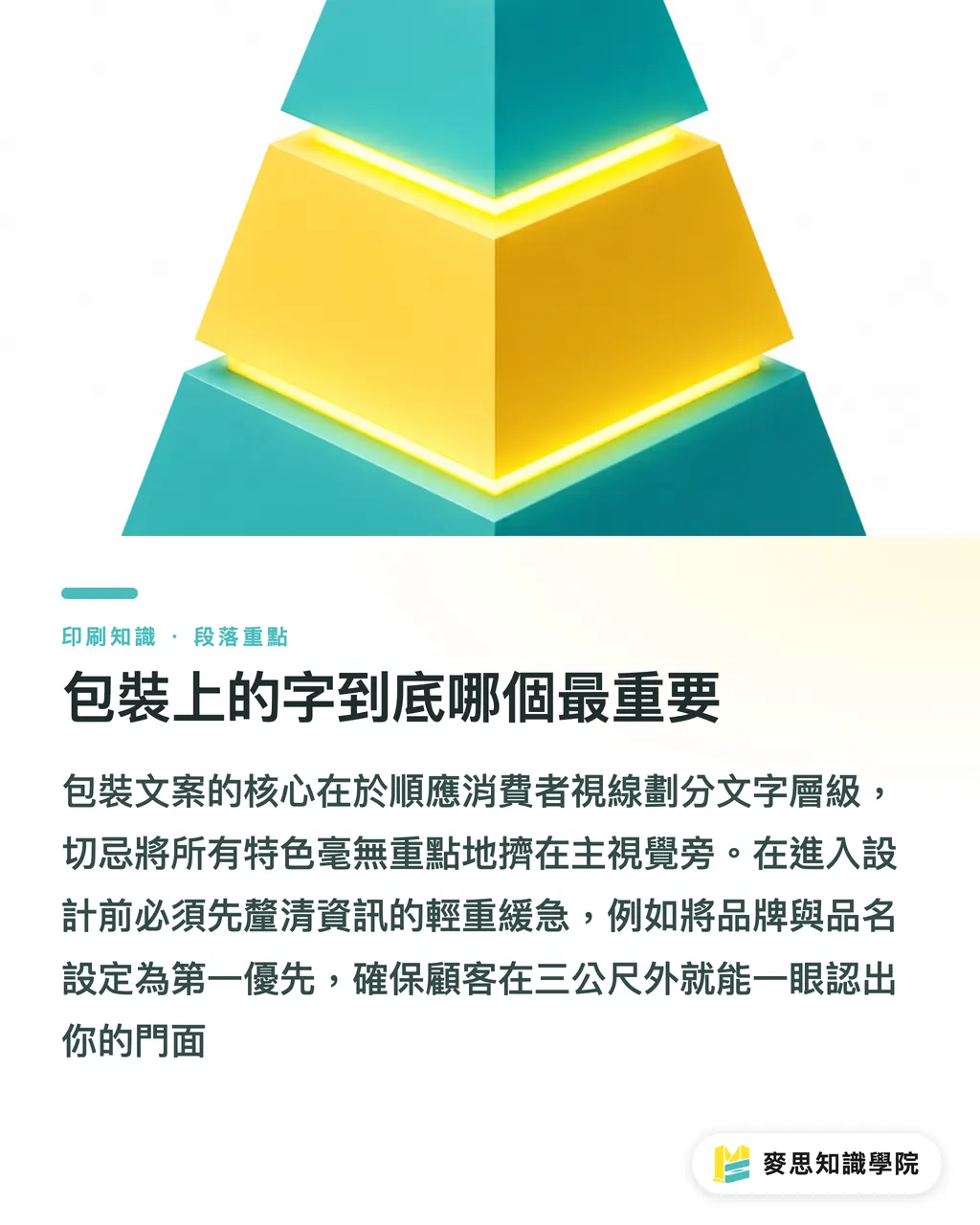
In general, complete packaging copy includes eight basic elements. The recommended order of priority should look like this:
・Level 1: Brand claim and product name. This is the front door that should make people recognize you from three meters away
・Level 2: Promotional message and product selling points. These give shoppers a reason to buy when they move closer
・Level 3: Usage instructions and specifications. These usually sit on the side or back for deeper checking
・Level 4: Origin, warnings, and barcode. These are mandatory by regulation. They may sit in the least noticeable spot, but they must never be missing
Where AI Helps When Organizing a Layout
Once you have confirmed these eight elements, manual sorting may feel time-consuming
Based on the clients and projects I have worked with recently, AI is an excellent creative assistant for sorting copy early in the design process
You can give it product information scattered across a planning document and ask it to regroup the content according to the four levels mentioned above
The key is to make the prompt specific. Never just say, "Help me write packaging copy." You must clearly state the layout constraints
For example, you can set rules such as "main headline under 10 characters, selling points condensed into 3 points, usage instructions within 50 characters."
The resulting text structure can be sent directly to the designer. They can immediately see which text needs a larger font and which content belongs on the back
This is the pre-layout text workflow I often talk about. It reduces the cost of repeated major revisions caused by misjudging copy volume at the source
Why It Looks Fine on Screen but Becomes a Disaster in Print
After using AI to structure the copy, a common mistake is sending the text file straight into design and print production
From my long experience doing press checks at printing plants, 8pt type may look clear when enlarged on screen. But if your packaging box is only palm-sized, it often turns into a blur once printed
Backlit screens and ink absorption on paper create completely different visual results. Cramming long AI-generated copy from the screen directly into a flyer or package is almost guaranteed to fail
To avoid this, when MINDS handles premium fully custom commercial packaging, we use a three-gate prepress check method for MINDS (MS, premium fully custom commercial printing)
・Gate 1: Print the AI-organized copy in black and white on A4 paper at 1:1 scale, hold it in your hand, and actually read it once
・Gate 2: Check whether every warning label meets local legal type-size requirements. For example, Taiwan's Act Governing Food Safety and Sanitation requires labeled text to be no smaller than 2 millimeters in both height and width
・Gate 3: Scan the barcode and QR Code with a phone to confirm they can be read properly on the intended paper material
What Fatal Issues AI Cannot Catch
Many people now rely on tools to check the reading order of design files. These tools can indeed catch some awkward flow issues
But remember this: AI checks whether readers can finish reading smoothly. It does not know whether the file will fail in print production
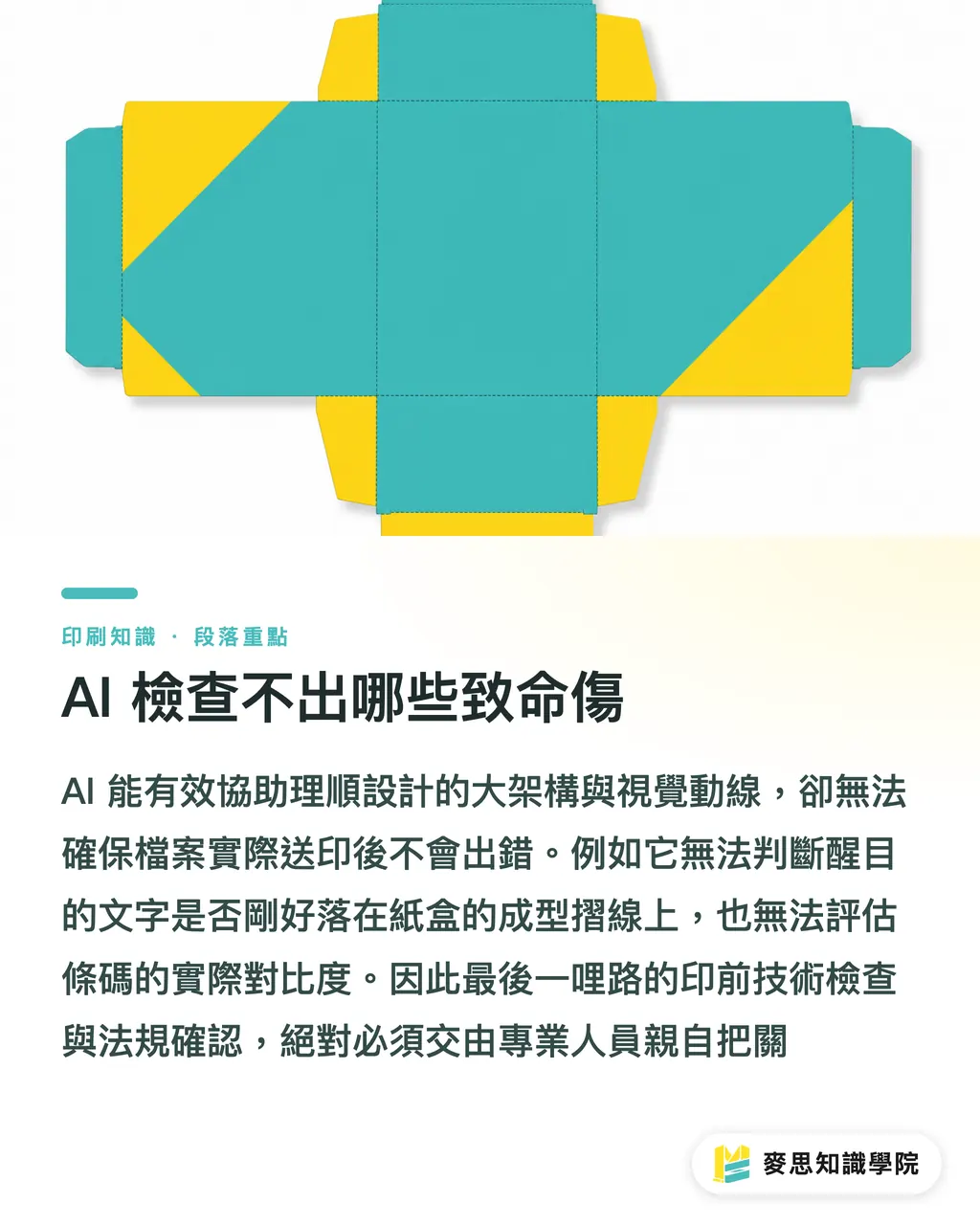
It can tell you that a promotional message placed in the upper left is quite eye-catching, but it cannot judge whether that position happens to sit on the folding line of the paper box
Many regulatory labels, actual barcode contrast, and whether special finishing will cover key words all still require human checking
My practical advice is to let AI sort out the big structure and reading order, and let it handle the tedious word-count control
But the last mile of prepress technical checks and regulatory confirmation must be handled in person by an experienced print buyer or designer
Key Takeaways
・Before starting the design drawing, divide packaging information into four text levels. This can save countless rounds of revision
・Use prompt constraints to control AI output length, so it produces content that fits the physical limits of printed materials
・Screens and paper are two different worlds. Before sending files to print, always print them at 1:1 scale and check type size and readability with your own eyes
・Barcode scanning, regulatory type-size labeling, and paper-box fold-line positions are the three hard manual checks AI cannot do for you
Further Thinking
For brands and design teams, bringing in AI is not about replacing human layout work. It is about deciding "which text matters most" earlier, during planning
On your next packaging project, try using AI before outsourcing the design to turn product features into a copy structure table with word-count limits. The designer's output will be much closer to what you imagined
If you are unsure about a special paper material or finishing process, talk to the consulting team at Mai Strategy Knowledge Academy early. It is far cheaper than fixing a failed print run afterward
FAQ
- What should I do if there is too much text on the packaging and the designer says it will not fit?
- Go back and review the copy hierarchy. Keep the brand claim and promotional message as the key visual content, then shorten the detailed usage instructions and specifications, or move them to the side and back of the package
- How can AI help plan packaging copy?
- Give AI all product information, along with specific word-count limits. Ask it to reorganize the content into a bullet-point outline based on levels such as brand name, selling points, specifications, and regulatory labeling, then hand it to the designer for layout
- Can AI help check whether a print file has errors?
- It can assess whether the reading flow is smooth, but it cannot confirm whether a barcode scans, whether the type meets the legal minimum size, or whether key words are damaged by fold lines. These prepress technical checks still require human review
Related articles



The Print × AI weekly
The print and AI know-how designers, brands and enterprises can use before they commit — one email, every week
MINDS Free Tools
AI background removal, brand stamping, and a LINE sticker maker — free design tools, right in your browser, no upload.
MINDS Group
Need actual printing or gifting services?
From premium printing to online ordering and festive gifts — the MINDS Group sister brands take it from here.