
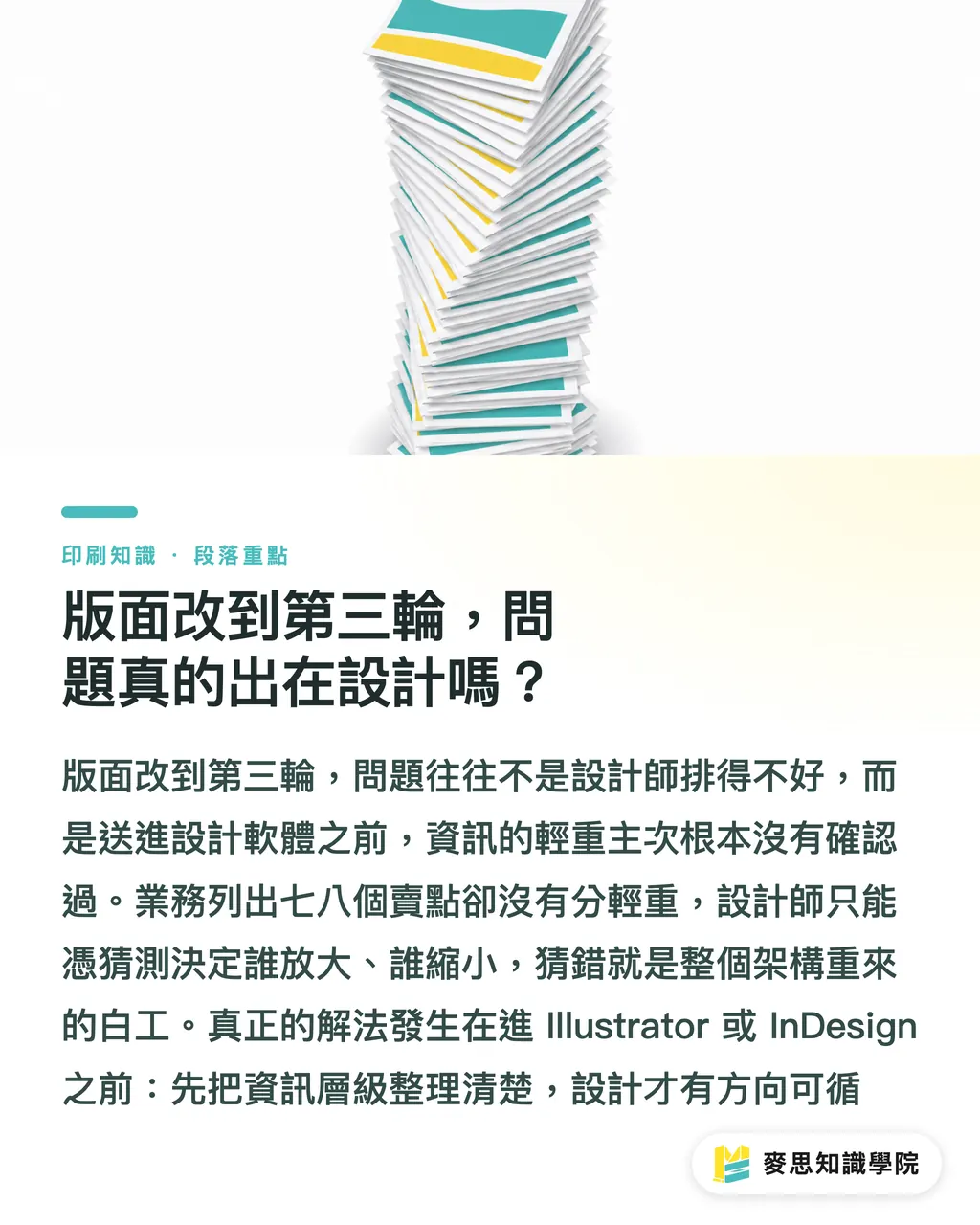
By the third layout revision, is design really the problem?
Handing a PowerPoint deck or a Word document from the sales team to a designer, then waiting for the finished draft before saying, "make this bigger" or "that part isn't important," is one of the most common reasons design drafts keep getting revised. The problem is not the design. It is the missing step before design begins
At Mai Strategy Knowledge Academy, when we help clients handle print projects, we often see major layout rework happen because "the priority of the selling-point blocks was never confirmed first." The designer arranges the hierarchy based on their own judgment, the client sees the finished piece and says the order is wrong, and the entire layout structure has to be rebuilt. For an A4 two-page flyer, if sales provides seven or eight selling points as a flat list with no weighting, the designer has to guess what should be enlarged and what should be reduced. Guess wrong, and the work is wasted
The fix comes before design: organize the information hierarchy first, then move into Adobe Illustrator or InDesign
---
How does AI turn a company deck into layout hierarchy?
The method is simpler than most people imagine. Paste the text materials provided by the company, such as an event plan, product description, or the written parts of a sales deck, into AI. Give it a fixed layout-section framework and ask it to place each piece of content where it belongs
I usually split this framework into seven layers:
・Headline: one sentence that makes clear what this is, corresponding to the largest and most visible area of the layout
・Subline: supports the headline and gives readers a reason to keep reading
・Key Benefits: 3 to 5 core claims, listed so they can be understood at a glance
・Specifications or structured data: formatted content such as product spec tables, event schedules, and registration information
・CTA: what the reader should do next, such as scan a QR code, make a call, or fill out a form
・Notes: small-print content, restrictions, or legal statements
・Image requirements: whether this position needs a real product photo, lifestyle image, illustration, or icon
Use these seven layers as the prompt skeleton, and AI can usually produce a categorized draft within a minute. This draft is not final copy, and it should not be. Its value is in letting the client confirm whether "this order of emphasis is right" before design starts, instead of discovering only after the finished draft that the direction has drifted
---
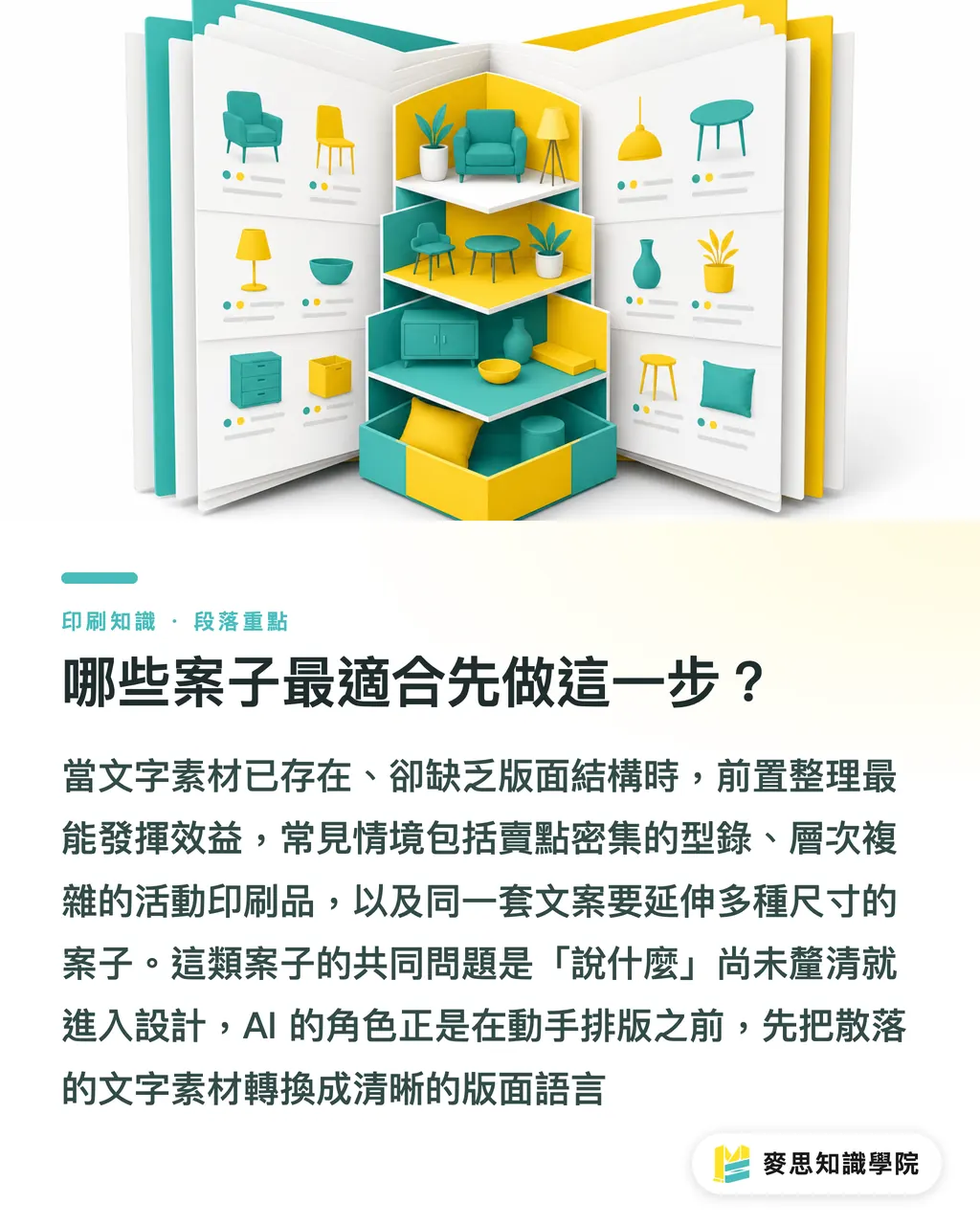
Which projects benefit most from this step?
Not every project needs this kind of upfront sorting, but it saves clear effort in these cases:
・The client provides a product catalog or multi-page PPT, with dense selling points that are all listed flat, with no hierarchy
・Event-related print materials, such as DM pieces, posters, and invitations, where the design has to communicate time, location, theme, and features all at once
・Sales-led projects, where the sales team knows what they want to say but is not familiar with layout logic, so the copy arrives scattered and unstructured
・Multi-size adaptation projects, where the same copy needs to become an A4 flyer, X-banner, and business card, each with a different information capacity, making it necessary to clarify the core layer before breaking it down
These projects share one trait: the text already exists, but it has not been translated into layout language. That is the conversion AI performs. It solves the question of "what to say" before design begins
---
From AI output to designer handoff, which step matters most?
Do not send the seven-layer structure from AI straight to the designer for execution. First, take it back to the client or sales contact for one round of confirmation
In practice, organize the AI output into a one-page content confirmation sheet: which sentence is recommended as the headline, which three selling points are selected, whether the CTA is scanning a QR code or making a call, and what kind of visual is needed for each image position. Ask the client to respond with "change / no change," instead of vague reactions like "it doesn't feel right."
This creates two concrete effects: the client's confirmation becomes more focused, rather than getting stuck at abstract comments like "make it feel premium." The designer receives a brief that already carries the client's approval, which greatly reduces the chance of rework caused by a different reading of the direction
The three-step flow of "AI sorting → client confirmation → design execution" works especially well for projects led by the in-house marketing teams or sales teams of small and medium-sized businesses. These clients know what they want to say, but they are not used to expressing it in design language. The AI sorting step fills that communication gap. If you currently have this kind of project stuck in repeated revisions, consultants at MINDS usually organize the information before quoting, and we can review it together
---
What can this method not do?
A few things need to be said clearly, or you will expect too much from this workflow
First, AI can organize an information structure only when the client already has meaningful written content. If the core claim is still being developed, or even the target audience has not been chosen, AI will only produce an equally vague structure. Vague input means vague output. This step has to wait until planning is finished
Second, AI can tell you where the information should go, but the visual proportions of the layout, the rhythm of white space, the spatial tension between type and images, and the font choices are still the designer's job. AI solves "what to say" and "how much to say," not "how to make it look good."
Finally, paper selection, die-line design, CMYK color management, and whether foil stamping can be applied over gloss PP lamination are print-production judgments. They are outside what AI can assist with. These decisions need to be aligned with the print shop before design execution. Otherwise, finding out after the design is finished that the material cannot support it is the real wasted work

Key Takeaways
・Repeated layout revisions usually come from an unconfirmed information hierarchy before design starts, not from a problem with the design itself
・Feed company copy into AI using a seven-layer framework of headline, subline, benefits, specifications, CTA, notes, and image requirements, and it can produce a discussion-ready structure draft in about a minute
・AI outputs an information structure, not a finished design. Its core value is helping the client complete one confirmation before design begins, not skipping confirmation altogether
・The three-step flow of "AI sorting → client confirmation → design execution" is especially useful for sales-led print projects with dense copy
・AI can organize information hierarchy, but print-production calls such as paper stock, die-lines, and CMYK color management still need someone with print experience to align them before design starts
Further Thinking
The idea of "organizing the information structure before entering design" has been used by ad agencies and large design firms for a long time. The difference is that it used to require a senior planner to sit down and sort everything out. Now AI makes this step repeatable, so ordinary company marketers or sales contacts can do it themselves
The way to apply it is direct: pick a recent project with print needs, paste the raw copy from sales or the client into AI, use the seven-layer layout structure as the prompt, and see whether the categorized output is easier to discuss with the designer than the original materials. This experiment does not require buying any tool. Try it once, and you will know whether this step deserves a place in your workflow
For print shops or design companies, this upfront sorting can also become a pre-quote service action. Helping clients clarify the layout structure reduces later communication costs and shows them that you are not just taking the order and executing it, but helping them think it through
FAQ
- What kinds of print materials are best suited for using AI to organize a layout structure from a sales deck?
- It works best for print materials with high information density, such as product flyers, event DM pieces, exhibition brochures, or promotional kits where the same copy needs to be adapted into multiple sizes. These projects usually already have concrete copy, but lack priority and structure. That is where AI has the clearest effect
- Can designers understand the layout structure produced by AI?
- The seven sections of headline, subline, benefits, specifications, CTA, notes, and image requirements are familiar language for designers. Still, it is better to have the client confirm one round before handing it to the designer, so the brief already carries client approval instead of decisions you made on the client's behalf
- If the client's materials are vague, can AI help clarify them?
- Vague input only produces vague output. If the target audience and core claim have not even been decided, planning needs to happen first. Clarify the goal and usage scenario, then move into layout planning. The order cannot be skipped
- After AI organizes the layout structure, what still needs to be confirmed with the print shop?
- At minimum, confirm three things: size and bleed settings, compatibility between paper stock and finishing processes, such as whether foil stamping can be done over gloss PP lamination, and whether the design colors will print properly in CMYK. These are print-production issues AI cannot sort out, and they need to be aligned with the print shop before design execution
- Can this method replace a designer's layout planning ability?
- No. AI is responsible for clarifying "what to say." Visual proportion, font pairing, white-space rhythm, and the spatial relationship between images and text remain the designer's professional domain. The two solve problems at different levels
Related articles




The Print × AI weekly
The print and AI know-how designers, brands and enterprises can use before they commit — one email, every week
MINDS Free Tools
AI background removal, brand stamping, and a LINE sticker maker — free design tools, right in your browser, no upload.
MINDS Group
Need actual printing or gifting services?
From premium printing to online ordering and festive gifts — the MINDS Group sister brands take it from here.